How to Detect Oxidized Reed Contacts in Coaxial Switches Using AI-Powered Visual Inspection
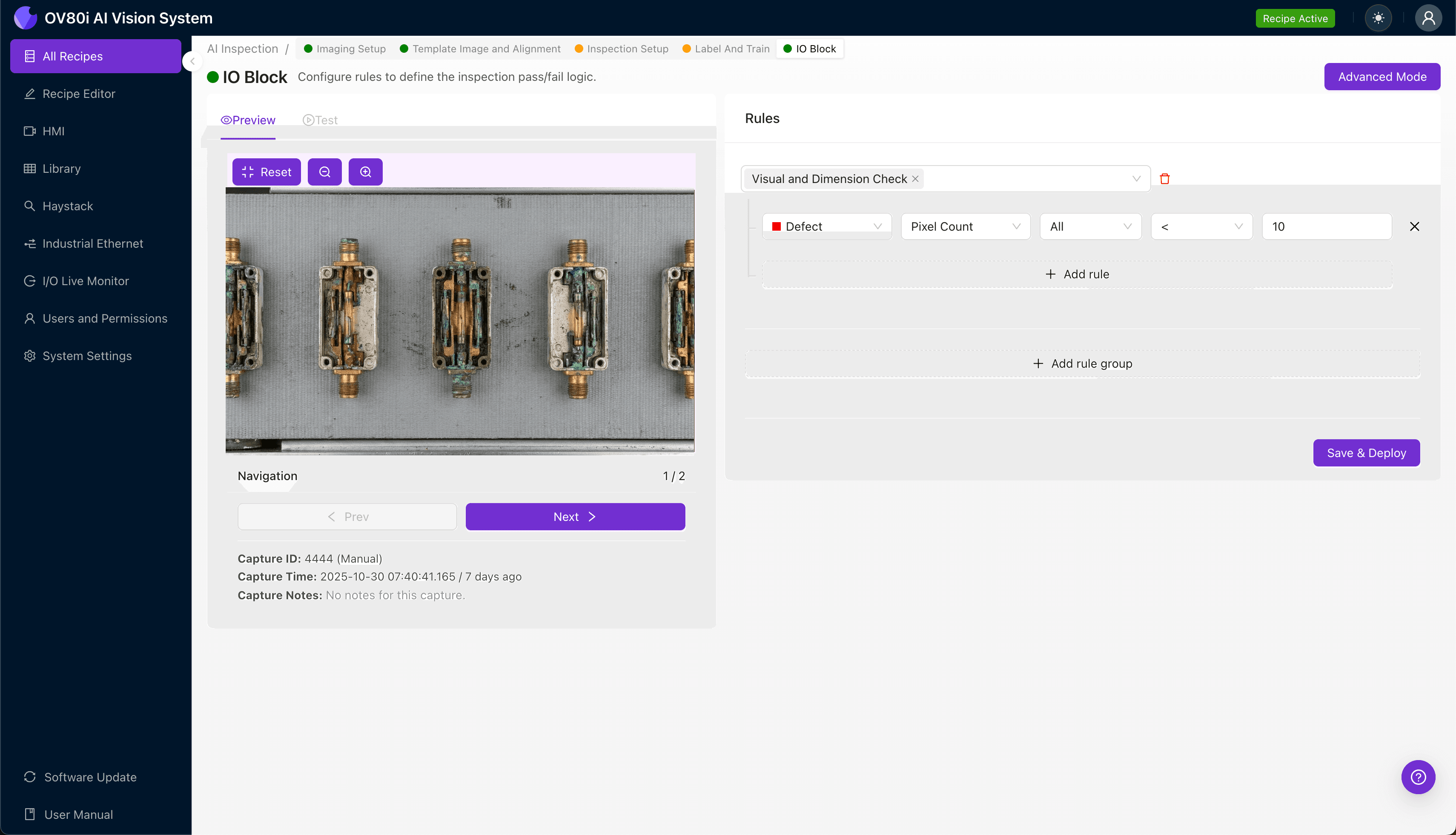
"Oxidized reed contacts in coaxial switches cause intermittent failures and signal loss that human inspectors often miss. AI-powered visual inspection catches subtle oxide layers, pitting corrosion, and plating degradation at full line speed—eliminating costly field returns before they damage customer relationships."
The Problem: Why Oxidized Reed Contacts Slip Past Manual Inspection
Coaxial switches rely on internal reed contacts to maintain signal integrity in RF and microwave applications. When these contacts oxidize, the resulting degradation can cause intermittent failures, signal loss, and costly field returns that damage customer relationships.
Common Defects in Coaxial Switches with Oxidized Reed Contacts:
- Surface oxide layer buildup — thin film discoloration on contact surfaces that increases electrical resistance
- Pitting corrosion — localized metal degradation creating microscopic craters on reed surfaces
- Contact misalignment — oxidation-induced warping that prevents proper reed closure
- Solder joint contamination — oxide migration to surrounding connection points
- Hermetic seal degradation — compromised encapsulation allowing moisture ingress and accelerated oxidation
- Discolored plating — gold or nickel plating breakdown exposing base metal to oxidation
Human inspectors struggle to detect these defects consistently. Reed contacts are small, often requiring magnification, and oxide layers can be nearly invisible under standard lighting. Inspector fatigue compounds the problem—after hours of repetitive inspection, detection rates plummet while these switches continue down the line.
The Solution: Machine Vision + Deep Learning
AI-powered visual inspection eliminates the variability inherent in human quality control. Deep learning models trained on thousands of images can identify subtle oxidation patterns, discoloration gradients, and surface anomalies that even experienced inspectors miss.
Overview.ai's approach delivers consistent, objective inspection at full line speed. The OV80i system captures high-resolution images of every switch, analyzes reed contact condition in milliseconds, and flags defects before they reach your customers—enabling true 100% inline inspection.
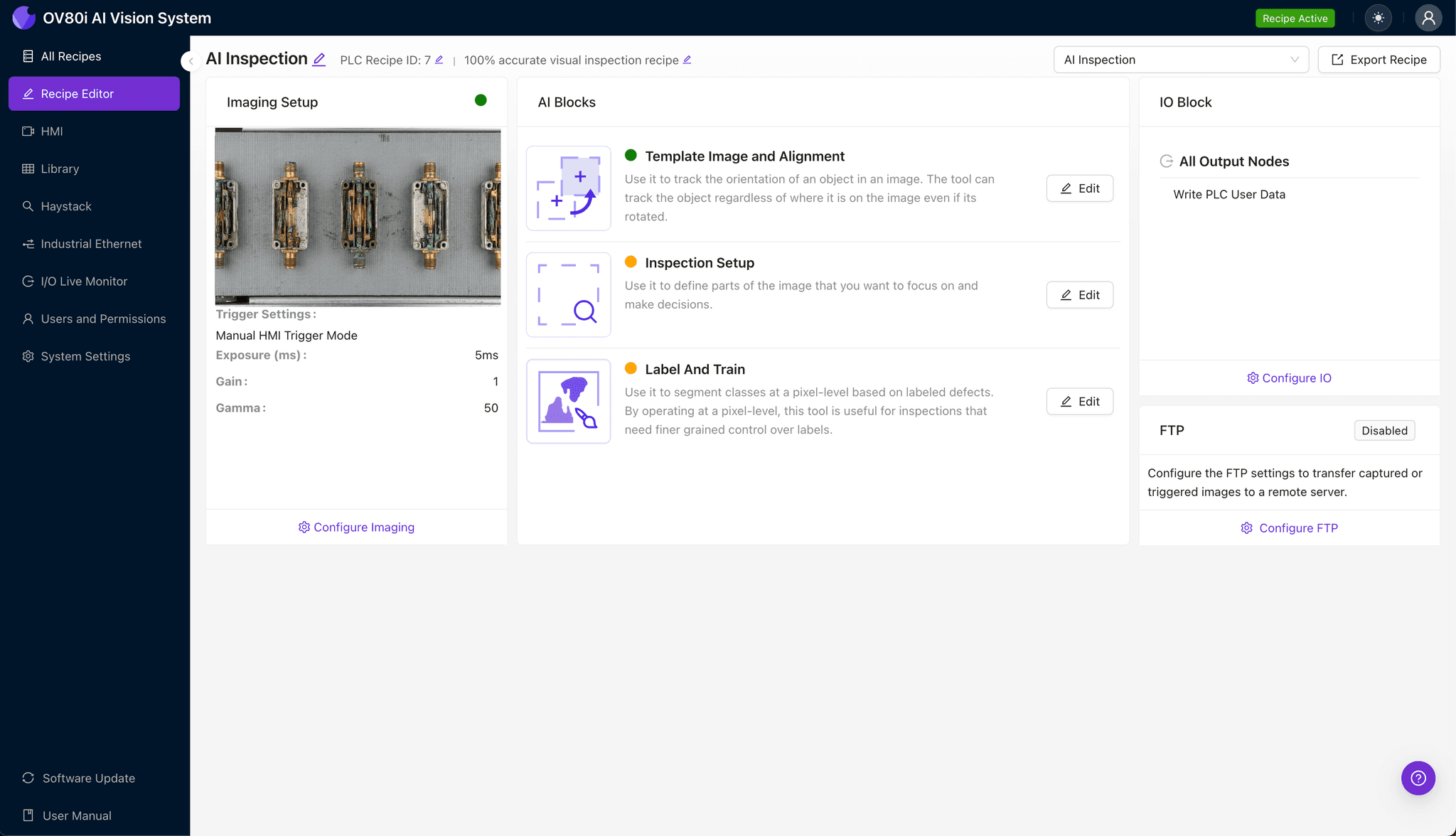
Step 1: Imaging Setup
Position the coaxial switch under the OV80i camera, ensuring the internal reed contacts are visible through the switch housing or inspection window. Proper orientation is critical for capturing consistent images of the contact surfaces.
Click "Configure Imaging" to access the Camera Settings panel. Adjust exposure to reveal subtle oxide discoloration and fine-tune gain to enhance contrast on metallic surfaces without introducing noise.
Click "Save" to lock in your optimized imaging parameters.
Step 2: Image Alignment
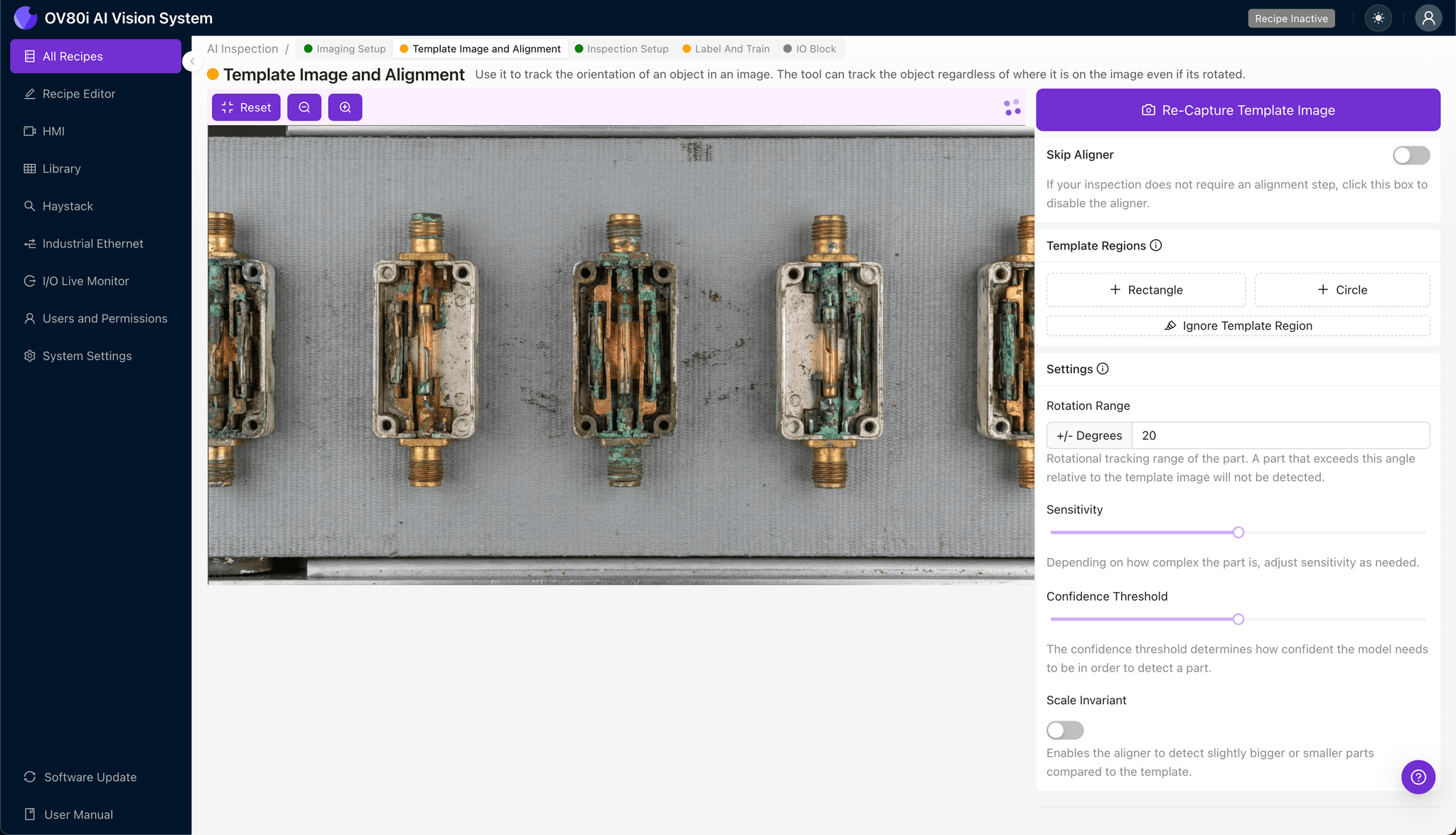
Navigate to "Template Image" in the configuration menu. Capture a Template image of a properly positioned coaxial switch that represents your standard inspection orientation.
Click "+ Rectangle" to add an alignment region around the main body of the switch housing. This anchor point ensures consistent positioning across all units.
Set the "Rotation Range" to 20 degrees to accommodate minor orientation variations as switches move through your inspection station.
Step 3: Inspection Region Selection
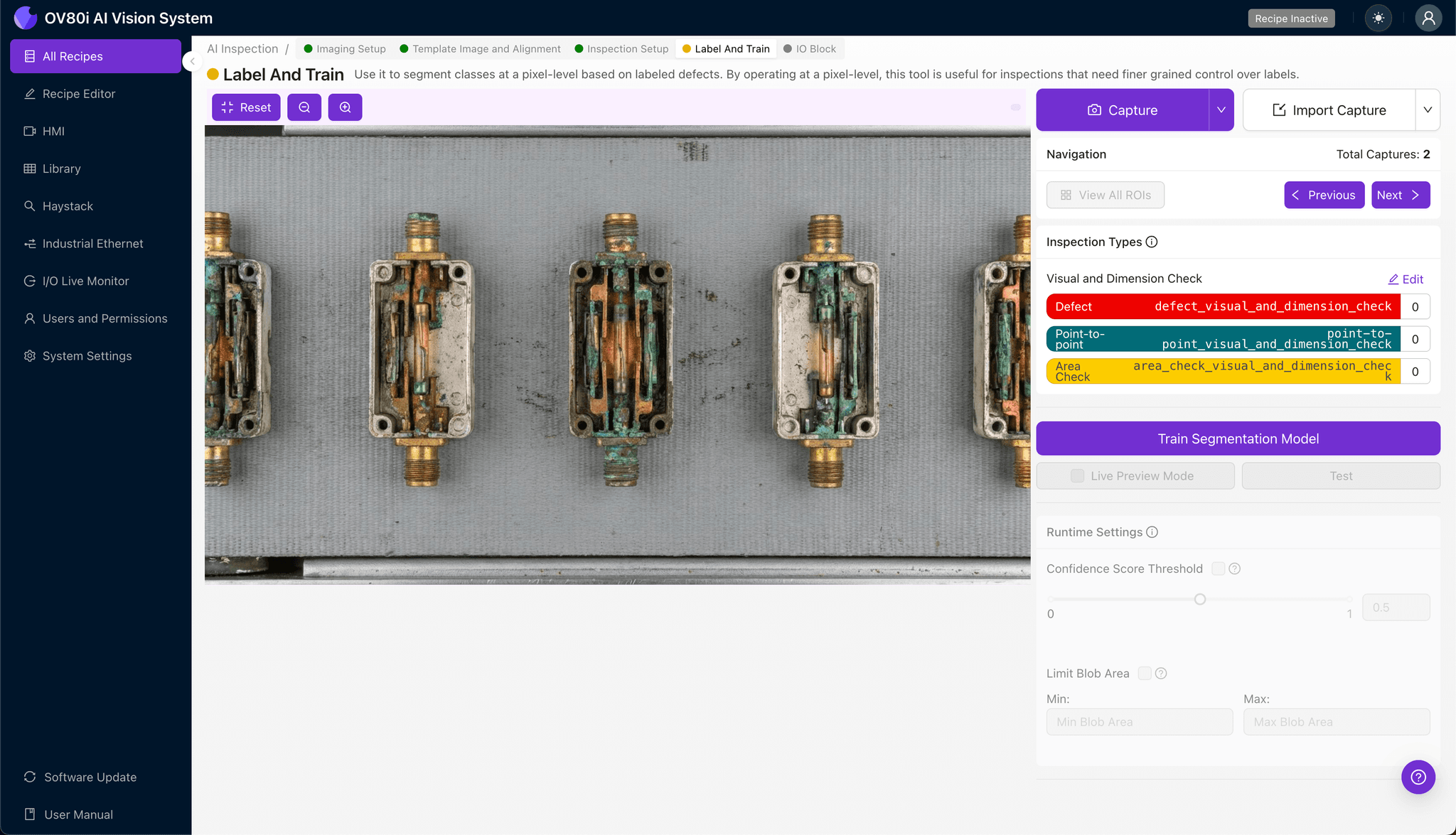
Navigate to "Inspection Setup" to define your critical inspection zones. Rename your "Inspection Types" with clear, descriptive labels such as "Reed Contact Oxidation" and "Plating Degradation."
Click "+ Add Inspection Region" to create a new detection zone. Resize the yellow bounding box to cover the reed contact surfaces where oxidation typically appears.
Repeat for additional critical areas including solder joints and hermetic seal interfaces. Click "Save" to confirm your inspection regions.
Step 4: Labeling Data
The human-in-the-loop labeling process teaches the AI to distinguish acceptable switches from defective units. This step transforms your team's expertise into a scalable inspection model.
Review captured images and label each as Good or Bad based on reed contact condition. Include representative samples across the full spectrum—from pristine contacts to severely oxidized failures.
Incorporate known failure modes from your quality history. The more examples of subtle oxidation patterns you provide, the more accurately the model will catch borderline defects.

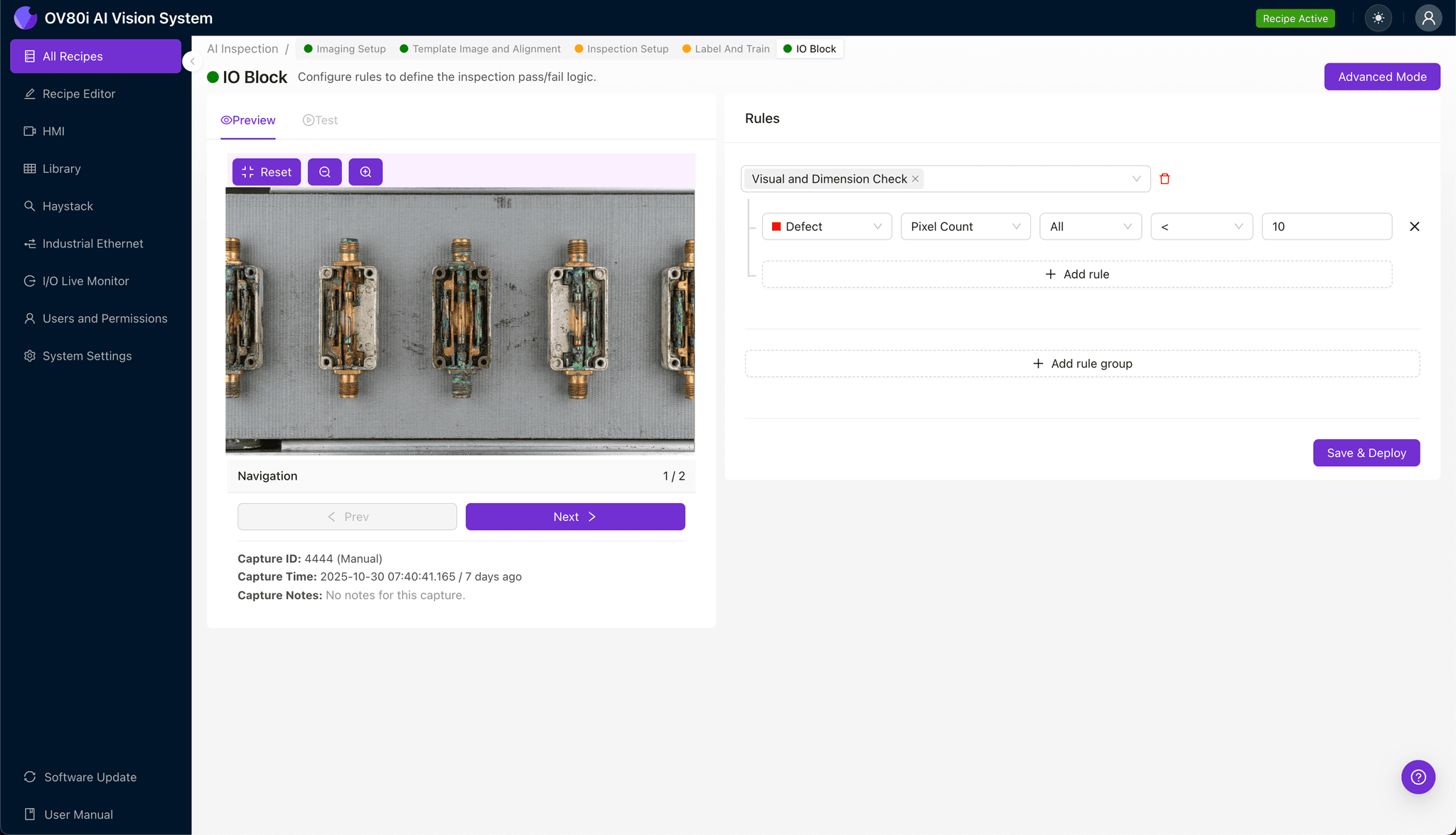
Step 5: Creating Rules
Set your pass/fail logic based on the Inspection Types you defined. Configure thresholds that align with your quality standards—for example, flagging any detected oxidation above a minimum confidence level.
Gate automated acceptance on the line so that flagged switches are diverted for secondary review or rejection. This creates a closed-loop system where only verified good parts continue downstream.
Key Outcomes & ROI
Implementing AI-powered inspection for coaxial switch reed contacts delivers measurable business impact:
- Reduced scrap and rework — catch oxidation defects before switches reach assembly or shipping, eliminating costly teardowns
- Higher throughput — inspect 100% of units at line speed without creating bottlenecks or adding headcount
- Compliance and traceability — generate automatic inspection records with timestamped images for customer audits and regulatory requirements
- Process improvement insights — identify oxidation trends linked to specific lots, suppliers, or environmental conditions to address root causes
Stop Letting Oxidized Contacts Reach Your Customers
Coaxial switch failures in the field damage more than circuits—they damage trust. Overview.ai's visual inspection platform catches the defects that human inspectors can't, delivering the consistency and speed your production line demands.
Ready to see how AI-powered inspection works on your specific components? Request a demo to inspect your own parts with the OV80i system.
Eliminate Oxidation Defects Today
Stop relying on manual inspection for critical RF components. Deploy Overview.ai to catch oxidized reed contacts instantly.