

Create the defects.
Before you meet them.
OV Auto-Defect Creator Studio helps you create synthetic training images from clean parts. Choose a region, describe the defect, and explore the variations your inspection needs to see.
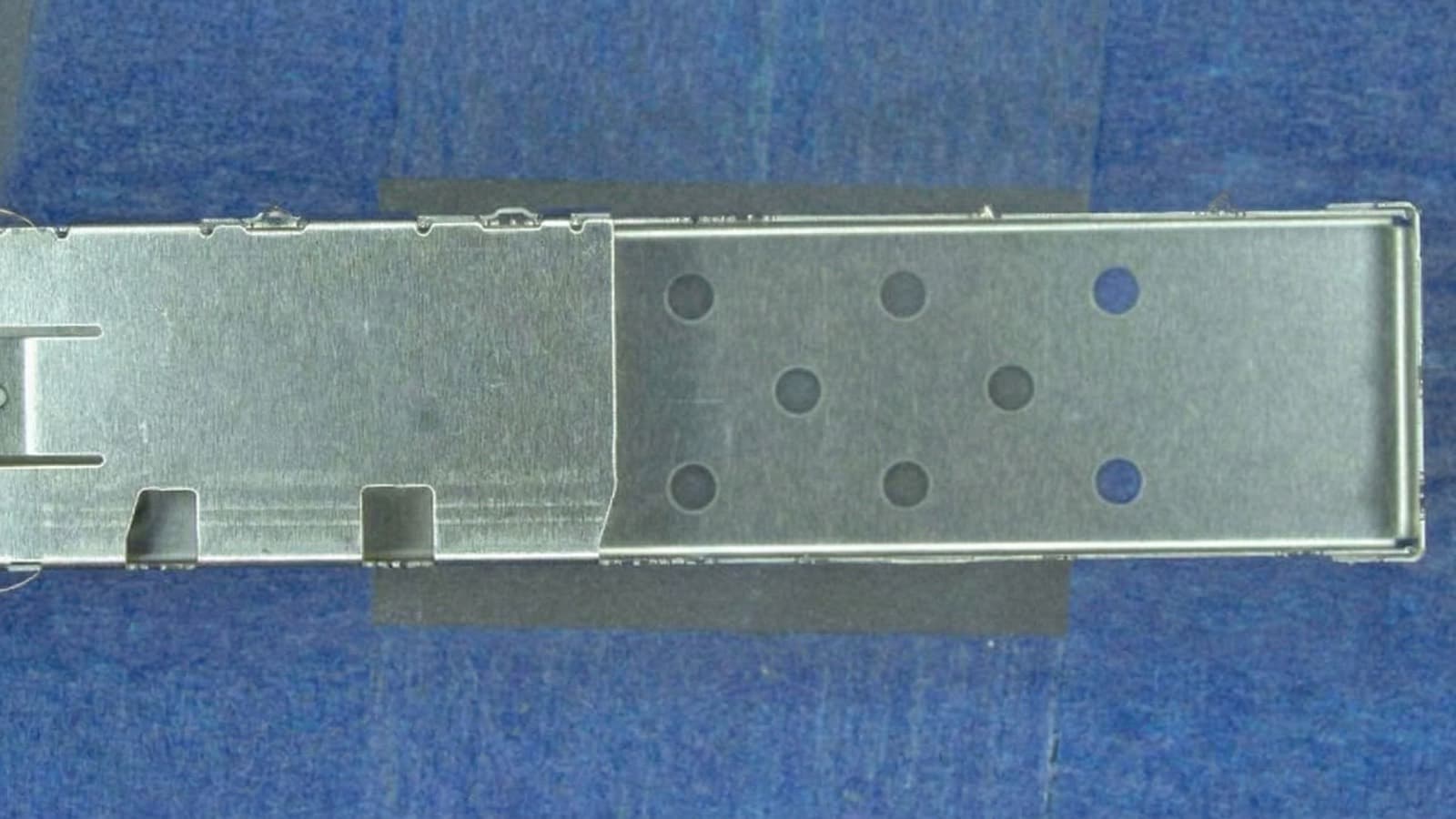
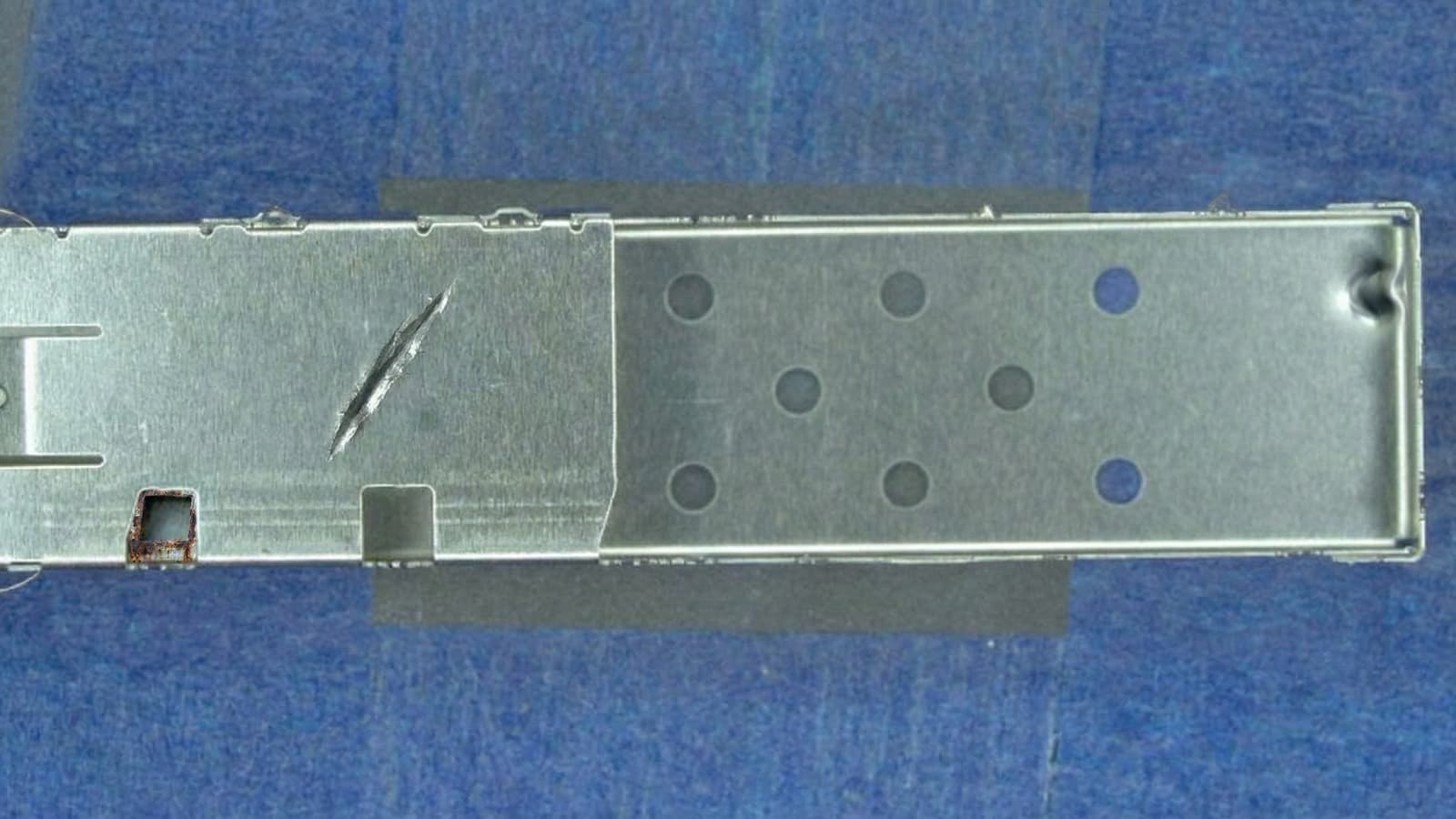
Physics. Chemistry. Geometry.
Material-aware AI generates the defect and its consequences—from fracture, deformation, and pressure loss to chemical residue, exposed layers, and changing reflections.
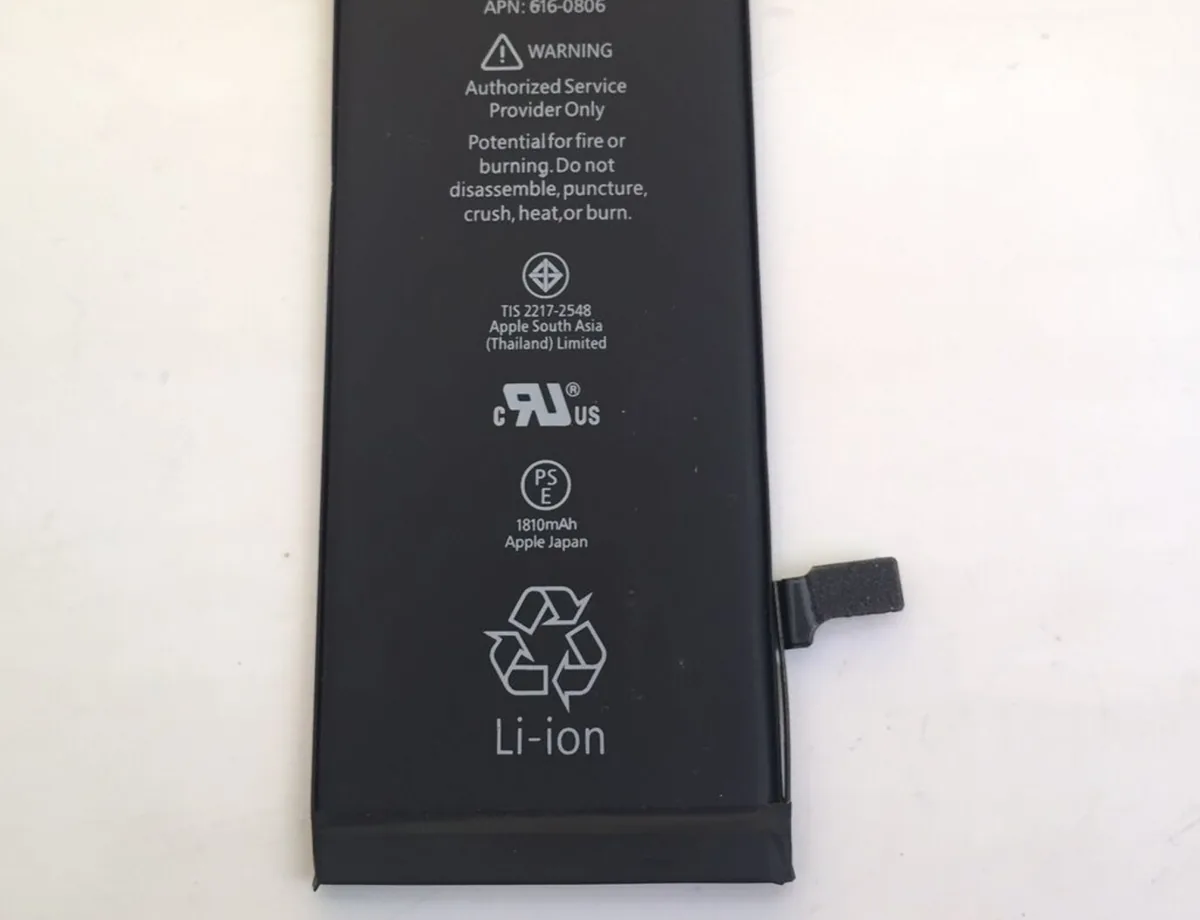
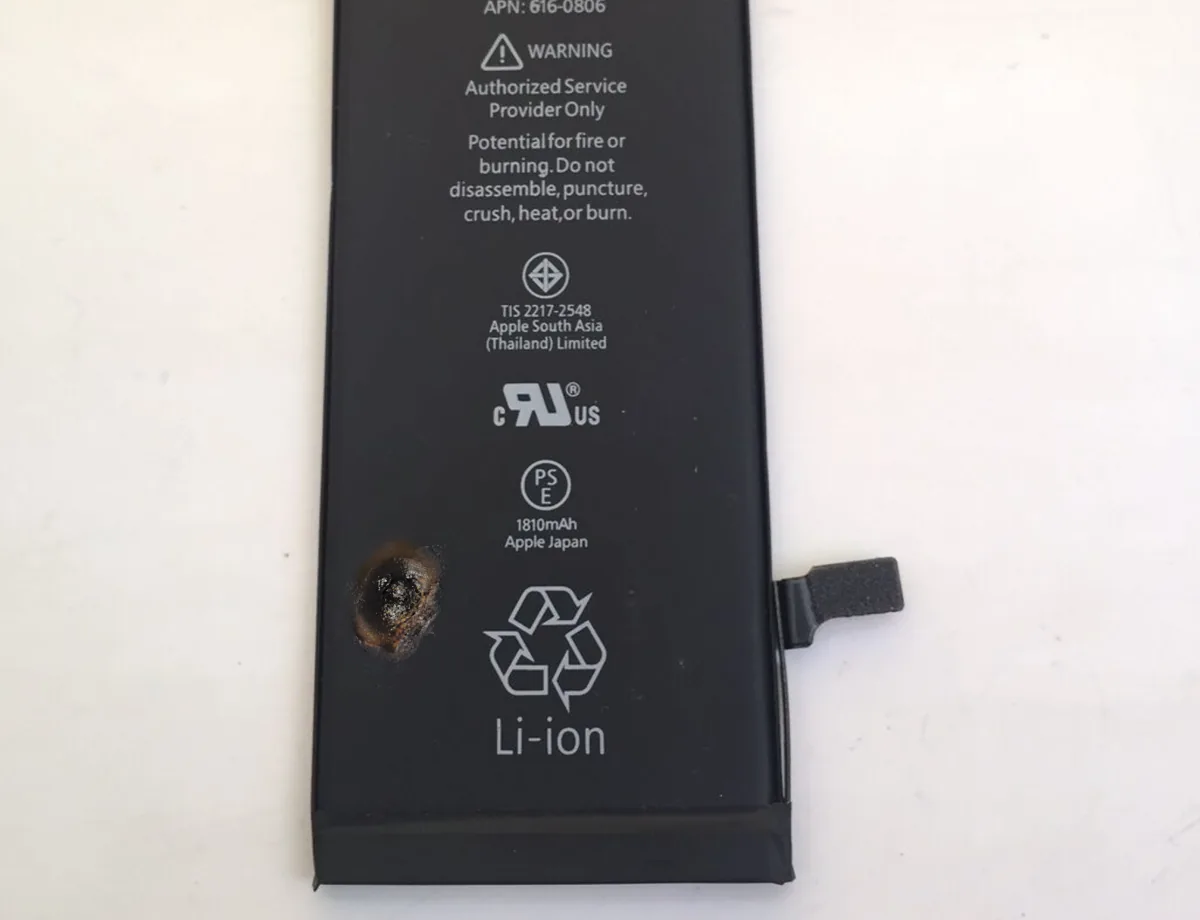
Puncture the cell.Show the chemical aftermath.
A breached pouch with localized residue and discoloration. The damage extends beyond the puncture itself.
Illustrative AI-generated defects. Review image quality and validate inspection performance with real parts.
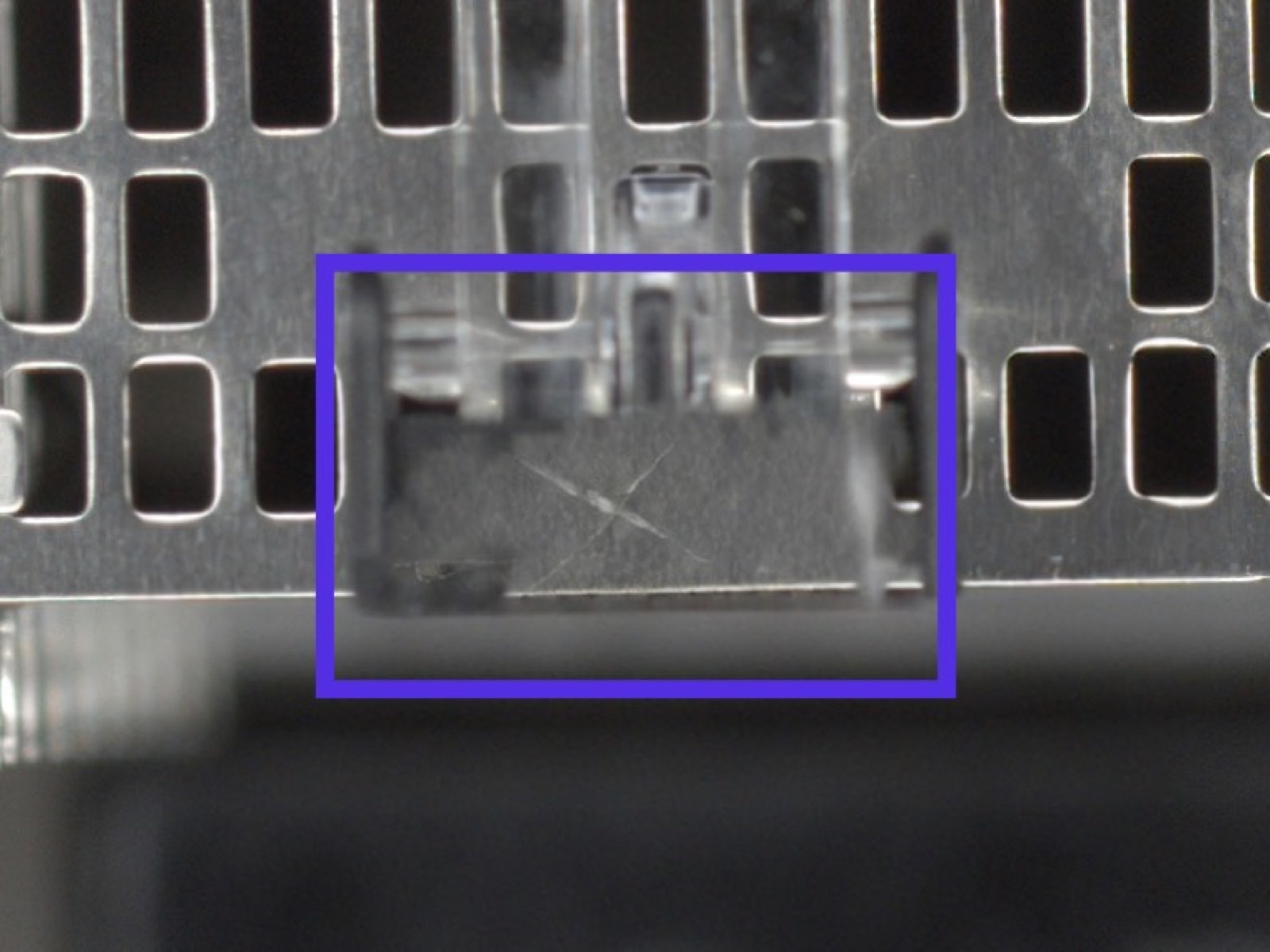
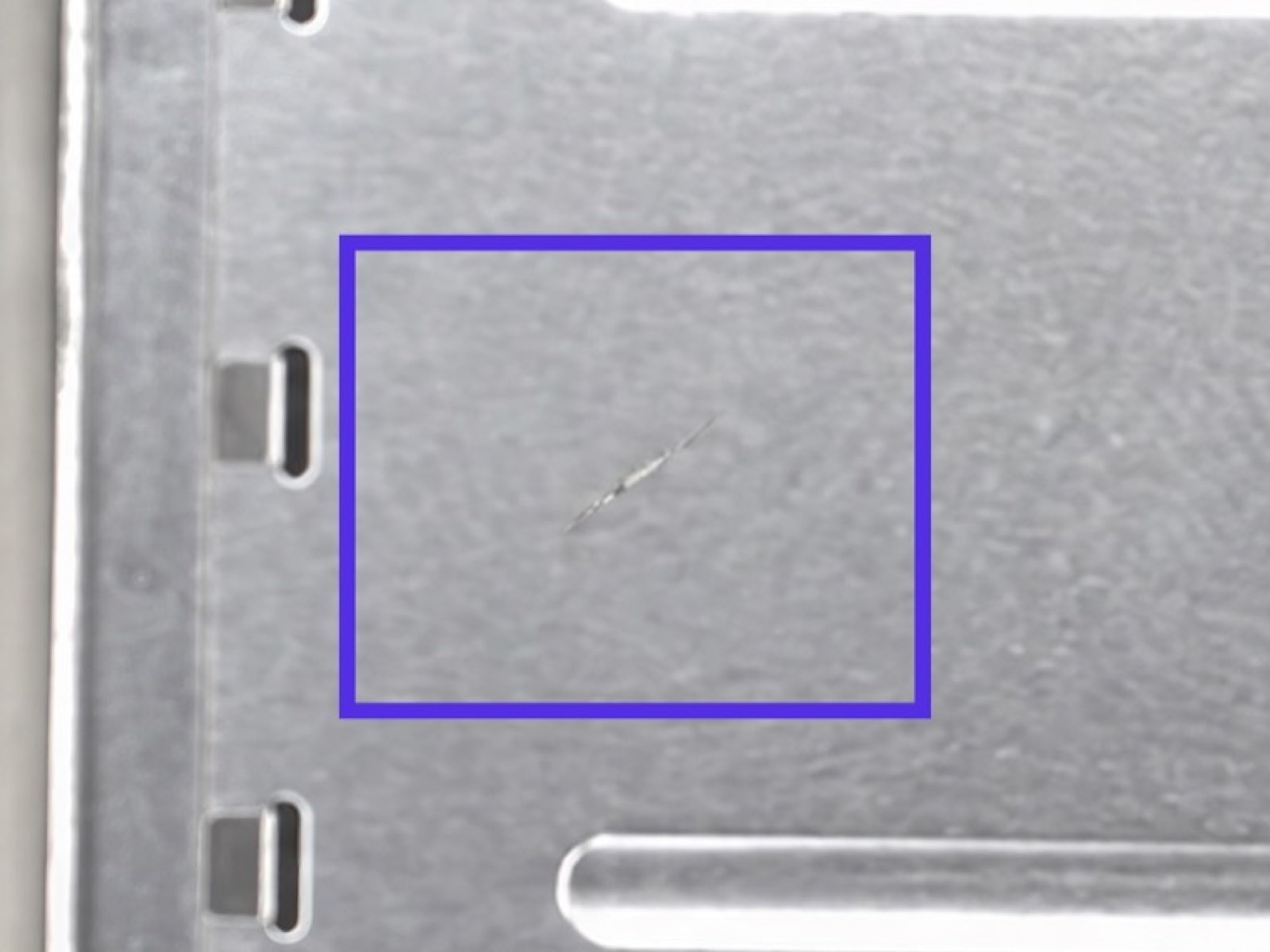
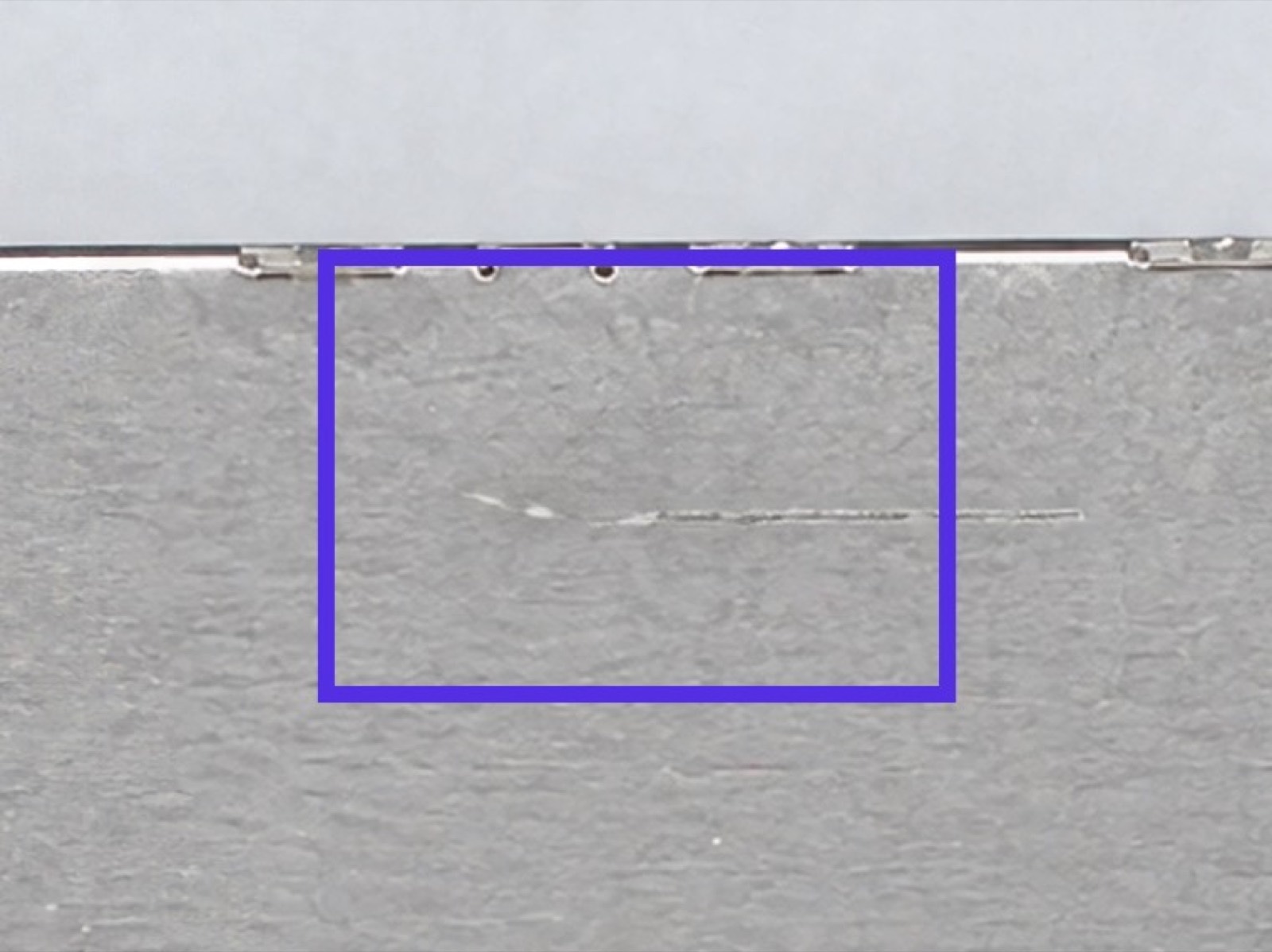
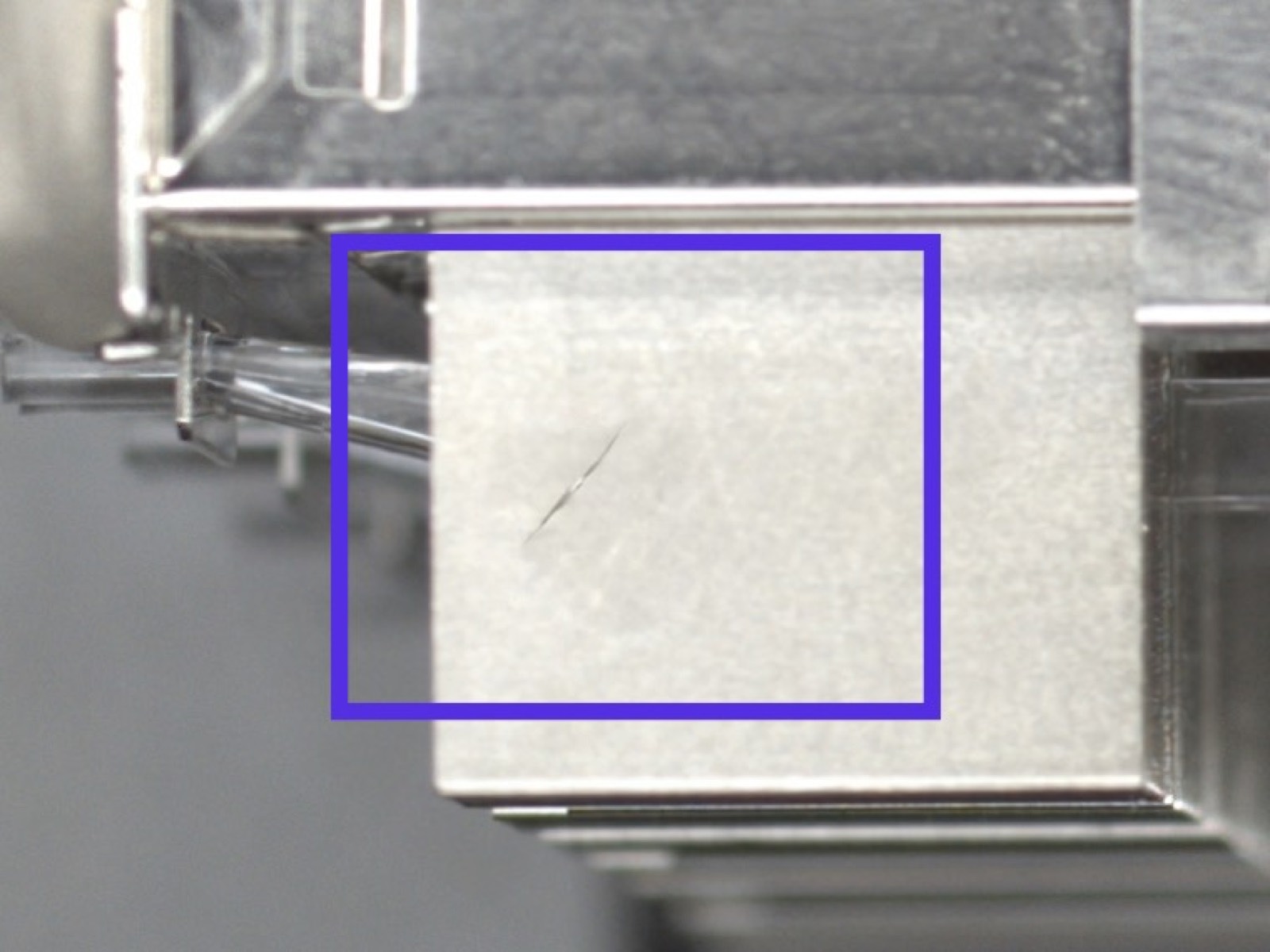
300+ connector SKUs.
Zero real defects.
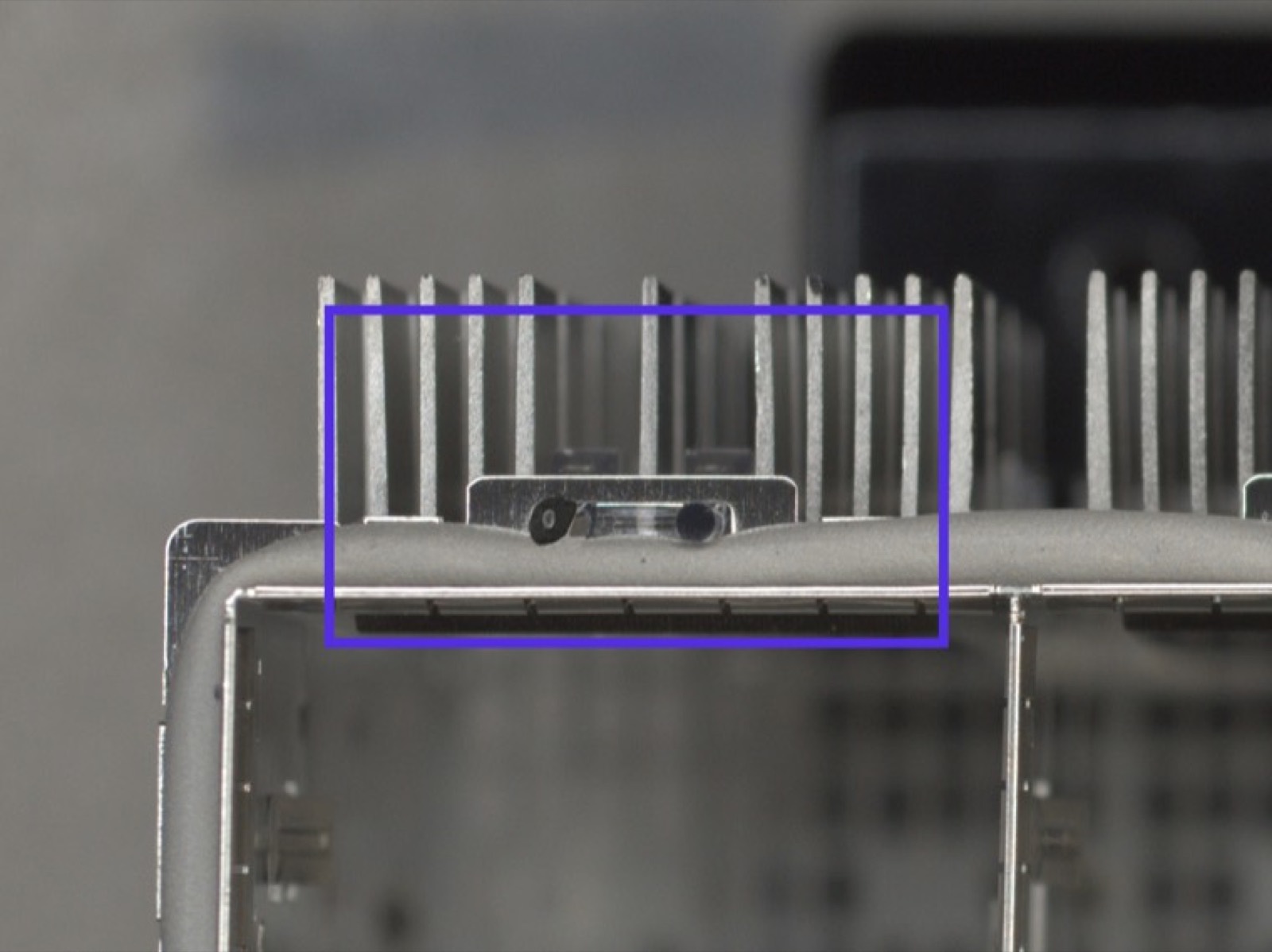
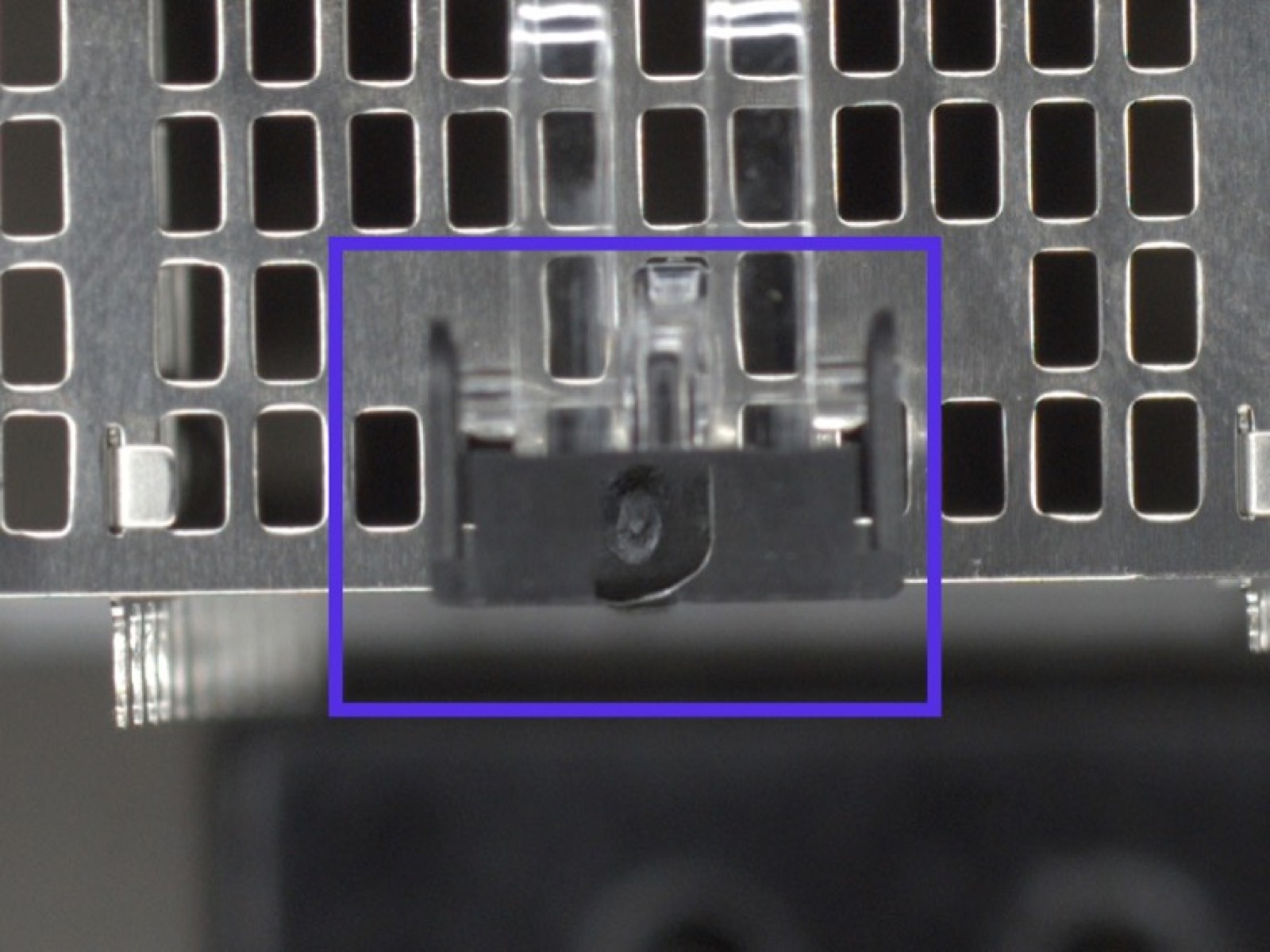
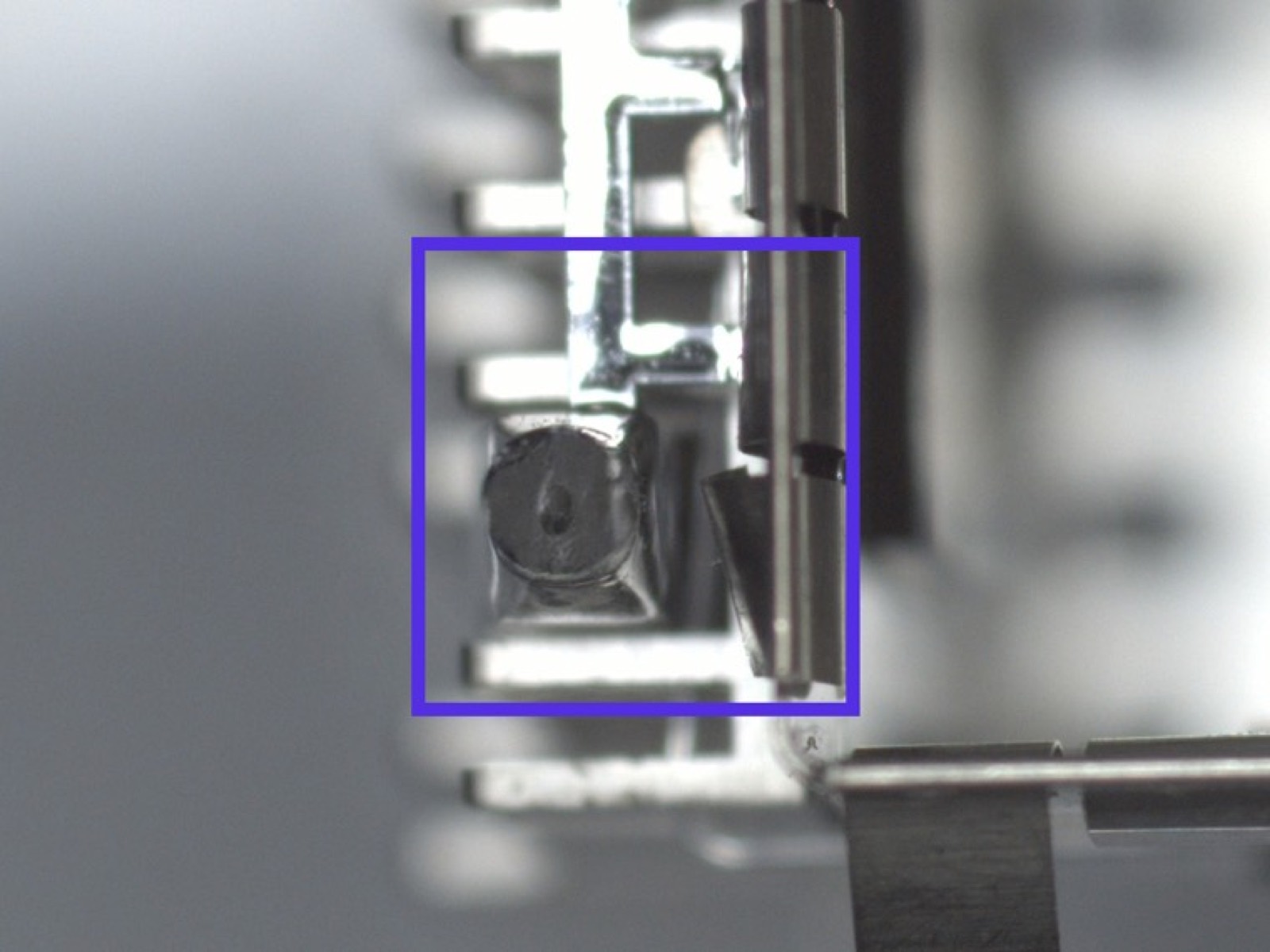
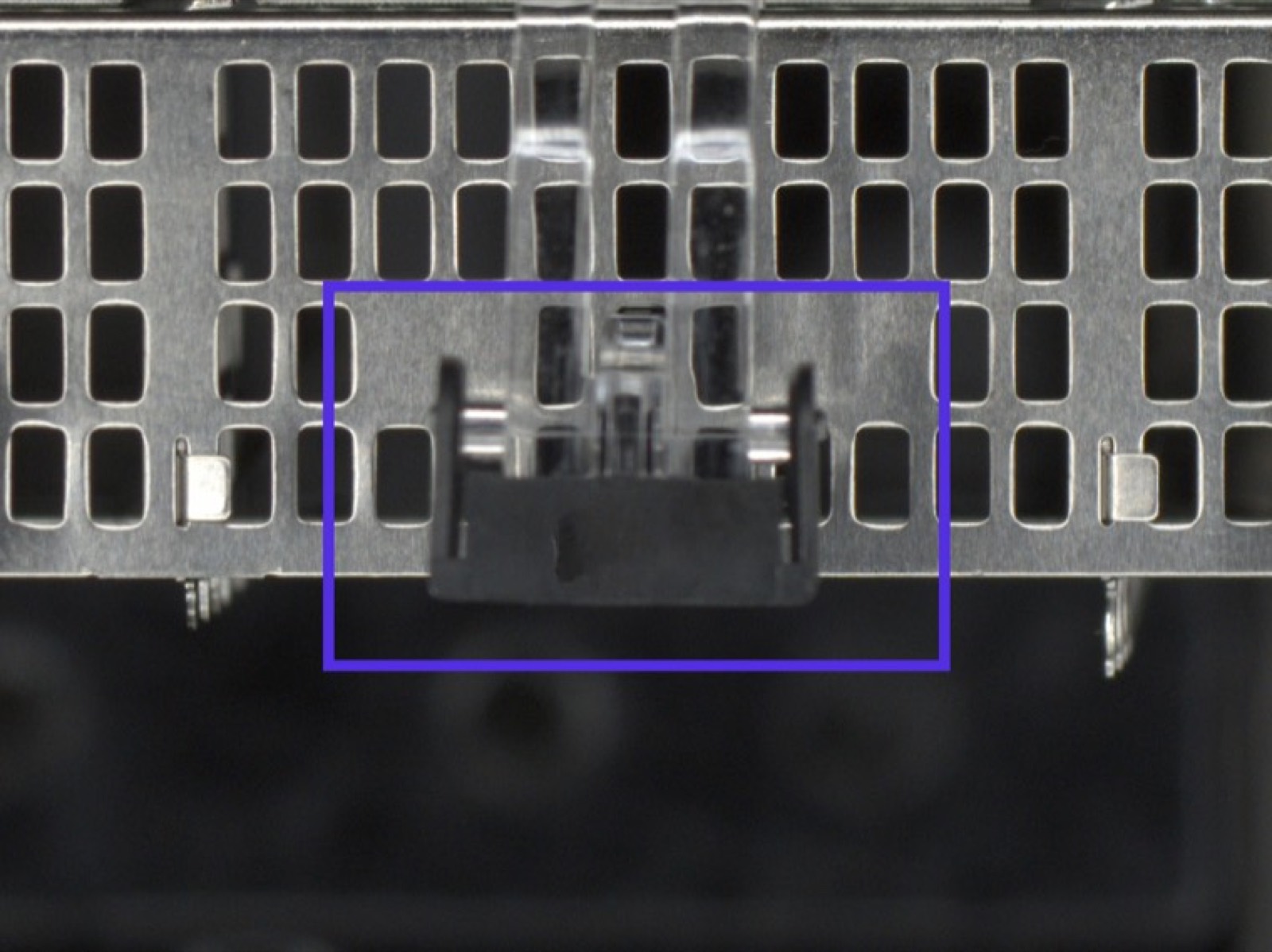
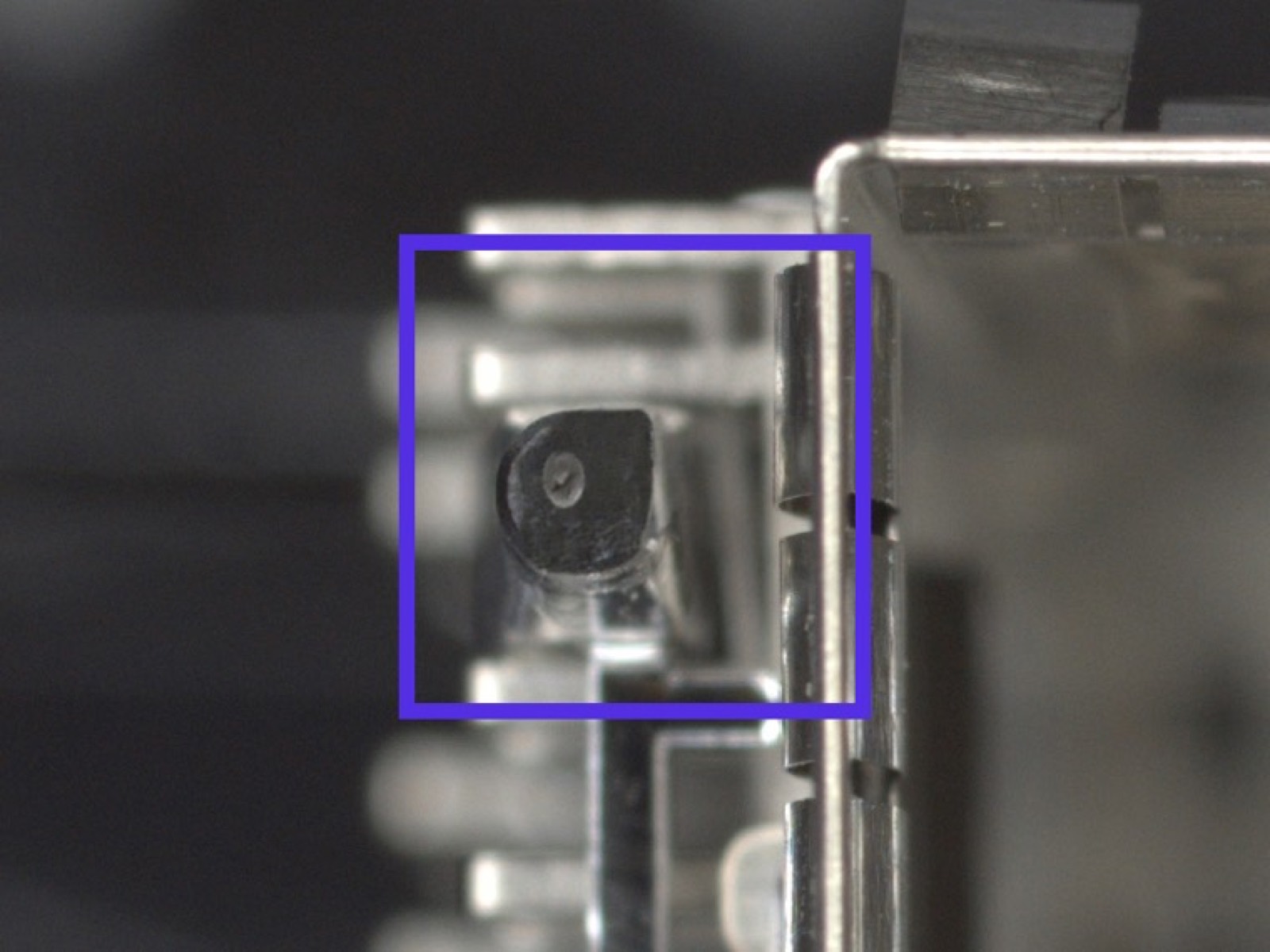
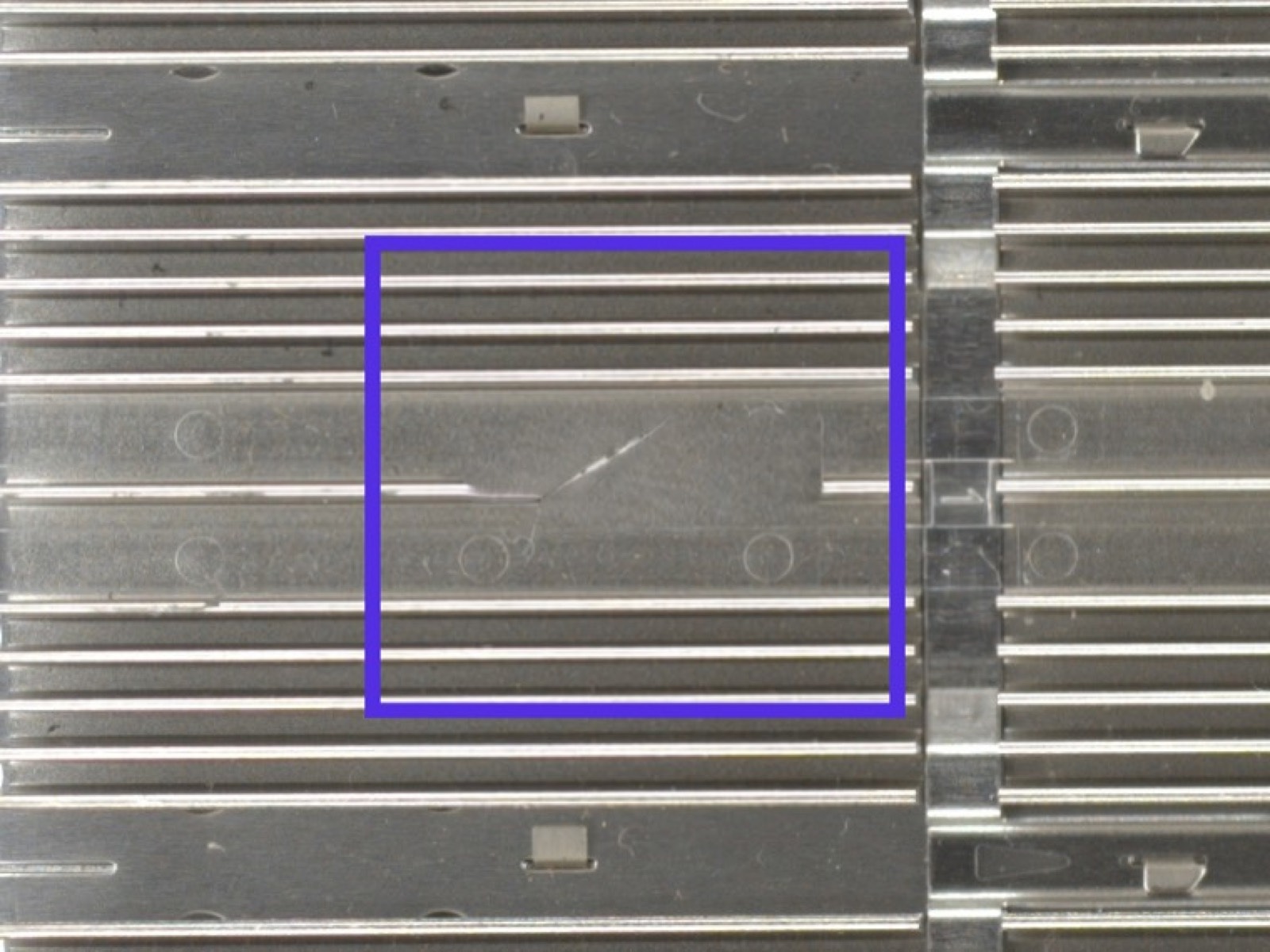
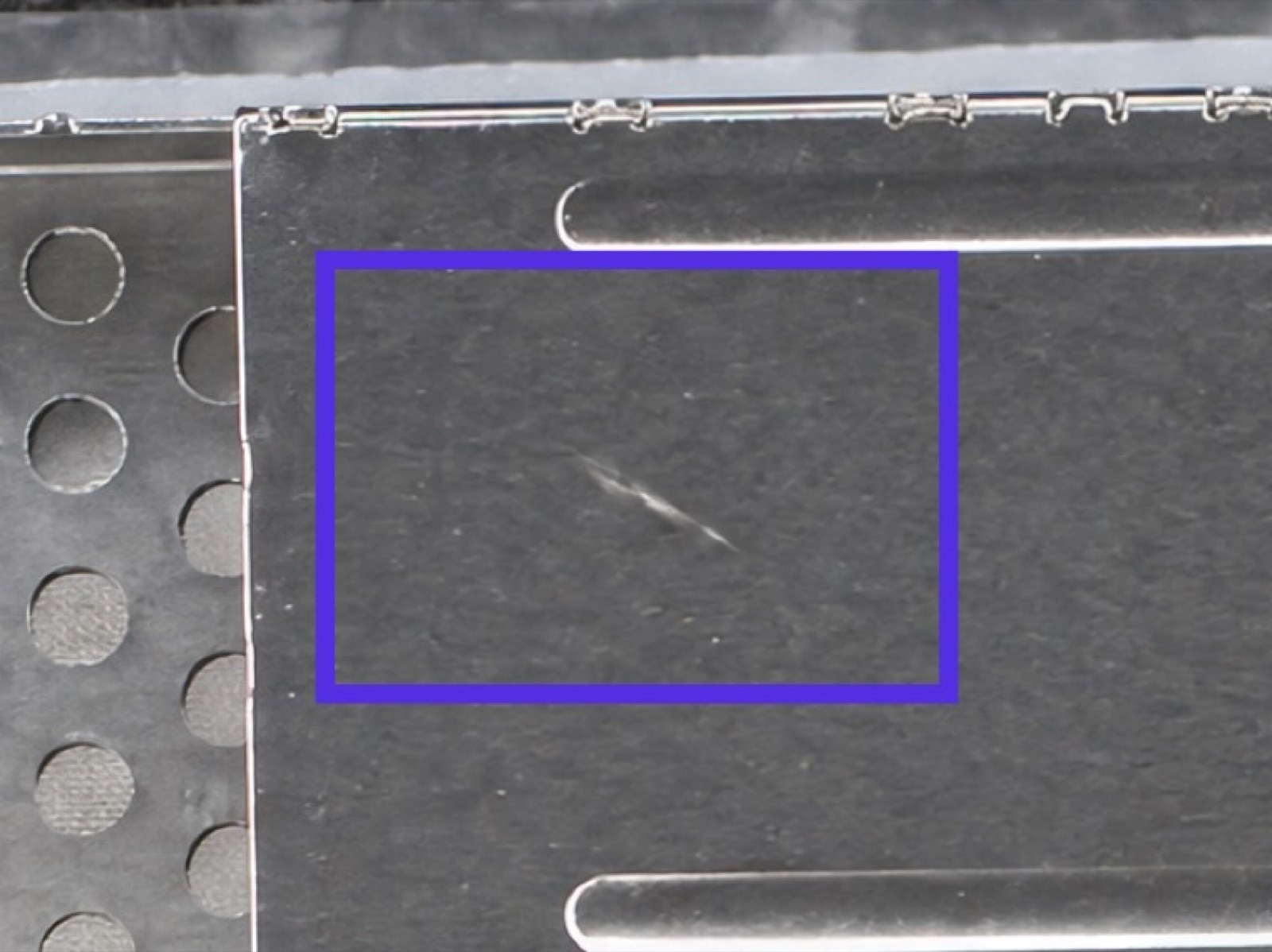
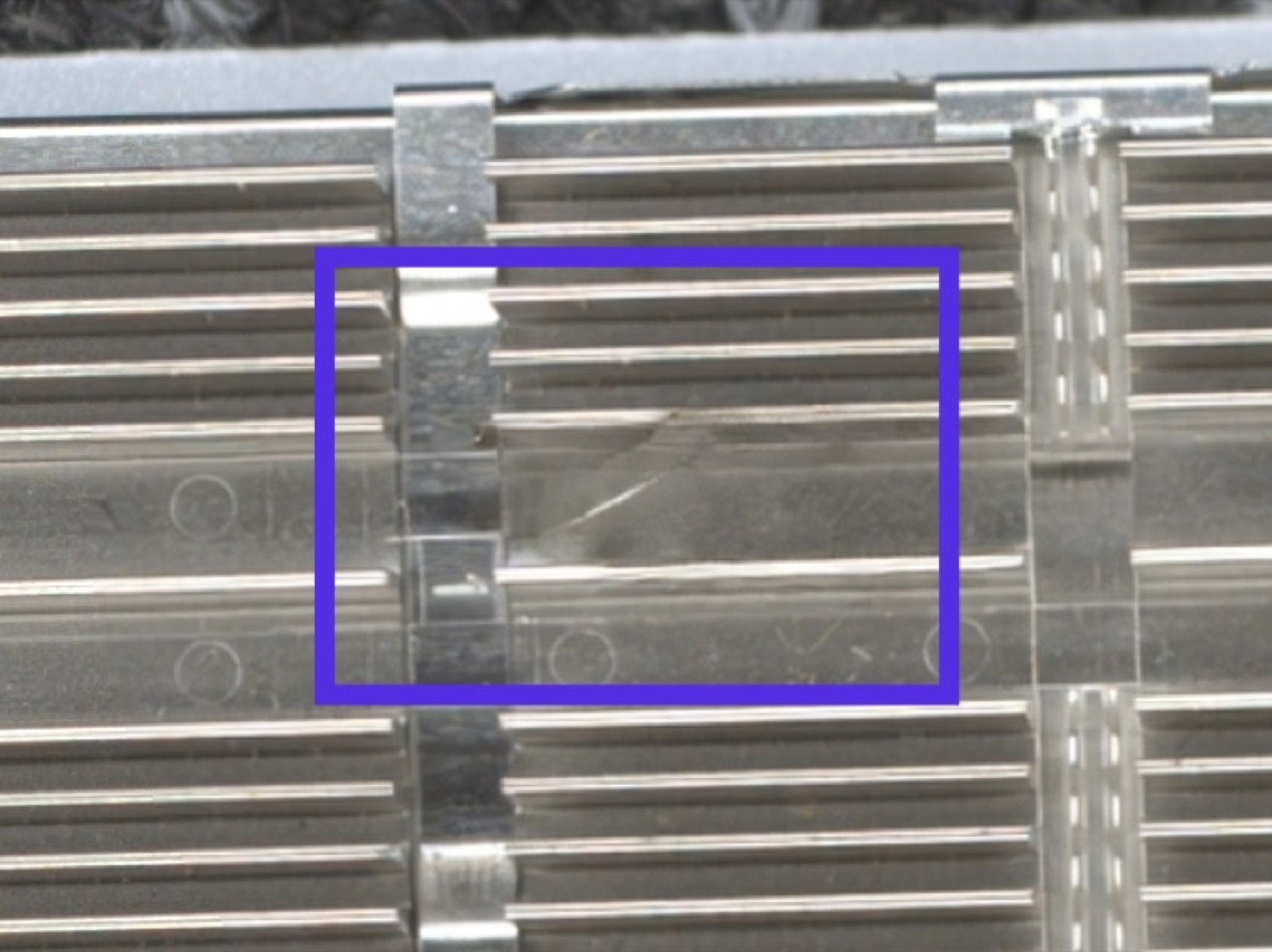
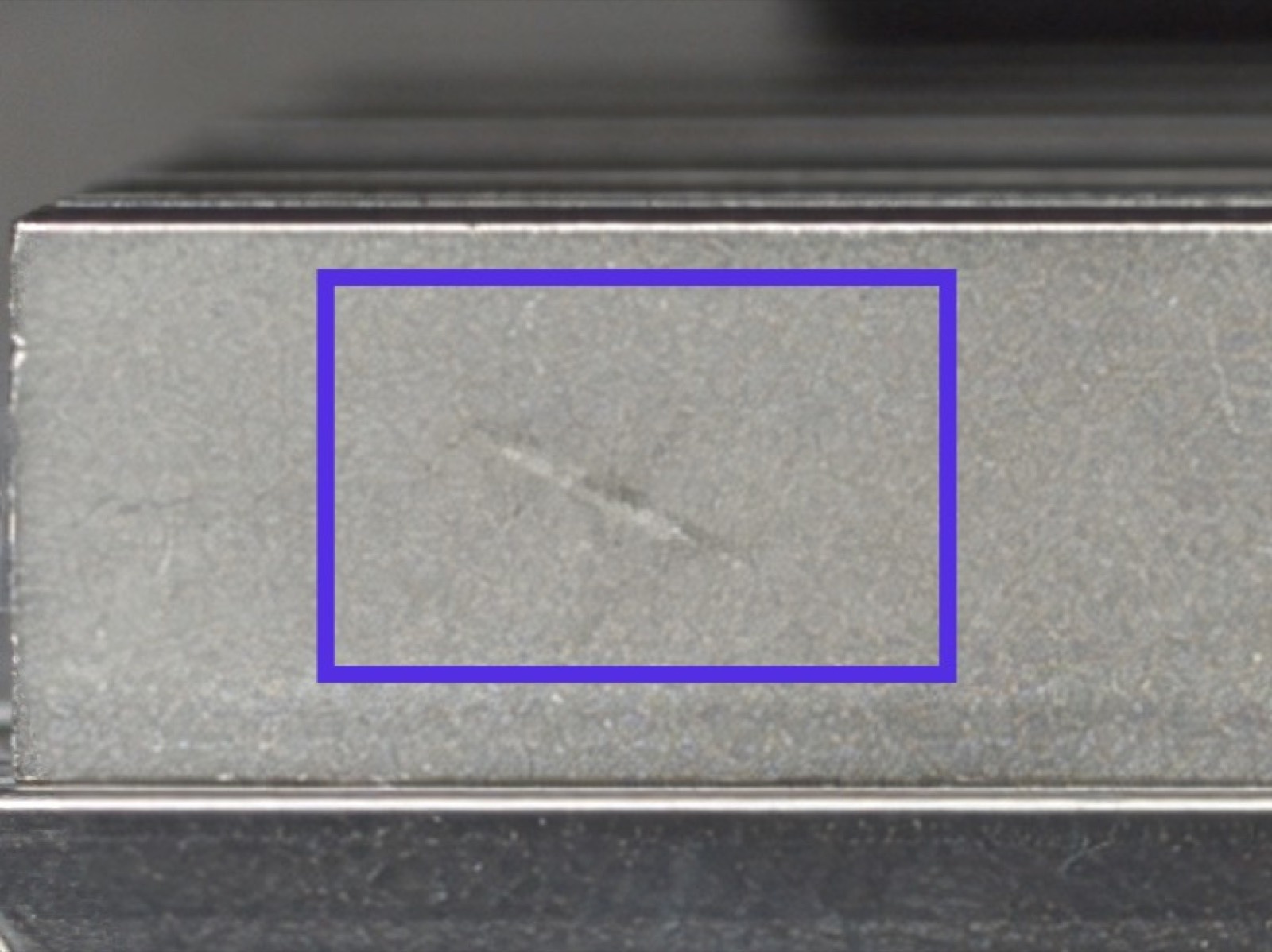
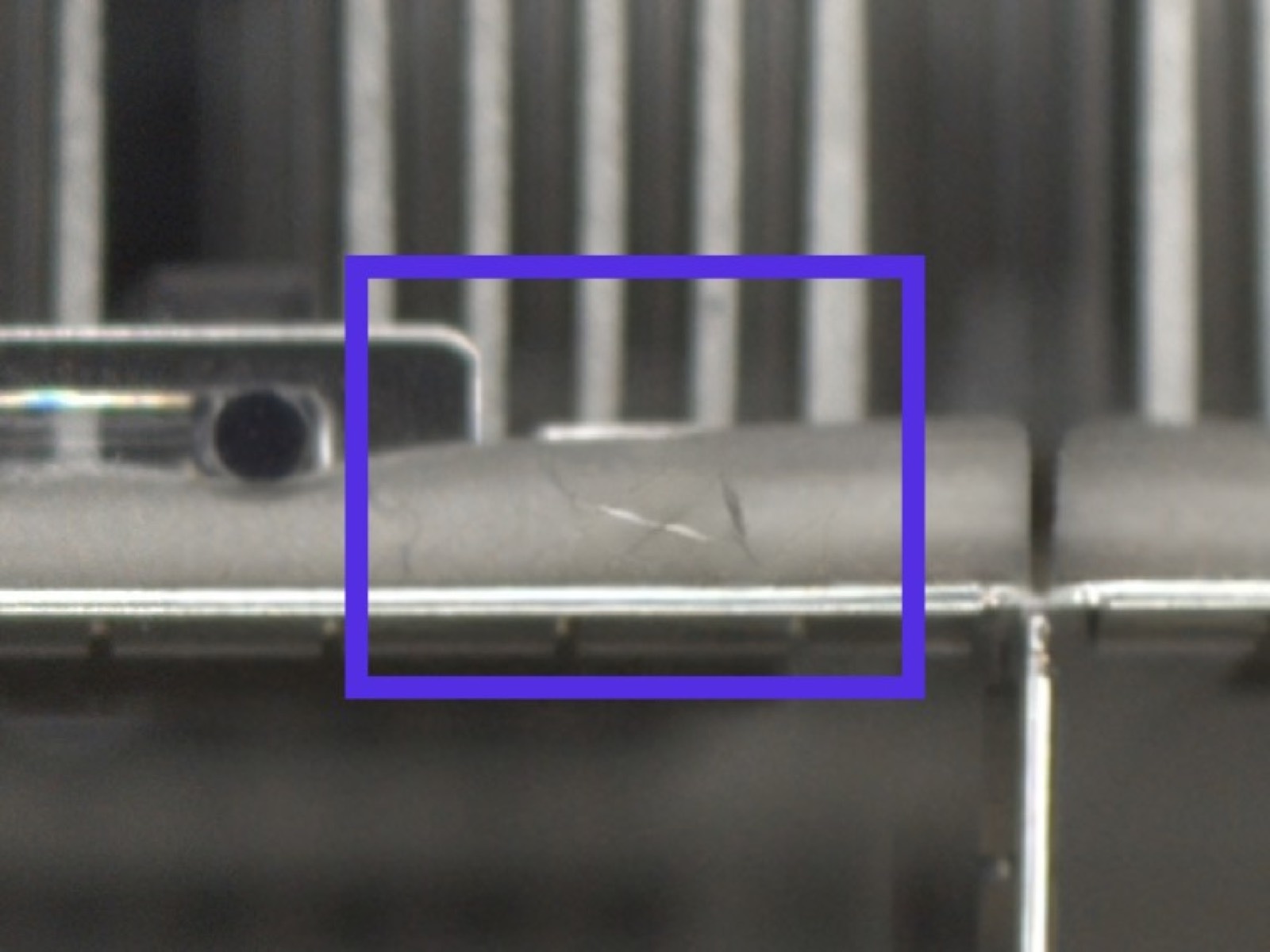
Scratch and dent variations across hundreds of connector SKUs, without damaging a single physical part. Each SKU starts with its own reference image.
See the connector project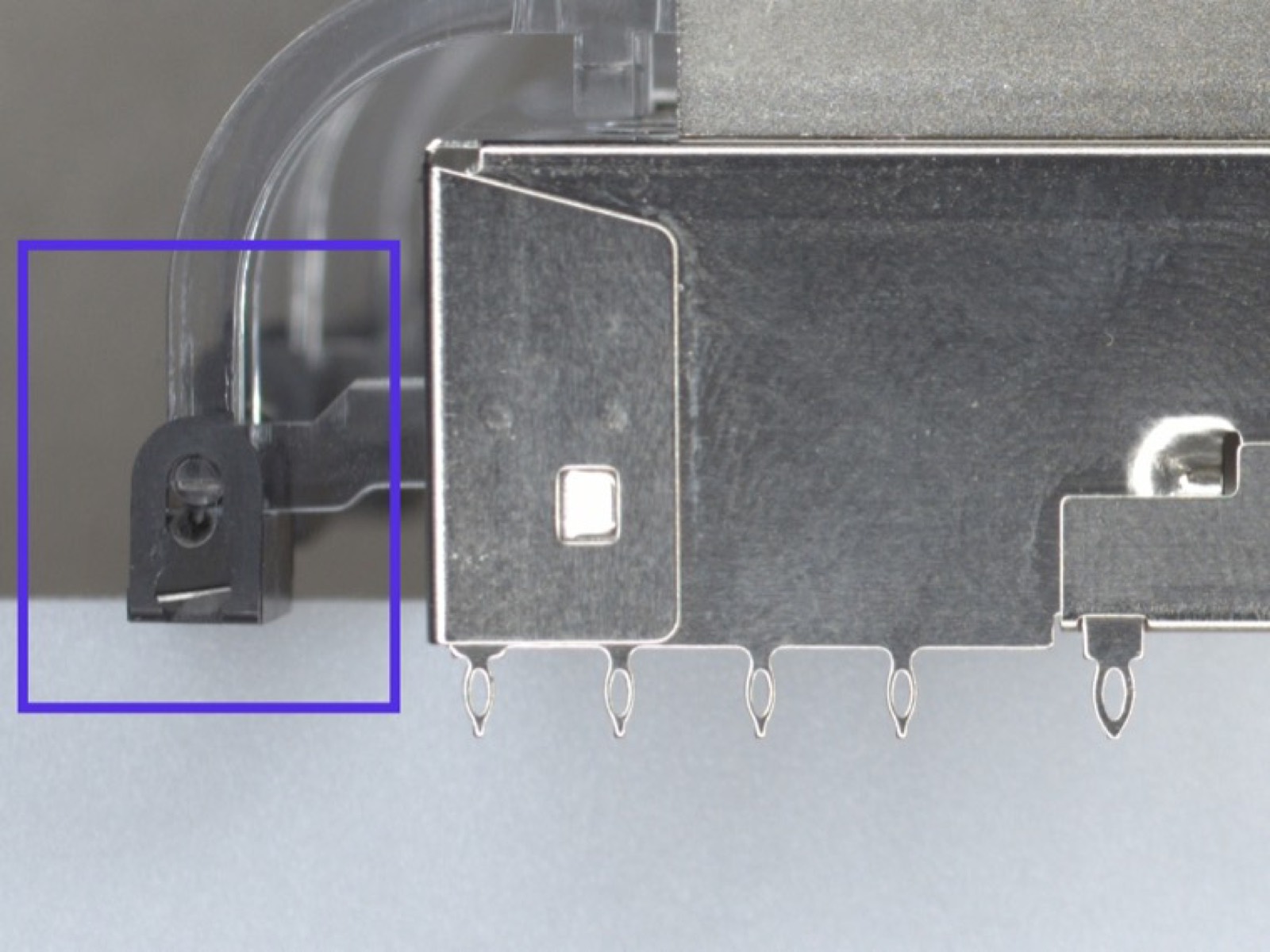
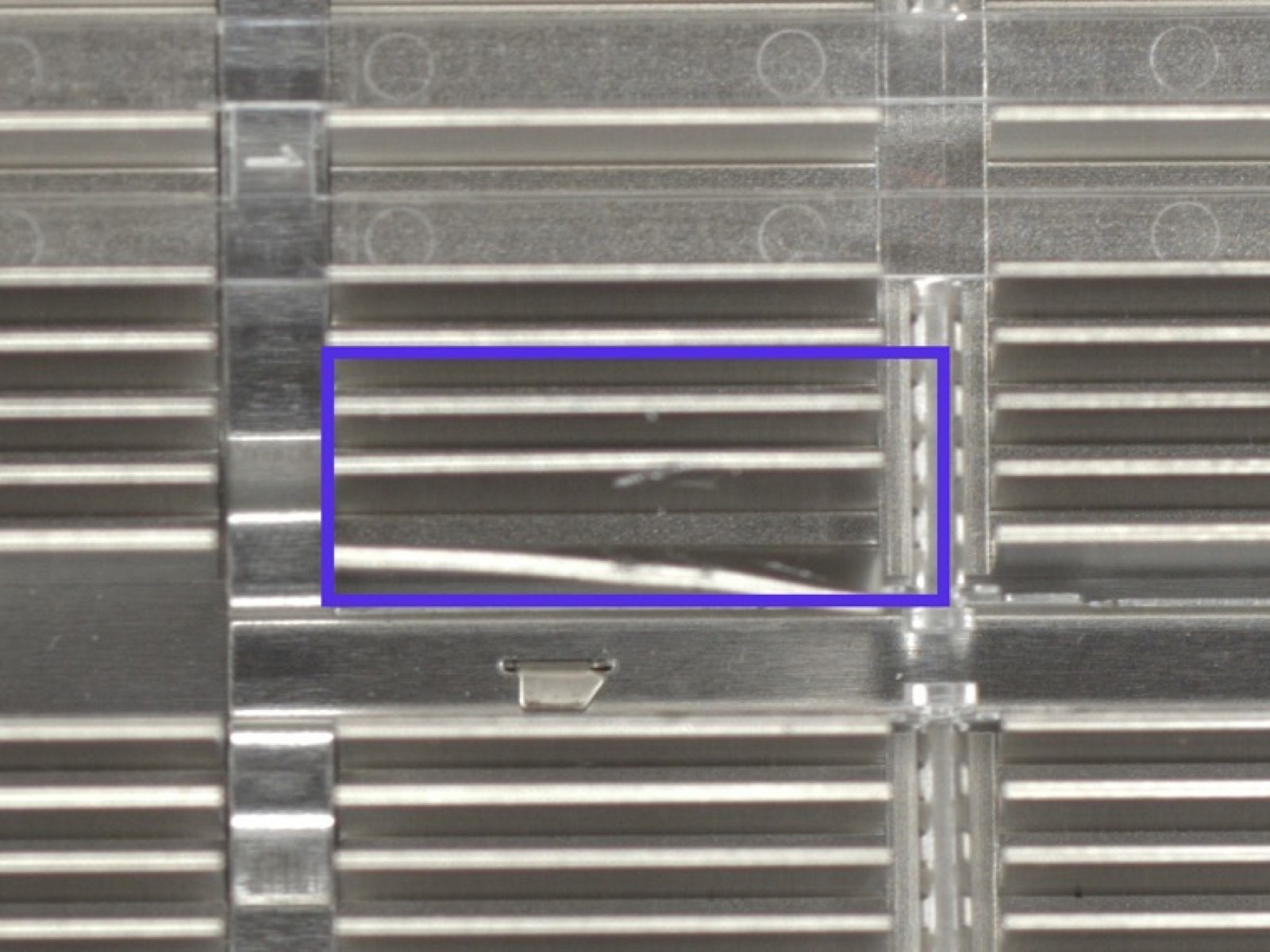
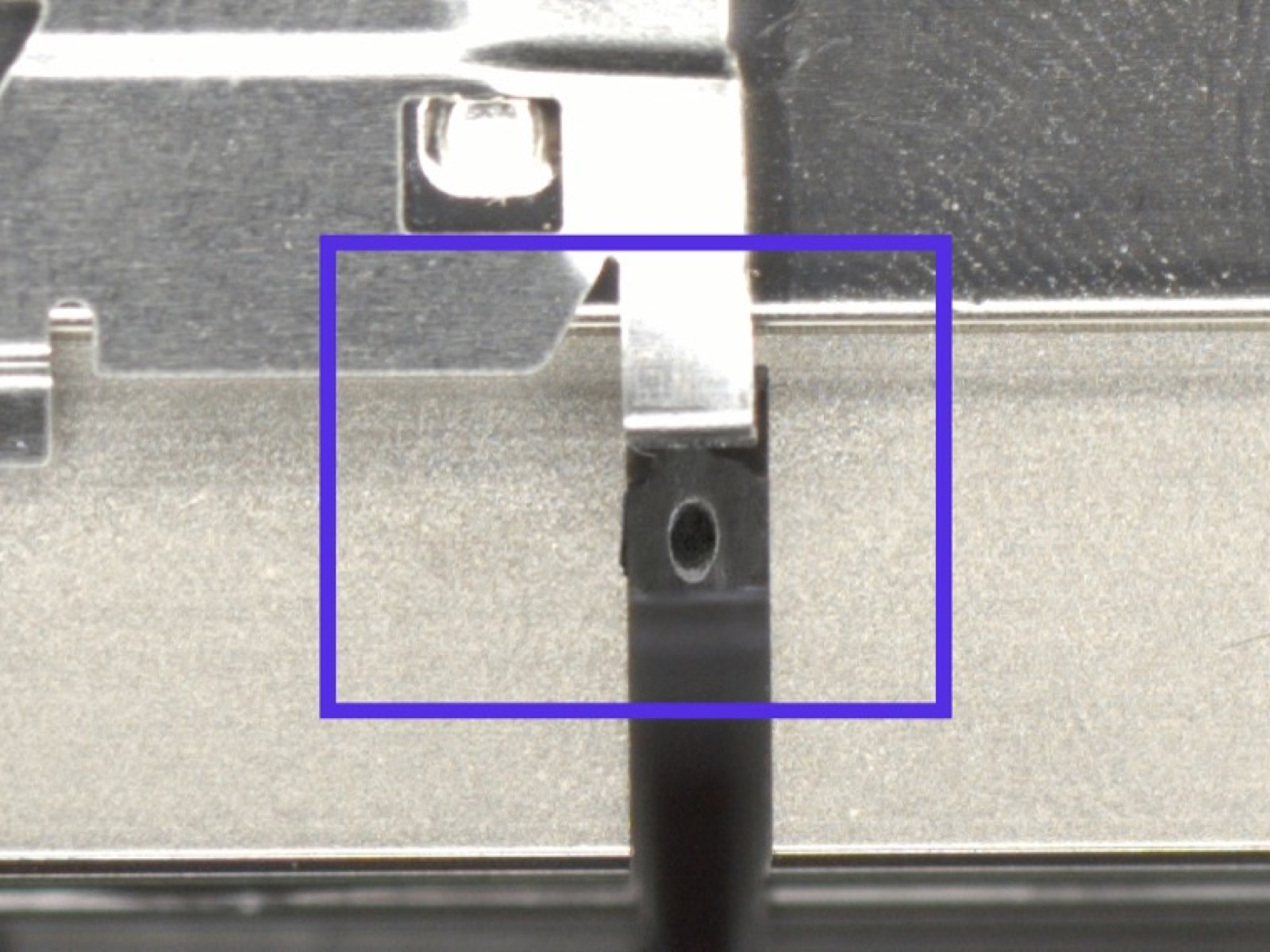
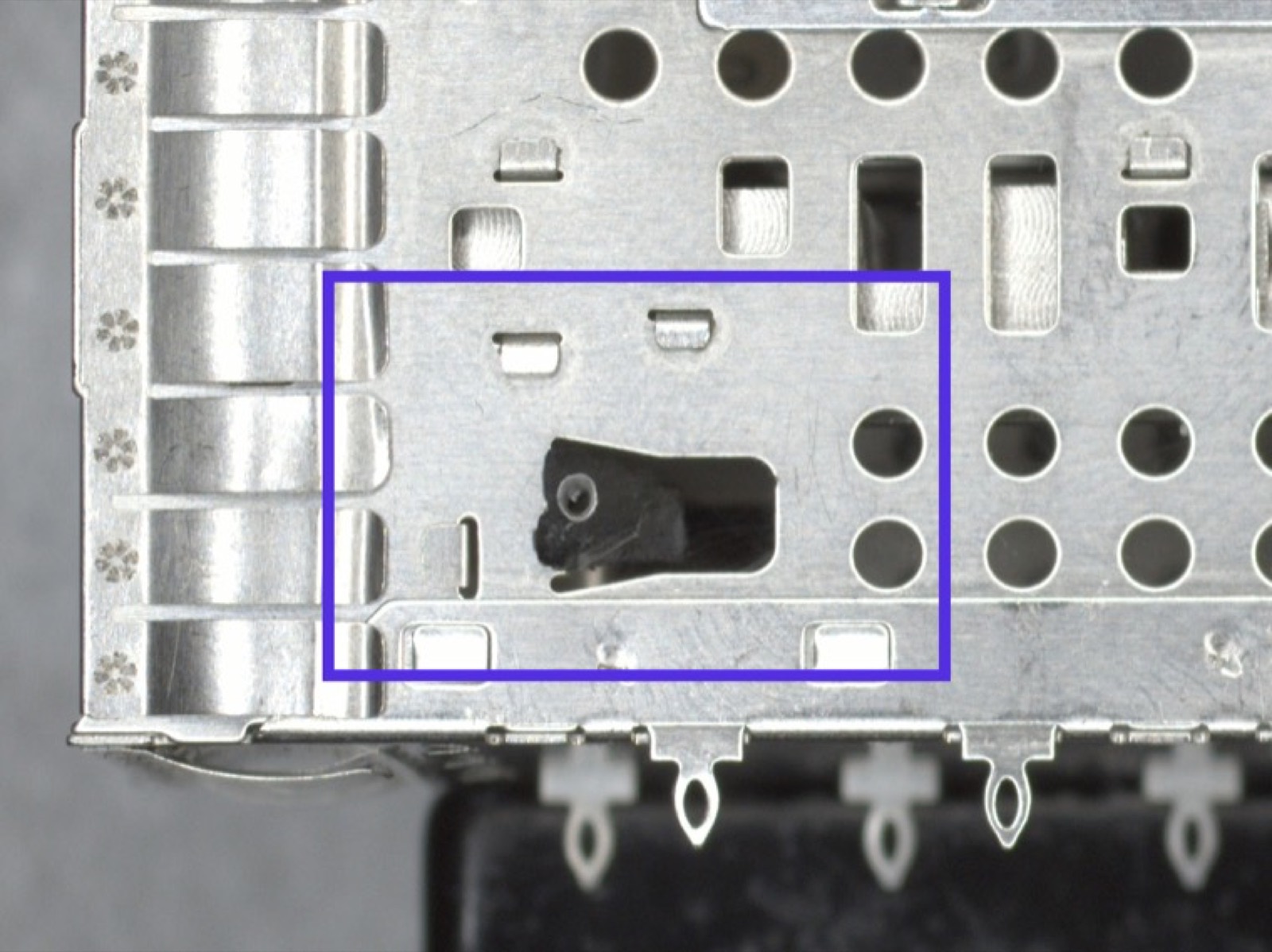
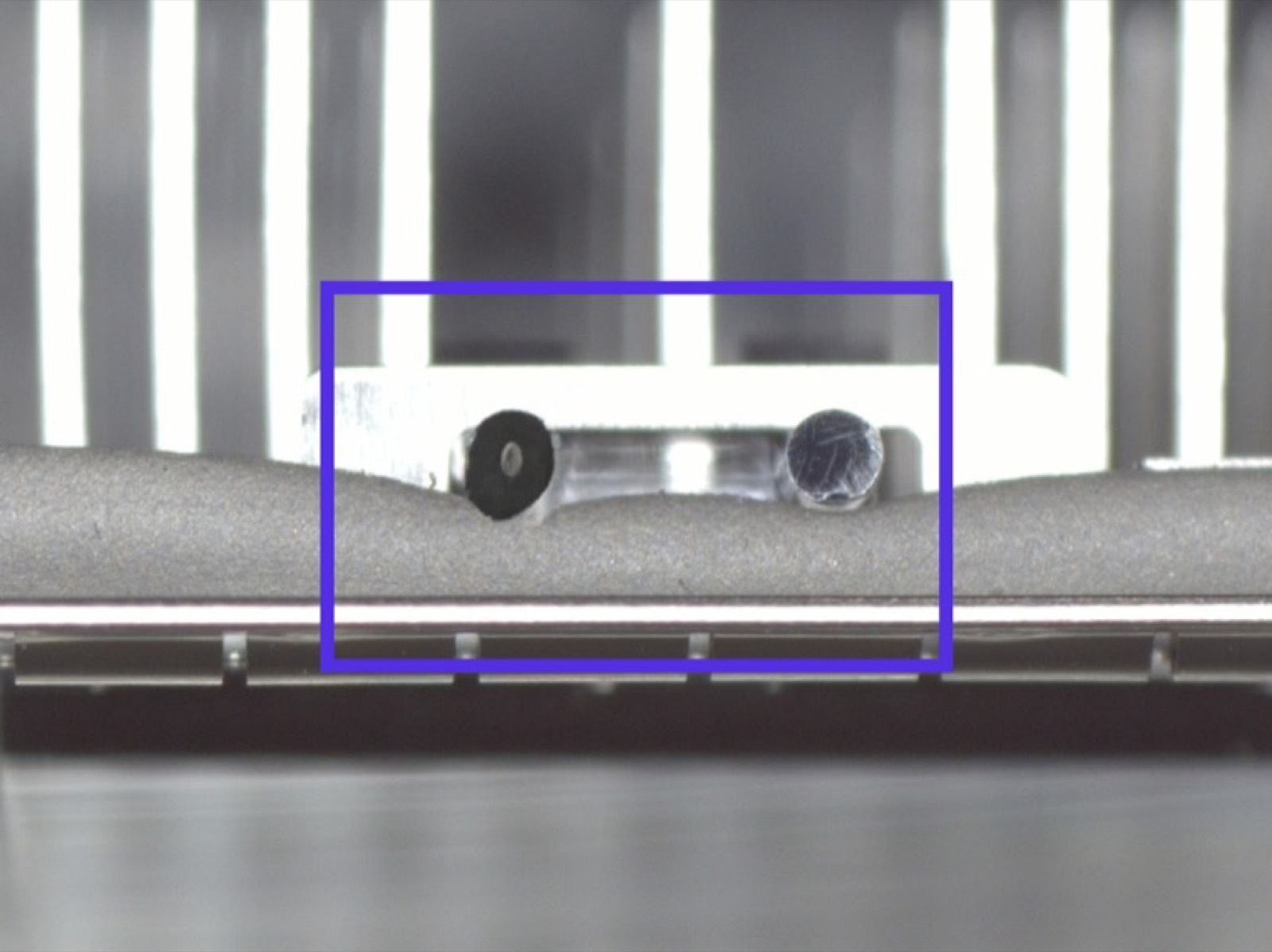
Generate a dataset with Batch mode.
Choose several locations, set the number of images and defects per image, and generate varied appearances in one run.
- 01Mark several locations
- 02Set images and defects per image
- 03Generate in one run
Start with a good part.
Show AI where to work.
Upload a clean reference image and mark the regions that matter. Describe the defect, then review the variations before adding them to your training set.
01
Select the region
Put the variation exactly where you need it.
02
Describe the defect
Describe the type and appearance.
03
Review and export
Check the result before adding it to your dataset.
Your instruction
Add a scratch inside the selected region. Follow the surface and keep the surrounding part unchanged.
One clean part.
Every way it fails.
One photographed connector. Eight generated defect types. Build coverage for failures you do not have physical samples of.
Scratch
Dent
Tool mark
Oxidation
Corrosion
Chip
Stain
Porosity
Generate bent pins on PCB connectors.
Select individual pin rows, generate damage, and inspect the result at connector scale. Review the selection and generated pins before adding the image to your training set.
Transfer an existing defect onto a new part.
Capture a defect you already have, select where it should appear on another part, and generate it on that surface. Defect Transfer adapts the reference to the new geometry, material, and lighting.
Try nine takes on one defect.
Describe the defect and its location. Simulate explores nine interpretations, so you can compare results and choose the wording that fits your part. Save that wording as a custom defect.
Restyle parts for new materials and SKUs.
Change the color, material, or finish of the whole reference image. Restyle helps you create product variants for a new SKU without starting the image collection again.
Import from your OV camera.
Export back to it.
Import images from your OV camera, generate the examples you need, and export selected training images back into its recipe.

Defect masks with your images.
Generate labels alongside the images for segmentation training. Review masks before training. This experimental option works best with surface defects such as scratches, dents, and wrinkles.
Manage your defect dataset in one library.
Review generated images, compare them with the original, and download the examples you want to keep.
Share custom defects with your team.
Build a library of your own defect definitions. Export them as a JSON file and share it with teammates, who can import the same definitions into their projects.
Your custom defectscustom-defects.jsonImport into a teammate’s project
Follow a real workflow.
See the parts, prompts, and inspection steps behind these manufacturing examples.
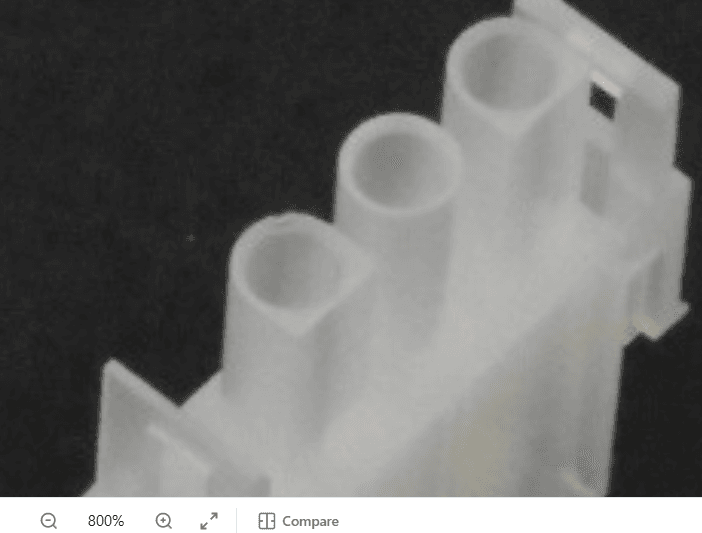
Connector defects
Generate dents and flash with region selection and severity control.
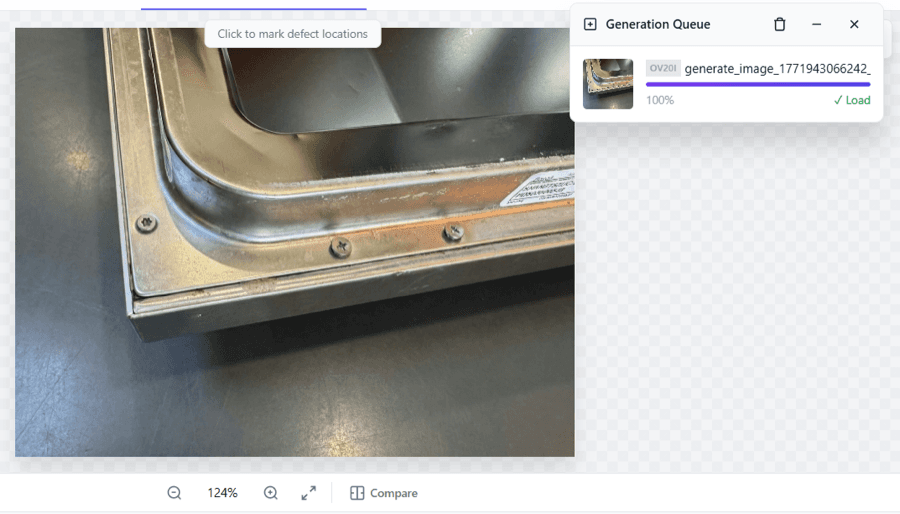
Screw seating
Create a custom assembly defect across multiple fasteners.
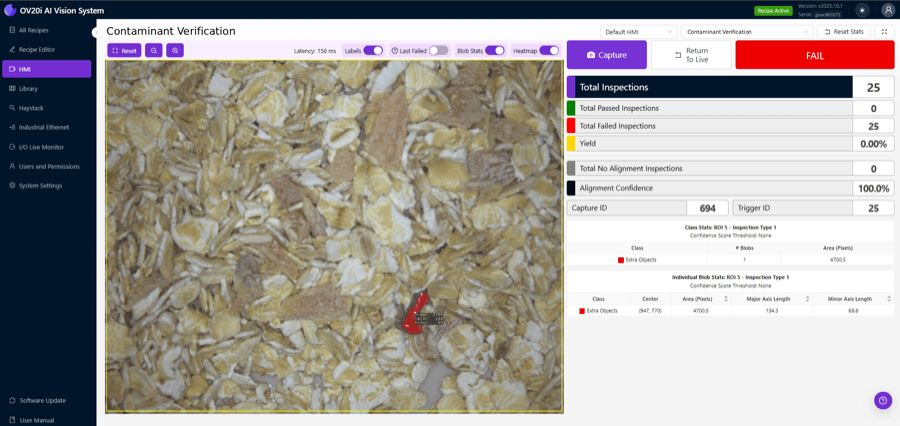
Foreign objects
Follow synthetic contaminant generation through to a real inspection test.
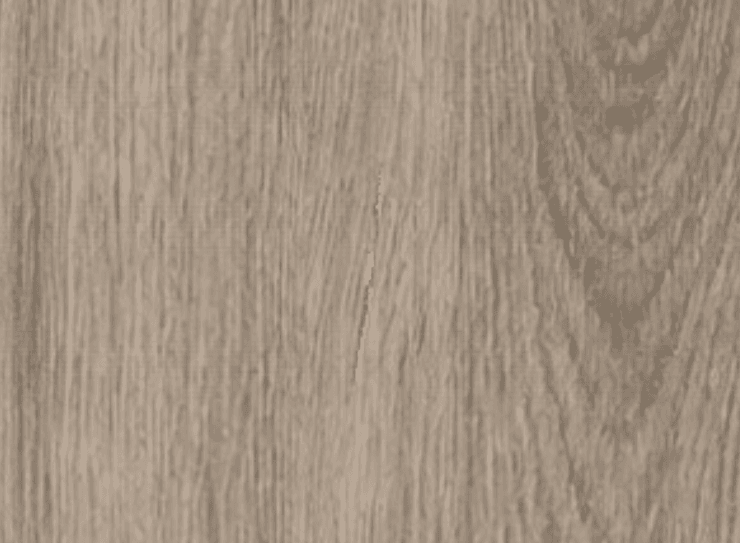
Wood flooring
Generate scratches, then transfer them across different finishes.
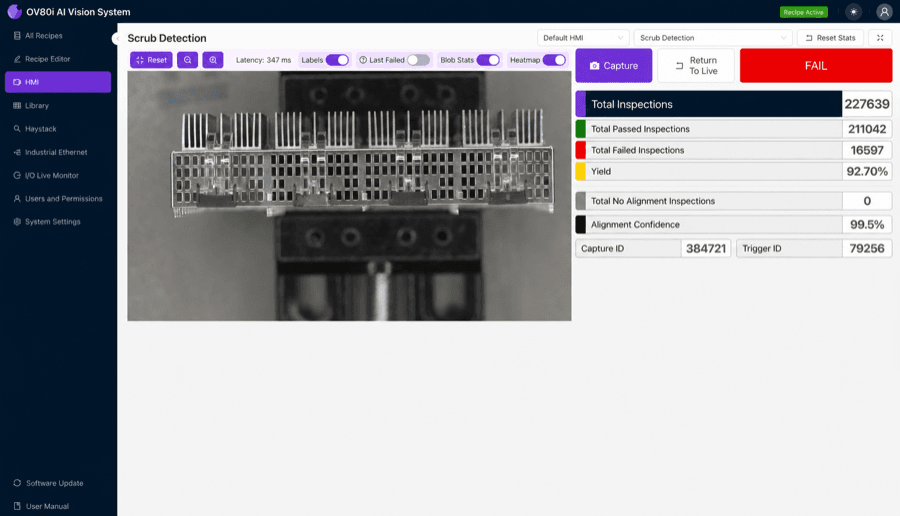
Connector SKU coverage
Explore defect variations across hundreds of connector appearances.
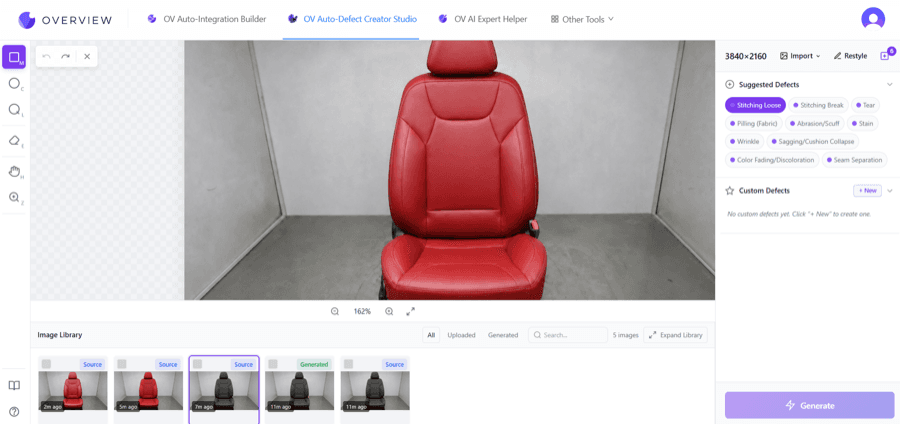
Car seat variants
Transfer a wrinkle across different fabrics and colors.
Browse the synthetic defect catalog.
Explore the synthetic defect catalog by material and defect type.
Before you generate.
What is synthetic defect data?
It is an image of a defect generated from a reference part. It helps you create targeted training variations without waiting to collect every failure from the production line.
Do I need a real defective part?
You can start from a clean reference image, select a region, and describe a defect. For Defect Transfer, an existing defect image provides a visual reference for the new variation.
Can I choose where the defect appears?
Yes. Mark the region on the reference image and configure the defect type and severity. Review each generated result before using it for training.
How should I validate the generated data?
Review whether the defect, lighting, material, and surrounding part look appropriate. After training, evaluate the inspection using representative real good and defective parts, including the edge cases that matter to your process.
How do I get access?
Contact your Overview representative or request access. Existing users can sign in to the GenAI tools workspace.
 All GenAI tools
 Integration Builder
 Expert Helper