How to Detect Compliant Pin Uneven Seating Depth with AI-Powered Visual Inspection
"Compliant pin seating defects cause intermittent connectivity and field failures that manual inspection cannot reliably catch. AI-powered visual inspection with the OV80i detects height variations as small as 0.1mm consistently at full line speed—eliminating the variability of human inspection."
The Problem: Why Compliant Pin Seating Defects Slip Through
Compliant pins are critical interconnect components designed to create reliable electrical connections through press-fit technology. When seating depth becomes uneven, the consequences range from intermittent connectivity to catastrophic field failures.
Common Defects in Compliant Pin Seating
- Uneven seating height – Pins sitting at different Z-heights across the connector housing
- Tilted or canted pins – Angular deviation from perpendicular orientation to the PCB plane
- Incomplete insertion – Pins that haven't fully seated into the plated through-hole
- Over-insertion damage – Pins pressed too deep, causing compliant zone deformation
- Bent or splayed legs – Compliant section damage from misaligned press operations
- Missing pins – Vacant positions where pins failed to insert entirely
Manual inspection of compliant pin assemblies is notoriously unreliable. Inspectors must evaluate dozens—sometimes hundreds—of pins per board under time pressure, and height variations of 0.1mm are virtually impossible to detect consistently with the naked eye.
Fatigue sets in quickly when operators scrutinize repetitive patterns, and inspection consistency degrades significantly across shifts.
The Solution: Machine Vision + Deep Learning
Machine vision systems eliminate the variability inherent in human inspection by capturing high-resolution images and measuring with micron-level precision. Deep learning models then analyze these images to identify subtle seating anomalies that even trained inspectors would miss.
Overview.ai's approach delivers consistent, objective inspection at full line speed—every single unit, every single time. The system learns from labeled examples to distinguish acceptable variation from true defects, adapting to your specific quality standards without complex rule programming.
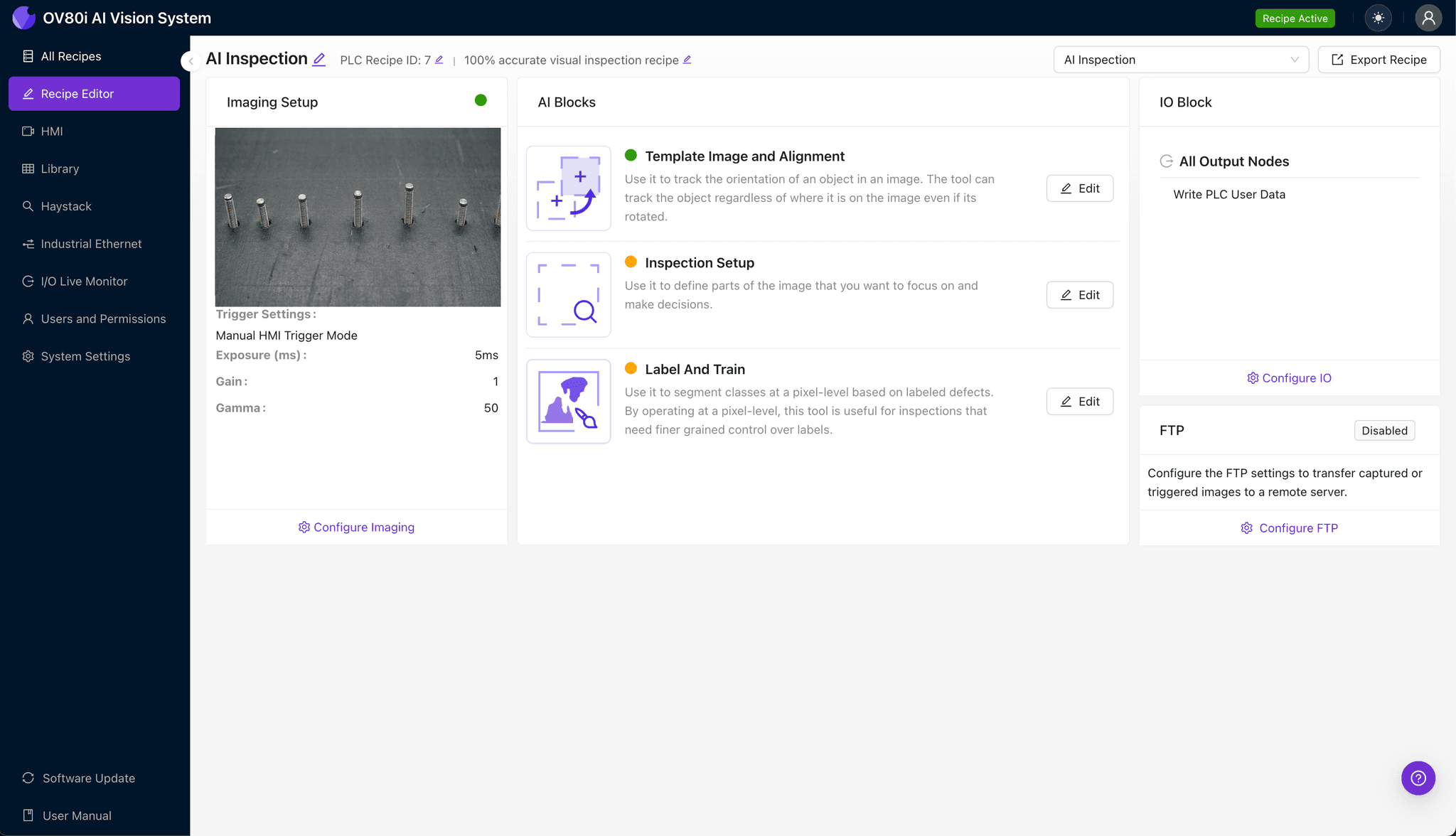
Step 1: Imaging Setup
Position the compliant pin assembly under the OV80i camera, ensuring the connector housing sits flat on the inspection stage. Proper lighting is essential for capturing seating depth variations—angled illumination can help accentuate height differences.
Click "Configure Imaging" to access the Camera Settings panel. Adjust exposure to prevent pin reflection washout and fine-tune gain to maximize contrast between pin tops and the housing surface.
Click "Save" to lock in your imaging configuration.
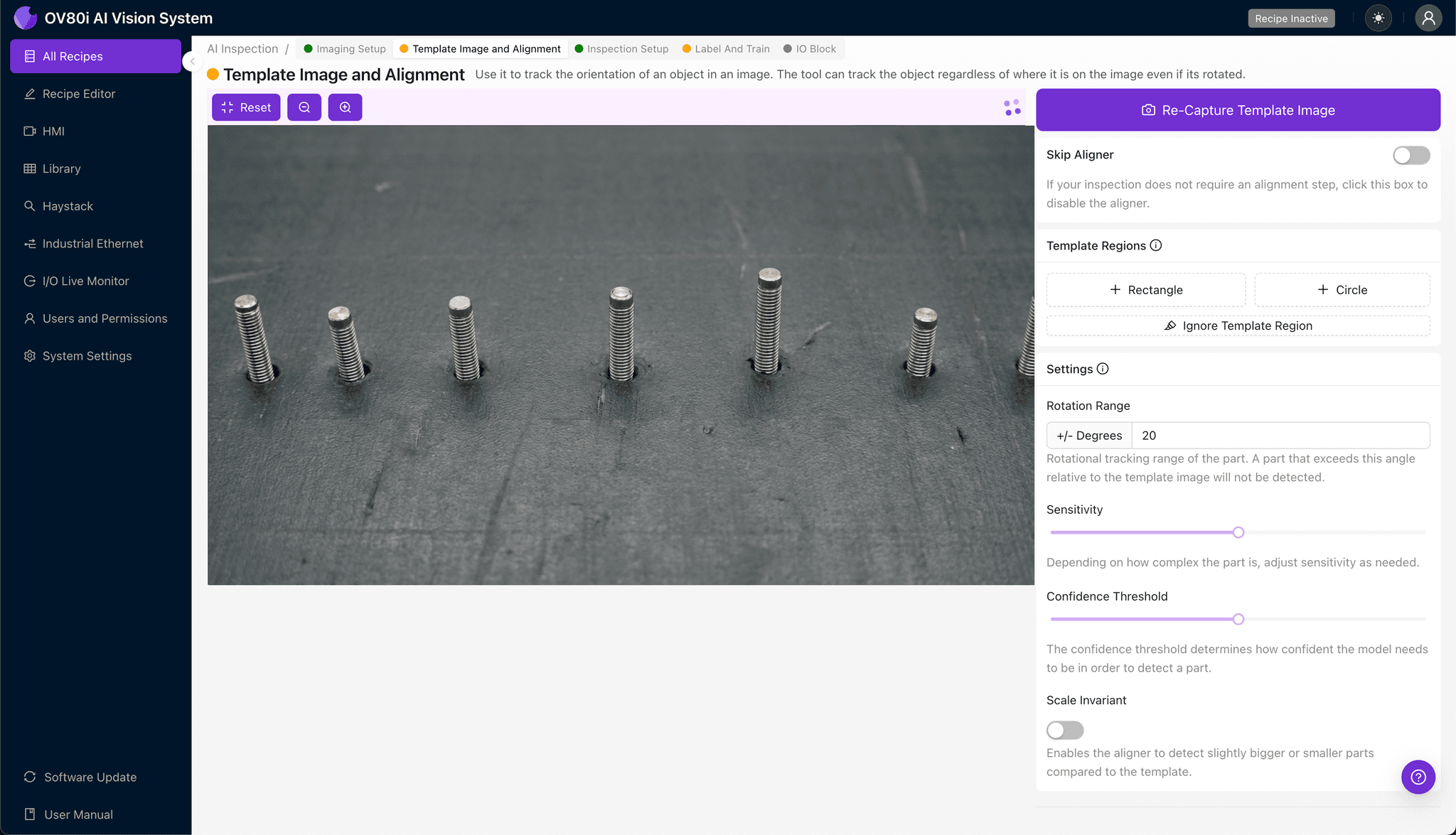
Step 2: Image Alignment
Navigate to "Template Image" in the configuration menu. Capture a Template using a known-good assembly with properly seated pins.
Click "+ Rectangle" to add an alignment region around the main connector body or housing perimeter. This gives the system a stable reference frame for consistent positioning.
Set "Rotation Range" to 20 degrees to accommodate minor orientation variations as assemblies enter the inspection zone.
Step 3: Inspection Region Selection
Navigate to "Inspection Setup" to define where the system should look for defects. Rename your "Inspection Types" with descriptive labels like "Pin_Seating_Height" or "Pin_Alignment" for clear traceability.
Click "+ Add Inspection Region" for each critical area. Resize the yellow bounding box to cover the pin array zone where seating depth must be evaluated.
For connectors with multiple pin rows, create separate inspection regions for each row to improve detection granularity. Click "Save" when all regions are defined.
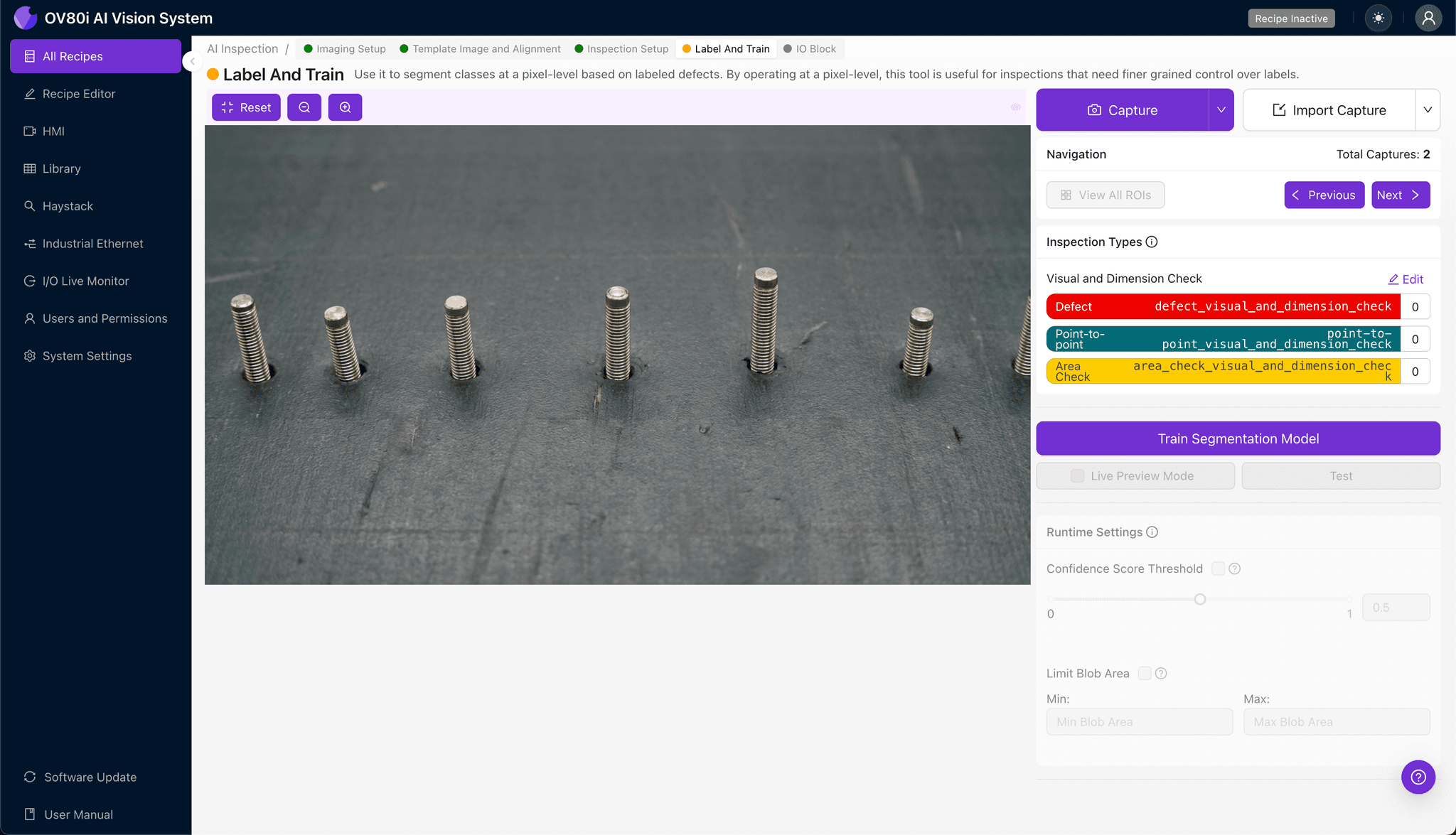
Step 4: Labeling Data
This human-in-the-loop process teaches the AI what "good" and "bad" actually look like for your specific product. Review captured images and label each as Good (properly seated) or Bad (uneven, tilted, or incomplete insertion).
Include representative samples across your normal production variation—different board lots, pin suppliers, and press-fit tooling conditions. Most importantly, incorporate known failure modes: boards with documented seating issues, customer returns, and intentionally created defect samples.
The model's accuracy directly correlates with labeling quality and diversity.

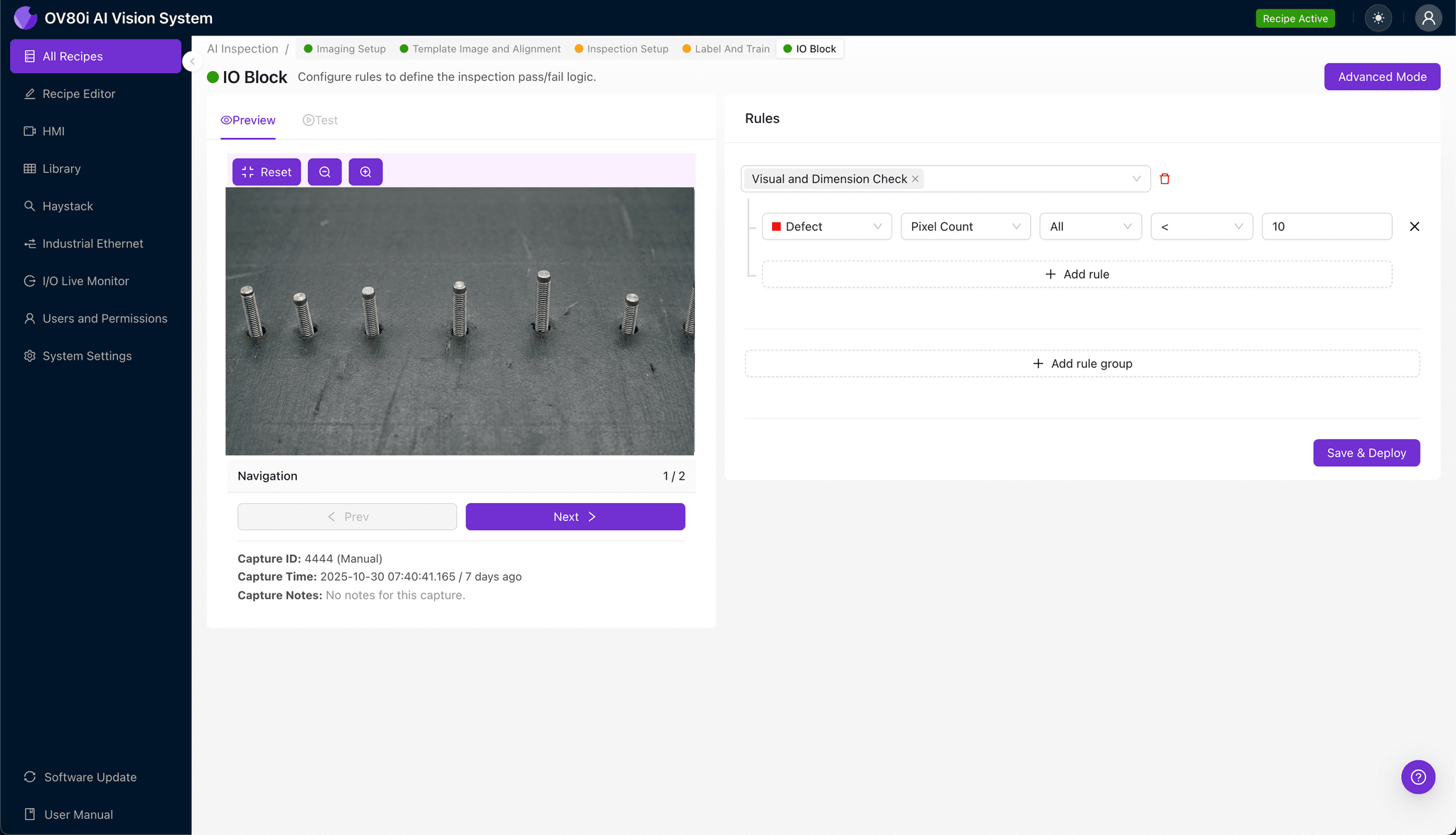
Step 5: Creating Rules
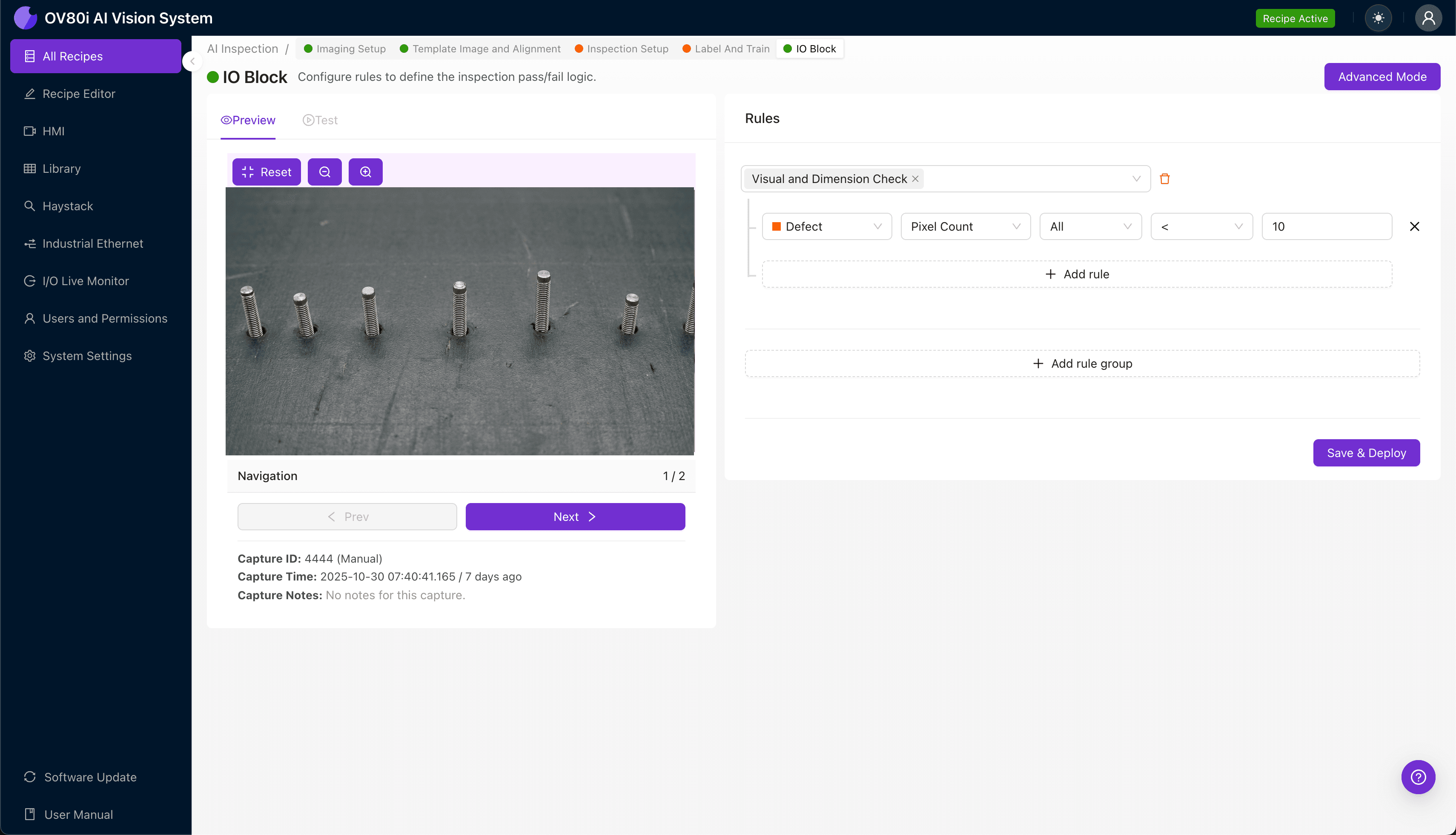
Configure your pass/fail logic based on the Inspection Types you've defined. Set thresholds that align with your quality specifications—for example, flagging any assembly where pin seating confidence falls below 95%.
These rules gate automated acceptance on the line, routing suspect assemblies to secondary inspection or rejection bins. The system enforces your quality standards consistently, 24/7, without deviation.
Key Outcomes & ROI
Implementing AI-powered visual inspection for compliant pin seating delivers measurable business impact:
- Reduced scrap rates – Catch seating defects before downstream assembly adds cost to defective units
- Higher throughput – Eliminate inspection bottlenecks with at-speed, inline quality verification
- Compliance and traceability – Generate automatic inspection records with timestamped images for audit requirements and customer documentation
- Process improvement insights – Identify seating defect trends tied to specific press-fit equipment, tooling wear, or supplier lots
Stop Letting Seating Defects Reach Your Customers
Compliant pin assemblies demand inspection precision that human operators simply cannot sustain. Overview.ai catches uneven seating depth defects consistently—protecting your quality reputation and your bottom line.