IP67 Backshell with Corroded Thread Mating Surfaces: A Machine Vision Inspection Guide
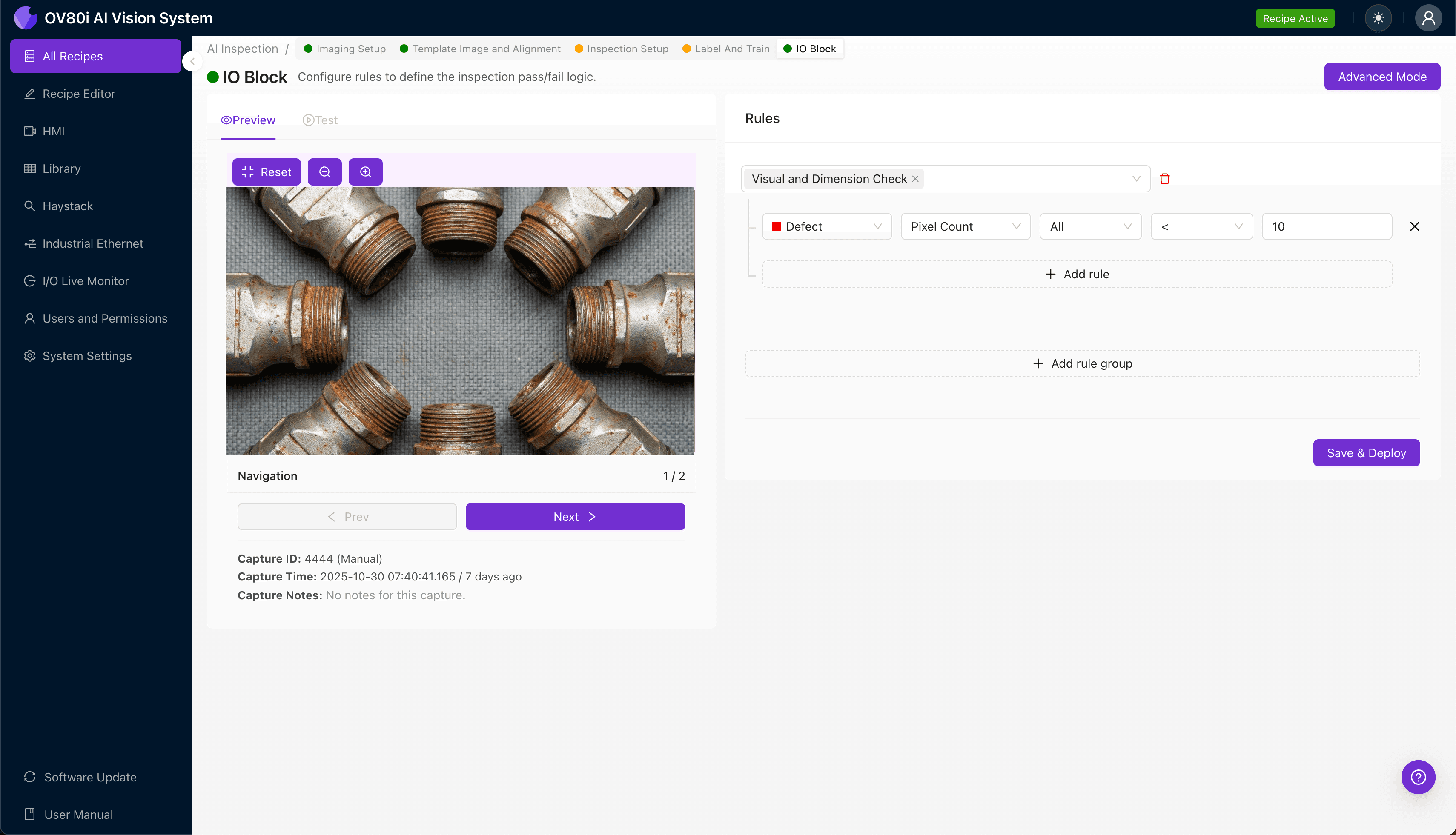
"Corrosion on IP67 backshell thread mating surfaces compromises environmental sealing and leads to field failures. AI-powered visual inspection detects pitting, galvanic deposits, and plating delamination with consistency that human inspectors cannot match—catching defects on part 5,000 as reliably as part 1."
The Problem: Why Corrosion Detection on IP67 Backshells Demands Better Inspection
IP67-rated backshells are critical components in harsh-environment connectors, protecting sensitive electrical connections in aerospace, defense, and industrial applications. When thread mating surfaces develop corrosion, the consequences range from compromised environmental sealing to catastrophic field failures.
Common Defects Found on IP67 Backshell Thread Mating Surfaces:
- Pitting corrosion — Small cavities forming on aluminum or stainless steel thread surfaces
- Galvanic corrosion deposits — White or green oxidation where dissimilar metals contact
- Thread crest degradation — Material loss on thread peaks affecting engagement depth
- Surface discoloration — Early-stage oxidation indicating protective coating failure
- Fretting corrosion — Wear-induced oxidation on mating contact zones
- Plating delamination — Cadmium, zinc, or nickel plating lifting from base material
Manual inspection of these defects is notoriously unreliable. Human inspectors experience fatigue-induced inconsistency, especially when examining hundreds of nearly identical threaded surfaces per shift—and subtle early-stage corrosion is nearly invisible under standard lighting conditions.
The Solution: Machine Vision and Deep Learning for Corrosion Detection
Traditional rule-based vision systems struggle with corrosion inspection because oxidation patterns are inherently variable. Deep learning models excel here—they learn the complex visual signatures of corrosion across different lighting conditions, surface finishes, and corrosion stages without requiring explicit programming for each variation.
Overview.ai's approach delivers consistent, objective inspection at line speed. Unlike human inspectors who slow down as shifts progress, AI-powered systems maintain the same detection accuracy on part 5,000 as they did on part 1—ensuring every IP67 backshell meets specification before leaving your facility.
Step 1: Imaging Setup
Position the IP67 backshell under the OV80i camera with the thread mating surfaces clearly visible. Angled lighting often works best for revealing surface irregularities and corrosion deposits on machined threads.
Click "Configure Imaging" to access Camera Settings. Adjust exposure to capture thread detail without washing out highlights, and fine-tune gain to reveal subtle discoloration in thread valleys.
Click "Save" once your imaging parameters produce consistent, well-lit captures of the threaded surfaces.
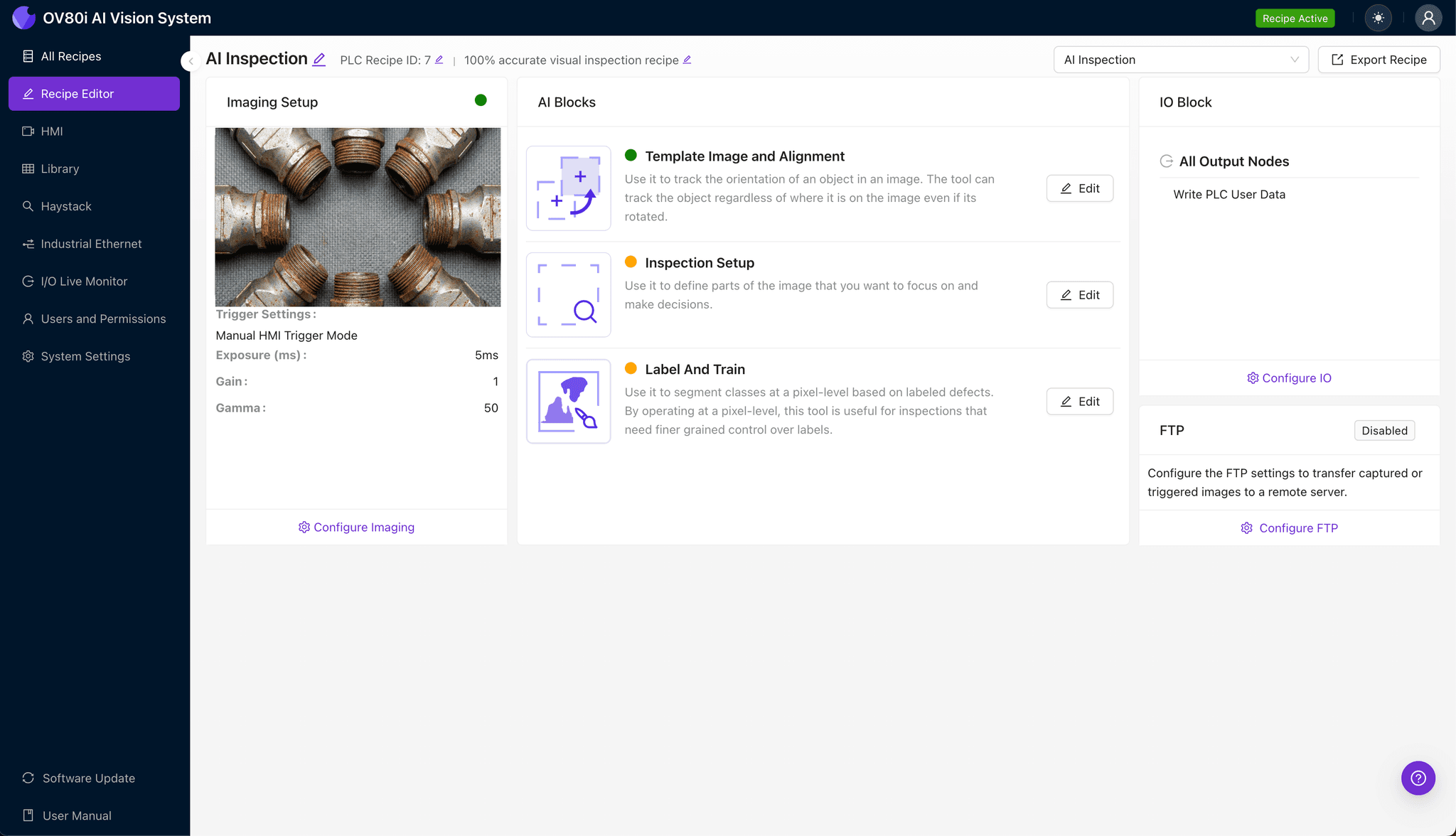
Step 2: Image Alignment
Navigate to "Template Image" and capture a representative backshell positioned as it will appear during production inspection. This template becomes the reference for automated part alignment.
Click "+ Rectangle" and draw a region around the main cylindrical body of the backshell. This gives the system a stable geometric feature to lock onto.
Set "Rotation Range" to 20 degrees to accommodate normal variation in how parts present on the line without losing alignment accuracy.
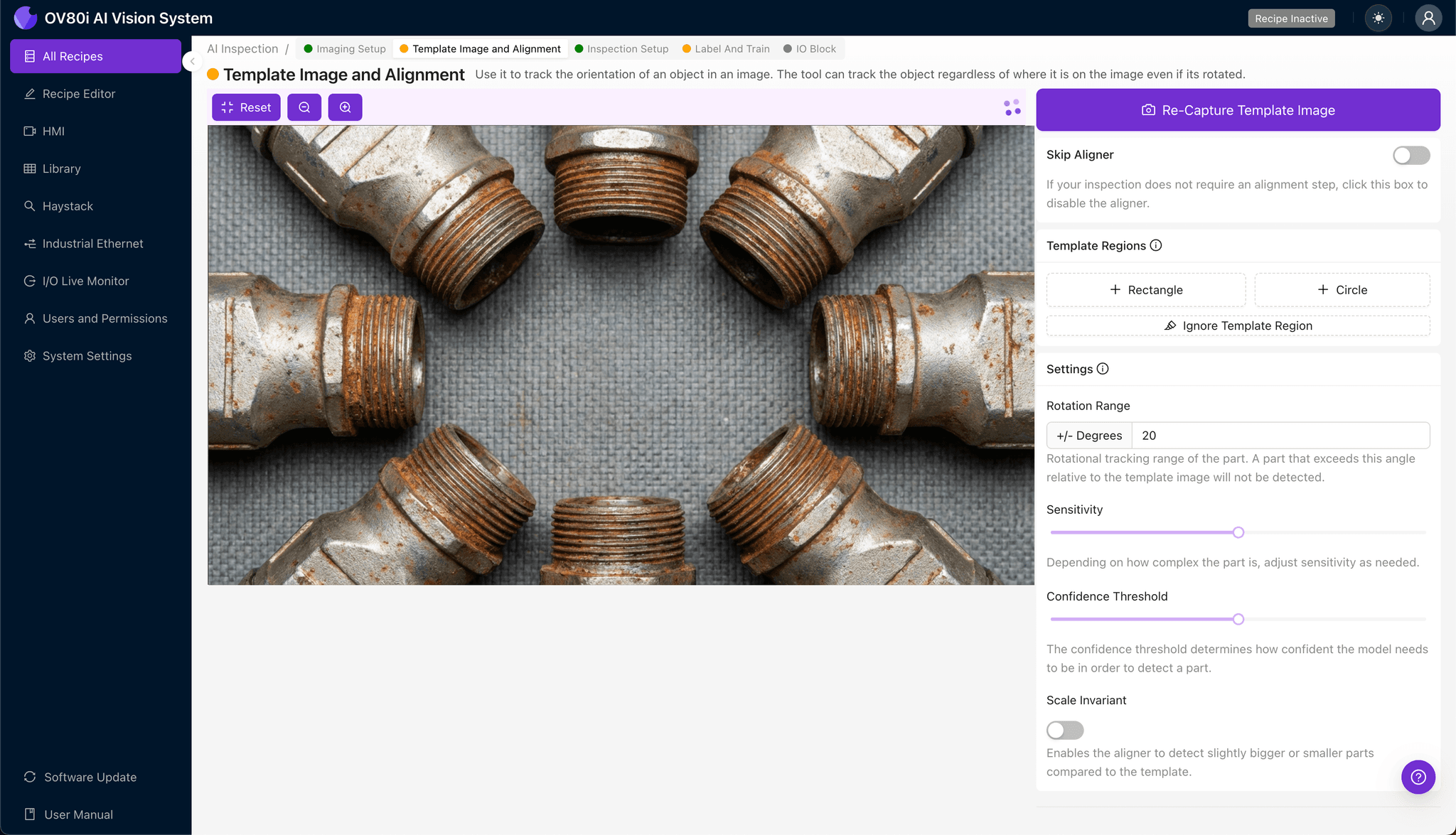
Step 3: Inspection Region Selection
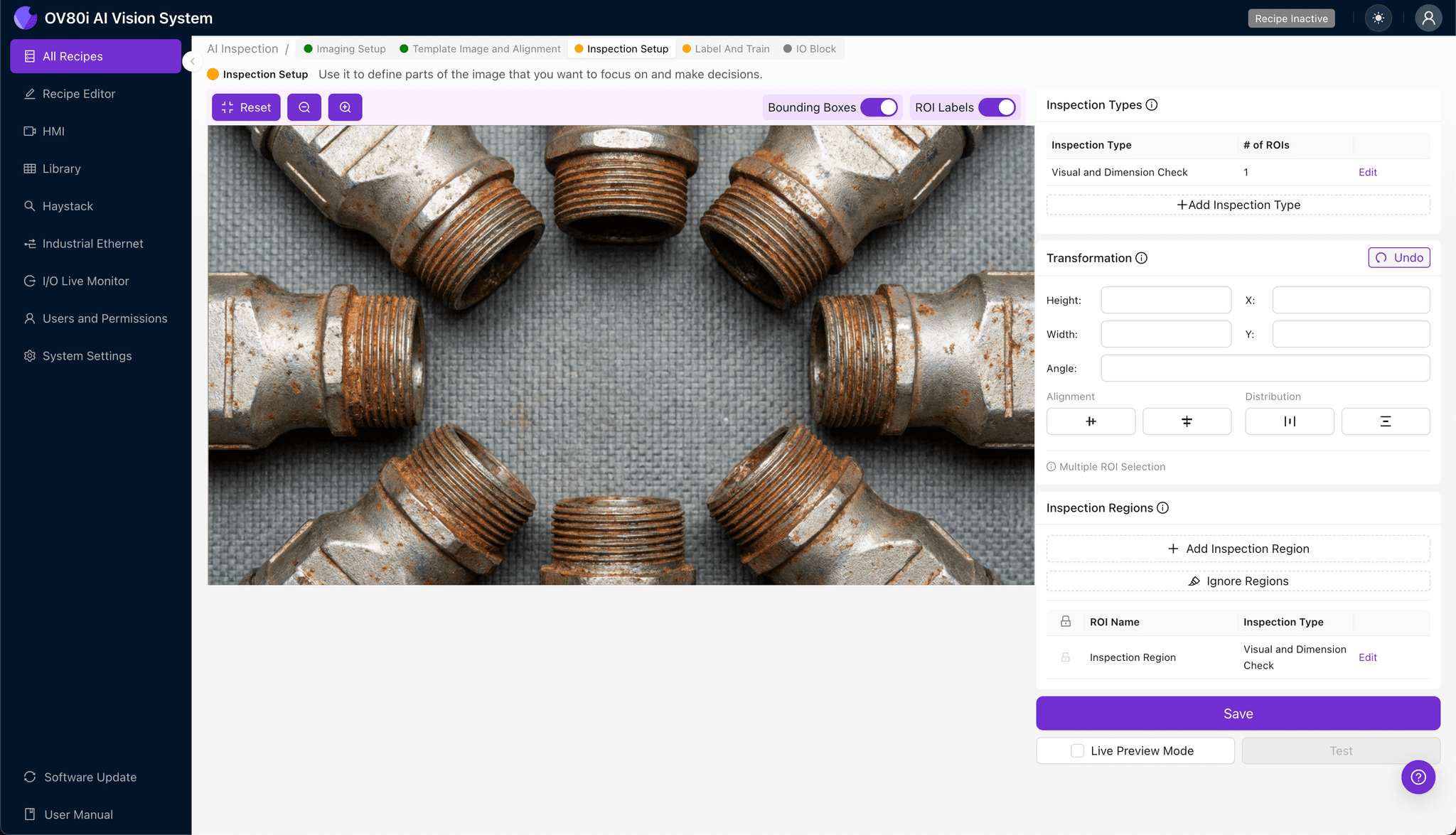
Navigate to "Inspection Setup" to define where the system should look for defects. Rename your "Inspection Types" with clear, descriptive labels—for example, "Thread_Surface_Corrosion" or "Mating_Face_Oxidation."
Click "+ Add Inspection Region" to create your first detection zone. Resize the yellow bounding box to cover the critical thread mating surfaces where corrosion most commonly appears.
Click "Save" after defining all inspection regions. Consider creating separate regions for the external threads, internal bore, and flange mating face if your quality requirements demand granular defect localization.
Step 4: Labeling Data
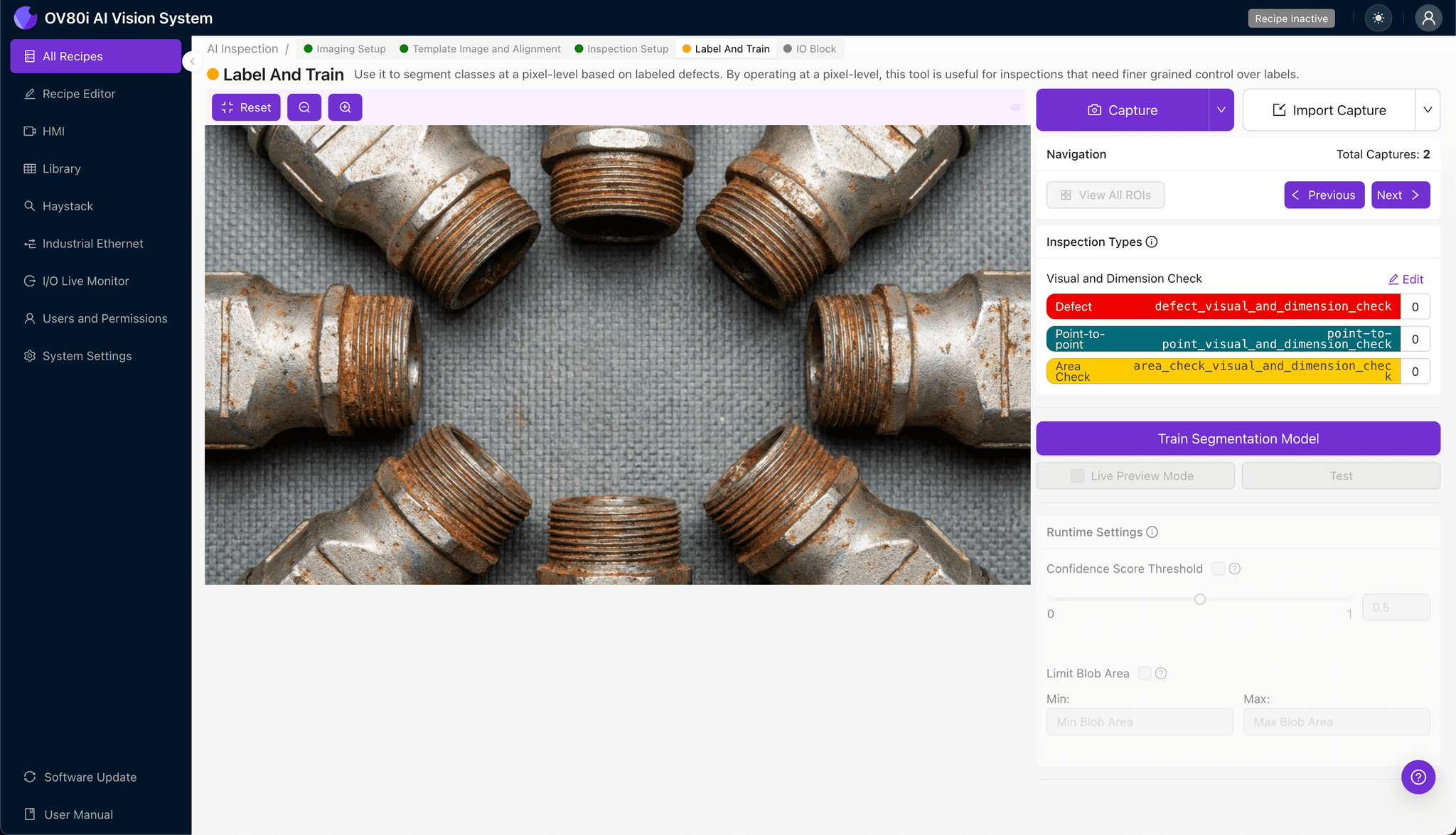
The human-in-the-loop labeling process is where your quality expertise trains the AI model. Production operators and quality engineers review captured images, classifying each as Good or Bad based on your acceptance criteria.
Include representative samples across the full spectrum: pristine parts, borderline cases, and obvious rejects. Don't forget known failure modes from customer returns or warranty claims—these real-world examples are invaluable training data.
Aim for balanced datasets that teach the model both what acceptable thread surfaces look like and the many ways corrosion can manifest across different production lots.
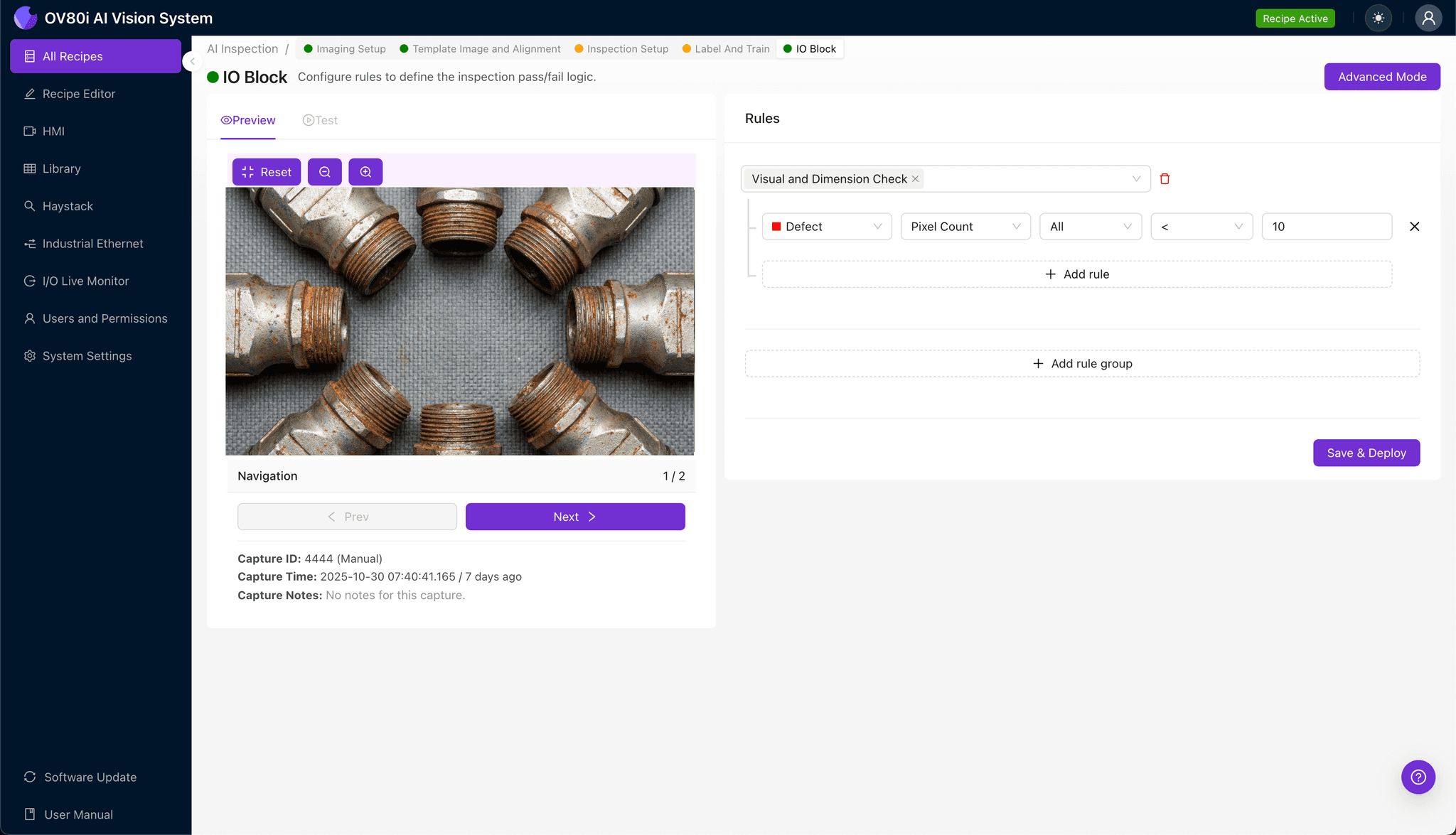
Step 5: Creating Rules
Set your pass/fail logic based on the Inspection Types you defined earlier. For IP67 backshells, you might configure zero tolerance for any corrosion on primary sealing surfaces while allowing minor discoloration on non-critical areas.
Gate automated acceptance on the line by connecting inspection results to your reject mechanism. Parts flagged as "Bad" are automatically diverted for rework or scrap, while passing units continue downstream without operator intervention.
Key Outcomes & ROI
Implementing automated corrosion inspection on IP67 backshells delivers measurable business impact:
- Reduced scrap rates — Catch corrosion early in the process before value-added operations like connector assembly
- Higher throughput — Eliminate inspection bottlenecks with sub-second automated decisions on every part
- Compliance and traceability — Maintain timestamped image records for AS9100, IATF 16949, or customer-specific audit requirements
- Process improvement insights — Trend corrosion data to identify upstream issues like plating bath chemistry drift or improper storage conditions
Conclusion
Corroded thread mating surfaces on IP67 backshells represent exactly the type of defect where AI-powered inspection outperforms human capabilities. By implementing Overview.ai's visual inspection workflow, manufacturers gain the consistency, speed, and documentation modern quality systems demand—protecting both their customers and their reputation.
Eliminate Corrosion Escapes Today
Stop relying on manual inspection for critical IP67 components. Deploy Overview.ai to catch corrosion defects instantly.