Guide: Deploying AI Models from Lab to Production Line
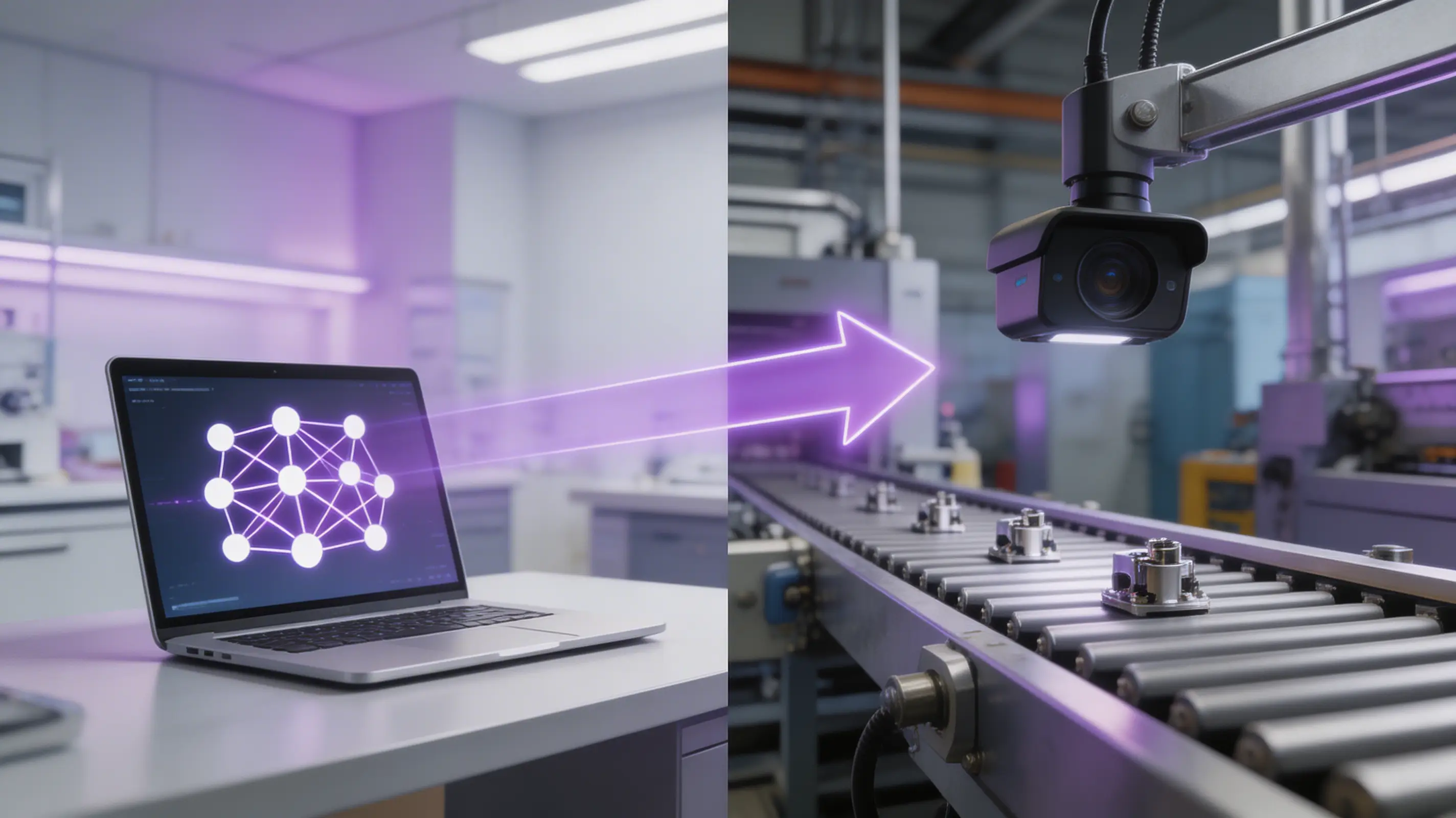
Getting an AI model to 95% accuracy in a lab is easy. Getting it to 99.5%+ accuracy on a live production line, running 24/7, handling part variation, and integrating with PLCs, is where most projects stall. This guide covers the six stages of taking an AI inspection model from proof-of-concept to full production deployment.
The "AI Valley of Death" in Manufacturing
Industry research consistently shows that 80–90% of AI proof-of-concepts in manufacturing never reach full production. The gap isn't the AI model itself, it's everything around it: data pipelines, edge hardware, PLC integration, operator workflows, and continuous model maintenance. Here's how to cross that gap.
Stage 1: Define the Problem Precisely
Before writing any code, answer these questions:
- • What exact defect(s) must be detected?: Be specific: "bent pin on connector J4" not "connector defects"
- • What's the acceptable false positive rate?: Production lines can tolerate ~0.5–1%; anything higher and operators start ignoring the system
- • What's the cycle time budget?: How many seconds does the AI have to make a decision before the line moves on?
- • What action does the line take on a fail?: Reject to bin, alert operator, stop line, or log only?
Stage 2: Collect Production-Representative Data
Lab images are not production images. To build a production-ready model, you need data that captures:
- • Lighting variation: Morning vs. evening, bulb aging, reflections from nearby equipment
- • Part-to-part variation: Different suppliers, material lots, surface finishes
- • Camera position drift: Vibration, thermal expansion, operator bumps
- • Rare defect types: Use synthetic data generation if real defect samples are scarce
Stage 3: Validate Offline with Production Data
Before deploying to the line, validate your model on a held-out set of production images:
- • Run the model on 500–1,000+ real production images (including known defects)
- • Measure precision, recall, and false positive rate, and all must meet your targets from Stage 1
- • Test edge cases: parts at the boundary of acceptable variation, new material lots, worst-case lighting
- • Get quality engineers to review every model decision on the validation set
Stage 4: Deploy to Edge Hardware
Production AI runs on the edge, not in the cloud. Key considerations:
- • Hardware selection: GPU-accelerated edge nodes (like Overview AI's edge platform) ensure consistent inference times
- • Model optimization: Quantize and optimize the model for the target hardware to meet cycle time requirements
- • Failover handling: What happens if the AI system goes down? Define the fallback procedure (manual inspection, line stop, etc.)
- • Network architecture: The system should work without internet connectivity; cloud sync is for analytics, not real-time decisions
Stage 5: Integrate with the Line
This is where most DIY projects fail. Production integration requires:
- • Trigger signal: PLC or sensor trigger that tells the camera when to capture (part-in-position)
- • Result output: Pass/fail signal back to PLC via Ethernet/IP, Profinet, or digital I/O
- • HMI display: Operator-facing screen showing live results, defect images, and statistics
- • Data logging: Every image and decision stored for traceability and model improvement
Tip: Platforms like Overview AI handle trigger, output, HMI, and logging out of the box, the Auto Integration Builder generates the PLC code automatically.
Stage 6: Monitor, Maintain, and Scale
Deployment is not the finish line, it's the starting line. Production AI requires:
- • Performance monitoring: Track accuracy, false positive rate, and cycle time daily. Set alerts for drift.
- • Model updates: Retrain periodically with new production data, especially after material or process changes
- • Scaling playbook: Document everything from the first station so the second station deploys in days, not months
- • Cross-site deployment: Use a unified platform that lets you deploy a validated model to new sites without per-site retraining
5 Common Pitfalls to Avoid
Training on lab data only
Fix: Always validate on production images before deploying
Ignoring false positives
Fix: A 5% FP rate means operators override the system 1 in 20 times, trust erodes fast
No fallback plan
Fix: Define what happens when the AI system is down before you go live
Building from scratch
Fix: Use purpose-built platforms (Overview AI) instead of DIY PyTorch + Raspberry Pi setups
Deploying and forgetting
Fix: AI models need monitoring and periodic retraining, budget for ongoing maintenance
Related Guides
Skip the AI Valley of Death
Overview AI handles hardware, software, integration, and deployment in one platform, so your model goes from training to production in days, not months.
Schedule a Demo