
A first step,
without the blank page.
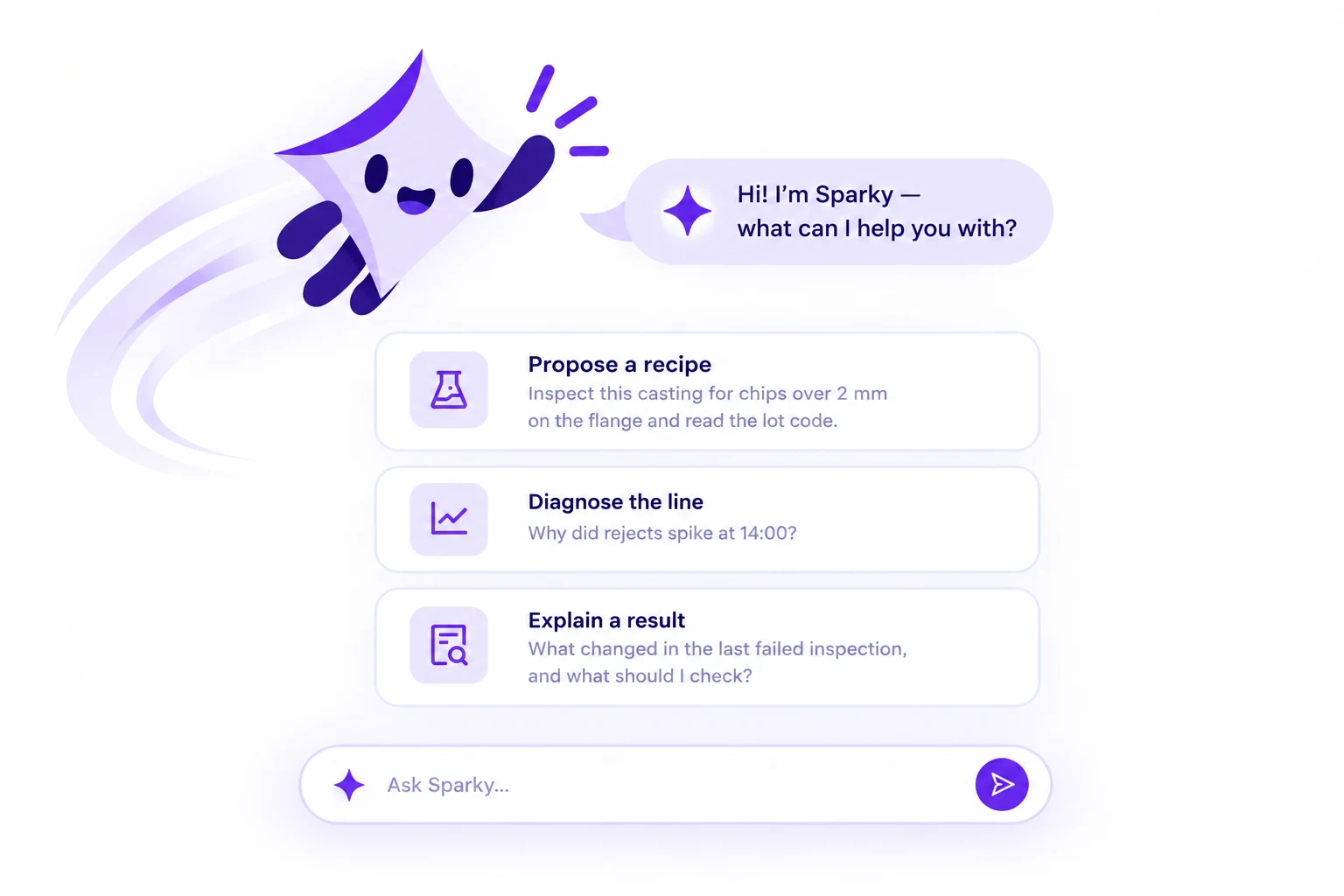
Tell Sparky what you want to inspect. Choose its guidance when you create a recipe, then describe what a good part looks like.
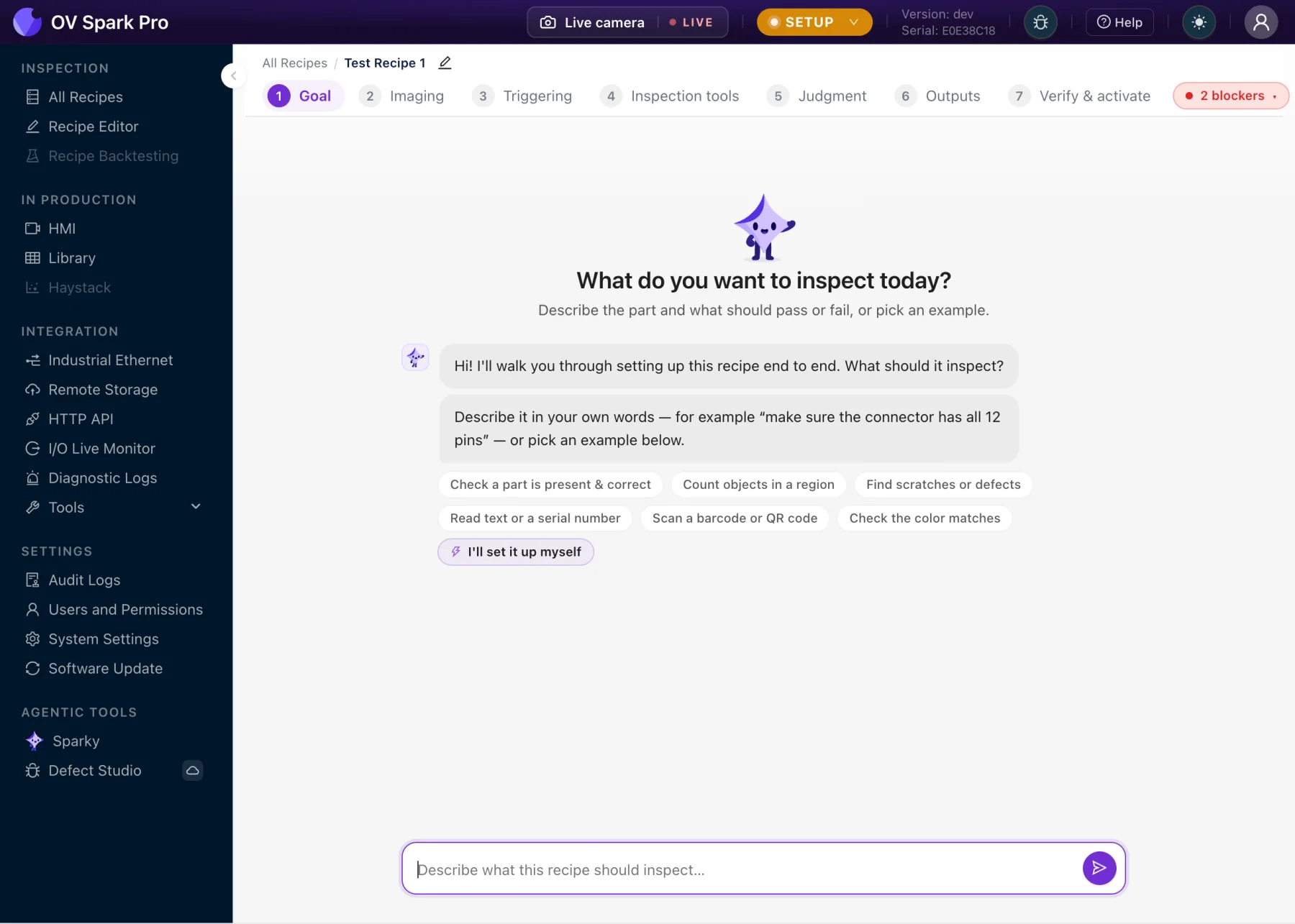
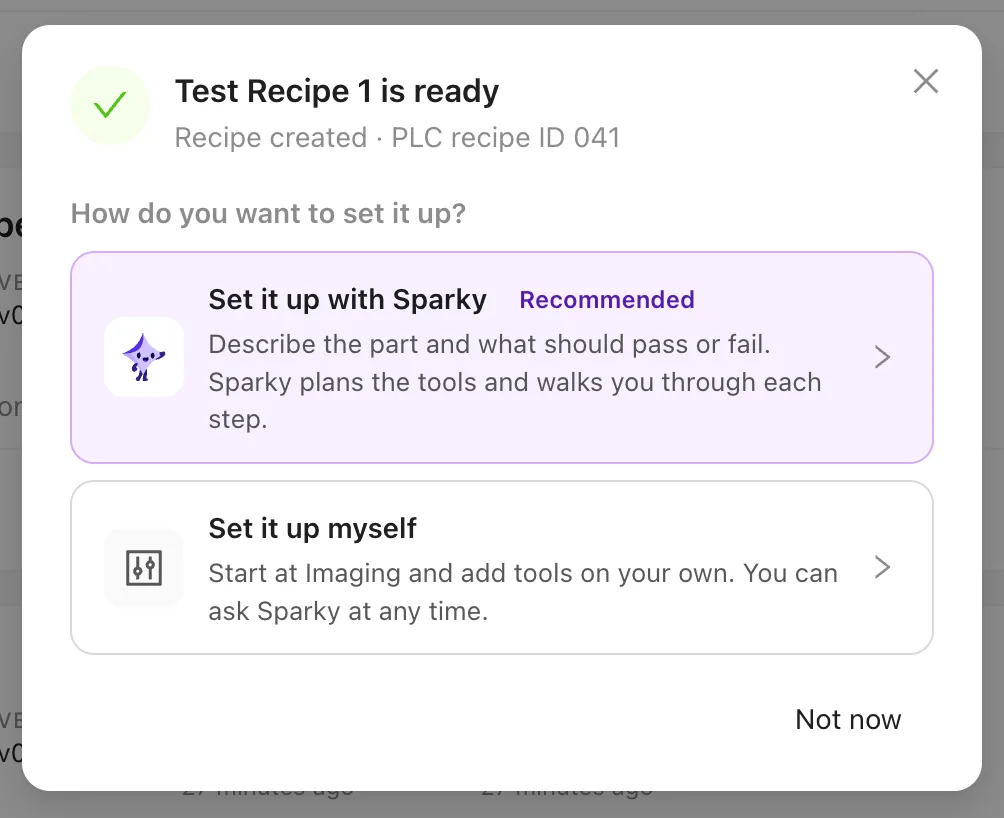

Describe the part. Build the inspection.
Ask your camera what happened.

You know the part, the process, and what should pass. Sparky helps turn that knowledge into a place to start—suggesting tools, guiding recipe setup, and helping you explore the results.
An AI agent for manufacturing quality, built into Spark and Spark Pro. Ready for the next question.
Four ways to work with Sparky.
Start with a question.
OV Spark Pro Sparky
Illustrative walkthrough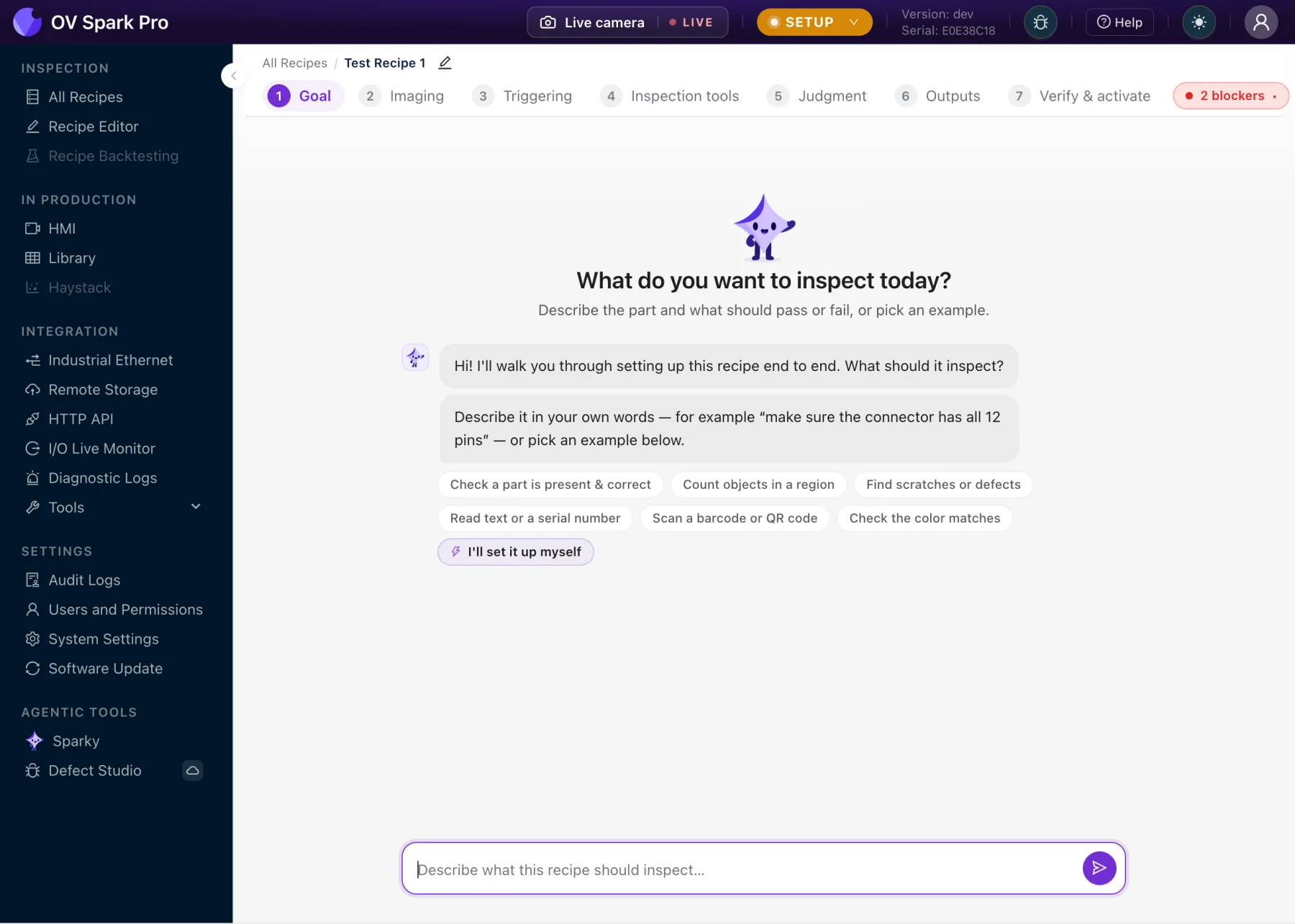
Your words are a good place to start.

Actual interface with illustrative animated overlays. Example images and results.
Tell Sparky what you want to inspect. Choose its guidance when you create a recipe, then describe what a good part looks like.
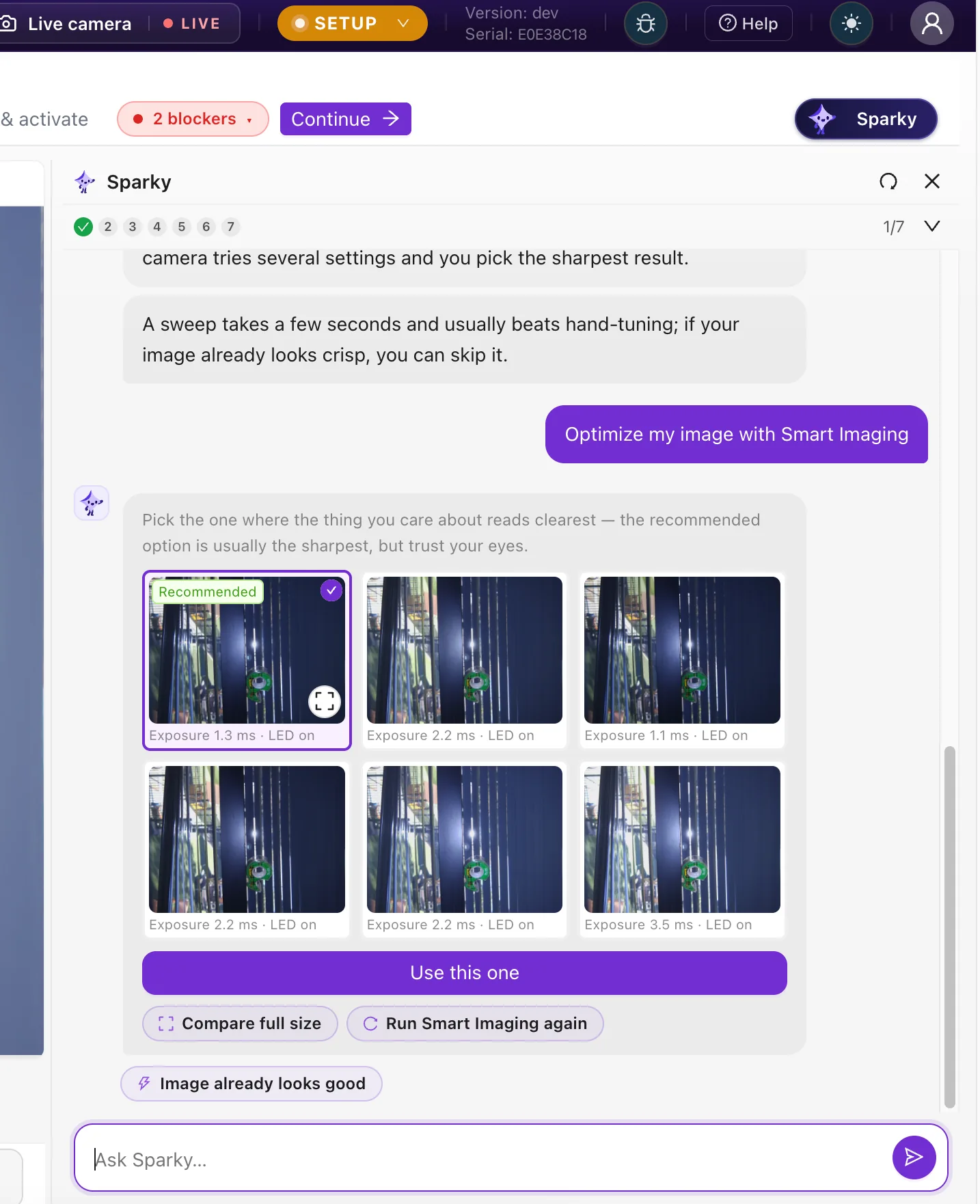
A reflection. A faint edge. A feature that disappears in shadow. Smart Imaging brings different captures together so you can compare before you commit.
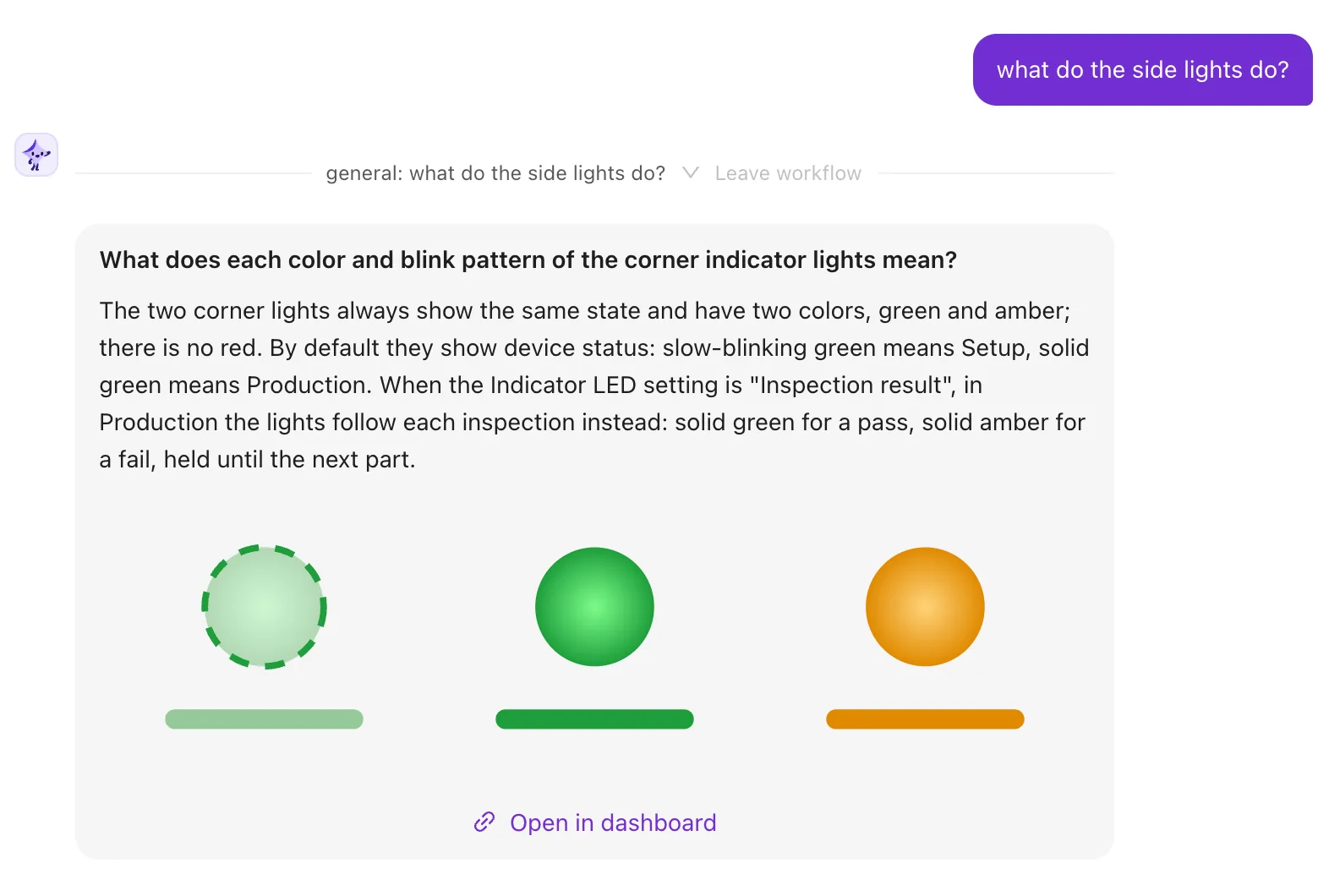
“What do the side lights do?” A small question can stop the work. Ask it where you are and get an explanation with illustrations, right beside the camera controls.
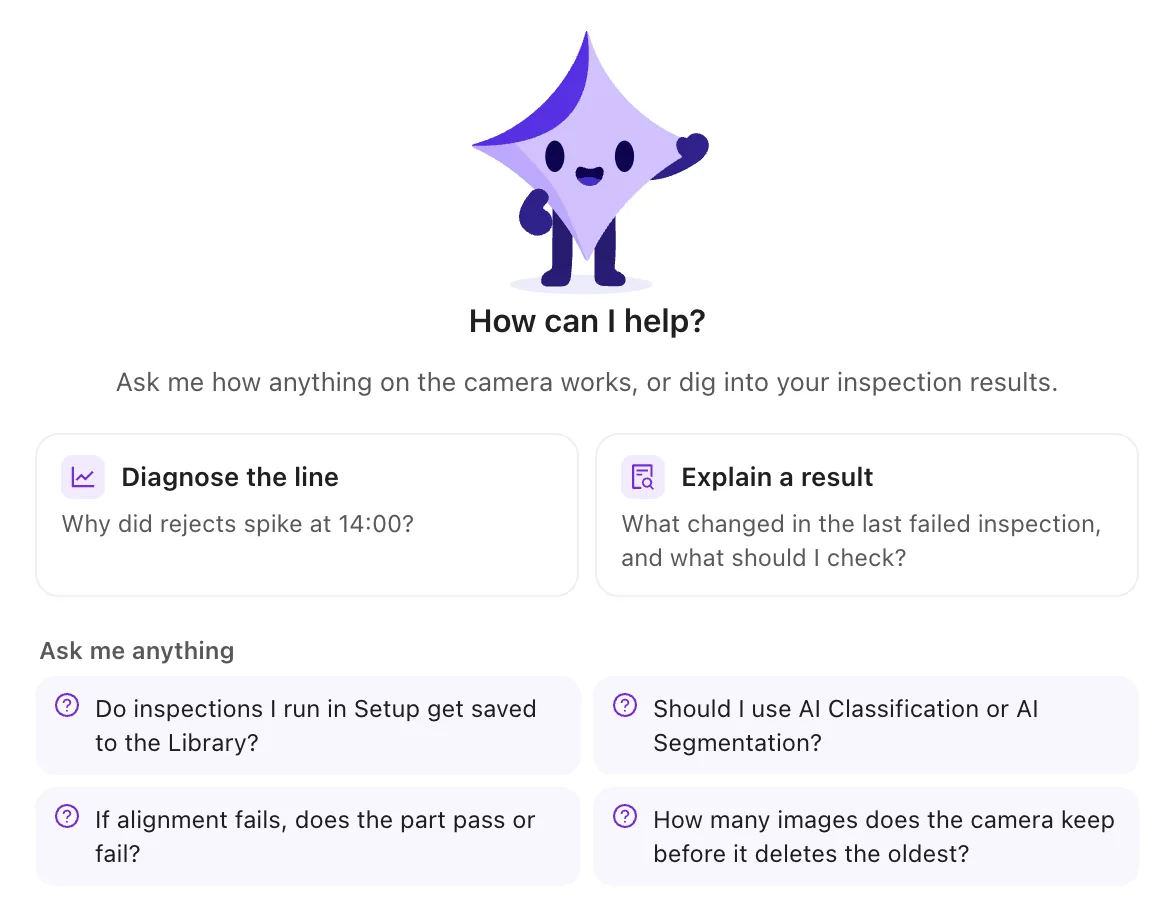
Quality. Maintenance. Operations. One camera passes through many hands, and everyone brings a different kind of know-how.
Sparky gives the people closest to the process a shared place to begin. Bring your experience, describe what you need, and work from there.
Bring your team’s next questionA shift’s worth of images. A question in everyday language.
Follow the answer all the way back to the part.
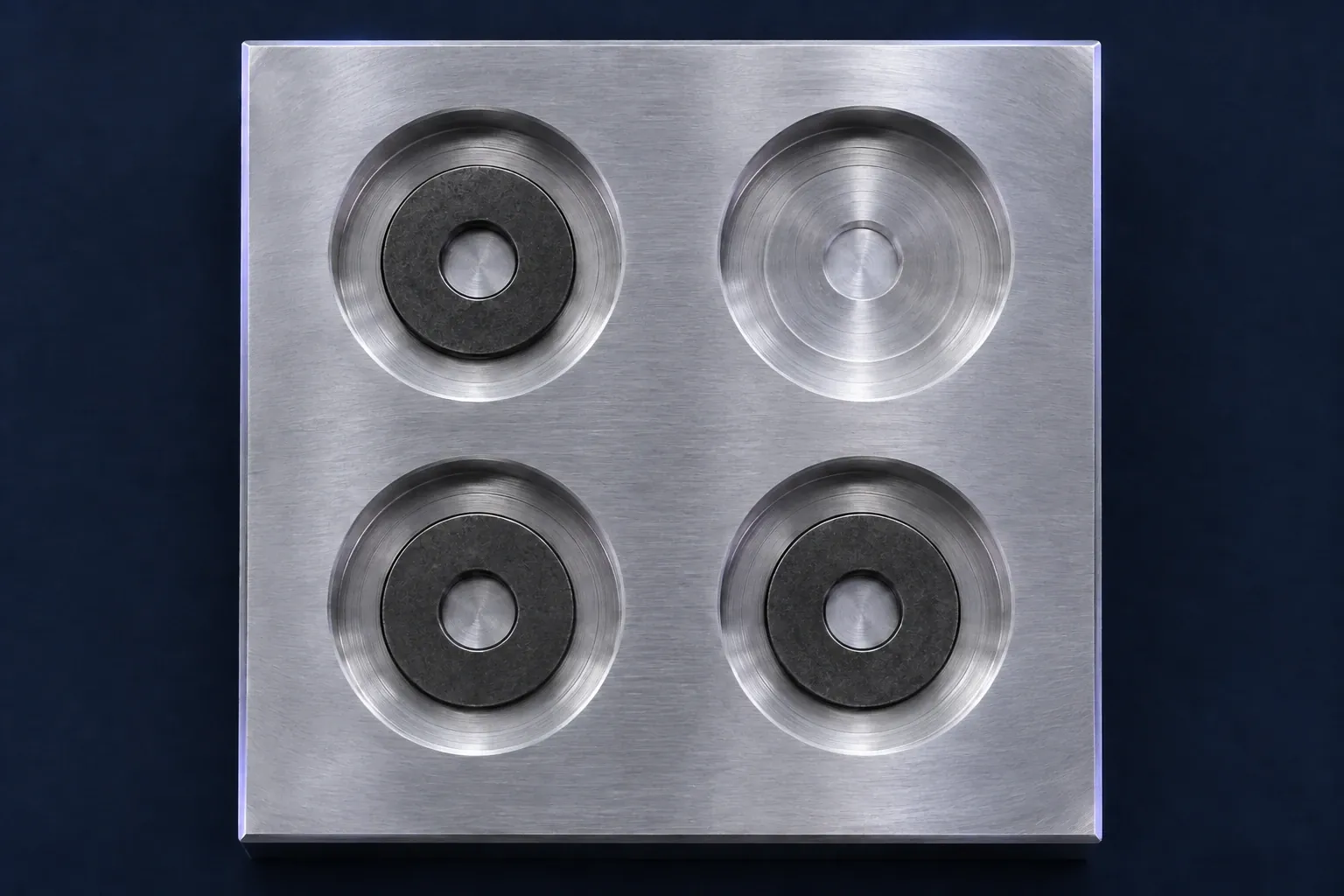 Capture #116200:42:00 FAIL3 of 4 washers
Show me last night’s failures.
 SparkyFound in your Library
I found 6 failed inspections in 240 saved captures. Each failed the washer count check: three detected, four expected.
The first failure was at . Select a capture to review its saved result.
Fictional captures and results, generated imagery. A walkthrough of asking, finding, and reviewing.
Explore Library with Sparky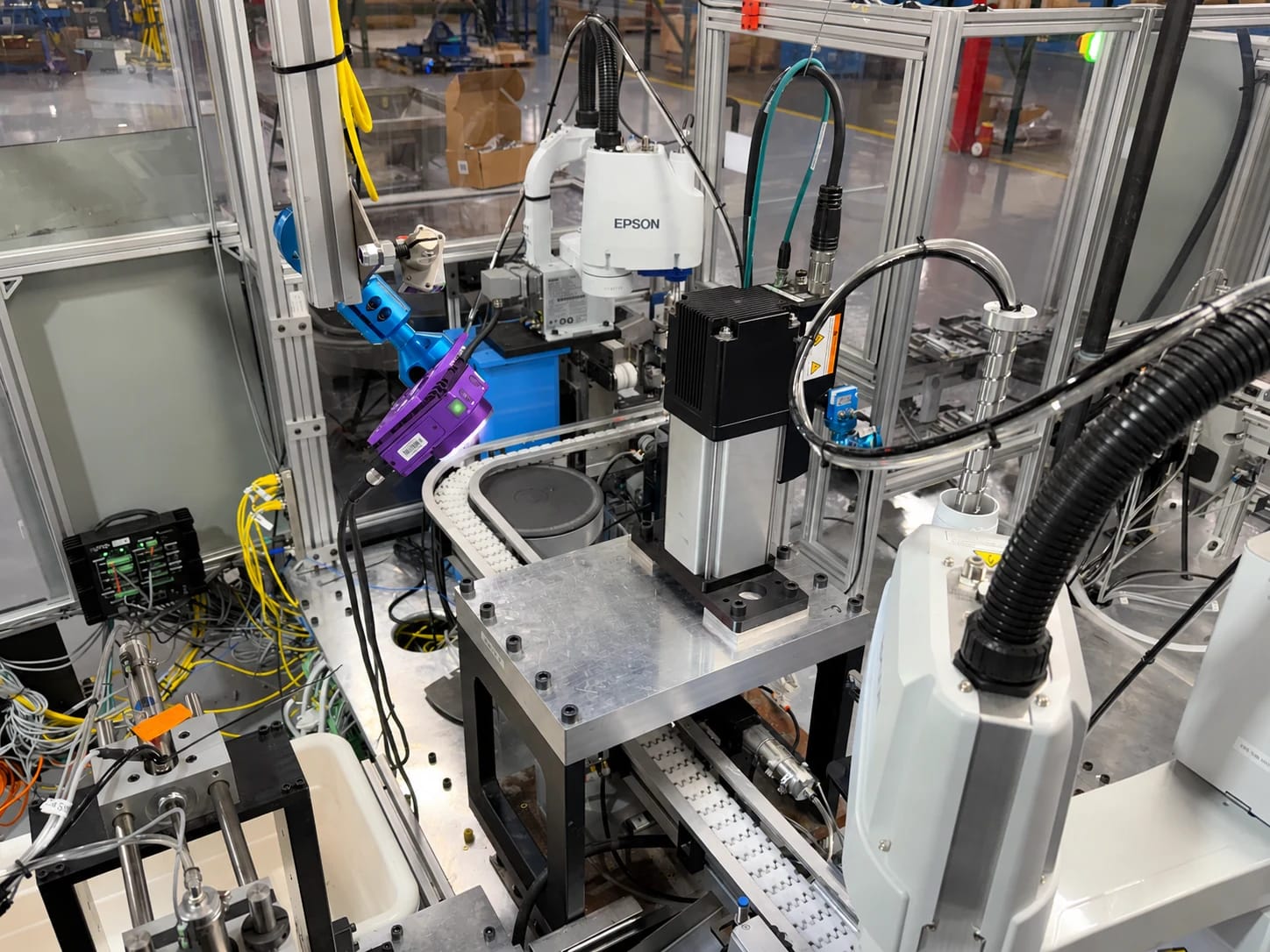
At Mansfield Engineered Components, a quality engineer with little prior vision-camera experience built an end-of-line inspection where the process had relied on an operator’s visual check.
A missing washer was the most frequent defect. The team has since moved Spark between two lines.
“[Spark is] reliable, easy to use, and easy to train your maintenance people on.”
Logan Hoon
Quality Engineer, Mansfield Engineered Components
 Onboard Sparky
Onboard Sparky runs on the camera. Production inspection and onboard assistance can work without a cloud connection.
Choose optional cloud intelligence for more capable assistance and features such as HMI generation. When enabled, the information needed for that assistance leaves the device.
Changes stay in your hands. Write actions ask for approval. Sparky’s tool calls are recorded in the camera’s audit logs.
Same helpful agent.
The image detail your application needs.
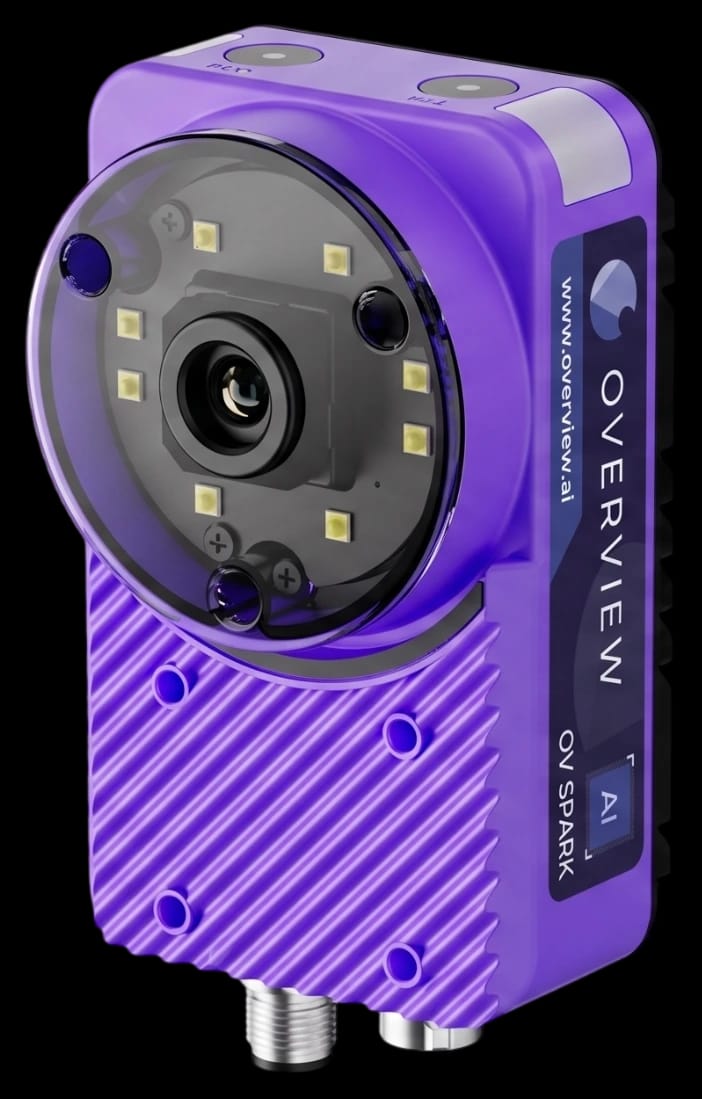 1.2MP
1.2MPFor inspections where the features you need are resolved at 1.2 megapixels.
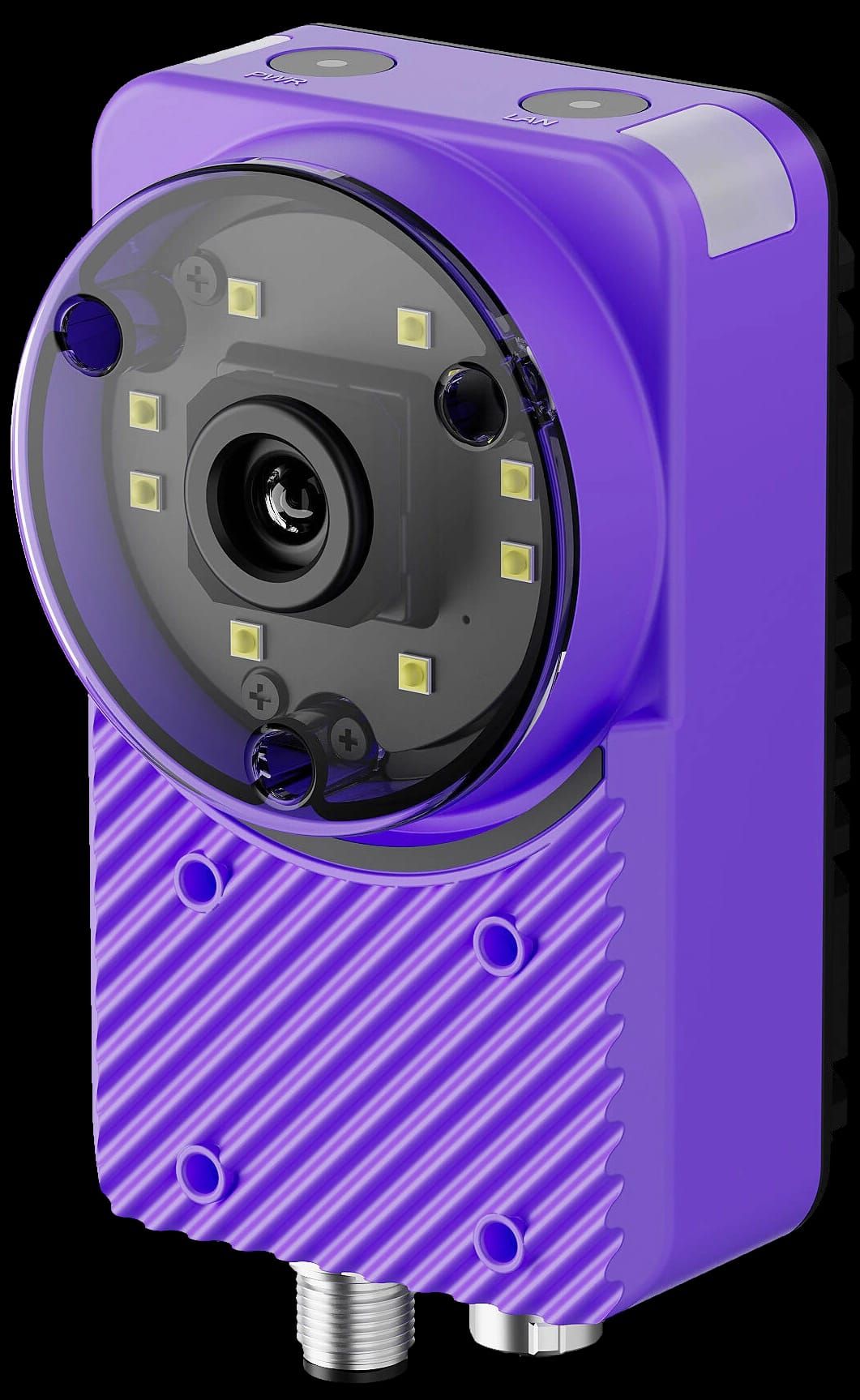 5MP
5MPMore image detail for smaller features or a wider field of view.
Your team configures imaging, trains the tools, integrates the station, and validates the inspection at your line speed.
Compare full camera specifications
Sparky is the AI agent built into Overview AI’s OV Spark and Spark Pro cameras. It helps with inspection tool selection, recipe building, operator screens, camera questions, and exploring saved inspection images and results.
Sparky brings language-model assistance to manufacturing quality through a focused agent for visual inspection. It works with the camera’s tools and inspection data. Configured inspection tools make production pass/fail decisions, while Sparky helps your team build and understand the inspection.
Yes. Onboard Sparky and production inspection run on the camera without a cloud connection. Optional cloud intelligence provides more capable assistance and is required for some features, including HMI layout generation. When enabled, the information needed for cloud assistance leaves the device.
Sparky’s write tools ask for your approval before making a change. Its tool calls are recorded in Audit Logs. Your team configures imaging, trains the relevant tools, integrates the station, and validates the inspection before production.
Yes. Both cameras include onboard Sparky and ten AI and rules-based inspection tools. Spark has a 1.2 MP sensor; Spark Pro has a 5 MP sensor. Choose based on the detail your part needs and validate the complete recipe at your required line speed.
Talk to an Overview engineer about your part, acceptable variations, and the defects you need to catch. We’ll walk through the inspection workflow and help assess which Spark camera fits your application.

Bring your inspection challenge. We’ll bring Sparky.
Meet Sparky on your line