OV Spark
Ten AI and rules-based tools in one affordable camera. Mix and match the checks your part needs, with inspection running on the device.
1.2 MP Spark · 5 MP Spark Pro
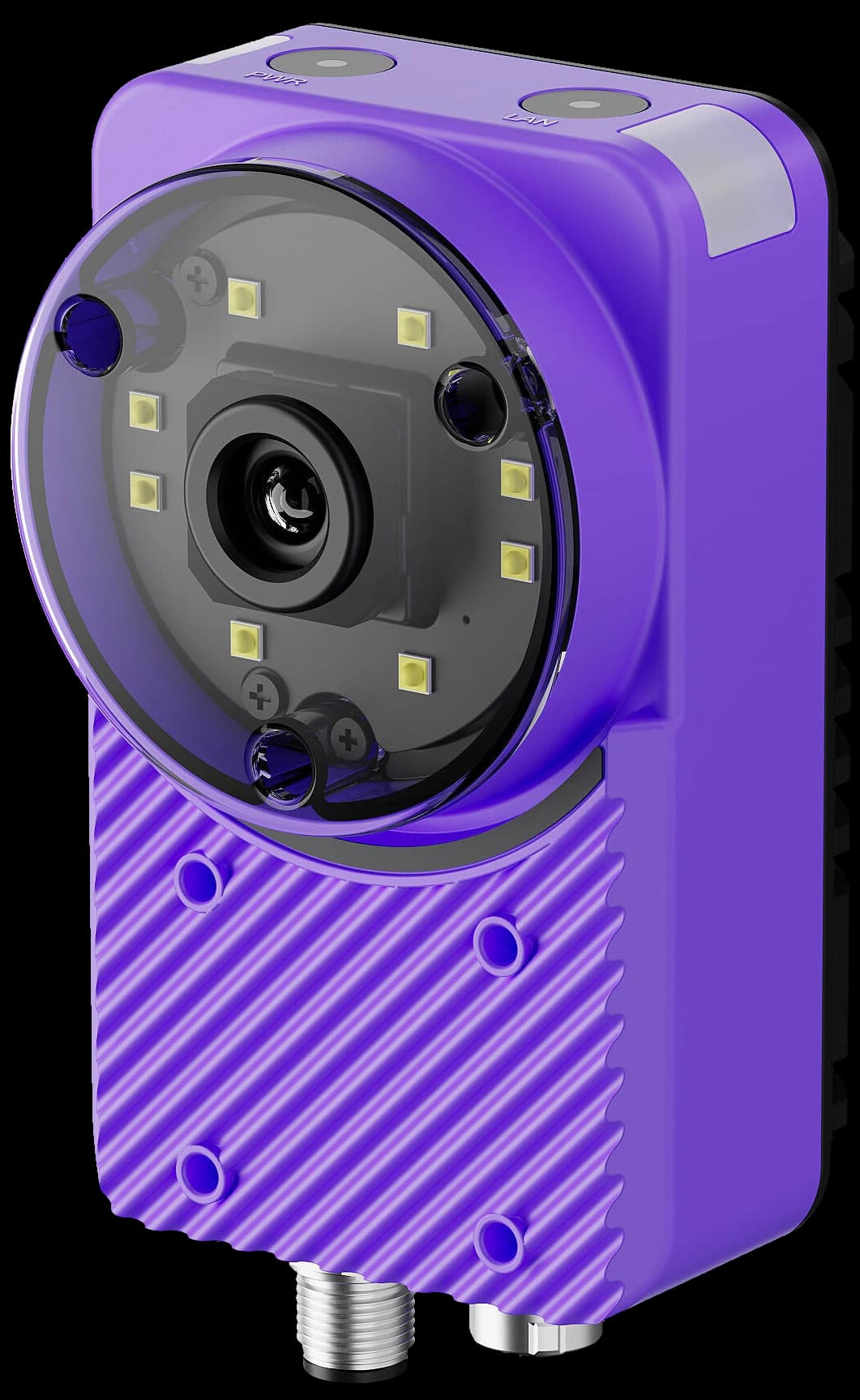
Ten tools. One camera.
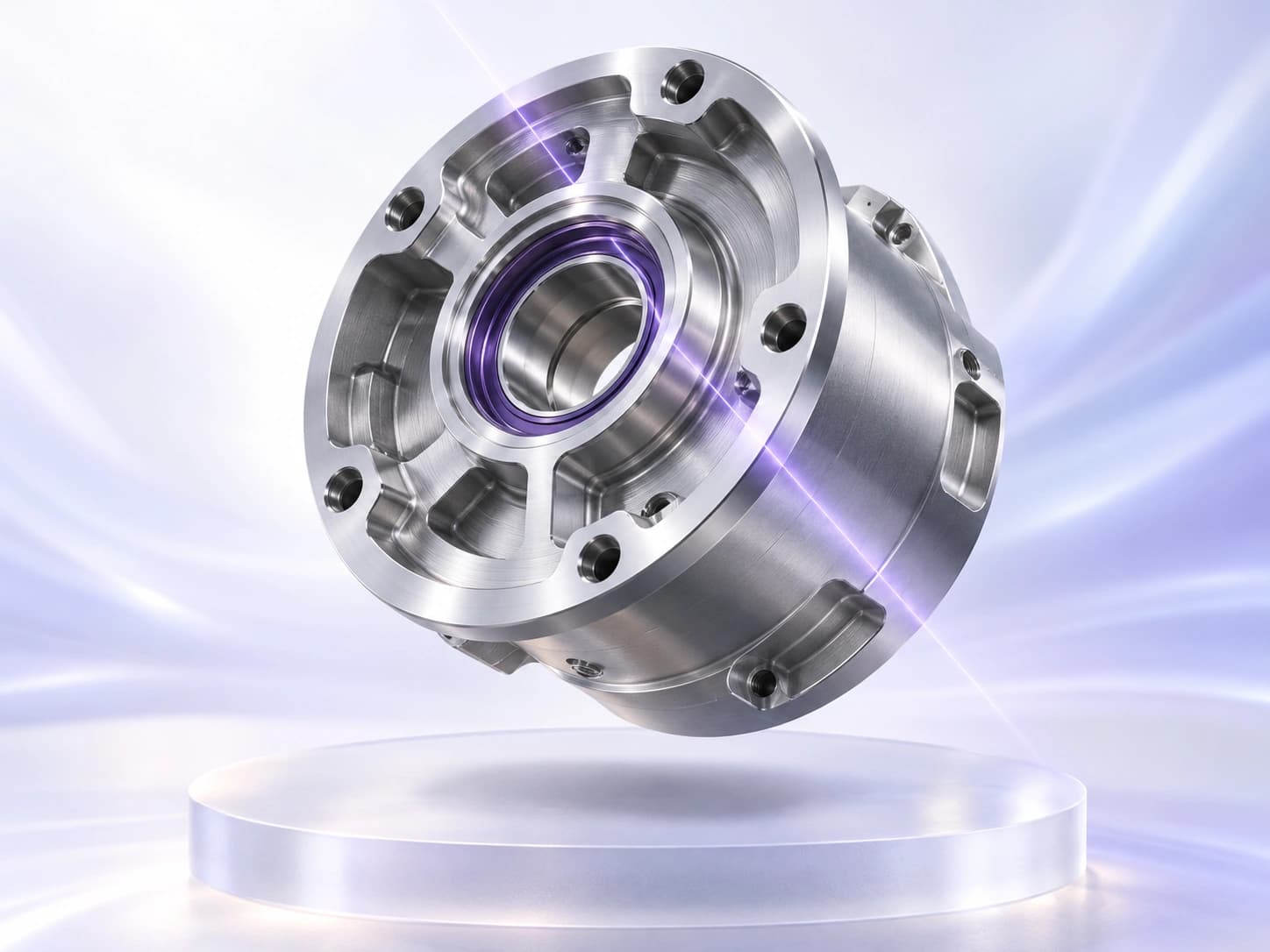
The right part.
In the right place.
Find the part’s position and orientation so downstream inspection regions follow the features you need to check.
Count visible parts or features and compare the result with your configured target range.
Measure gaps, diameters or distances, then compare them with your limits. Calibrate the image for physical units.
Compare a region with a colour reference and your allowed tolerance to check variants and consistency.
Train on examples of your defined classes, then classify the part or image region for the inspection.
Use the image to identify when the part is in the right position, without an external trigger sensor.
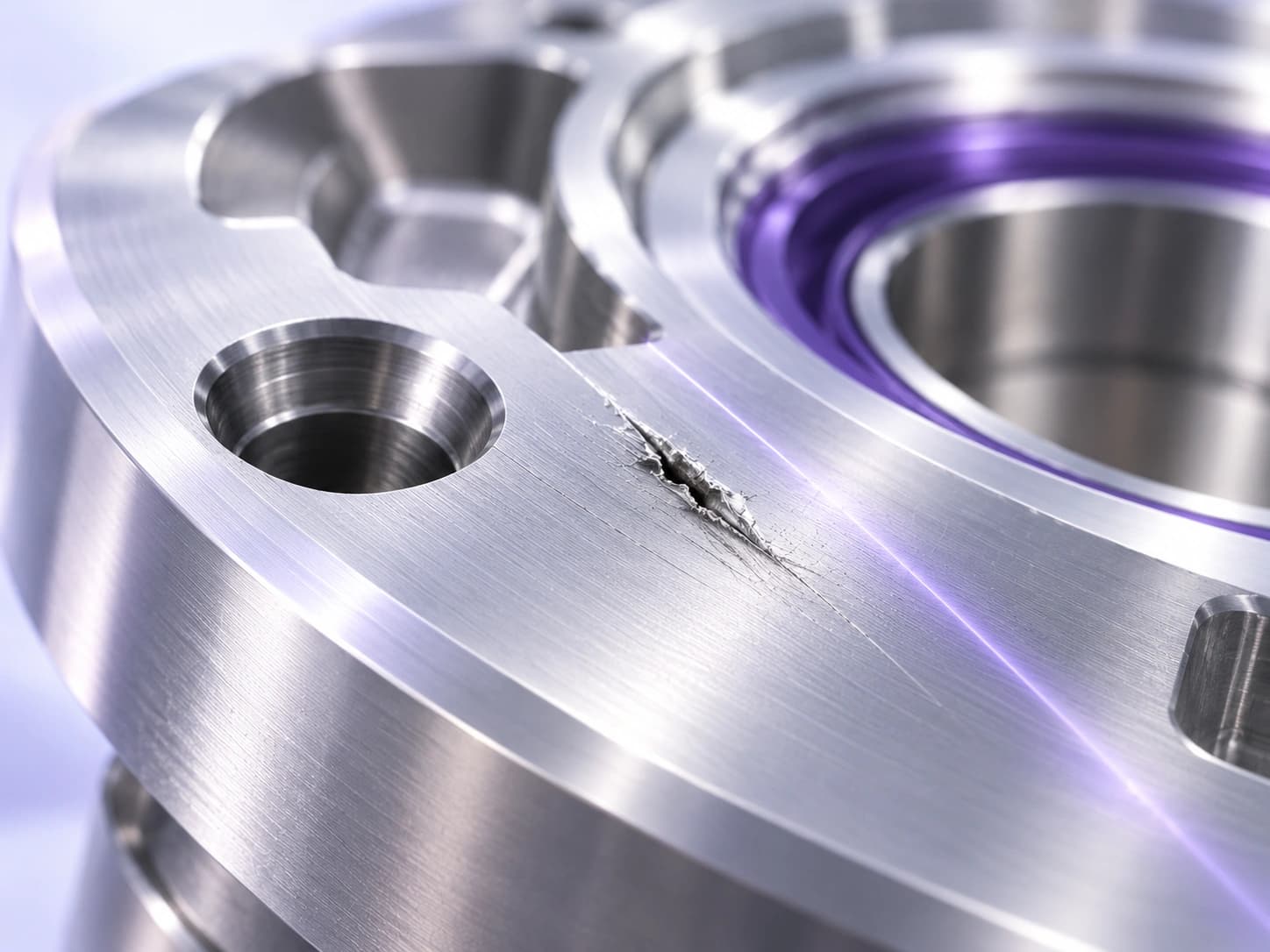
Find the flaws
that matter.
Identify the pixels belonging to a defect. Inspect scratches, coating coverage and weld quality where location and area matter.
Learn from good samples, then flag deviations from that pattern—even when defect examples are scarce.
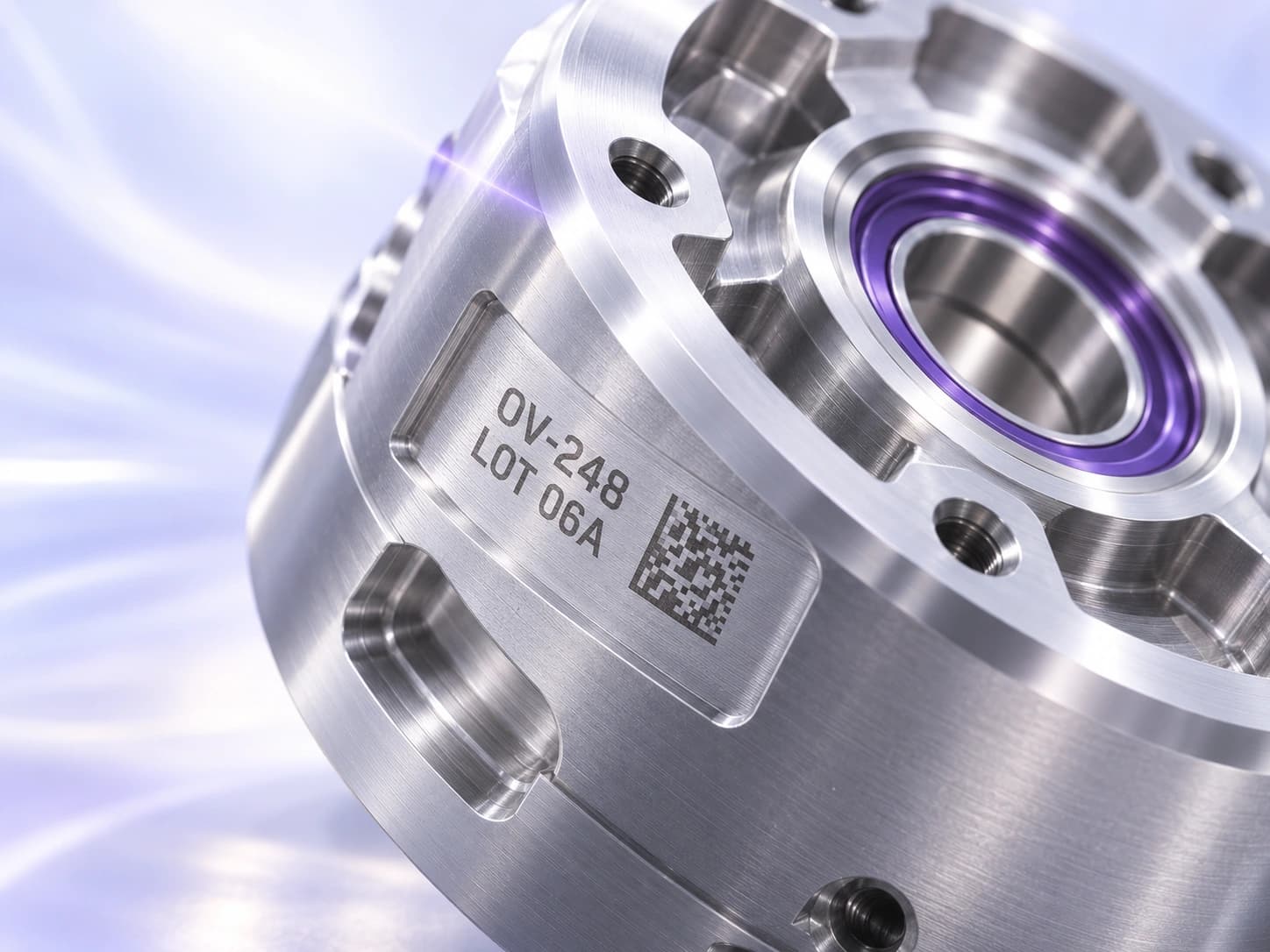
Read it.
Then verify it.
Read one line per OCR region and compare it with the expected string or pattern. Use separate regions for separate lines of lot, date or product codes.
Decode a 1D or 2D barcode, then check its content against the value your inspection expects.
Build with Sparky.
Get help choosing tools, building recipes and operator screens, and exploring the Library.
Start with what the part needs.
Describe your part and what should pass or fail. Sparky helps plan the tools and guides you through the recipe. You can also choose to set it up manually.
Open screenshot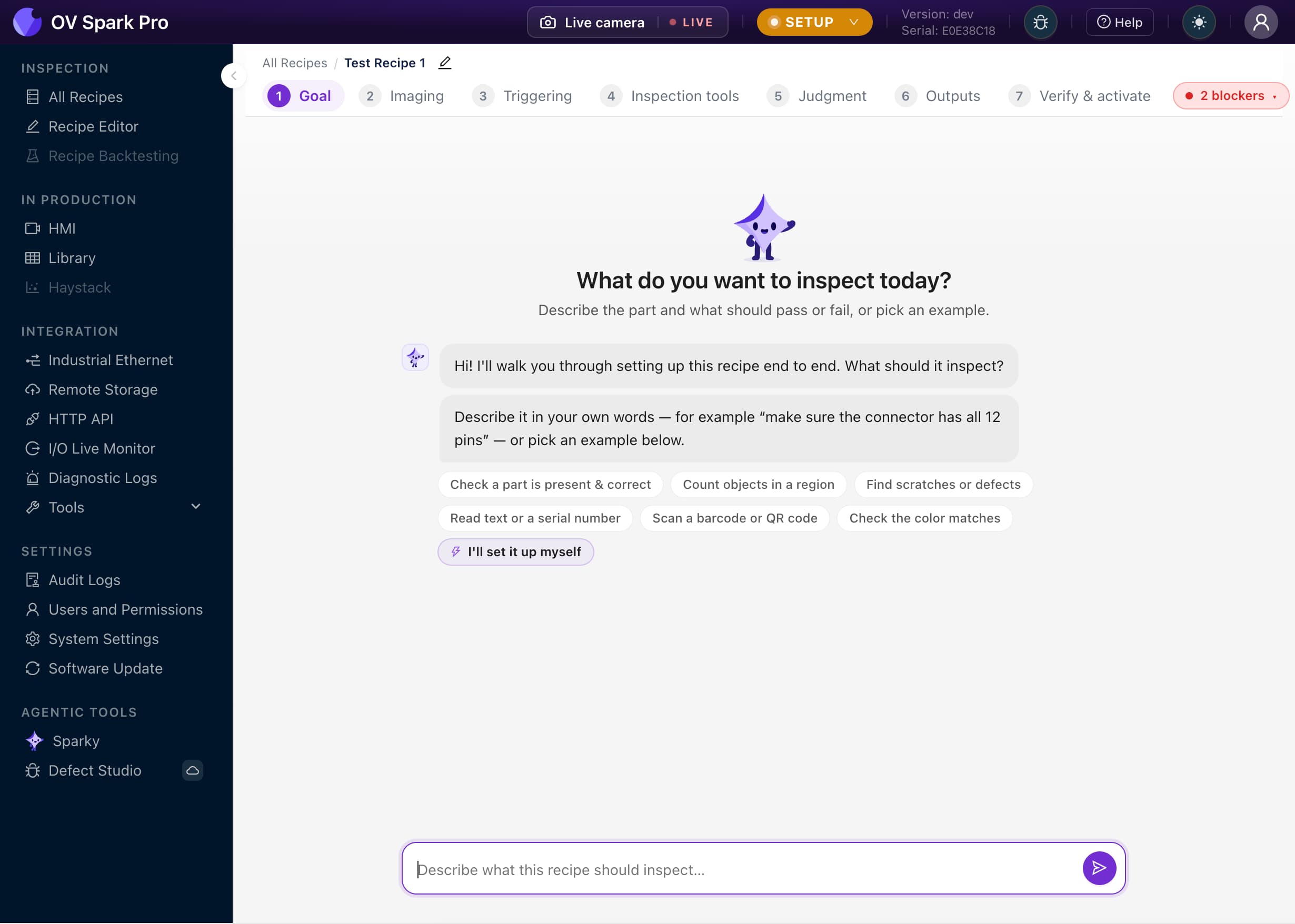
See the settings on your part.
Smart Imaging presents captured images at different settings. Compare the results and choose the one that shows the feature you need most clearly.
Open screenshot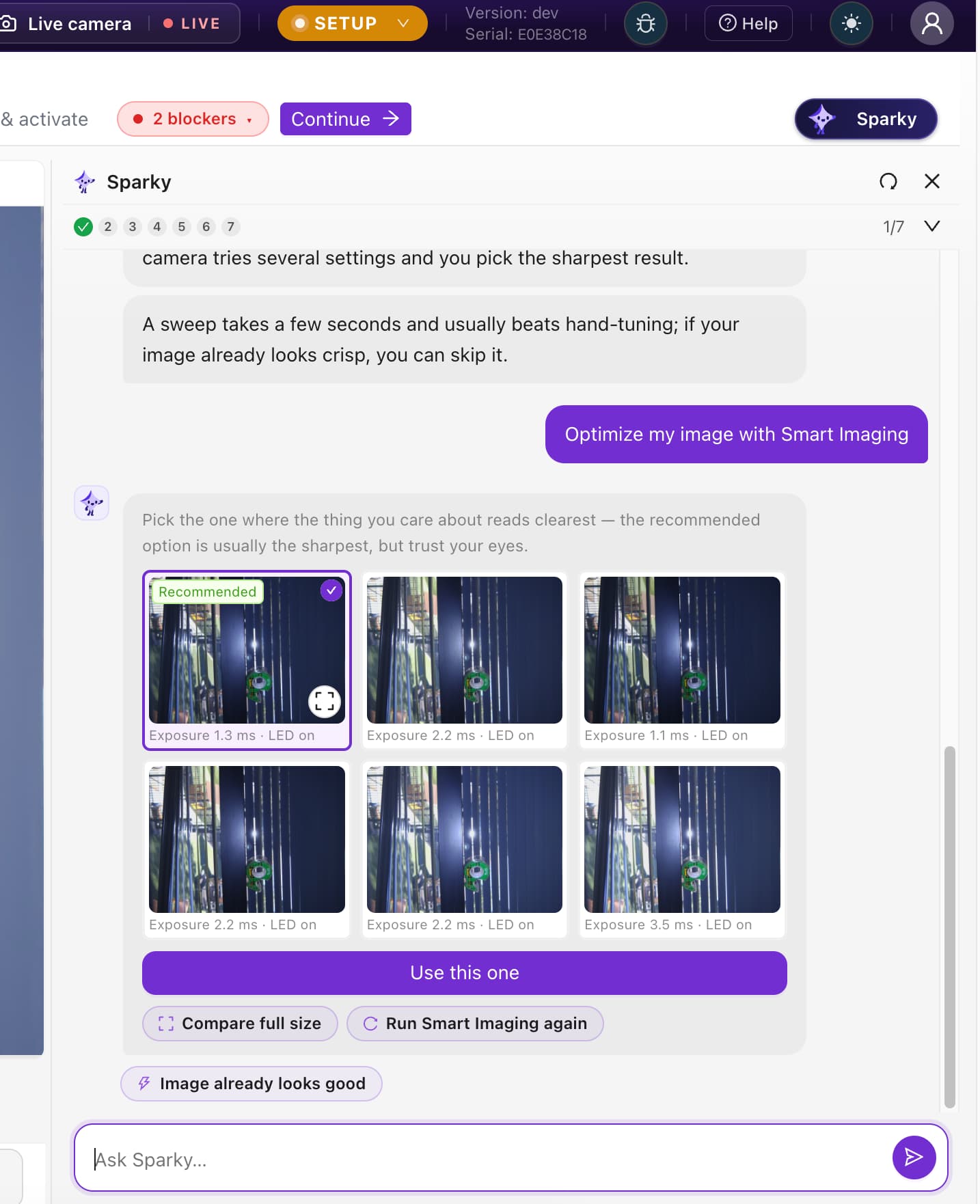
Get an answer you can use.
Ask how something on the camera works. Here, Sparky explains the corner indicator lights, with a visual guide to their status and inspection-result patterns.
Open screenshot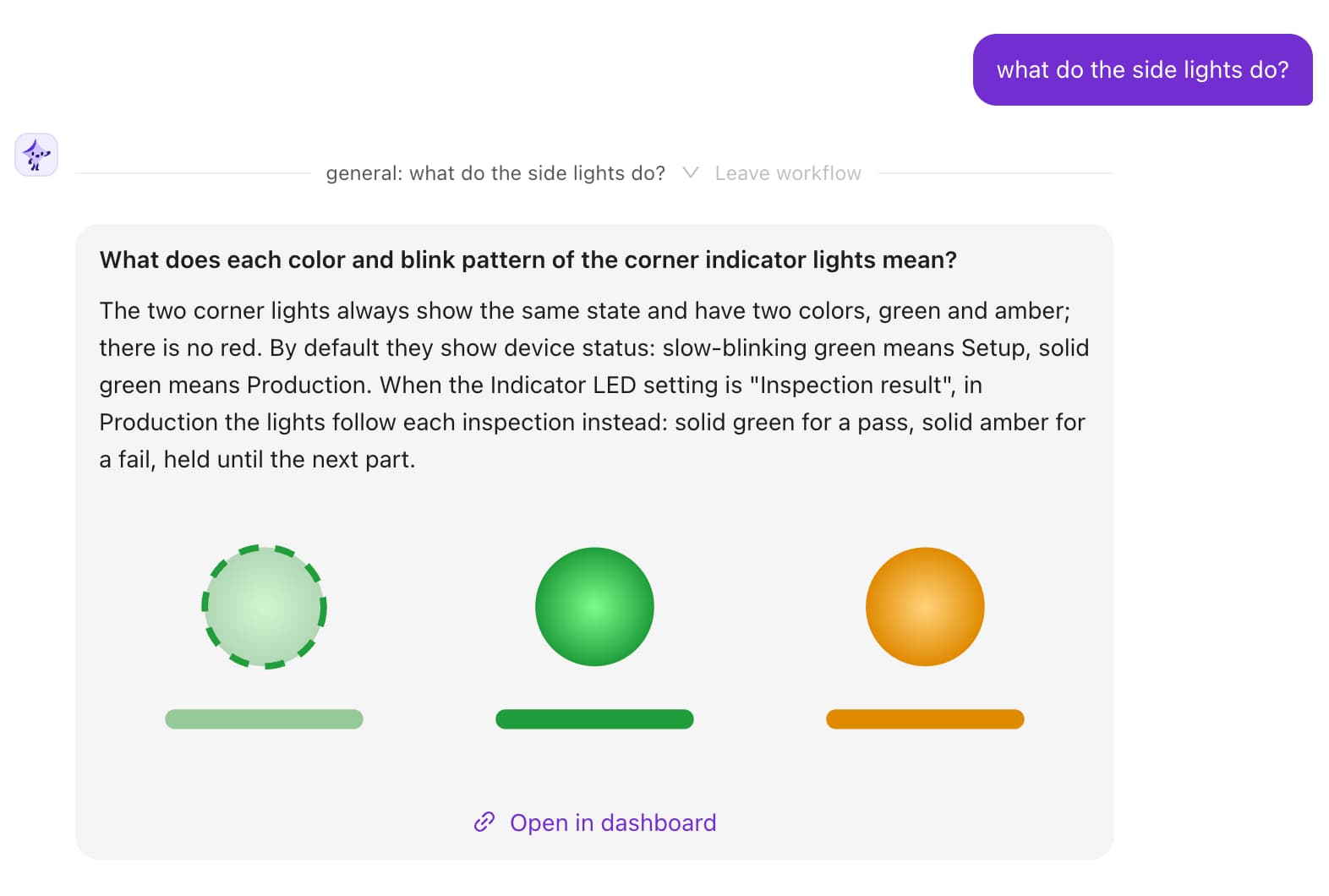
Better examples.
A better starting point.
Review images in the onboard Library, label useful examples and retrain. Validate the updated model before returning it to production.
Explore the retraining workflow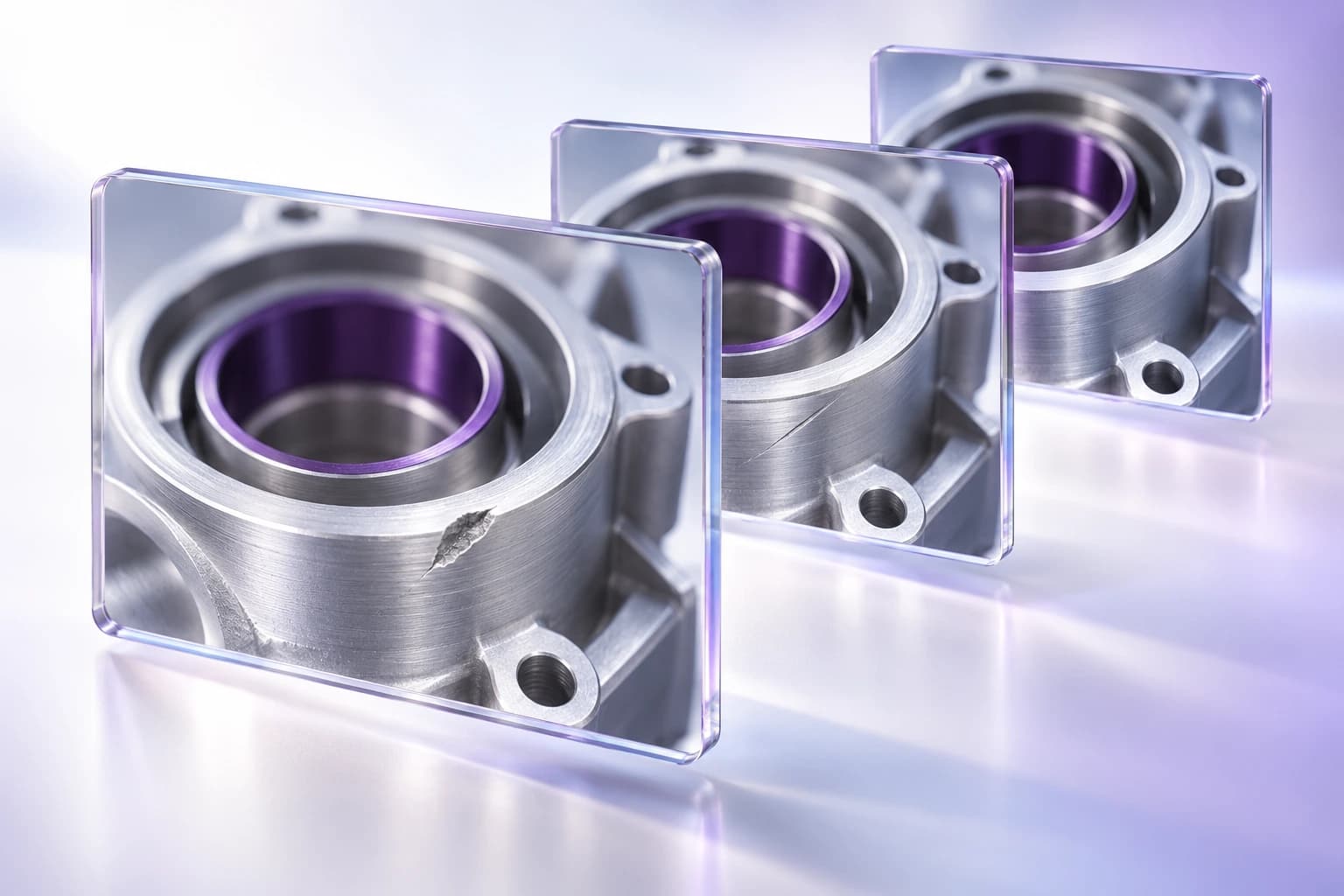
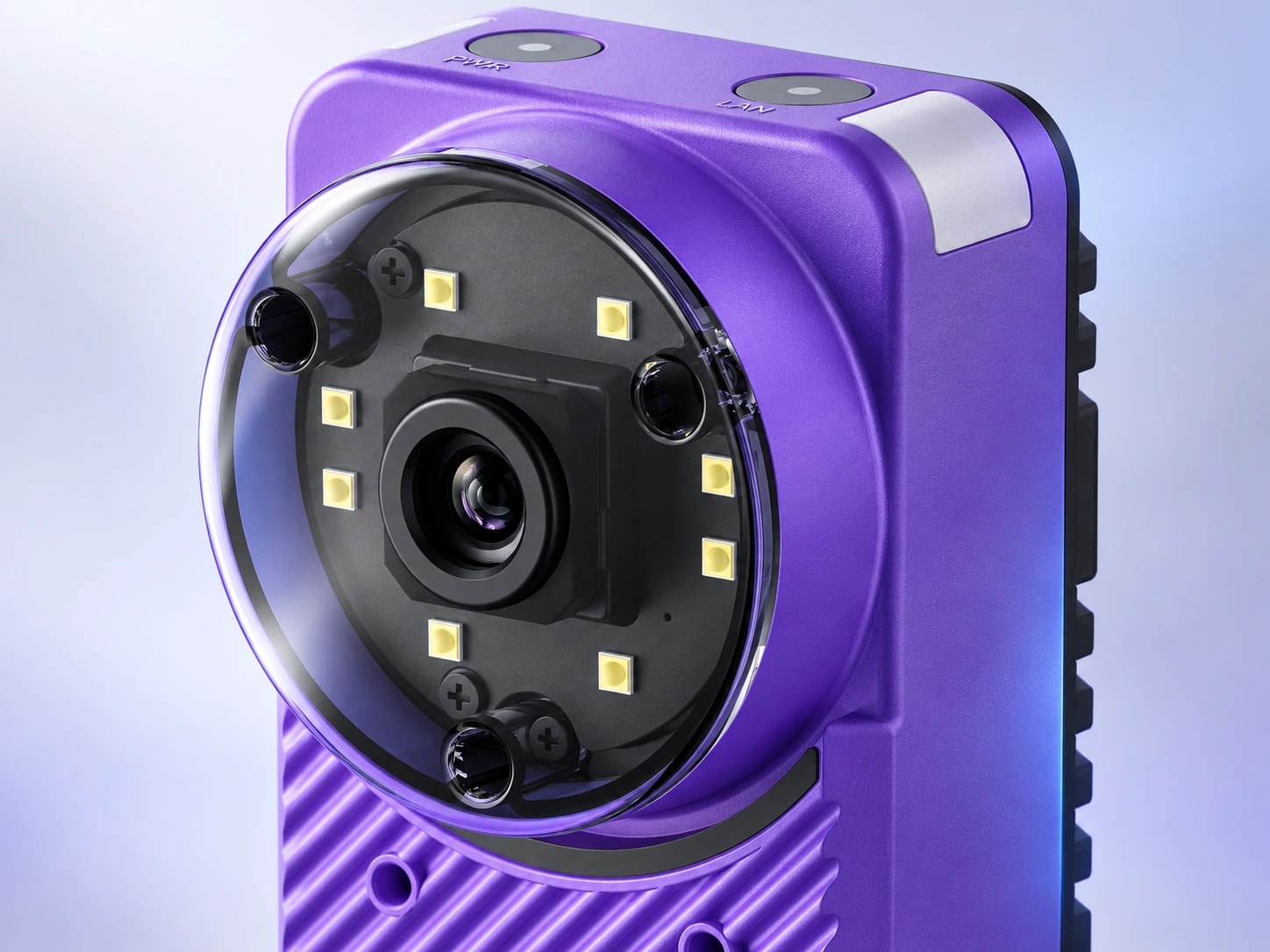
The view your part needs.
- OV Spark 1.2 MP
- Start here when your required features can be resolved at 1.2 MP across the inspection area.
- OV Spark Pro 5 MP
- Choose more image detail for smaller features or a wider field of view.
Validate the complete recipe at your line speed. Exposure, tool selection and inspection regions all contribute to cycle time.
Technical Specifications
| Specification | Details |
|---|---|
| Camera options | OV Spark: 1.2 MP (1280 × 960). OV Spark Pro: 5 MP (2592 × 1944). Colour global shutter on both. |
| Inspection tools | Ten AI and rules-based tools: alignment, classification, segmentation, anomaly detection, counting, OCR and OCV, measurement, Color Match, barcode 1D and 2D, and AI Trigger |
| Lens | Autofocus with a standard 6mm lens. Discuss alternate lenses, field of view and working distance with Overview for your application |
| Lighting | Eight individually programmable white LEDs |
| Processor | Qualcomm Dragonwing AI processor |
| Memory and storage | 8GB RAM, 128GB onboard storage |
| Protection | IP66 with the standard 6mm lens |
| Power | DC power, or Power over Ethernet using the Overview PoE adapter |
| Status indicators | Two corner LEDs, configurable to follow the inspection result |
| I/O | Two digital inputs, a digital output and a strobe output. Confirm output configuration for your machine integration |
| Industrial protocols | Native EtherNet/IP, PROFINET, Modbus TCP, MQTT and OPC UA. EtherNet/IP and PROFINET use Spark-specific EDS and GSDML files |
| Trigger modes | AI Trigger (vision based, no external sensor), PLC, hardware input, manual, interval, HTTP and TCP |
| Cloud dependency | Production inspection and onboard Sparky run on the camera. Defect Studio generates synthetic training images in the cloud |
| HTTP API | Trigger inspections, retrieve and subscribe to results, switch Setup and Production modes, and access heatmaps. Downloadable OpenAPI specification |
| Remote storage | Send images, annotations and tool results to FTP, SFTP or SMB. Supports two servers and JSON or CSV result files |
| Recipe backups | Schedule daily or weekly backups of all recipes or the active recipe to FTP, SFTP or SMB |
| Recipe portability | Import and export as runtime only, recipe only, or recipe with historical data. Camera settings travel with the recipe |
| Interface | Browser based, in 11 languages, plus a configurable operator HMI authored by prompt |
| Software | No software key or subscription needed |
What do you need to inspect?
Inspection capabilities
Read printed text and check date and lot codes.
Check how many parts or features are present.
Start an inspection when the part is in position.
Read a code and check its content.
Plan inspections around the products your line runs.
Locate the part before checking its features.
Setup and operation
Compare and learn
Compare the tools and setup for your application.
Evaluate inspection workflows and operator access.
Where a language model fits in an inspection system.
Tool selector, recipe builder, HMI builder and Library questions.
Frequently Asked Questions
What is the difference between Spark and Spark Pro?
Spark is the 1.2 MP camera; Spark Pro is the 5 MP option. Start with the detail your inspection must resolve across its field of view, then evaluate the complete recipe at your required line speed. Resolution alone does not establish inspection throughput.
What can Sparky help me do?
Sparky helps with tool selection, guided recipe building, HMI building, camera documentation and questions about images and results in the Library. Your team still configures the imaging, trains the relevant tools, connects the station and validates the inspection before production use.
Does Spark need the cloud to inspect parts?
Production inspection and onboard Sparky run on the camera. Defect Studio is a separate cloud-based workflow for generating synthetic training images; it is not required to run an inspection.
How is OV Spark different from the OV20i?
Spark combines ten AI and rules-based tools in an affordable 1.2 MP camera, with a 5 MP Spark Pro option. Evaluate the OV20i when your application calls for its lens options or deeper tool chaining.
What can the Spark not do?
It is built for straightforward applications, so tool chaining is limited to multiple aligners feeding tools, or object detection feeding tools. There is no instance segmentation, so an inspection that needs to separate overlapping objects and then judge each one belongs on the OV80i or OVX.
How does it talk to the PLC?
Spark has native EtherNet/IP, PROFINET, Modbus TCP, MQTT and OPC UA support. Use the Spark-specific EDS or GSDML files for EtherNet/IP and PROFINET, and use the I/O Live Monitor to inspect the handshake. Configure and test result mapping with your machine integration team.
Can I move a recipe between cameras?
Yes. Export a recipe with its camera settings and import it on another Spark. You can also schedule daily or weekly recipe backups to an FTP, SFTP or SMB server. Validate imaging and inspection results on the receiving camera before production use.
How is the Spark priced?
Quoted to order. Pricing varies by region, so we scope the lens, the lighting and the integration with you and send a formal quote rather than publishing a list price.
Not Sure Which Is Right for You?
Want to See the Spark on Your Part?
Bring us the inspection you have not been able to automate and we will tell you straight whether this is the camera for it