OV Spark
Improve AI vision inspection with production examples
Make retraining easier with images already stored on the camera. Review saved images and results in the Library to find representative production examples. Your team chooses the examples, corrects the labels, retrains supported tools and validates the update before returning it to production.
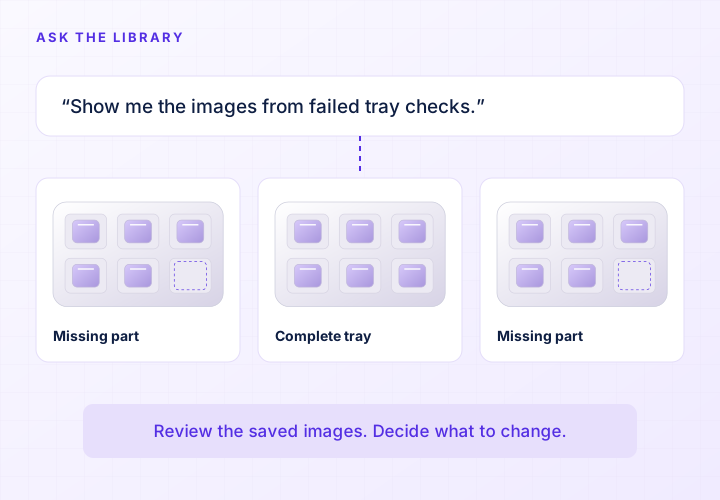
Start with the image behind the result
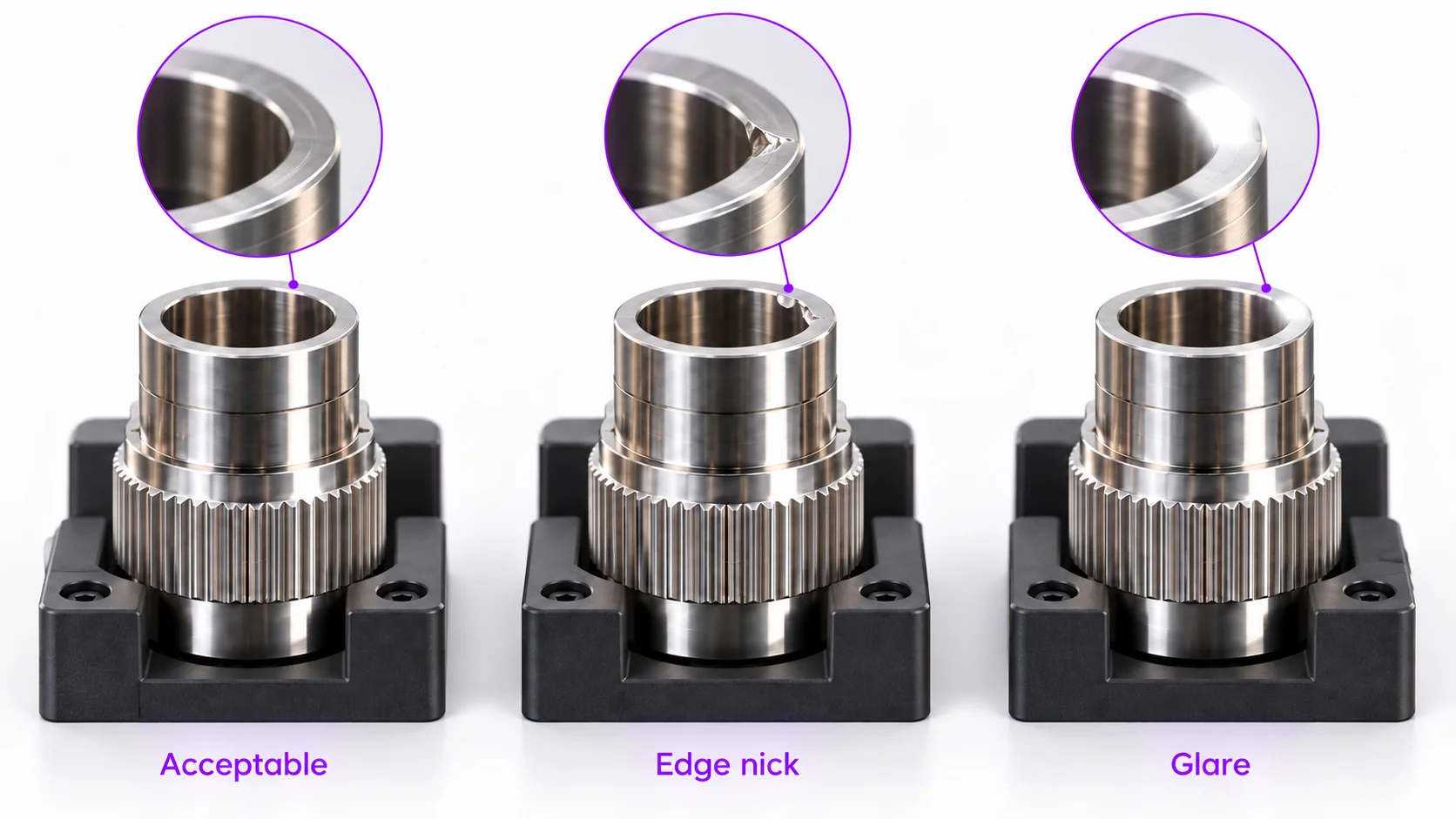
When a good part is rejected, keep the image and check which tool produced the result. Was the part found in the right place? Was the inspected feature in focus? Did a reflection obscure the mark? An image problem can look like a model problem, so examine the camera view before adding more training data.
For a missed defect, compare the inspected region with the physical feature that should have failed. A defect outside that region will not be fixed by changing a classification threshold. Establish the expected result with the quality team, including any borderline samples, so that the next change has a clear purpose.
Review related examples together
Spark’s image Library gives you a place to review the examples behind inspection results. Assemble images of the behavior you want to improve, inspect the relevant features, and correct the labels before using them for training. Production examples bring the actual parts, finishes, and lighting conditions into that work.
Compare the troublesome images with similar parts that were inspected correctly. You may find a particular part position, a new supplier finish, or a printed character that causes trouble. Reviewing them together helps you choose a useful next step and avoids starting a new training set from scratch every time production changes.
Make a change that addresses the failure
Supported tools give you different ways to act on what you find. Add labeled examples when a model has not seen a valid production appearance. Teach the aligner which candidate matches are correct when location is unreliable. Adjust an OCR region when a character falls outside it. The image points you toward the change that addresses the failure.
Ask Sparky questions about the images and results in the Library to support your review. Your team decides whether the next step is an imaging adjustment, a rule change or retraining. Record the change and validate it against separate samples before release.
Import reviewed examples directly from the Library or your computer into a tool as training or template images. For longer-term records, send captures with annotations and tool results to FTP, SFTP or SMB storage, and schedule daily or weekly recipe backups.
Check improvements on separate samples
Keep evaluation images separate from the examples used to train the model. Include the new problem, normal production variation, and known defects the inspection already handled. A change that accepts the troublesome good part must also preserve the rejection of genuinely defective parts.
Review false rejects and missed defects separately, using counts and examples rather than only an overall accuracy figure. If several SKUs use the inspection, evaluate each one. Once the image tests meet your requirements, run the changed inspection under the expected line conditions and follow your release process. Further production examples can inform another review; model updates remain a deliberate action.
Common questions
- Does Spark automatically learn from every inspection?
- This workflow uses reviewed examples and intentional training changes. Do not assume that running more parts automatically updates the model. Decide which images belong in training, confirm their labels, and evaluate the changed inspection before using it in production.
- Can adding examples reduce false rejects?
- It can help when the model has not seen a valid production appearance. First check the image, alignment, inspection region, and acceptance rule. Additional training will not resolve every cause, and its effect needs to be measured on separate samples.
- Can the system explain the root cause of a reject?
- Sparky supports questions about images and results in the Library. Review those captures alongside the physical part and process to investigate the failure. Your team decides what to change and checks the result.
- How do we handle a new type of defect?
- Save representative images, agree on the correct labels, and check that the defect is visible to the selected inspection tool. Update the relevant training or configuration, then evaluate both the new defect and previously tested cases. The exact method depends on the tool used.
Bring the inspections you want to improve
Share examples of false rejects, missed defects, and correctly inspected parts. We can review which part of the image or inspection workflow needs attention.
Review your inspection task