OV Spark inspection capabilities
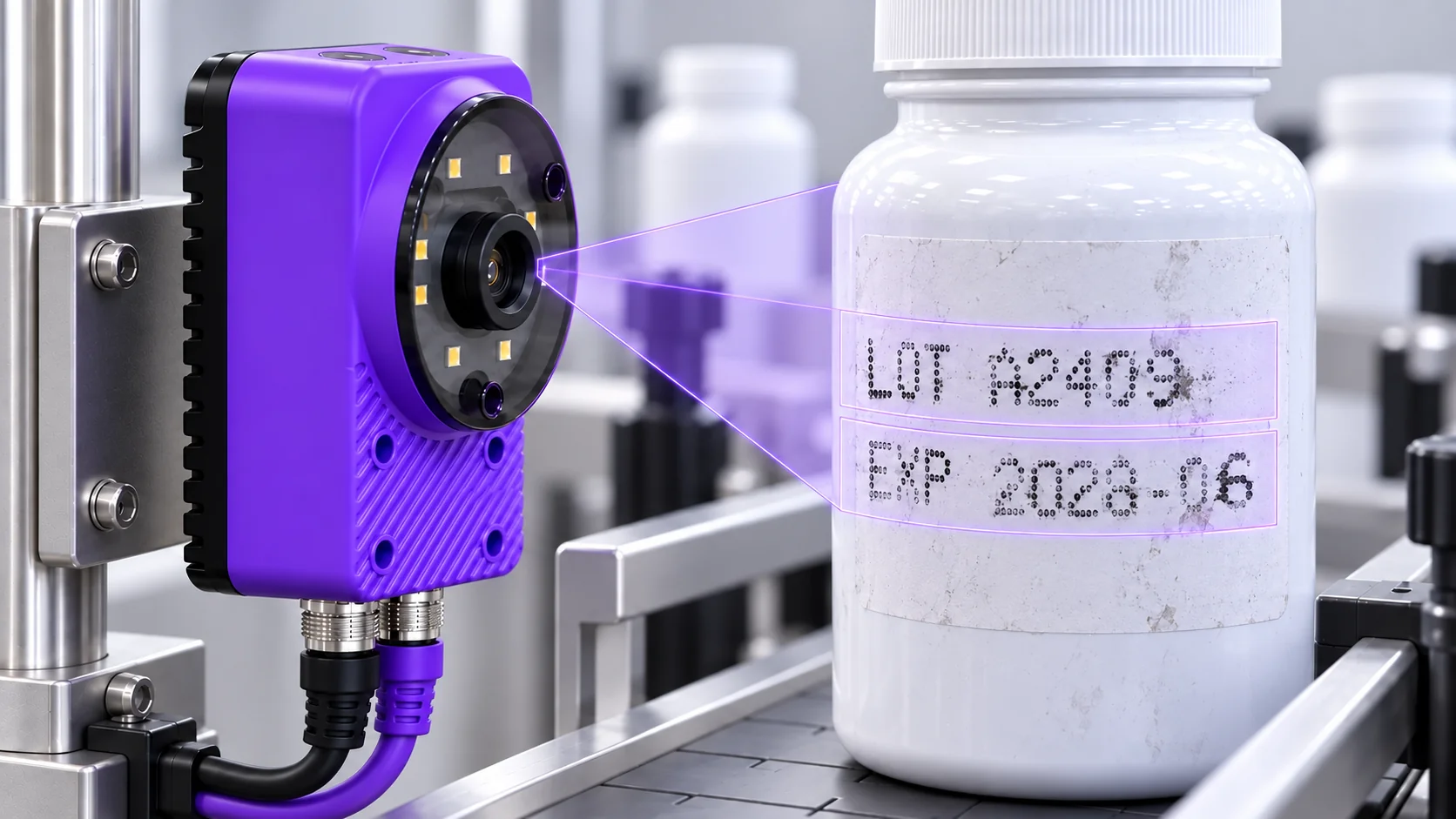
AI OCR for printed codes and curved text
Spark combines AI character recognition with rules that check what the text should say. Read date codes, lot numbers and part identifiers, then flag readable but incorrect content. Configure the reading regions and test them against your production marks.
Ten tools. One camera.
The right part.
In the right place.
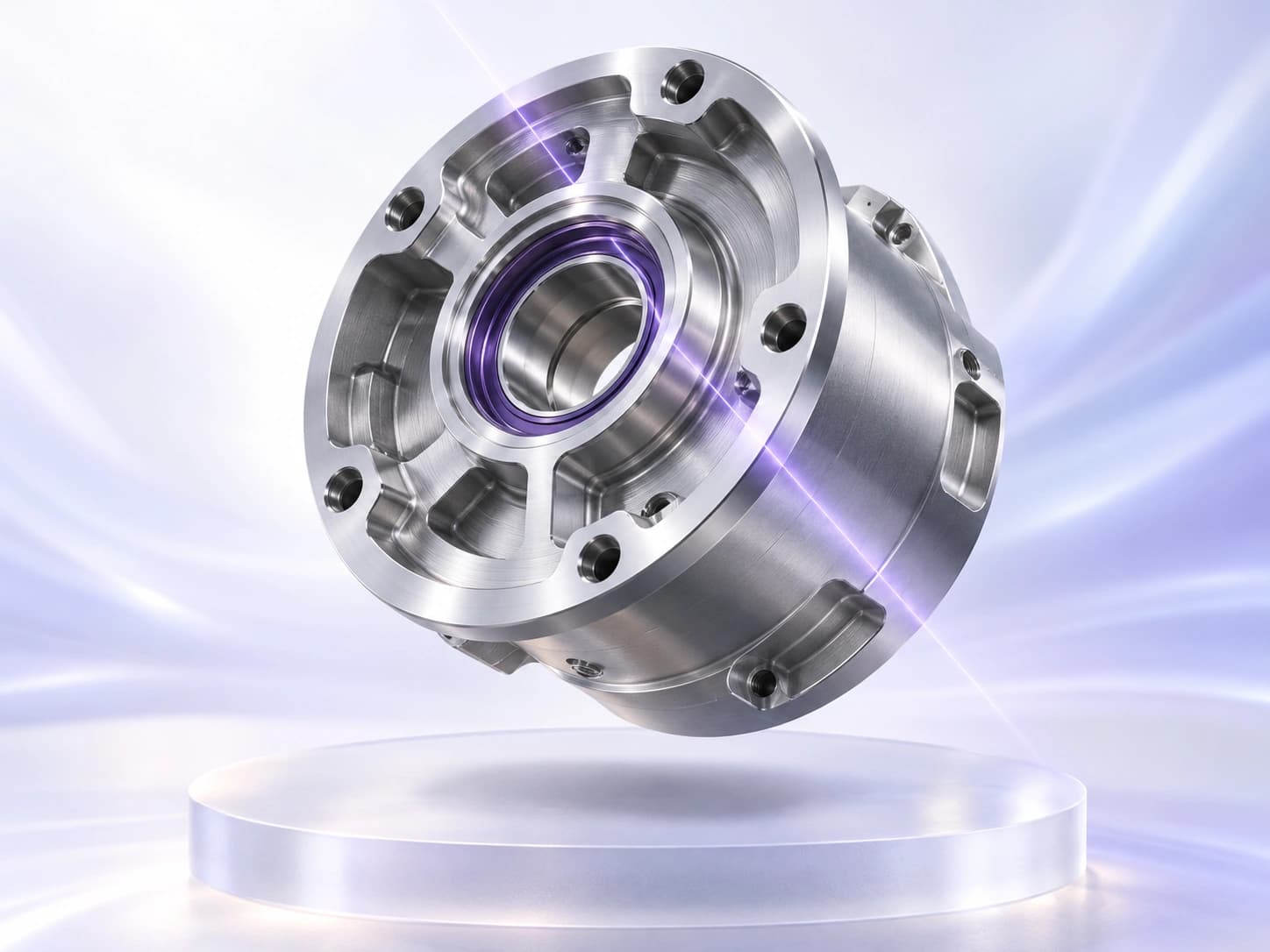
Find the part’s position and orientation so downstream inspection regions follow the features you need to check.
Count visible parts or features and compare the result with your configured target range.
Measure gaps, diameters or distances, then compare them with your limits. Calibrate the image for physical units.
Compare a region with a colour reference and your allowed tolerance to check variants and consistency.
Train on examples of your defined classes, then classify the part or image region for the inspection.
Use the image to identify when the part is in the right position, without an external trigger sensor.
Find the flaws
that matter.
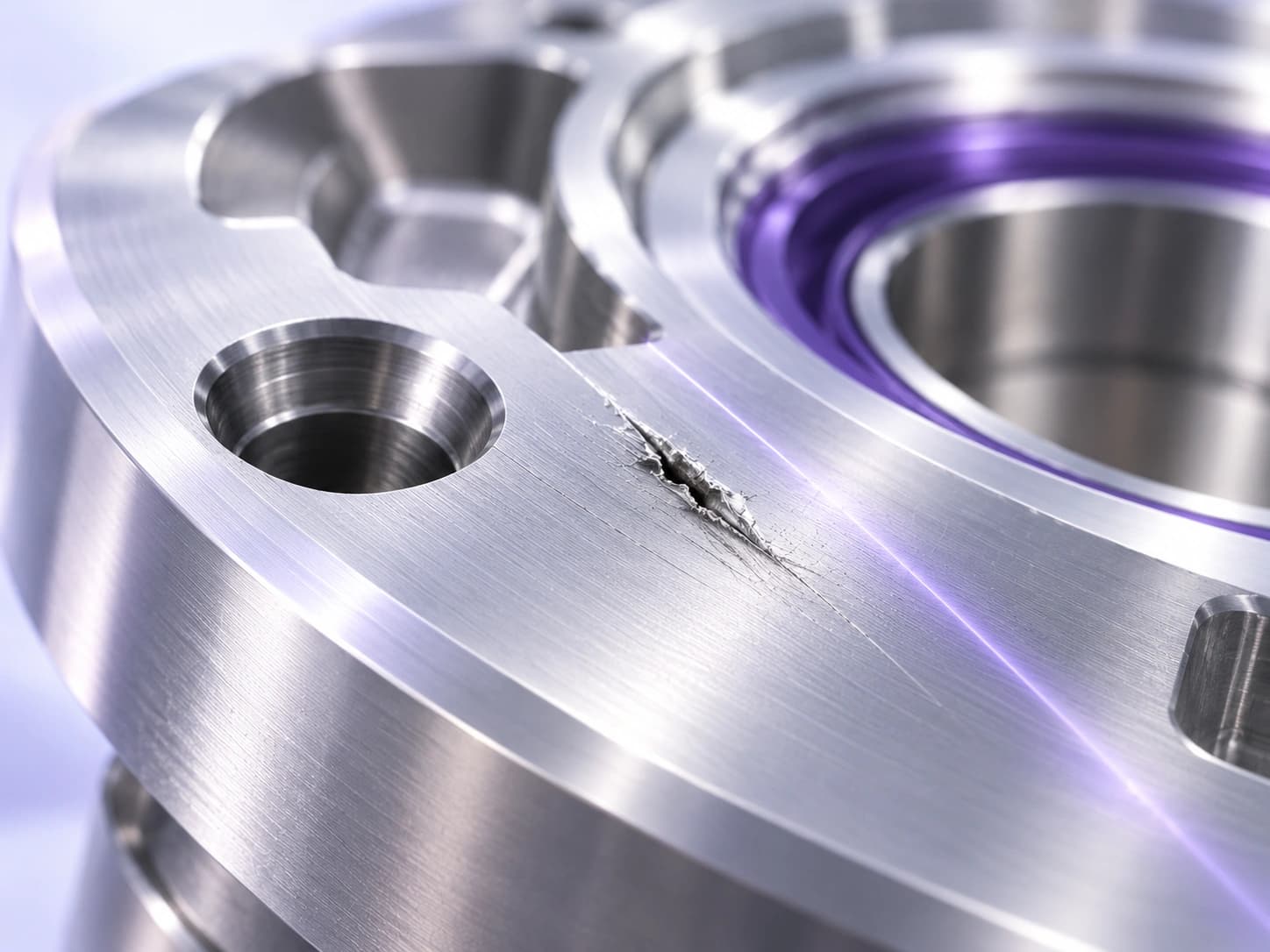
Identify the pixels belonging to a defect. Inspect scratches, coating coverage and weld quality where location and area matter.
Learn from good samples, then flag deviations from that pattern—even when defect examples are scarce.
Read it.
Then verify it.
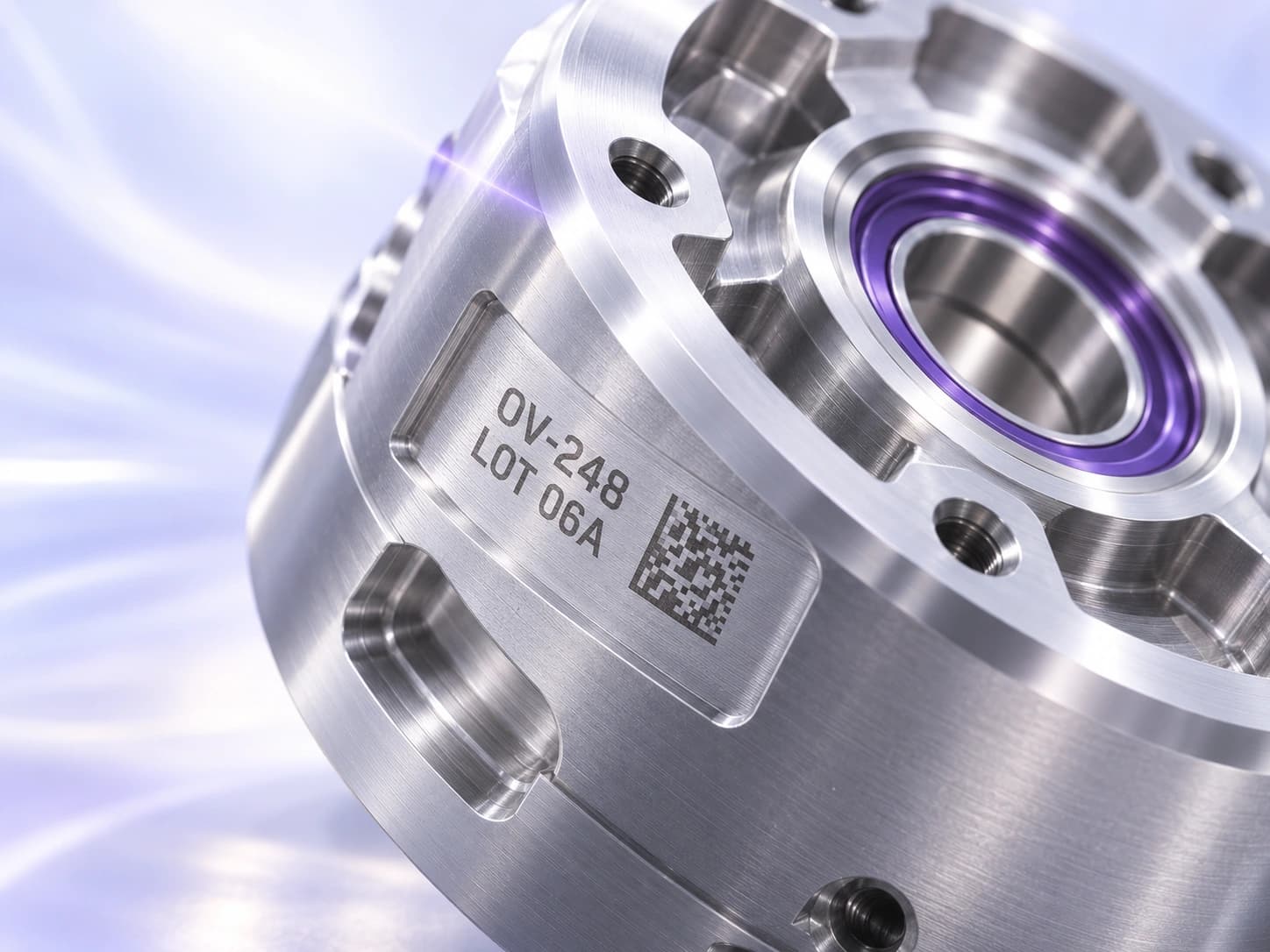
Read one line per OCR region and compare it with the expected string or pattern. Use separate regions for separate lines of lot, date or product codes.
Decode a 1D or 2D barcode, then check its content against the value your inspection expects.
Catch readable codes with the wrong content
Choose a single line of text and define what a valid result looks like. A fixed string suits a product identifier that must match exactly. Wildcards let specified positions contain digits, letters, or other allowed characters. Date patterns support codes whose structure stays the same while the value changes.
A clear code from the previous batch should fail if it does not meet the current requirement. Once you define the fixed characters, permitted changes, and date structure, the inspection applies that check to each captured code. Operators can focus on the exceptions instead of comparing every character with a batch sheet.
Configurable confusion classes can treat lookalike characters such as O and 0, S and 5, or B and 8 as equivalent where your code rules allow it. Keep those exceptions narrow so a genuinely incorrect identifier still fails.
Adapt the reader to your production marks
Dot spacing, ink spread, worn printheads, and surface texture can make the same character look different across a run. Spark offers optional OCR training so you can add examples of the print the camera needs to read. That gives you a way to address a troublesome character style without rebuilding the entire inspection around it.
Keep a separate set of images for checking the result. Include easily confused characters, light marks, and incorrect codes alongside ordinary passes. If a character disappears into glare or falls outside the image, fix the capture first. Training needs enough visible information to tell one character from another.
Use images saved in the onboard Library to collect useful examples of difficult print. Retrain the OCR tool with reviewed examples, then check its reading and content rules against separate samples.
Read curved prints in their own shape
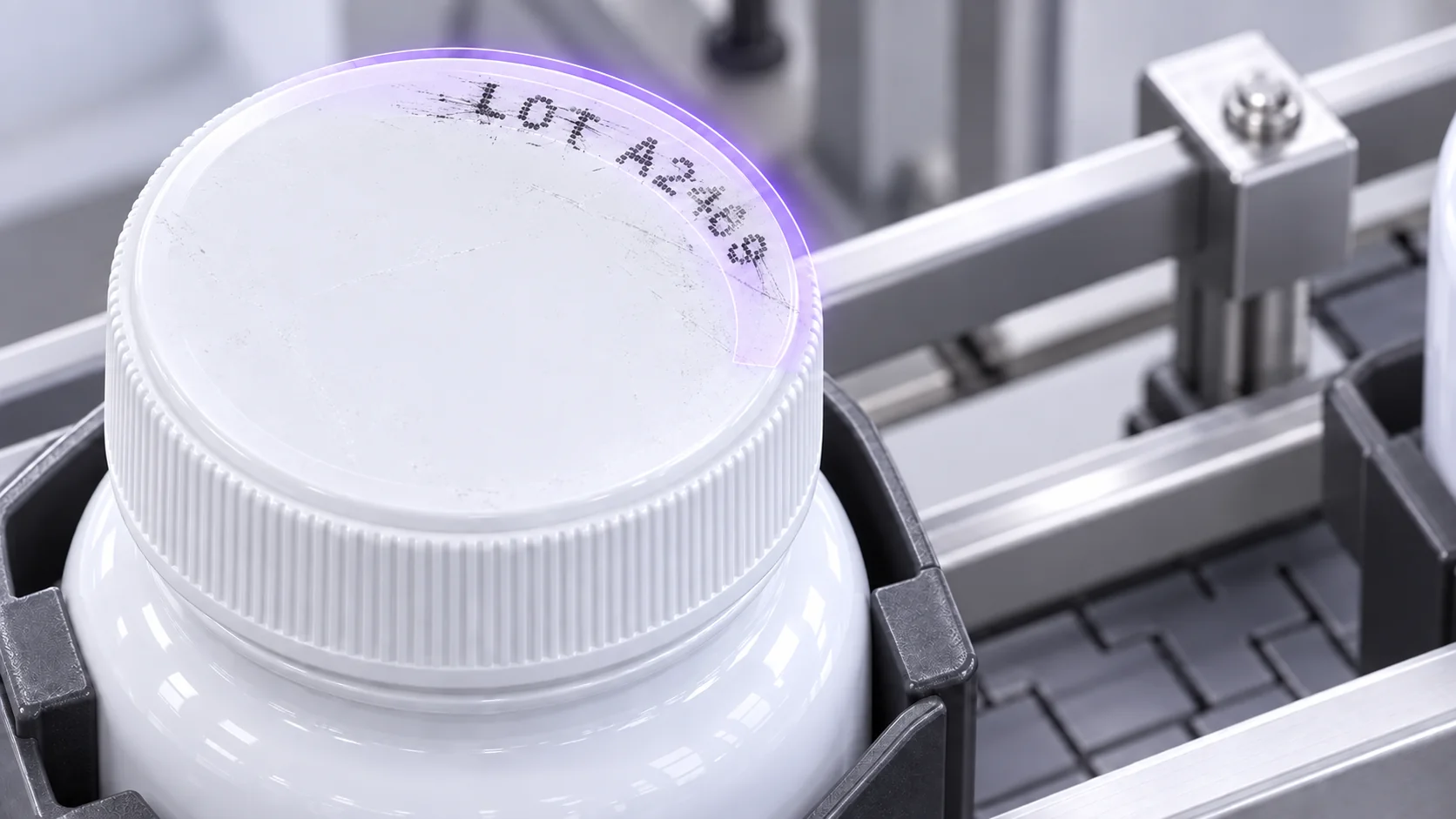
Text printed around a bottle cap does not fit neatly into a straight rectangular strip. Spark supports an arc region for curved text, allowing the reading area to follow the line. This gives you a practical starting point for circular prints without treating the entire cap as a text field.
The camera still needs to see every character required for the check. A code that wraps behind a bottle may require a different presentation or another view. For a moving product, test the available reading window across the positions and rotations that will occur on the line.
Find the character behind a difficult read
Spark exposes confidence for individual characters. An operator or technician can see where the reader was uncertain instead of treating the entire code as an unexplained failure. One weak character may point to glare, print loss, or an awkward edge of the reading region. The image and character result help narrow the next adjustment.
Use those observations to improve the setup. A recurring problem at one location may need a lighting adjustment. Variation in a particular font may justify more training examples. Character confidence is useful diagnostic information, but it does not establish a certified print-quality grade.
Common questions
- What is the difference between OCR and checking a printed code?
- OCR produces the text read from an image. Checking compares that text with an expected value or pattern. Spark can combine the two, so a readable but incorrect product code can still fail the inspection.
- Does Spark OCR require training?
- Training is optional. Try the reader on representative production images first. Add training examples when the appearance of your print calls for them, then check performance against images that were not used during training.
- Can Spark read several lines of text?
- Each OCR region reads a single line. Plan separate regions for separate lines, and evaluate the complete inspection on your product. The number of checks and capture conditions affect the practical cycle time.
- Can OCR check a barcode too?
- Printed characters and barcodes need different tools. Use OCR for the human-readable text and the barcode tool for the encoded value. Define the required result for each as part of the inspection.
Bring the codes that are hard to read
Share examples of acceptable prints, incorrect codes, and the marks that cause trouble today. We can review the capture setup and the checks your line needs.
Discuss your inspection