OV Spark inspection capabilities
Barcode reading and content checking
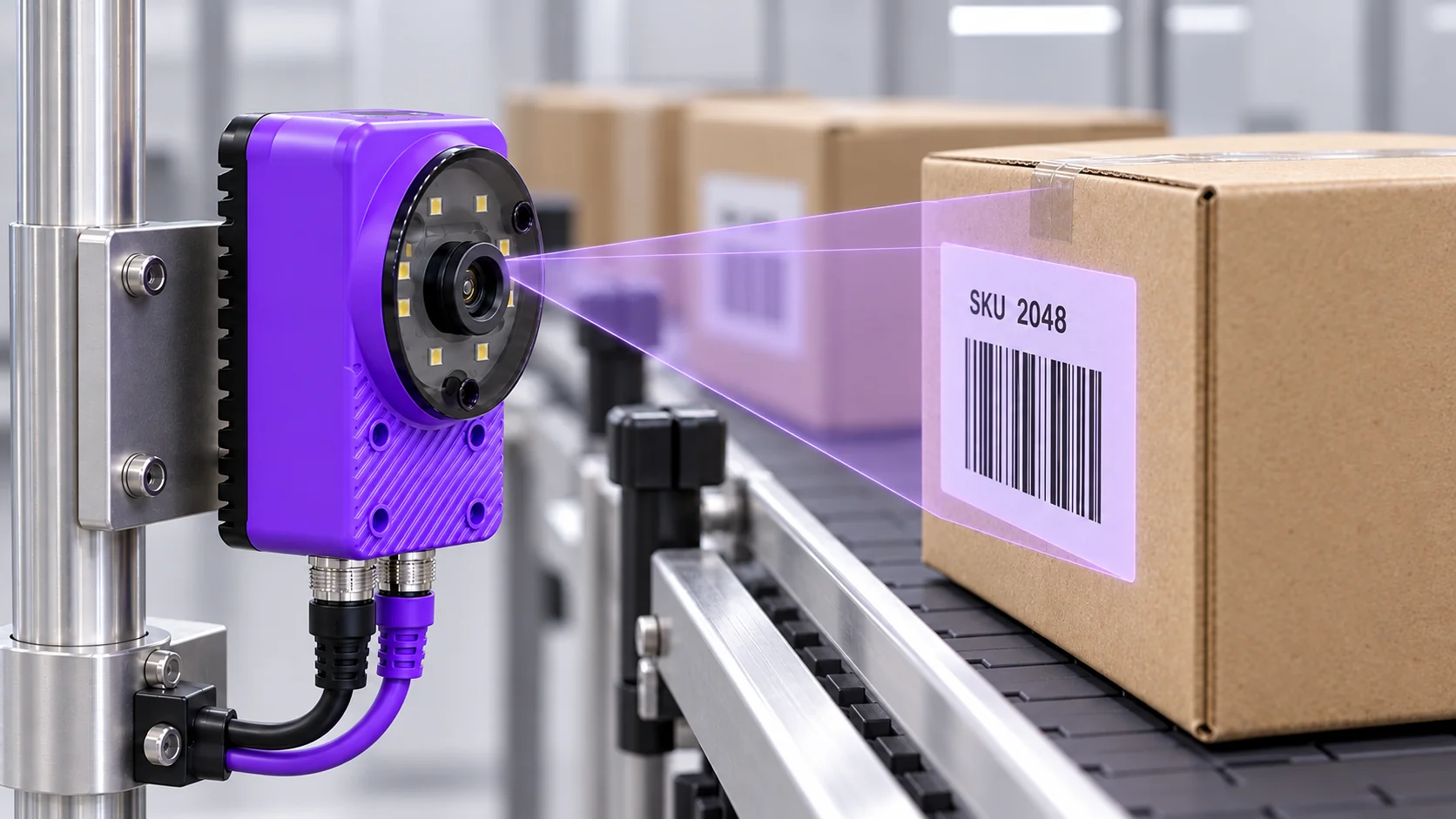
Read a barcode, then check that its content matches the product or batch you expect. Spark combines barcode decoding with explicit acceptance rules. Include barcode checks alongside OCR, counting or alignment in a recipe, and test the decoded values and rules on your actual labels.
Ten tools. One camera.
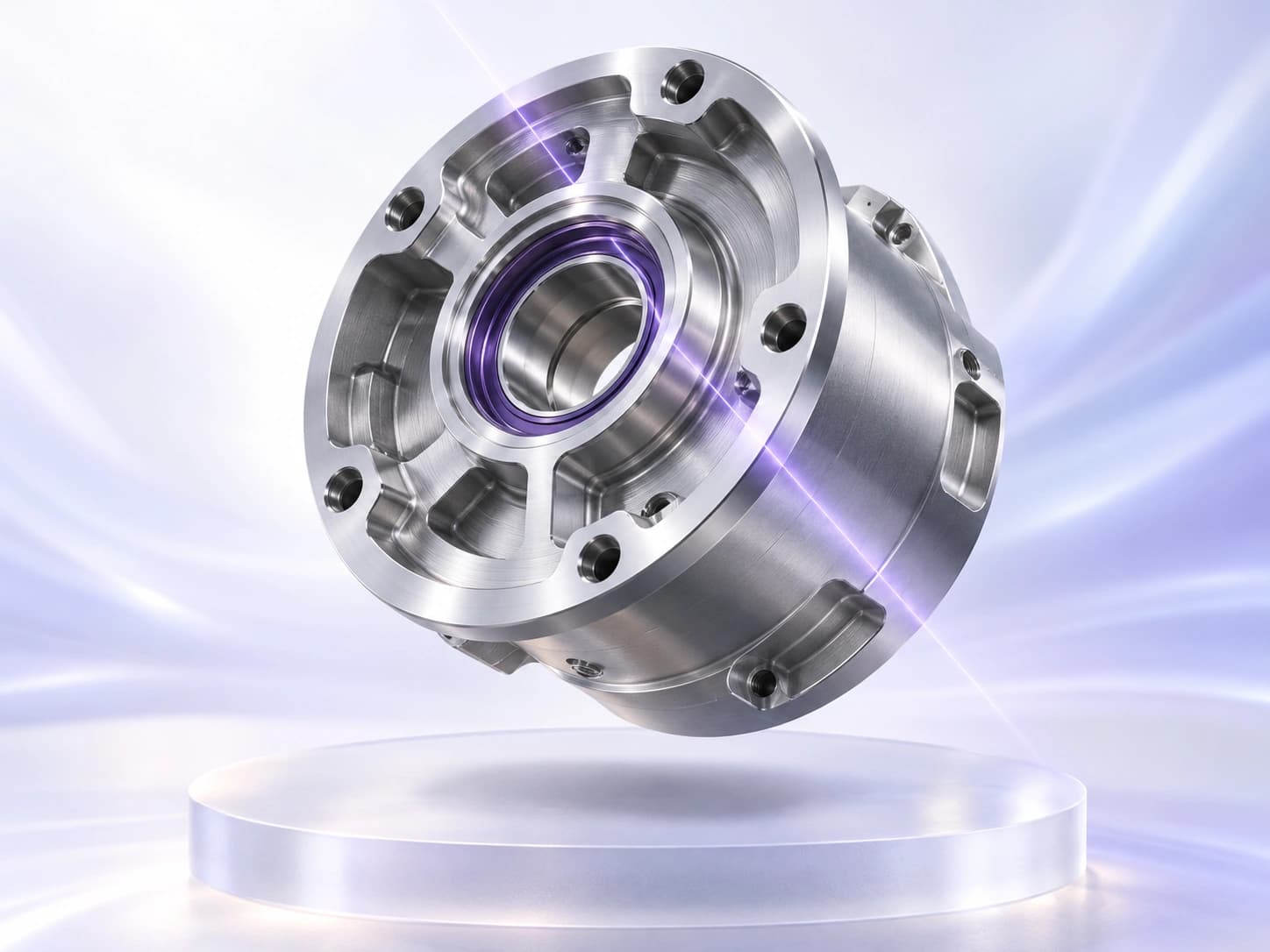
The right part.
In the right place.
Find the part’s position and orientation so downstream inspection regions follow the features you need to check.
Count visible parts or features and compare the result with your configured target range.
Measure gaps, diameters or distances, then compare them with your limits. Calibrate the image for physical units.
Compare a region with a colour reference and your allowed tolerance to check variants and consistency.
Train on examples of your defined classes, then classify the part or image region for the inspection.
Use the image to identify when the part is in the right position, without an external trigger sensor.
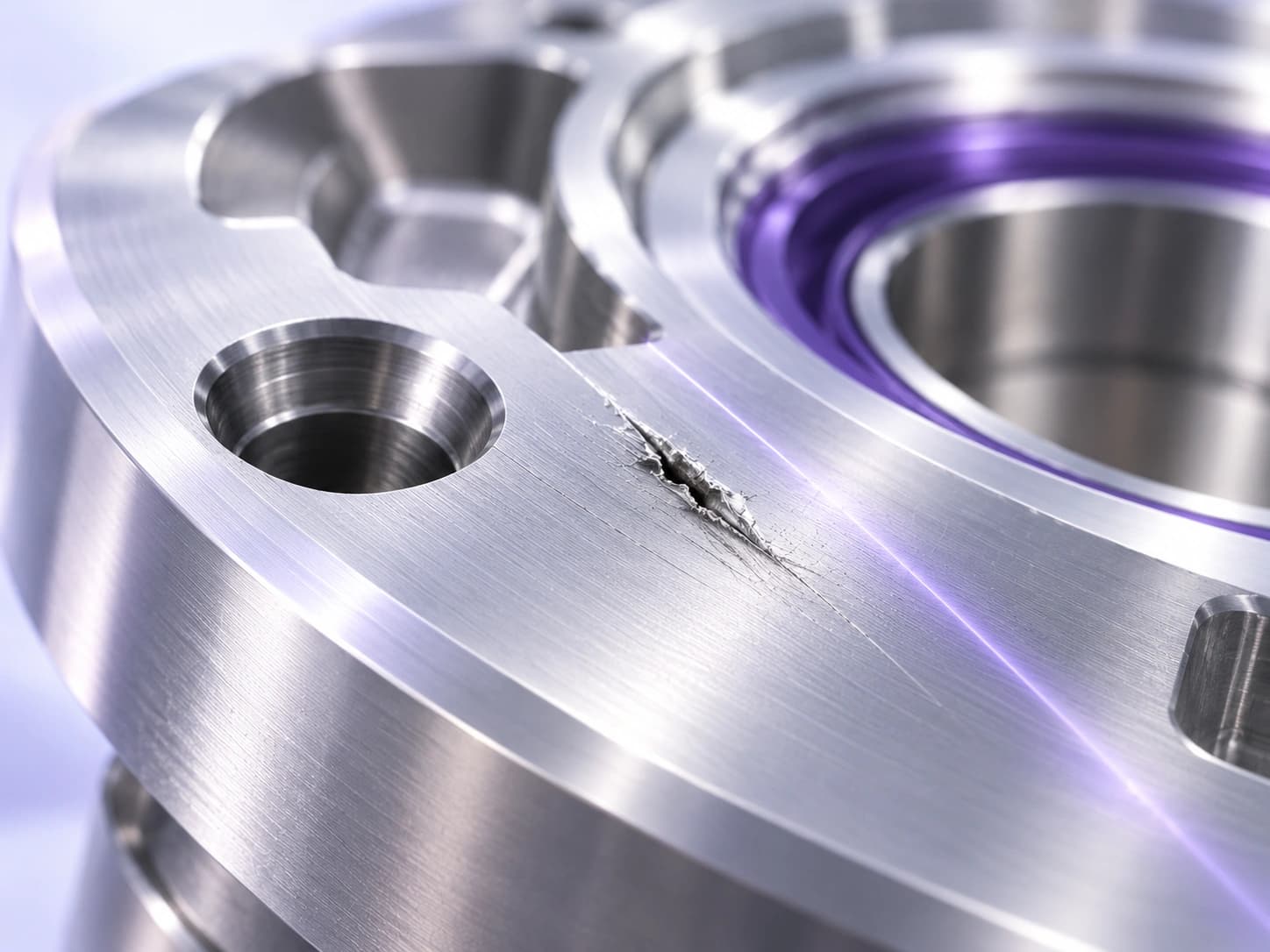
Find the flaws
that matter.
Identify the pixels belonging to a defect. Inspect scratches, coating coverage and weld quality where location and area matter.
Learn from good samples, then flag deviations from that pattern—even when defect examples are scarce.
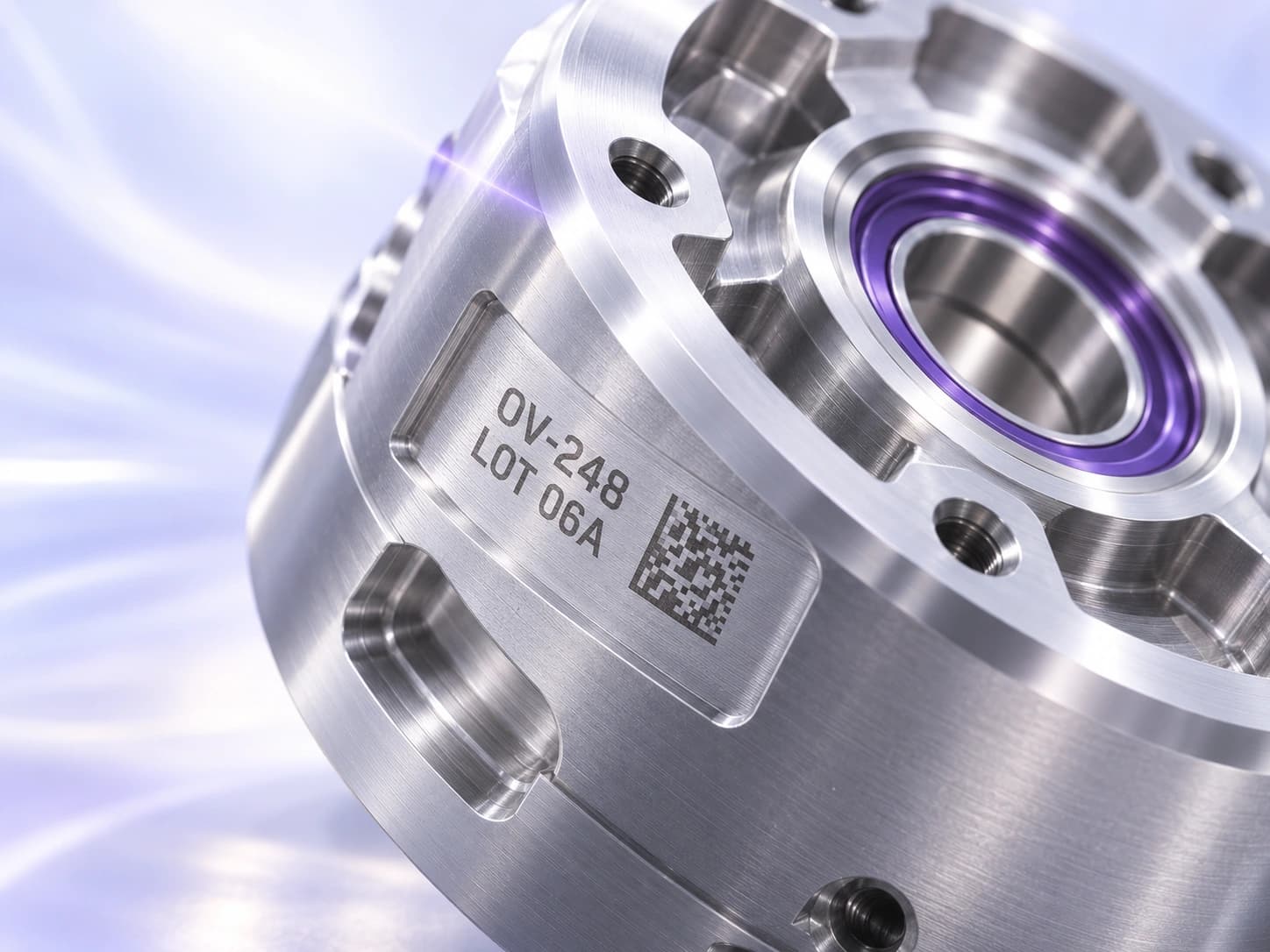
Read it.
Then verify it.
Read one line per OCR region and compare it with the expected string or pattern. Use separate regions for separate lines of lot, date or product codes.
Decode a 1D or 2D barcode, then check its content against the value your inspection expects.
Catch the right code on the wrong product
A barcode reader can successfully decode a label left over from the previous batch. Spark’s decoded value gives the inspection the information needed to check that label against the current product requirement. The result can distinguish a code the camera could not read from one that was read but contained the wrong identifier.
Define the expected value and how it is maintained at changeover. Once the content rule is part of the inspection, operators do not need to compare every decoded string with a reference manually. They can respond to exceptions using the captured label and the value the reader found.
Read the formats used on your line
Spark’s barcode tool supports 1D and 2D reading, with formats including Code 128, DataMatrix, and QR. Test the actual format, printed size, and material used on your line. A large label on a matte carton presents a different imaging problem from a small code on a reflective surface.
Leave enough image detail for the bars or modules to remain distinct. Check focus, glare, motion blur, and the clear area around the symbol. If a code sits near the edge of a curved package, changing the presentation may improve the read more than a software adjustment.
Bring code and text checks into one inspection
A readable barcode does not establish that every other detail on the label is correct. The printed lot number may need OCR. A package may need a separate count check. Decide which visible details matter and include the relevant tools in the inspection recipe.
For example, a packaging station might read a product identifier and inspect a nearby printed date. Bringing those checks into one recipe gives the station a combined view of the label requirements. Show which check failed so an operator can distinguish a wrong identifier from a problem with the printed date.
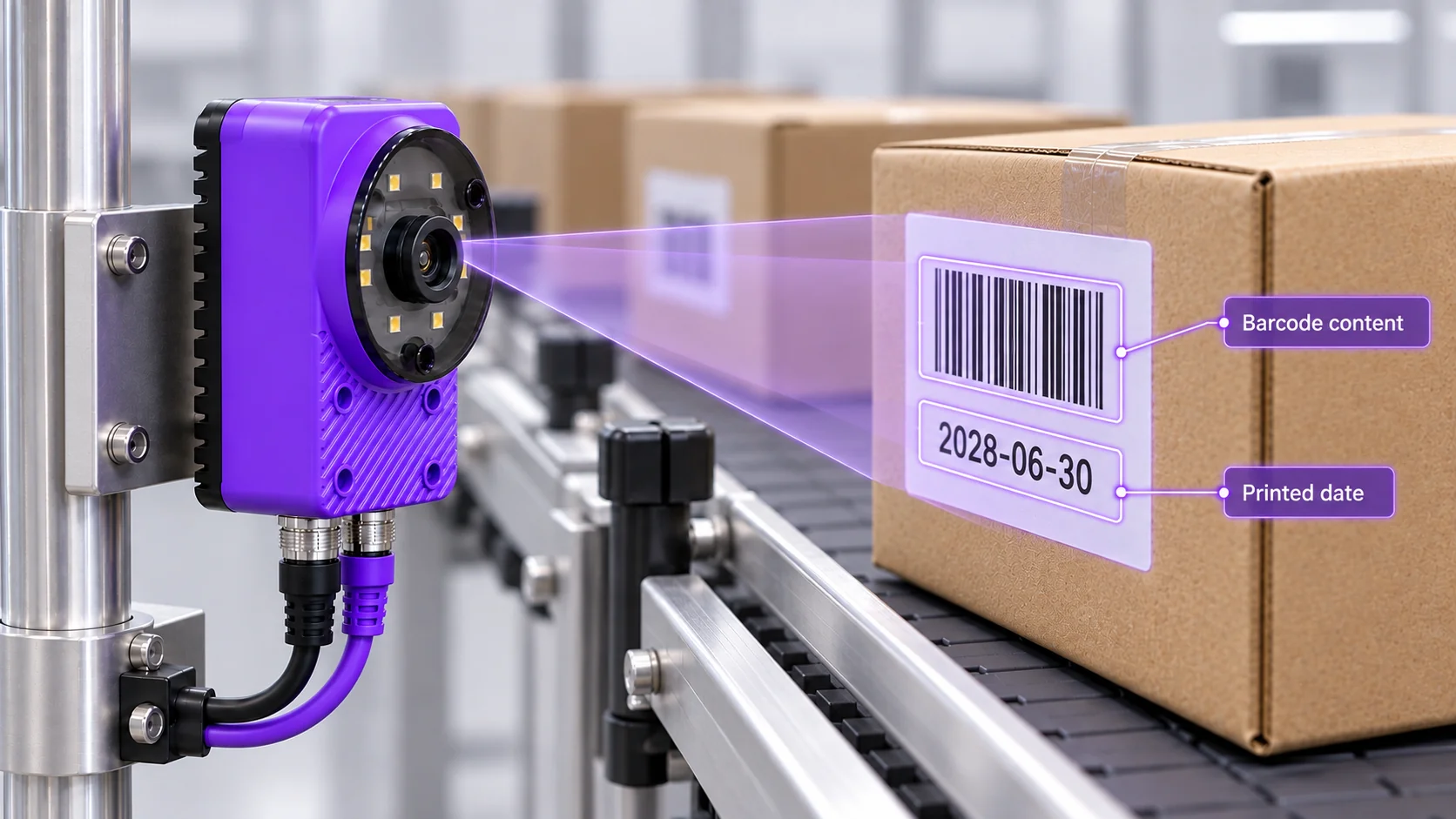
Keep the expected identifier current at changeover
An evaluation made only from correct labels tells you whether the camera can read those labels. Add labels from a previous SKU, incorrect identifiers, damaged codes, and no-code samples to check the station’s response. Include the position and print variation expected during an ordinary run.
At changeover, the expected content needs to follow the product now being made. A clear setup and operator result help prevent yesterday’s correct identifier from being accepted for today’s batch. Decide how the station handles a missing expected value or the wrong recipe so the content check remains useful when production changes.
Common questions
- What is the difference between barcode reading and checking?
- Reading decodes the symbol into a value. Checking compares that value with an expectation, such as the identifier for the product currently running. A code can be readable and still fail a content check.
- Does Spark provide ISO barcode quality grading?
- A successful decode is not a certified barcode quality grade. Formal grading evaluates defined symbol-quality criteria using an appropriate verifier. If your customer requires a grade, specify the applicable verifier requirements when selecting the equipment.
- Can Spark inspect a barcode and printed text together?
- Barcode and OCR tools address the encoded value and human-readable text respectively. They can be considered within the same inspection workflow. Define the acceptance rule for each and validate the complete recipe on representative samples.
- What samples should we provide for a barcode evaluation?
- Include the actual symbol formats, good labels, incorrect values, no-code examples, and the weakest prints you expect to encounter. Share the code dimensions, viewing distance, line speed, and how expected values change between products.
Check your labels with Spark
Share representative codes and explain what their values must match. We can review readability, the required content checks, and the changeover workflow.
Discuss your inspection