
 OV Fleet
Manage your whole camera fleet from one screen
See which cameras are online, which recipes they’re running, and which software versions they use. Group cameras by inspection and apply supported changes to several at once.
Explore OV Fleet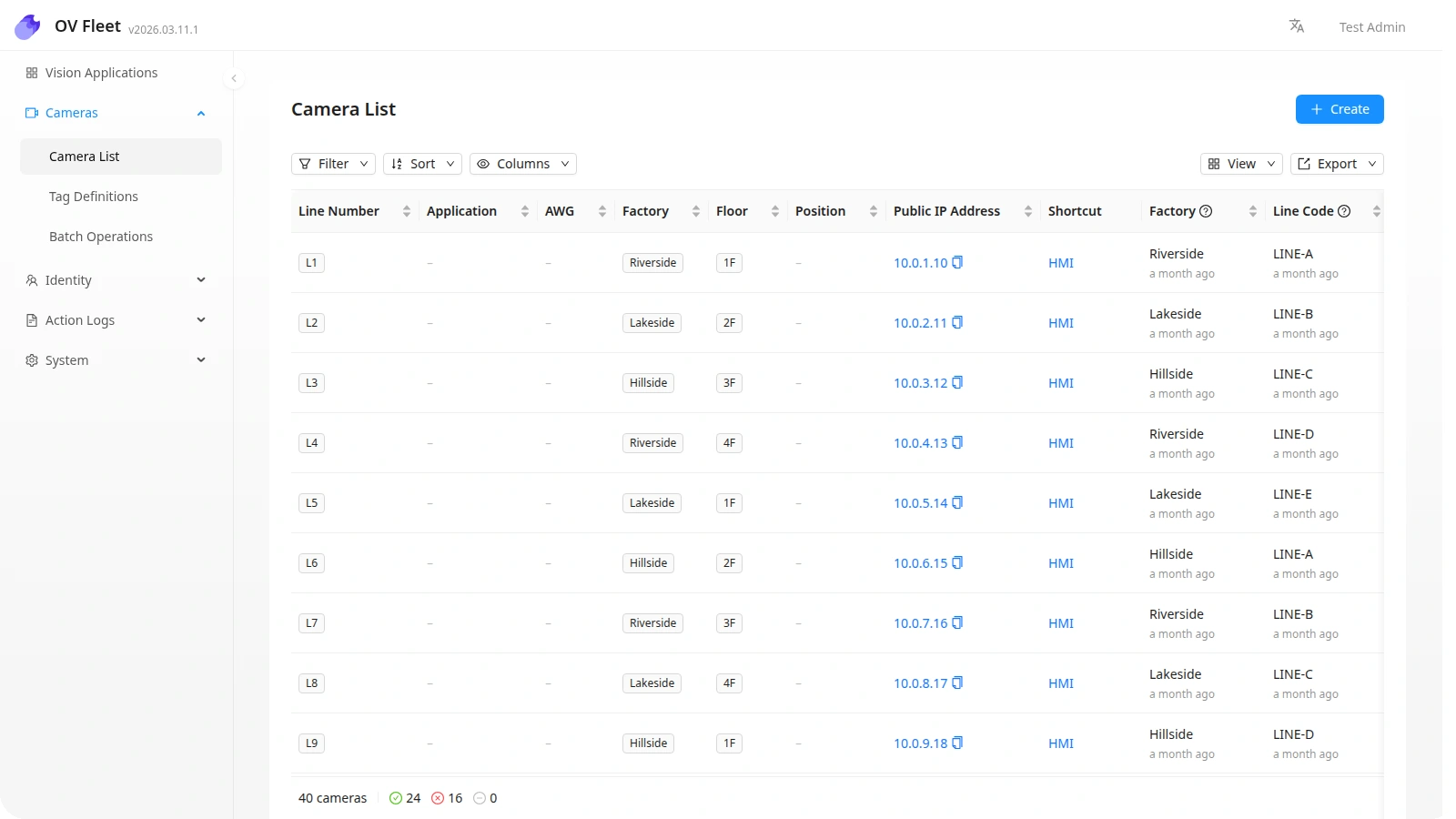
OV Pro Tools
Manage cameras, share validated recipes, keep inspection records, train models, and understand production results across your sites.
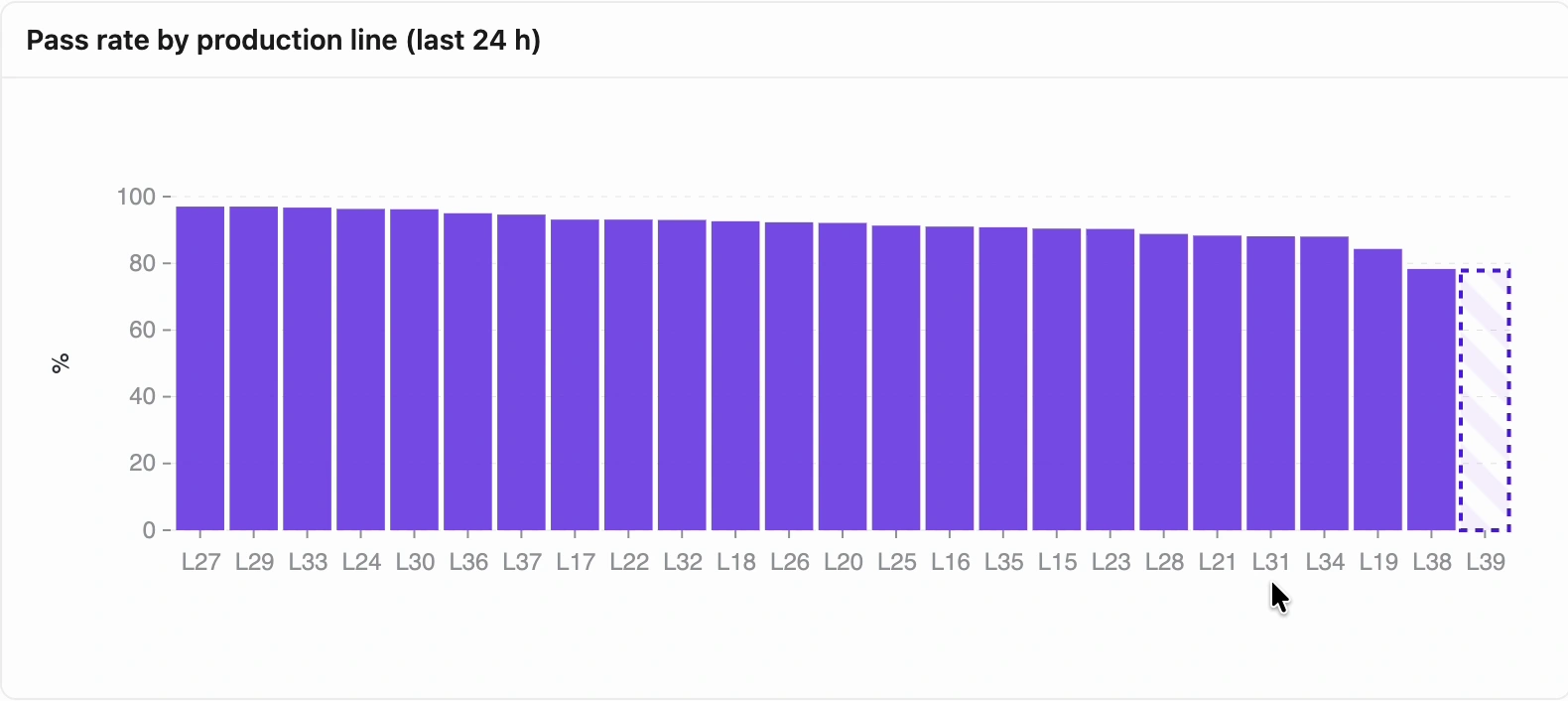
Fleet shows the status of your cameras. Hub manages recipes, Vault stores inspection records, and Turbo handles model training. Atlas turns connected inspection data into dashboards and reports.
Read the platform documentationOV FleetSee which cameras are online, which recipes they’re running, and which software versions they use. Group cameras by inspection and apply supported changes to several at once.
Explore OV Fleet OV Hub
Keep inspection recipes, versions, and test sets in one shared library. Review what changed and roll back when you need an earlier version.
Explore OV Hub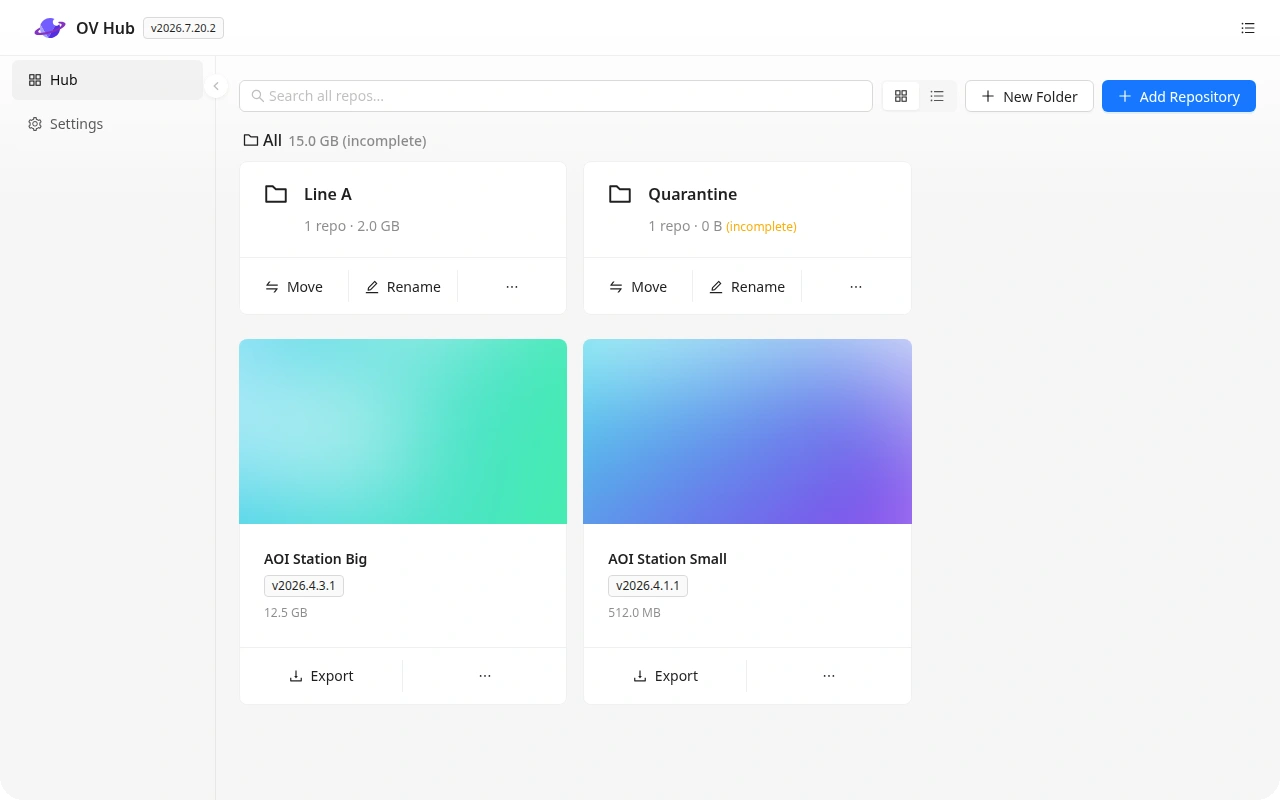
 OV Vault
Store inspection images, pass or fail results, and part details from connected cameras. Find the records you need for quality reviews and audits.
Explore OV Vault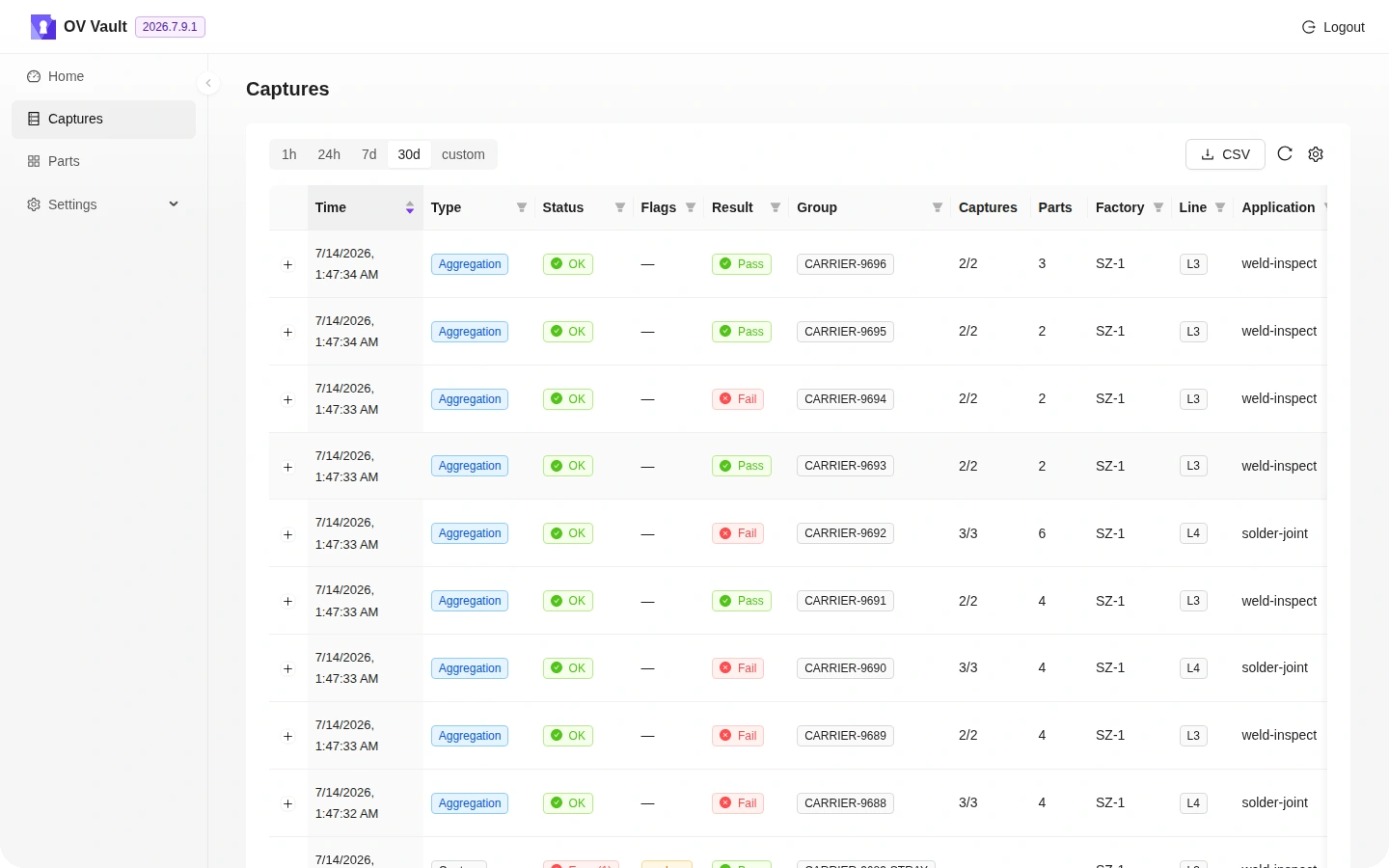
 OV Turbo
Train inspection models on a dedicated GPU server while supported cameras keep inspecting. Follow job progress and manage the server from your browser.
Explore OV Turbo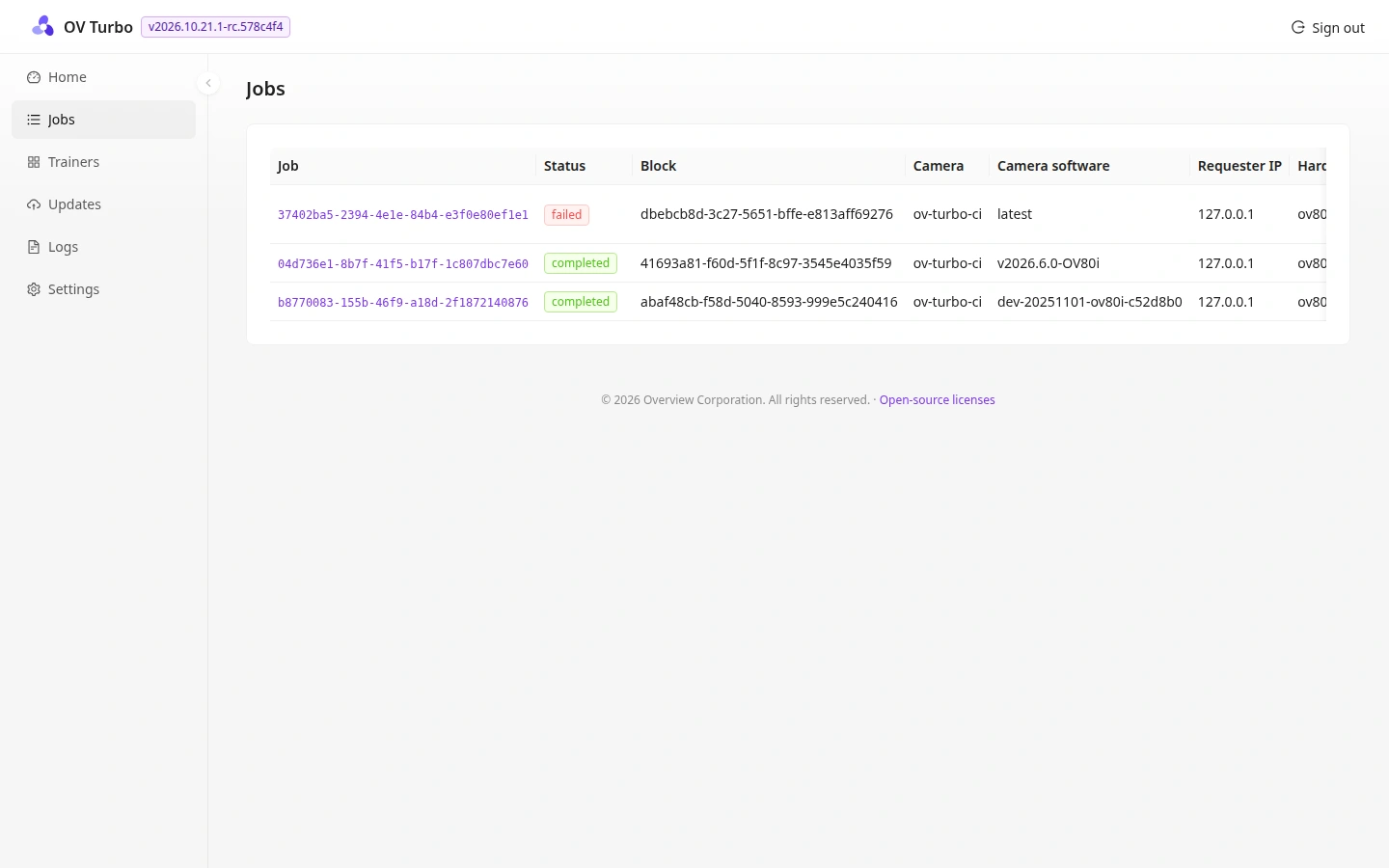
 OV Atlas
Ask about yield, defects, or line performance in plain language. Turn the answers into dashboards and recurring reports your quality team can use.
Explore OV AtlasTell us about your cameras, inspection workflows, and sites.