
 OV Hub
Give every line the same validated recipe
Keep inspection recipes, versions, and test sets in one shared library. Review what changed and roll back when you need an earlier version.
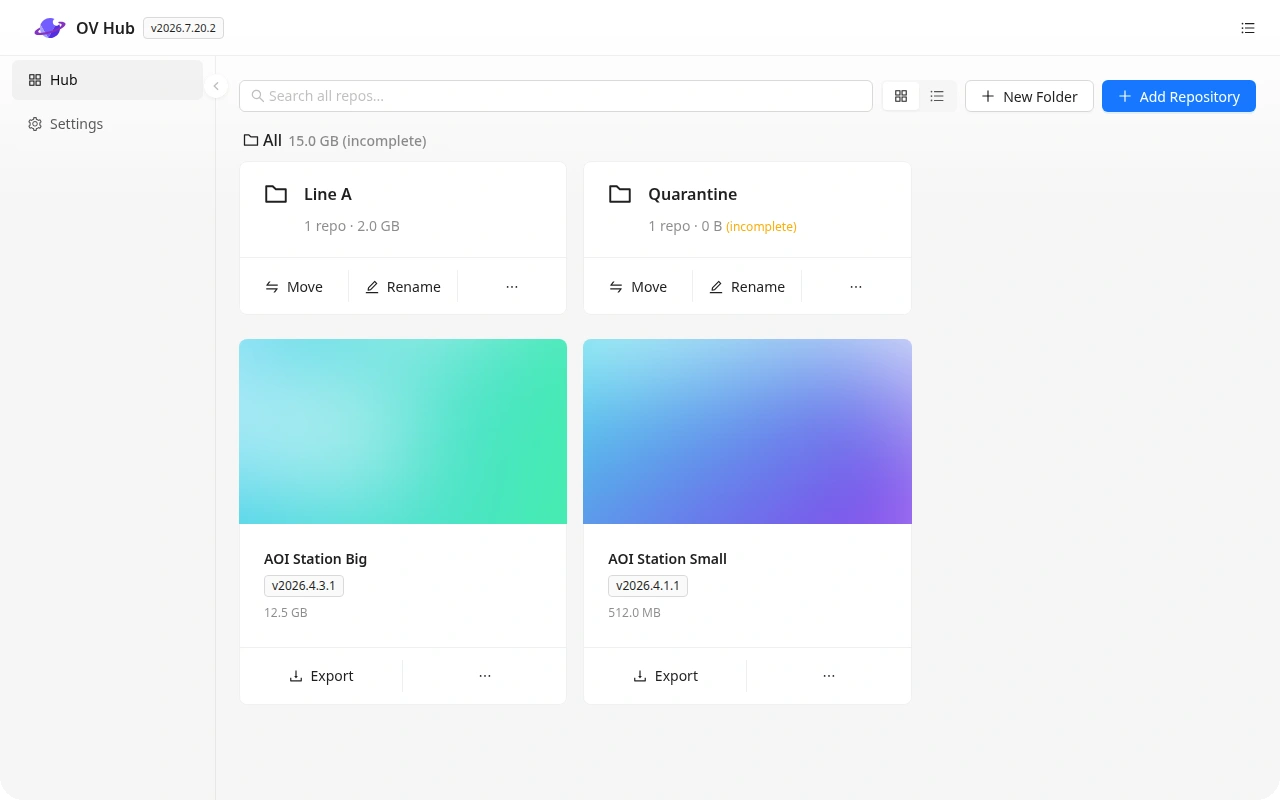
What you can do with OV Hub
Shared recipe library
Organize recipe repositories in folders and see the current version and update status in one place.
Version history
Keep a record of who published a recipe and when. Return to an earlier version if a change needs to be reversed.
Snapshots and changelogs
Capture parameter snapshots and compare versions to understand what changed before rollout.
Test sets
Keep the test set with the recipe so engineering teams can validate changes against a shared baseline.
Distribution and export
Share a published recipe between lines and factories, pull updates, or export a local copy.
How teams use OV Hub
Validate a recipe on one line, publish it to the library, and share that version with the next site. Updates transfer the changes, which helps when recipes contain large image sets.
See all OV Pro ToolsDiscuss OV Hub with our team
Tell us about your cameras, inspection workflows, and sites.