
 OV Vault
Keep inspection records ready for audits and investigations
Store inspection images, pass or fail results, and part details from connected cameras. Find the records you need for quality reviews and audits.
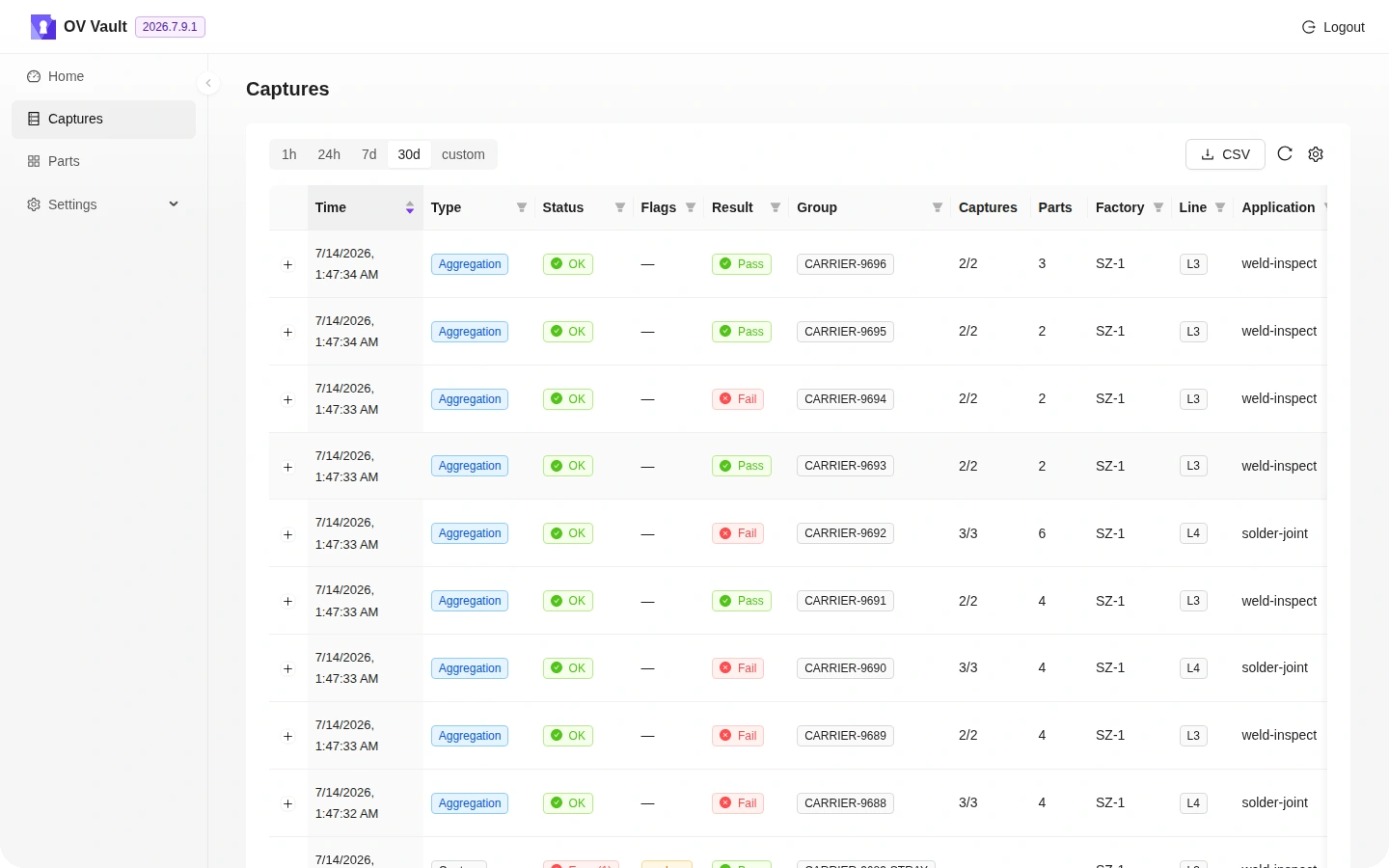
What you can do with OV Vault
Central inspection records
Collect camera results and their capture and part context in one place.
Traceability
Look up past verdicts and captures when investigating an issue or preparing for a quality audit.
Retention for your deployment
Plan how long to keep inspection records based on the production volume and audit requirements of each deployment.
Open API
Make inspection data available to OV Atlas, manufacturing execution systems, BI tools, and AI agents.
Uploads and system status
Check uploads, errors, warnings, service connectivity, and available resources.
How teams use OV Vault
When a quality issue comes up, find the relevant records in Vault and review the inspection context. Connect Atlas or bring the data into the systems your team already uses.
See all OV Pro Tools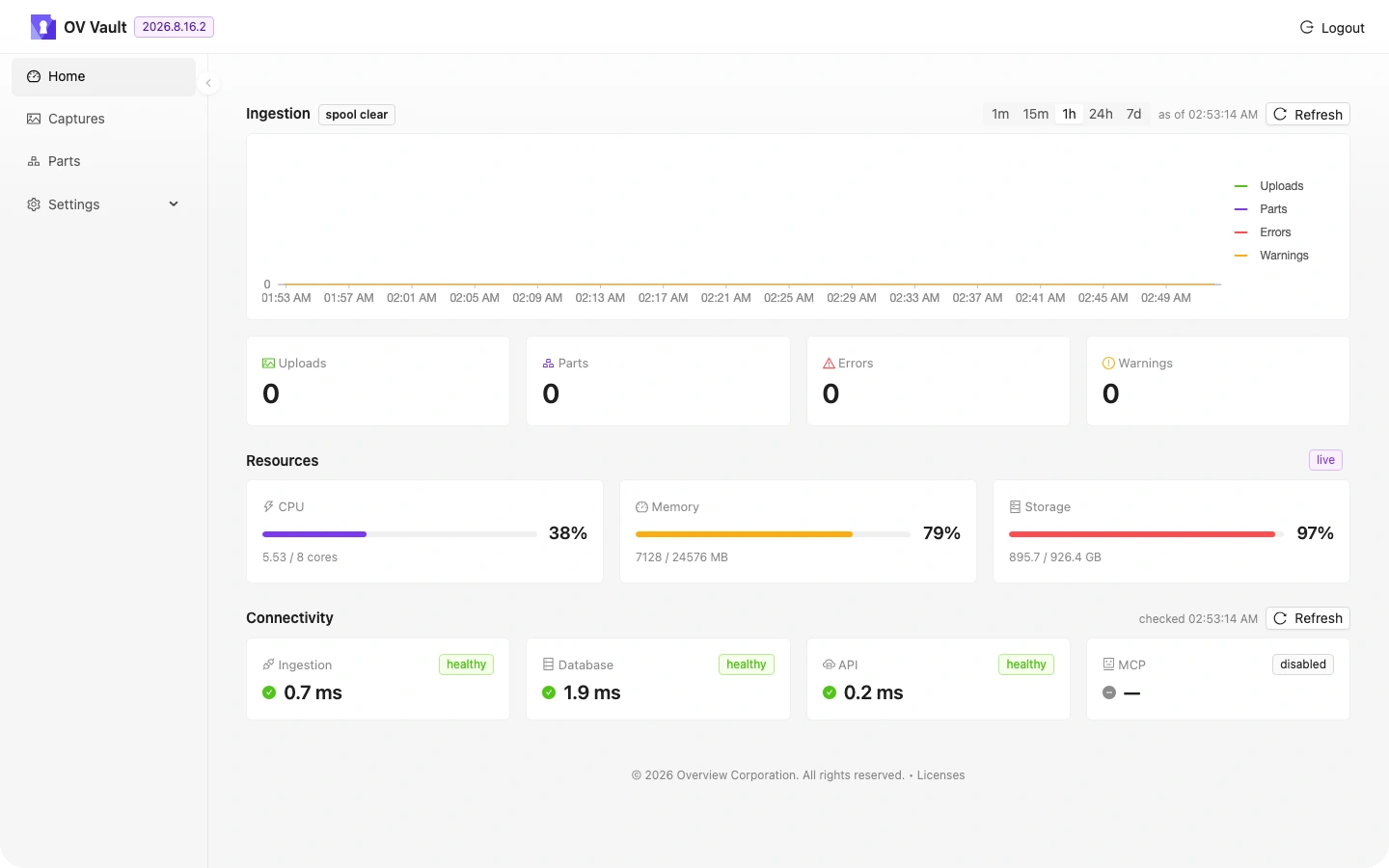
Discuss OV Vault with our team
Tell us about your cameras, inspection workflows, and sites.