OV Spark
Multi-SKU vision inspection with Spark
Mix and match Spark’s ten AI and rules-based tools around each product your station runs. Your team builds the recipes and configures each SKU’s regions, acceptance rules and training data. Use saved production images to review and refine supported tools as the product mix changes.
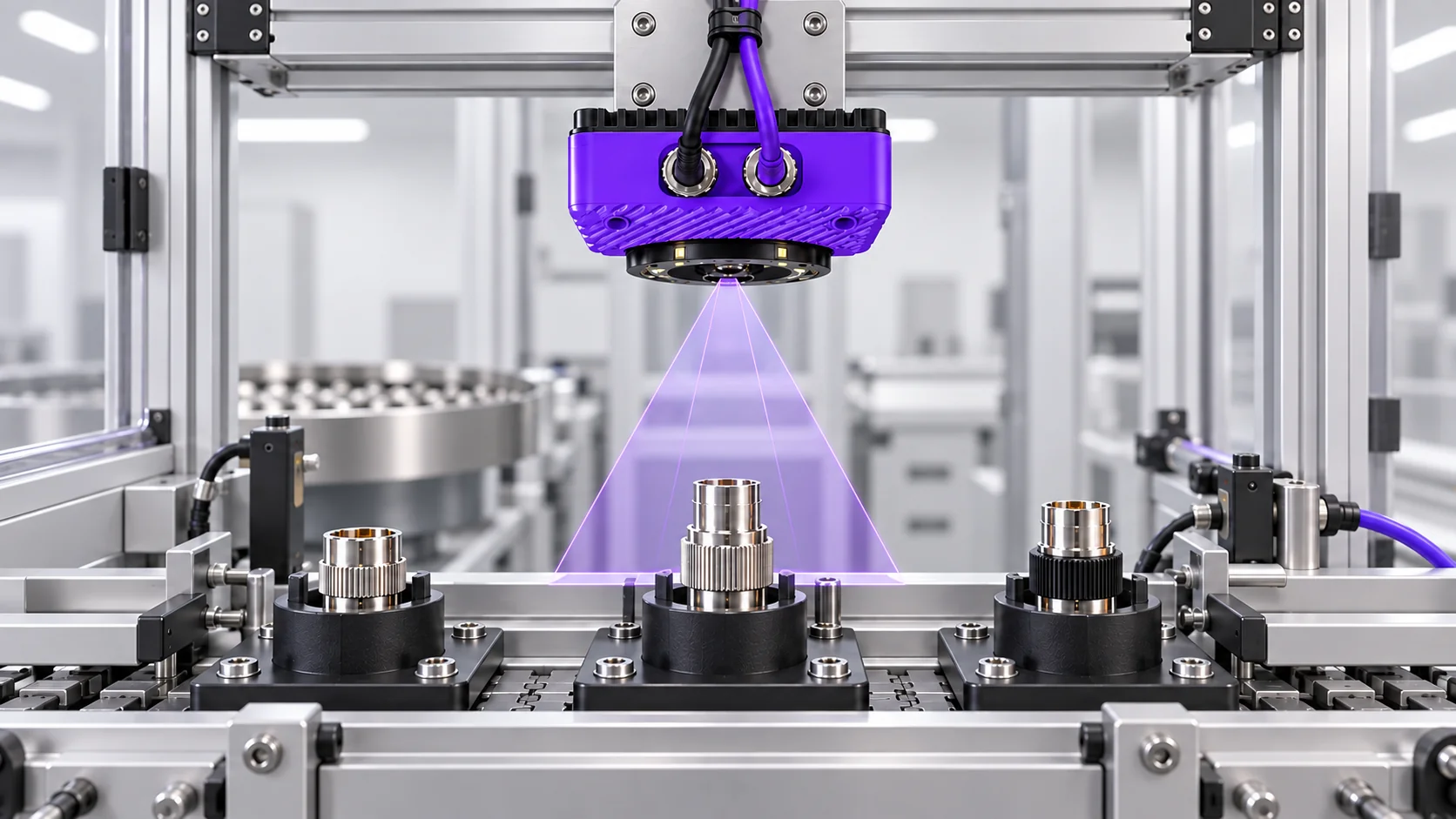
Start with what changes between products
List the differences that matter to the inspection. Some are acceptable variation, such as a supplier finish that changes while the assembly requirement stays the same. Others change the acceptance criteria: a four-position connector and a six-position connector need different count targets. Treating both situations as one problem makes the inspection harder to maintain.
For each SKU, identify the feature to inspect, the expected result, and where that feature appears in the image. Shared features can provide a starting point for related jobs, while product-specific settings capture what changes. Organizing the inspection around the product family makes it easier to explain a changeover and maintain the checks as the range grows.
Use training and recipes for different jobs
Training teaches an inspection tool about the appearances it should recognize. Include the valid finishes, orientations, and component variations that the tool will encounter. Related products may share a training set when the same visual check applies. This lets you account for normal variation across a family without treating every acceptable appearance as a different quality problem. Test each variant separately.
A recipe defines how the inspection runs. A change in geometry, required components, inspection regions, or expected text can justify a separate recipe. Agree on how the correct recipe is selected during line integration. Product variety alone does not establish that the camera can identify every SKU or switch inspections without an external instruction.
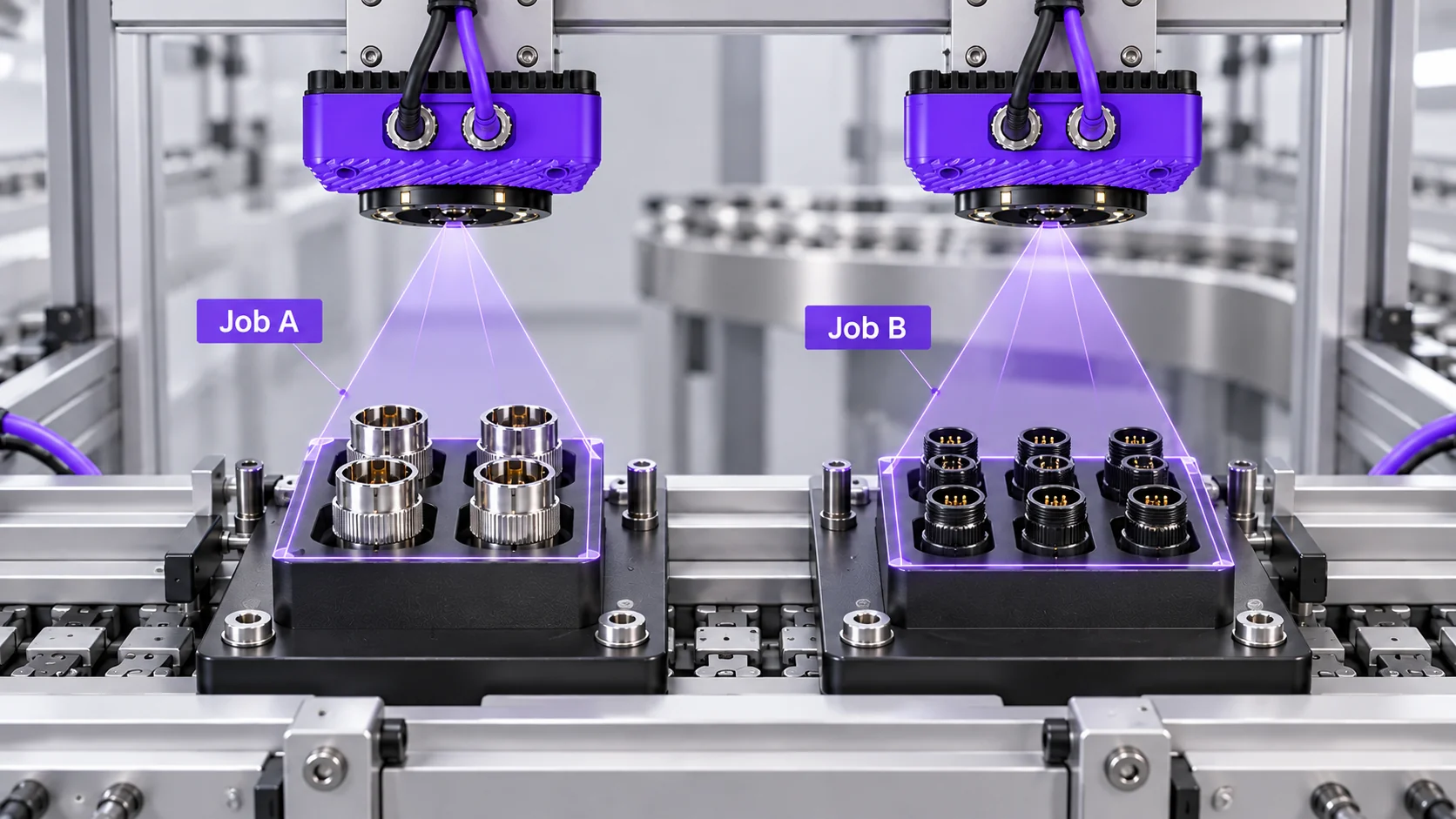
Give each product the checks it needs
A shared station can answer several questions about the same product. For a connector assembly, alignment can locate the housing before a count checks the visible terminals. A printed-code check can then read the identifier. Combining the relevant tools keeps these checks together in the recipe, with results that show which requirement passed or failed.
Work backward from the defect you need to catch. If two variants have the same count but different terminal positions, count alone will not establish correct assembly. The inspection must look at the relevant positions or distinguishing features. Choosing the checks this way prevents a convincing demonstration from overlooking the actual production requirement.
Test the changeover as well as the inspection
Run known good and known defective samples for every SKU in scope. Keep a separate set of images for evaluation so that testing includes examples the model did not see during training. Review results by product. A large run of an easy variant can hide problems with a less common one.
Include a complete changeover in the acceptance test: select the next job, verify its settings, present a correct part, and present an incorrect part. Record the expected behavior before the camera is connected to production decisions. When another SKU arrives later, repeat this process for its new features and check the existing products again.
Common questions
- Can Spark inspect multiple SKUs with one camera?
- Yes, when the products and required features can be imaged adequately from that camera position. The inspection may use shared training, separate recipes, or both. A change in part size or viewing angle can still require an optical or mechanical adjustment.
- Does each product variant need a separate model?
- Not necessarily. Related variants may share a model if the training includes their valid appearances and evaluation confirms the required results. Different geometry or acceptance criteria may be clearer to manage with separate recipes or models.
- Will Spark automatically recognize the SKU and change recipes?
- That should be specified and verified for the application. Plan an explicit way to identify the active product and select the correct inspection. Do not assume that training on several products establishes automatic job selection.
Bring your product family to the demo
Share representative variants, the checks each one requires, and your changeover process. We can work through what the camera needs to see and how to organize the inspection.
Discuss your SKU mix