OV Spark inspection capabilities
AI counting for parts and packaging
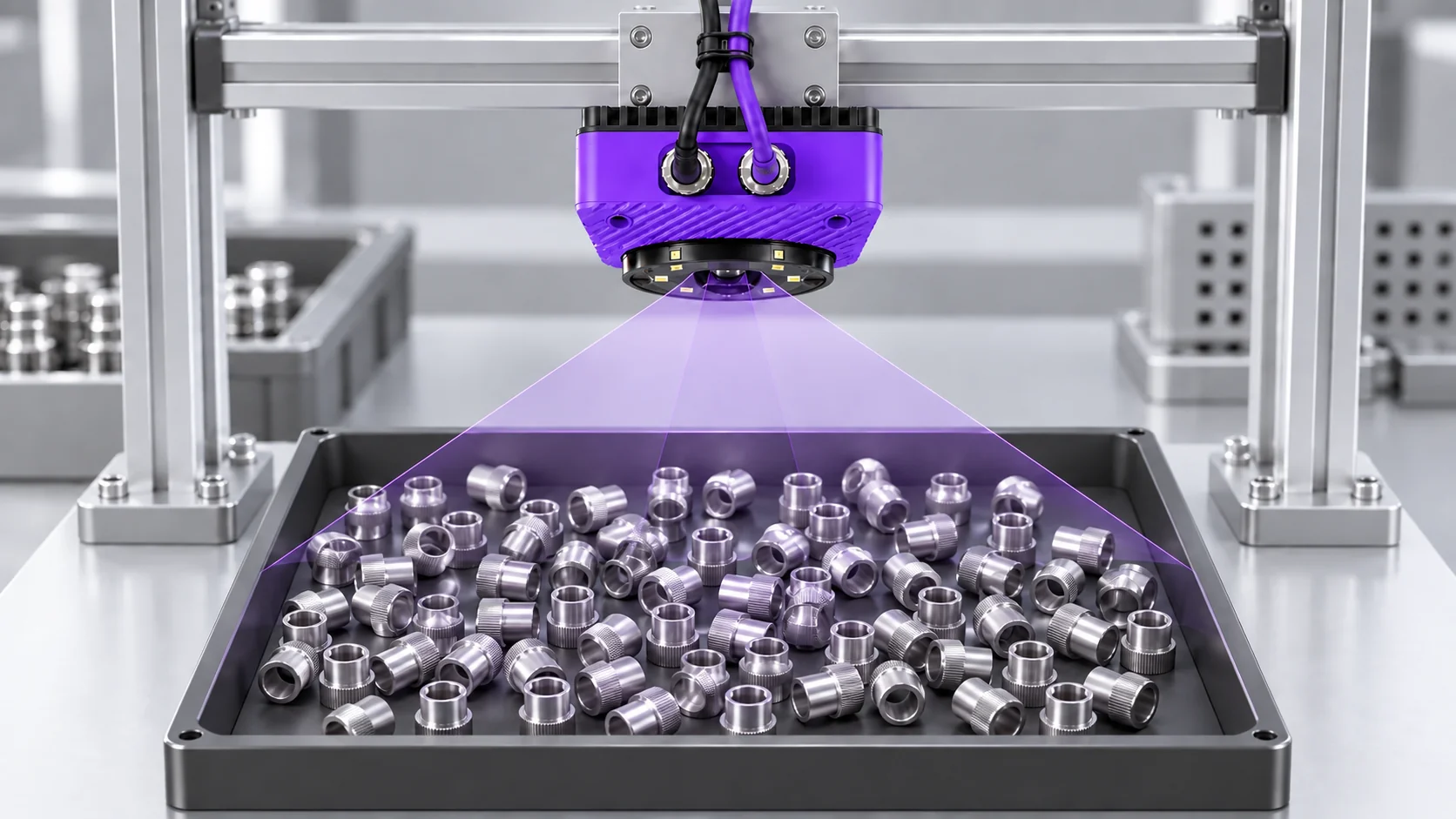
Spark AI Count finds visible items and applies your minimum and maximum count rules to flag missing or extra parts. Your team combines them in a recipe and sets the regions, targets and training examples.
Ten tools. One camera.
The right part.
In the right place.
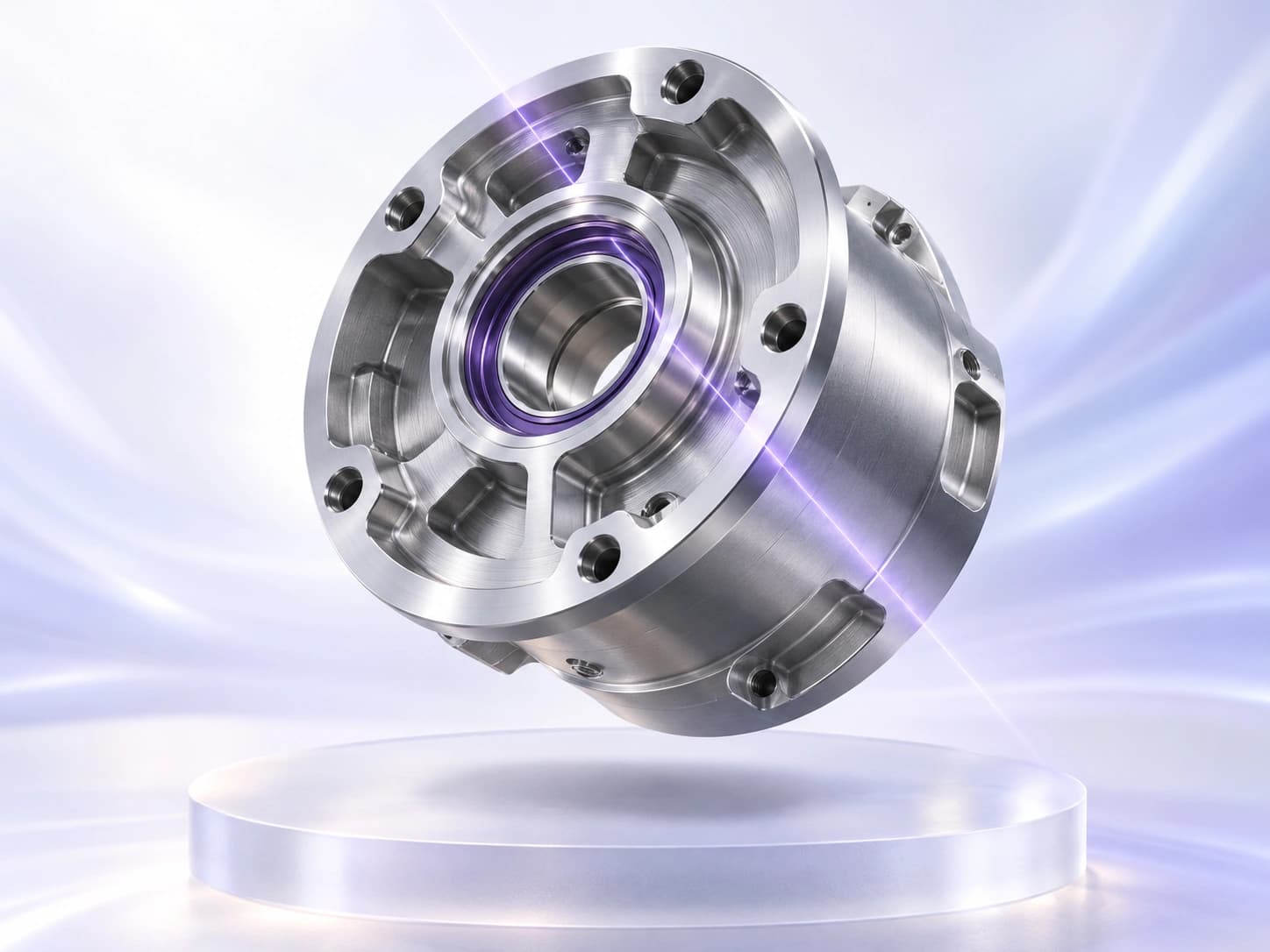
Find the part’s position and orientation so downstream inspection regions follow the features you need to check.
Count visible parts or features and compare the result with your configured target range.
Measure gaps, diameters or distances, then compare them with your limits. Calibrate the image for physical units.
Compare a region with a colour reference and your allowed tolerance to check variants and consistency.
Train on examples of your defined classes, then classify the part or image region for the inspection.
Use the image to identify when the part is in the right position, without an external trigger sensor.
Find the flaws
that matter.
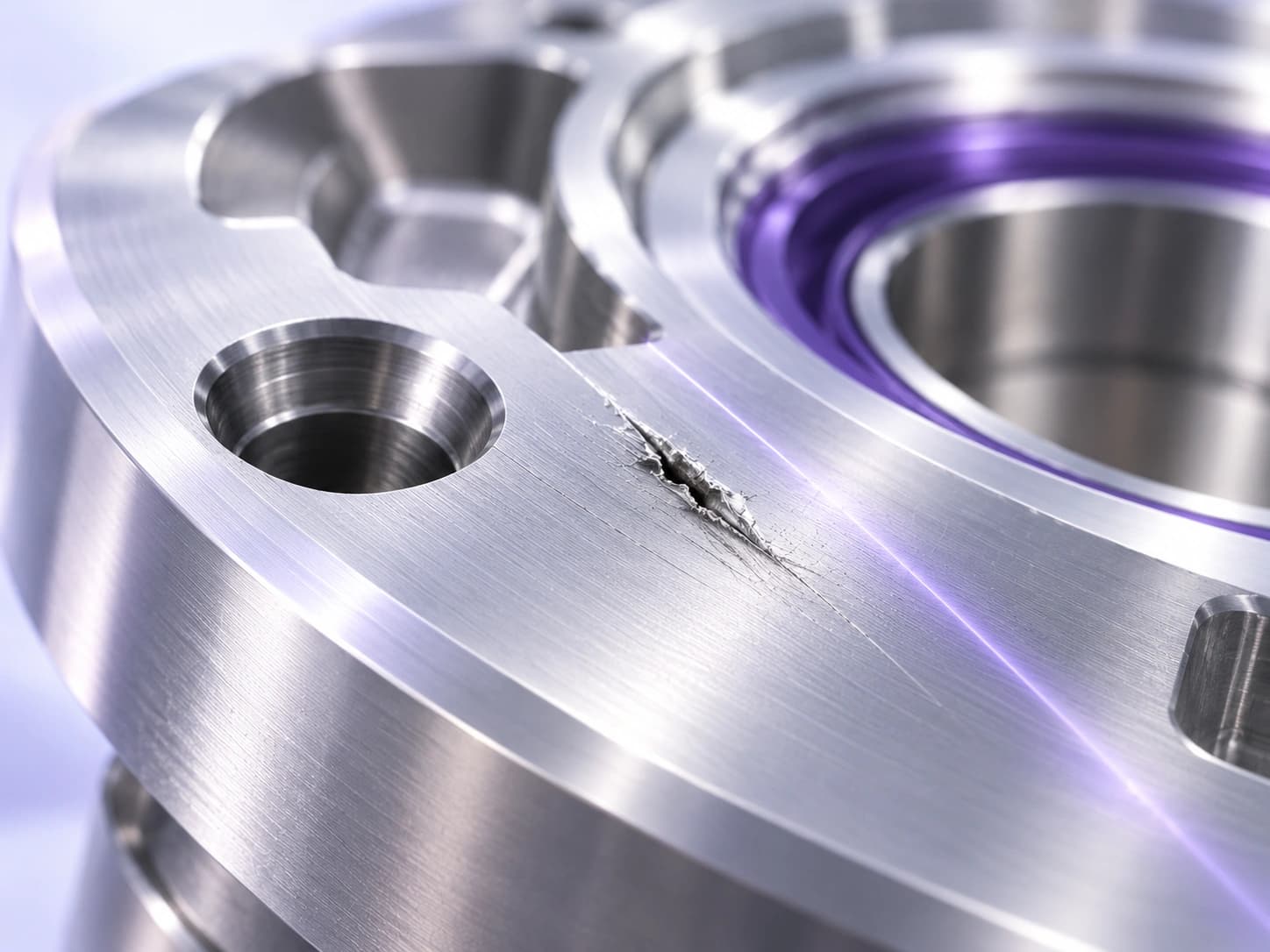
Identify the pixels belonging to a defect. Inspect scratches, coating coverage and weld quality where location and area matter.
Learn from good samples, then flag deviations from that pattern—even when defect examples are scarce.
Read it.
Then verify it.
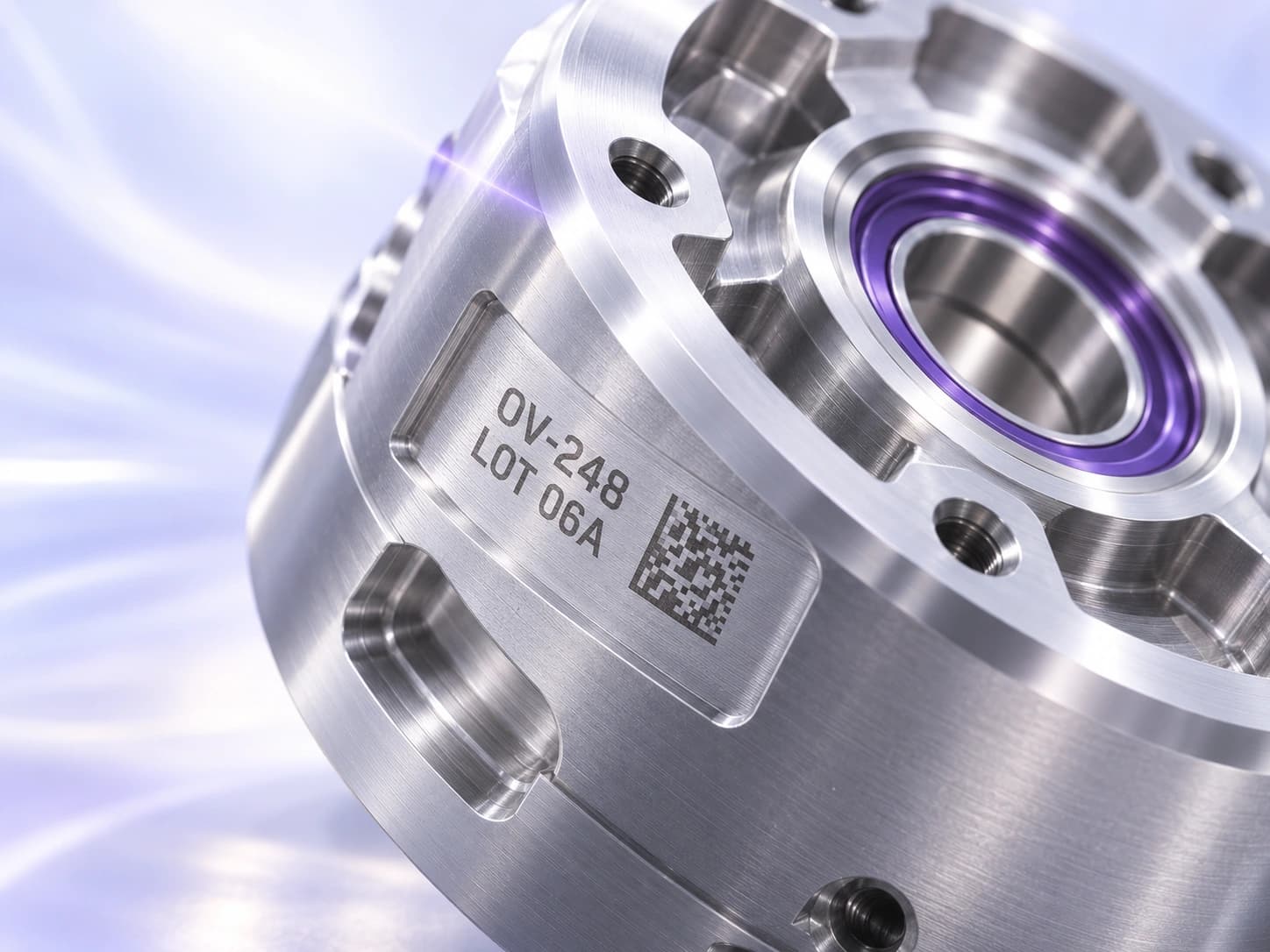
Read one line per OCR region and compare it with the expected string or pattern. Use separate regions for separate lines of lot, date or product codes.
Decode a 1D or 2D barcode, then check its content against the value your inspection expects.
Flag missing and extra items at the station
Begin with the production question. You might need twelve components in a tray, four visible fasteners in an assembly, or a set quantity in a packaging pocket. The feature the camera counts must correspond to the quantity you need to control. A bright reflection or a repeated marking should not become an extra item.
Choose a region that includes the relevant parts and excludes nearby stock, printed pictures, and tooling where possible. Spark supports minimum and maximum count limits, turning the observed quantity into a pass or fail result. Operators get an exception to investigate when a group falls outside the allowed range.
Count parts in the positions they arrive
Loose components rarely arrive in exactly the same arrangement. Their positions, orientations, and visible surfaces may change. A counting inspection suited to that variation can reduce the need for an operator to line up each item before checking the quantity. Include ordinary differences in finish, size, and spacing when setting up the tool.
This is particularly important near the edge of the region. Decide how the station should handle an item that is only partly in view. The timing of the capture and the way parts are presented may need adjustment so the inspection sees a complete group every cycle.
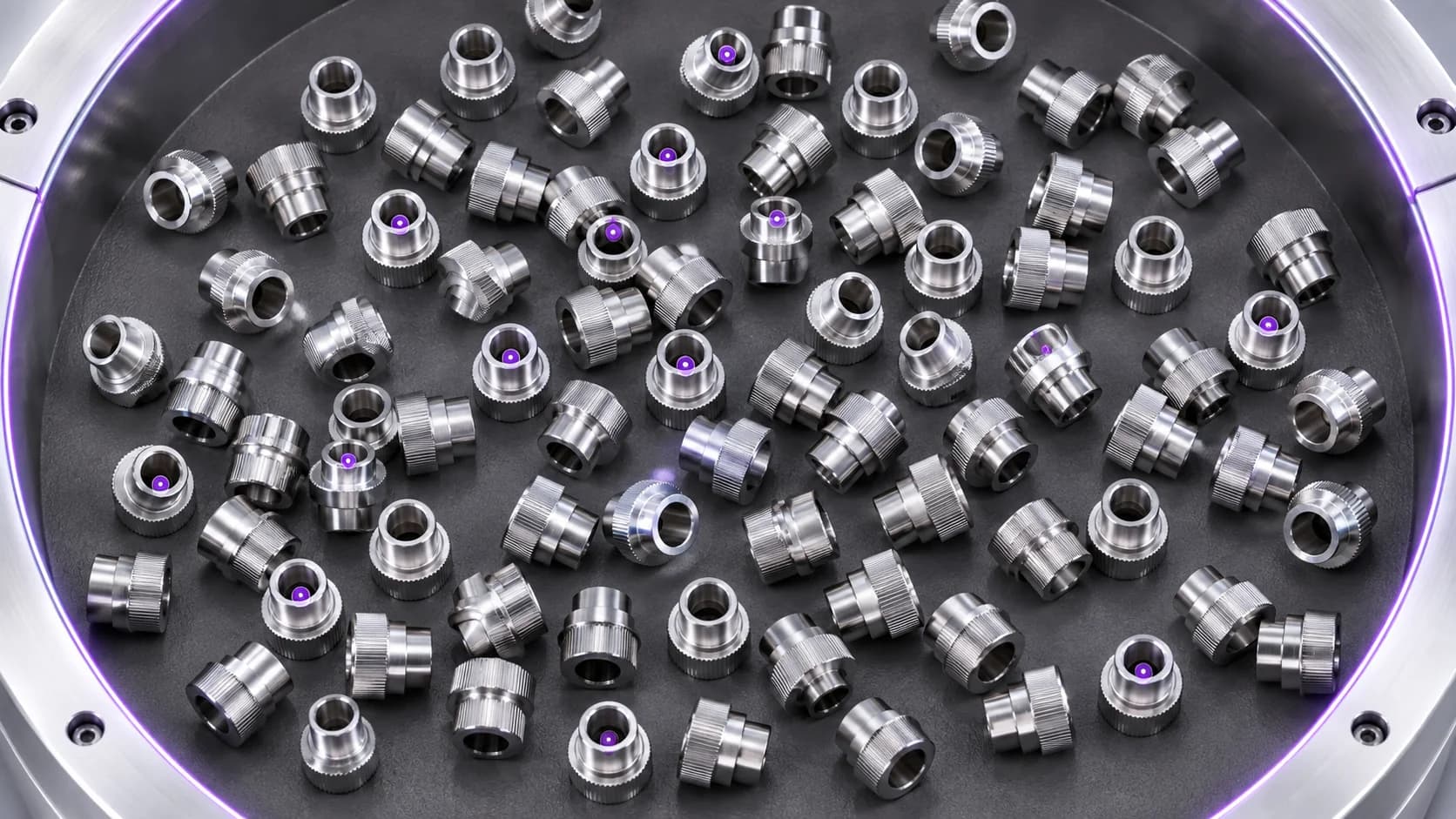
Check the quantity your process needs
AI counting still depends on what the image shows. Fully hidden items cannot be counted reliably from that view, and touching or overlapping parts may become difficult to separate. Before adding more examples, consider whether spacing, fixturing, a different camera angle, or a smaller field of view would make each item easier to distinguish.
A kit inspection also needs a precise definition of completeness. Counting six objects does not by itself prove that all six are the correct components. When identity matters, plan additional checks for the relevant parts or features. Evaluate the complete recipe against the failures you actually need to catch.
Keep quantity checks in step with changeovers
A shared station may inspect different tray layouts or pack quantities over a shift. Keeping the expected count and inspection region with the product setup gives the operator a defined check for each SKU. At changeover, the operator can verify the selected setup rather than work out the required quantity from scratch.
Make the failed region and its expected quantity clear on the operator screen. That puts a shortage in context and helps someone find the affected pocket or group. Keep examples of correct groups, missing items, extra items, and awkward arrangements to check that later changes preserve the behavior the station needs.
Save useful production captures in the onboard Library so the team can review a missed item or false detection and refine supported tools with real examples.
Common questions
- What can Spark AI Count inspect?
- Potential applications include visible components in a tray, repeated assembly features, and packaging quantities. Suitability depends on whether each item can be distinguished in the image and whether the count represents your actual quality requirement.
- Can it count overlapping parts?
- Some partial overlap may leave enough visible detail to distinguish items, but that needs testing on your parts. Do not assume that hidden items or a dense pile can be counted from one camera view.
- Does the same count prove a kit is complete?
- Only when the requirement is quantity alone. A kit with the right total can contain the wrong mix of components. Include checks for identity or required positions when those determine whether the kit is acceptable.
- How should we evaluate a counting camera?
- Use normal production arrangements plus deliberately missing and extra items. Repeat captures across permitted positions, lighting conditions, and product variants. Review individual images behind errors instead of relying only on a total success rate.
Show us what needs counting
Bring examples of the normal layout and the mistakes you need to detect. We can review visibility, quantity rules, and how the inspection fits your station.
Discuss your inspection