Spark comparisons
Spark vs Keyence IV4: why choose Spark
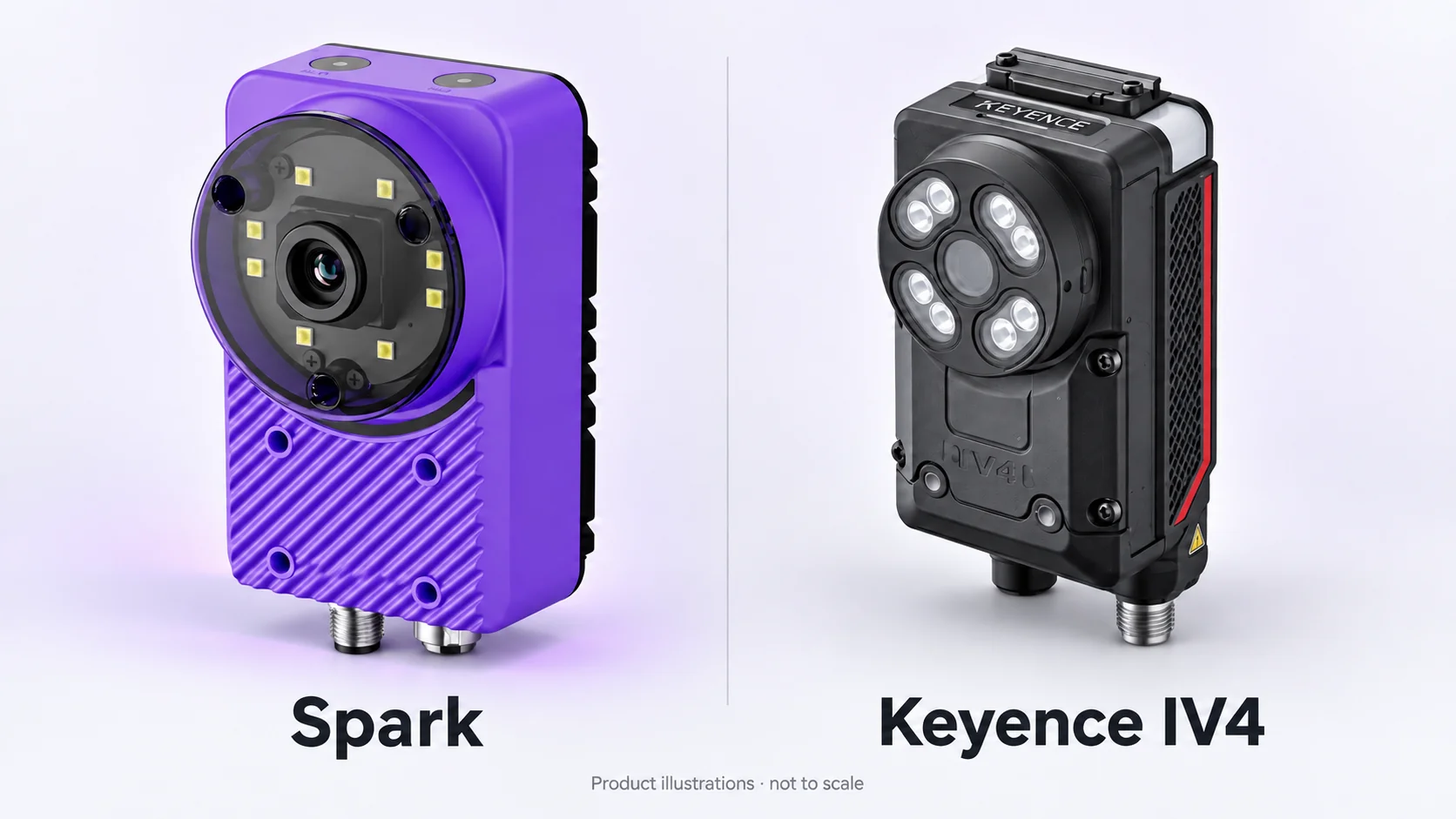
Choose Spark when you want one inspection workflow your team can build, run and improve. Ten AI and rules-based tools, Sparky-assisted setup, custom operator screens and an onboard image Library put that workflow in one compact camera. Here is the case for choosing Spark over Keyence IV4.
Why choose Spark?
Choose Spark to connect inspection setup, operator handover and ongoing improvement in one workflow. Your team gets ten inspection tools, assistance building recipes and screens, and access to the production images needed to keep refining the inspection.
- Ten tools, one recipe: combine AI and rules-based checks for characters, counts, dimensions and part position.
- Help where you work: use Sparky for tool selection, recipe building, HMI building and Library questions.
- Keep improving: review saved images, label useful examples and retrain as your production changes.
What Spark brings to your production team
Choose Spark for an inspection workflow that supports the people building, running and improving it. The value is in how the tools work together—from a recipe and operator screen to the production images you use to refine the model.
| Your team’s task | Built into the Spark workflow | What you can do |
|---|---|---|
| Build the inspection | Sparky-assisted tool selection and recipe building. | Turn the checks your part needs into a recipe, with assistance inside the setup workflow. |
| Combine checks | Ten AI and rules-based tools to mix and match. | Check characters, counts, dimensions and part position within the same recipe. |
| Create the operator experience | Custom operator screens with Sparky-assisted HMI building. | Give the production team a screen focused on the results and controls it needs. |
| Understand production results | Saved images in the onboard Library, with questions answered through Sparky. | Review what the camera saw and ask about the images and results while investigating the inspection. |
| Adapt to new examples | Image labeling and retraining from the onboard Library. | Use production examples to refine the model, then validate it before deployment. |
Build the inspection and the operator screen together
Use Sparky to select tools and build a recipe around the checks your part needs. Combine AI tools with rules-based checks in the same inspection, then configure and validate the result on your parts.
Build a custom HMI around the results and controls your operators need. Spark connects the engineering setup to the screen used on the line, so the demo can cover the actual handover to your production team.
Improve the inspection with your own production images
Spark’s onboard Library keeps images available for review. Label useful examples, retrain and validate the updated model against the parts and defects that matter to your line.
Ask Sparky questions about Library images and results as you review the inspection. The workflow gives your team a practical way to respond to new part variation and refine the inspection over time.
See why Spark fits your line
Bring your parts to a Spark demo and see the complete workflow: build the recipe, run the checks, create the operator screen and review saved images. We will help you select the Spark configuration for your field of view and required detail.
Use your good parts and known defects to check coverage, missed faults, false rejects and the full inspection cycle. Leave with a concrete view of how Spark can support your application and a quote for the required configuration.
Common questions
- What makes Spark a strong choice for my team?
- Spark brings ten AI and rules-based tools together with Sparky-assisted setup, custom operator screens and an onboard image Library. Choose Spark when you want to build, operate and improve the inspection within that connected workflow.
- Can Spark combine several checks in one inspection?
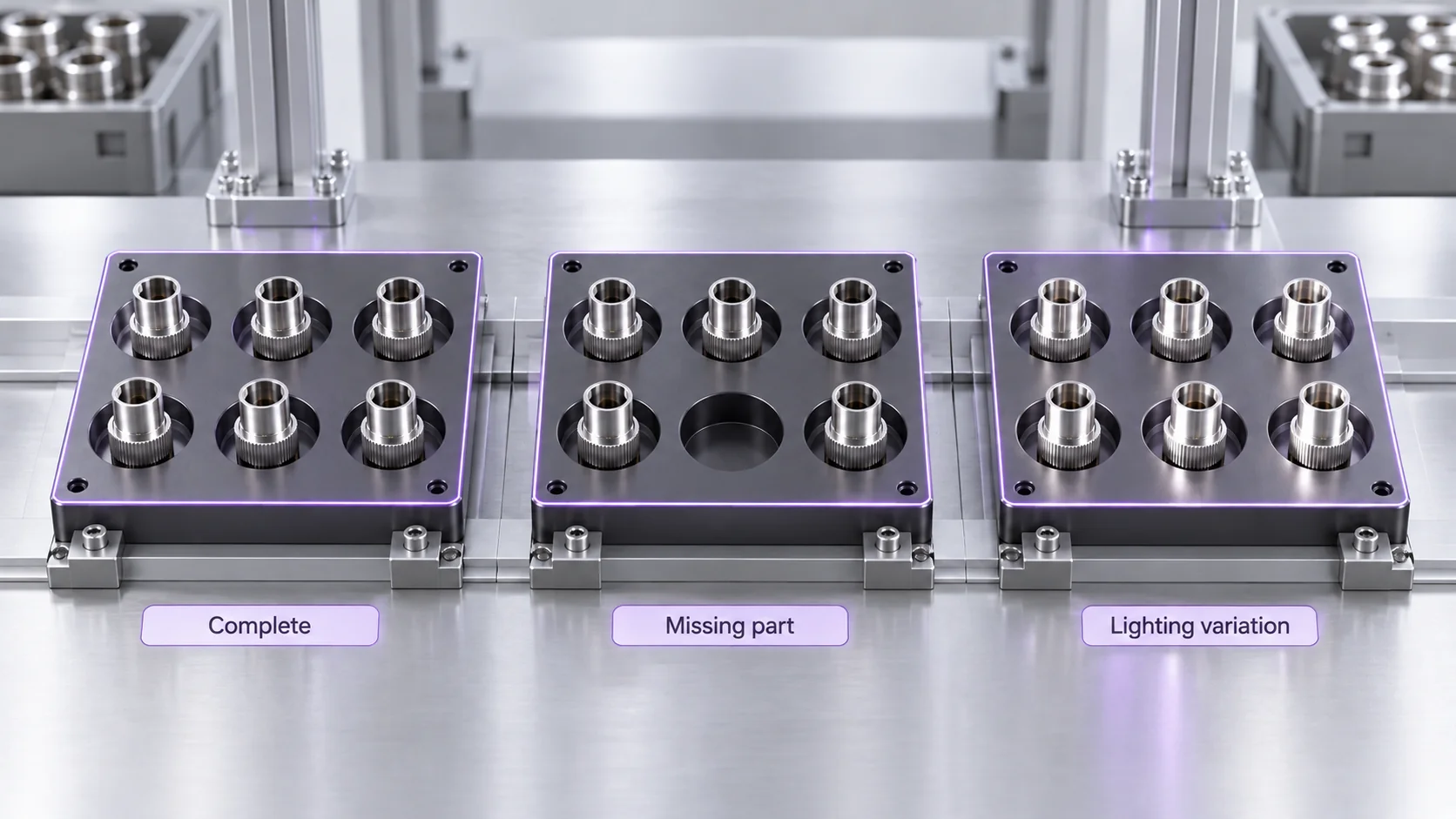
- Yes. Mix and match tools for tasks such as OCR, counting, measurement and alignment in one recipe. Configure the checks around your part and validate the complete inspection at your required production rate.
- How does Spark help my team set up an inspection?
- Sparky helps with tool selection, recipe building, HMI building and questions about the Library. Your team configures the imaging and machine integration and validates the finished inspection.
- Can I retrain Spark with images from production?
- Yes. Review images in the onboard Library, label useful examples and retrain. Validate the updated model on representative good parts and known defects before deploying it.
- How can I see Spark working on my parts?
- Request a Spark demo with representative parts and examples of the defects you need to catch. We will walk through the inspection workflow and help you choose the camera configuration for your application.
Choose Spark. See it on your parts.
See the tools, setup assistance, operator screen and image review in one Spark demonstration built around your application.
Request a Spark demo