How to Detect a Clogged Track in Vibratory Bowl Feeders Using AI-Powered Visual Inspection
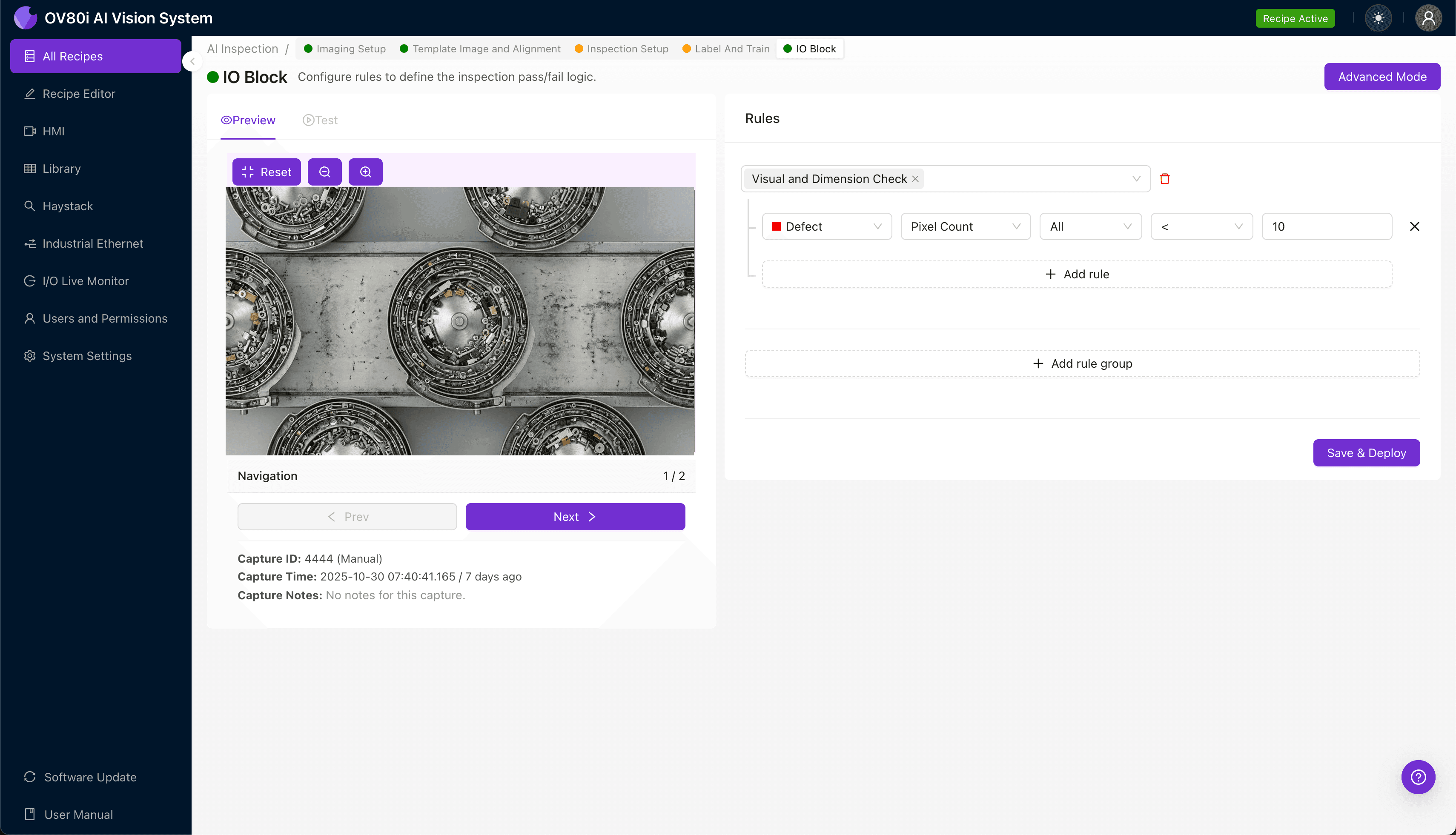
"Clogged vibratory bowl feeder tracks cause costly downtime and defective assemblies. AI-powered visual inspection from Overview.ai monitors your feeders 24/7, detecting developing blockages before they cascade into full production stoppages."
The Problem: Why Clogged Tracks Derail Your Production Line
Vibratory bowl feeders are the unsung workhorses of automated assembly lines, orienting and feeding parts at high speeds to downstream processes. When a track becomes clogged, the entire line grinds to a halt—or worse, produces defective assemblies that slip through to customers.
Common Defects and Issues Associated with Clogged Vibratory Bowl Feeder Tracks:
- Part accumulation and jamming — Multiple components stack or wedge together at track transitions or narrowing points
- Debris buildup — Metal shavings, lubricant residue, or foreign material accumulates along the track surface
- Misoriented parts — Components fail to flip or rotate correctly, creating blockages at orientation tooling
- Damaged or worn track liners — Scratched or degraded surfaces increase friction and cause parts to hang up
- Bent or misaligned track segments — Physical deformation creates choke points that restrict part flow
- Coating or plating flakes — Surface treatments from fed parts shed and obstruct narrow track channels
Manual inspection of bowl feeder tracks is notoriously unreliable. Operators monitoring multiple feeders experience visual fatigue within minutes, and the speed of part flow makes it impossible to catch intermittent clogs before they cascade into full stoppages.
The Solution: Machine Vision and Deep Learning
AI-powered visual inspection eliminates the guesswork from bowl feeder monitoring. Deep learning models trained on thousands of images learn to recognize the subtle visual signatures of developing clogs—patterns that human eyes simply cannot process at production speeds.
Overview.ai's approach delivers consistent, objective inspection at full line speed. The system never fatigues, never loses focus, and flags potential blockages before they cause costly downtime.
Step 1: Imaging Setup
Position your vibratory bowl feeder track directly under the OV80i camera, ensuring the field of view captures the critical track sections where clogs typically originate. Proper lighting is essential—angled illumination often highlights debris and part accumulation more effectively than direct overhead lighting.
Click "Configure Imaging" in the Overview.ai interface to access Camera Settings. Adjust exposure to prevent overblown highlights on reflective track surfaces, and fine-tune gain to maintain clarity without introducing excessive noise.
Click "Save" to lock in your imaging parameters.
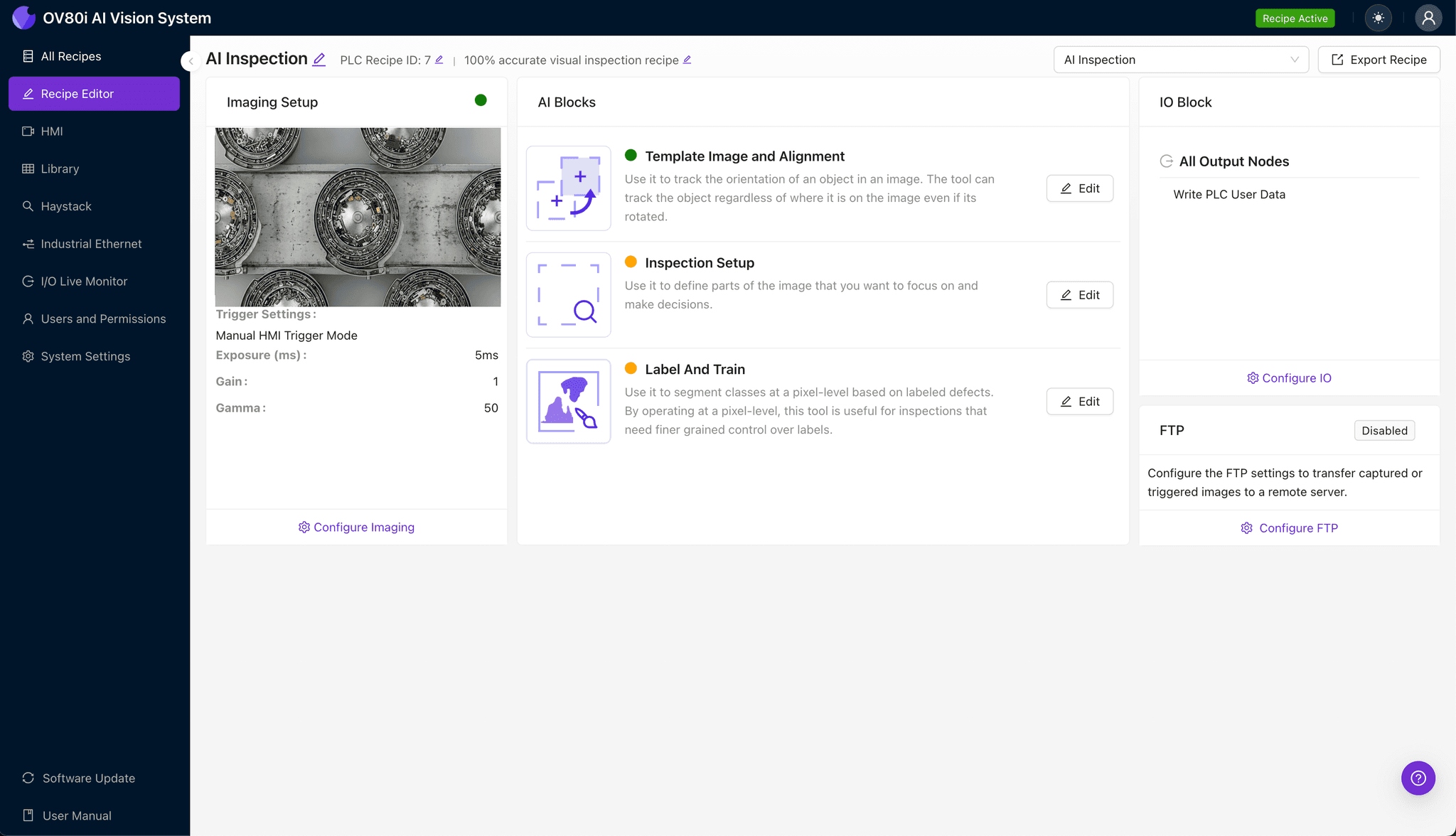
Step 2: Image Alignment
Navigate to "Template Image" and capture a Template showing the track in its optimal, unclogged state. This reference image becomes the baseline for all future comparisons.
Click "+ Rectangle" to add an alignment region around the main body of the track section. Set the "Rotation Range" to 20 degrees to accommodate minor vibration-induced shifts during operation.
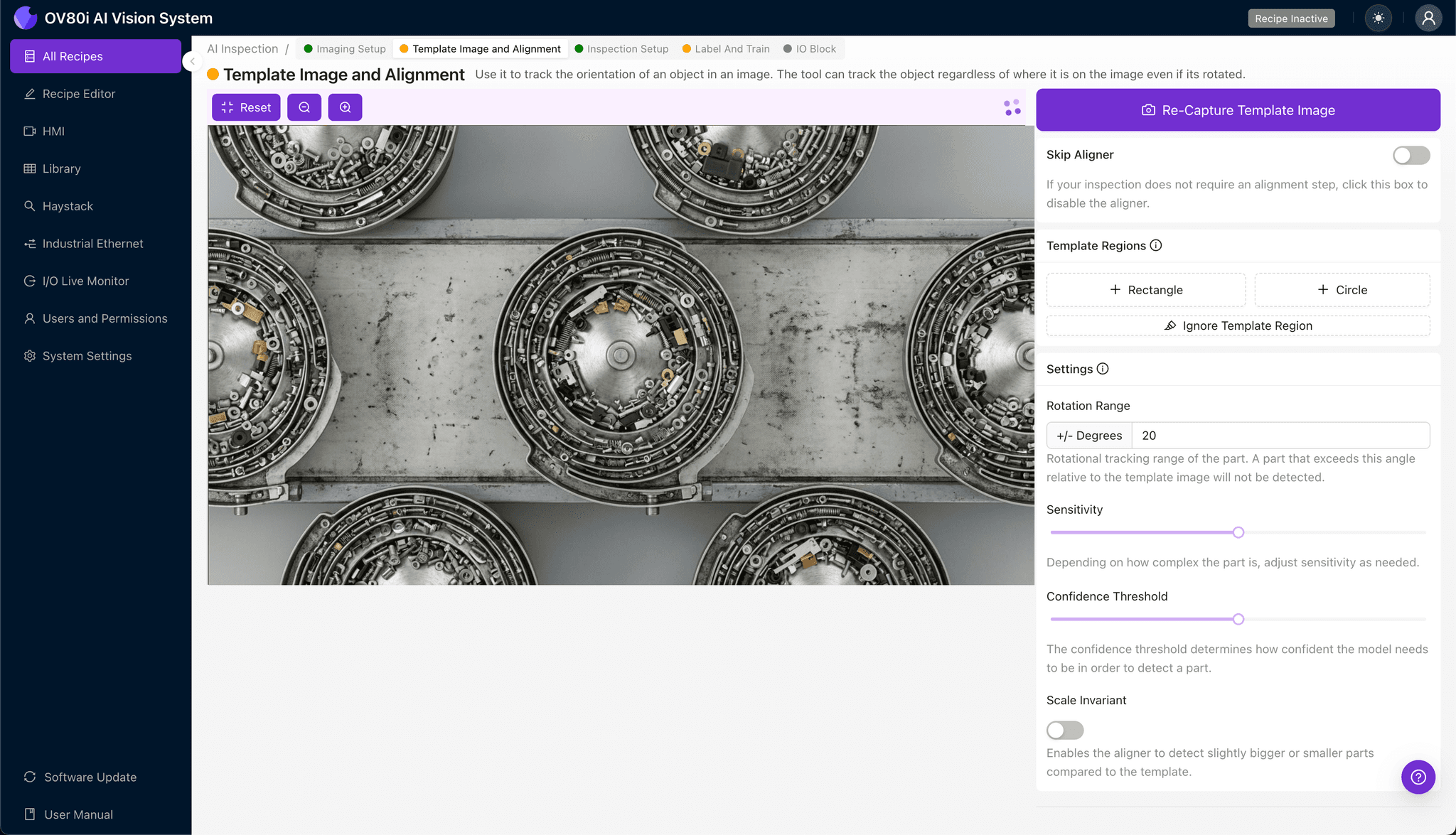
Step 3: Inspection Region Selection
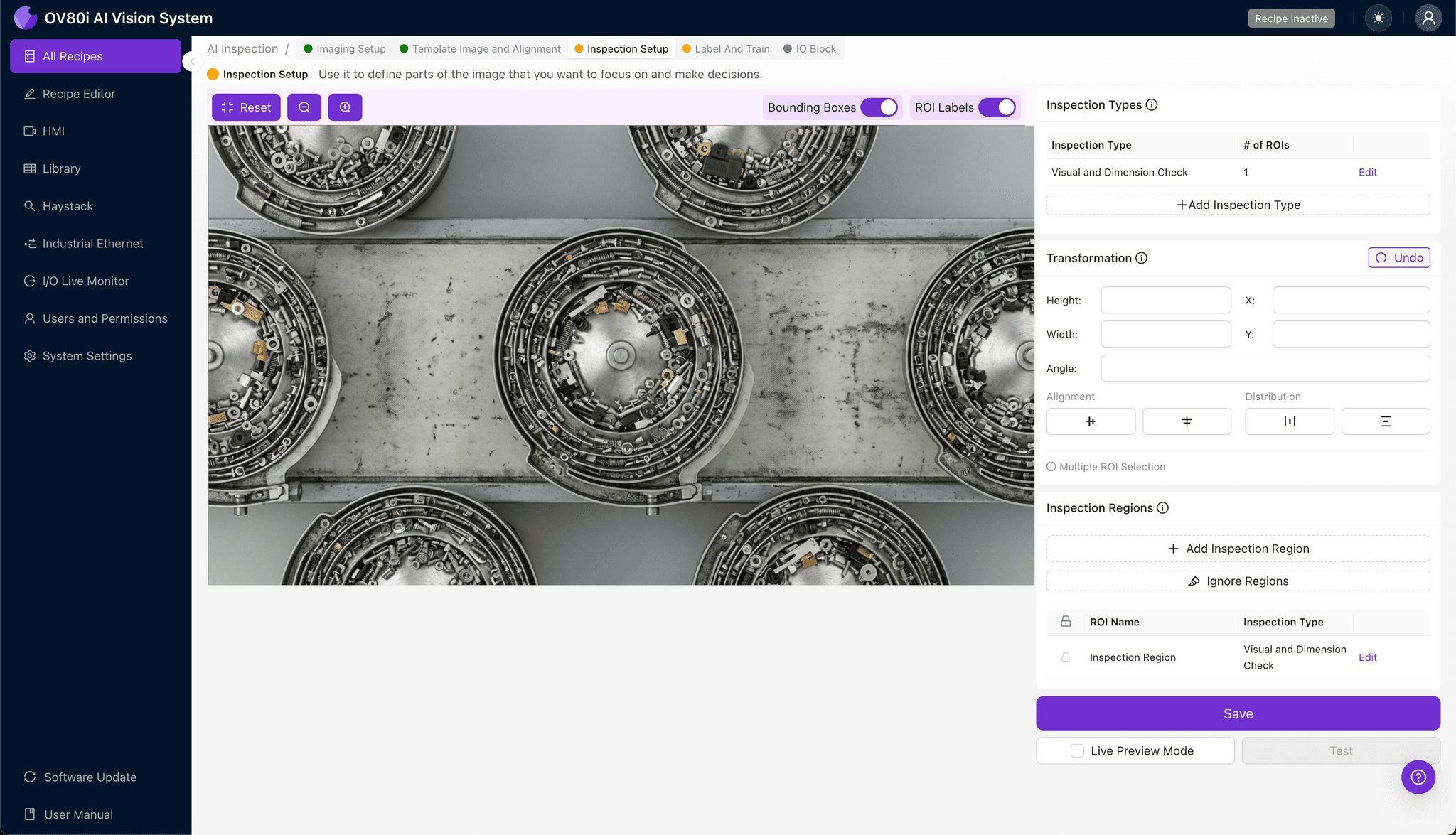
Navigate to "Inspection Setup" to define where the system should look for problems. Rename your "Inspection Types" with clear, descriptive labels such as "Track_Blockage," "Debris_Accumulation," or "Part_Jam."
Click "+ Add Inspection Region" to create your first zone. Resize the yellow box to cover critical defect areas—track transitions, orientation tooling, and narrow channel sections where clogs most frequently develop.
Click "Save" to confirm your inspection regions.
Step 4: Labeling Data
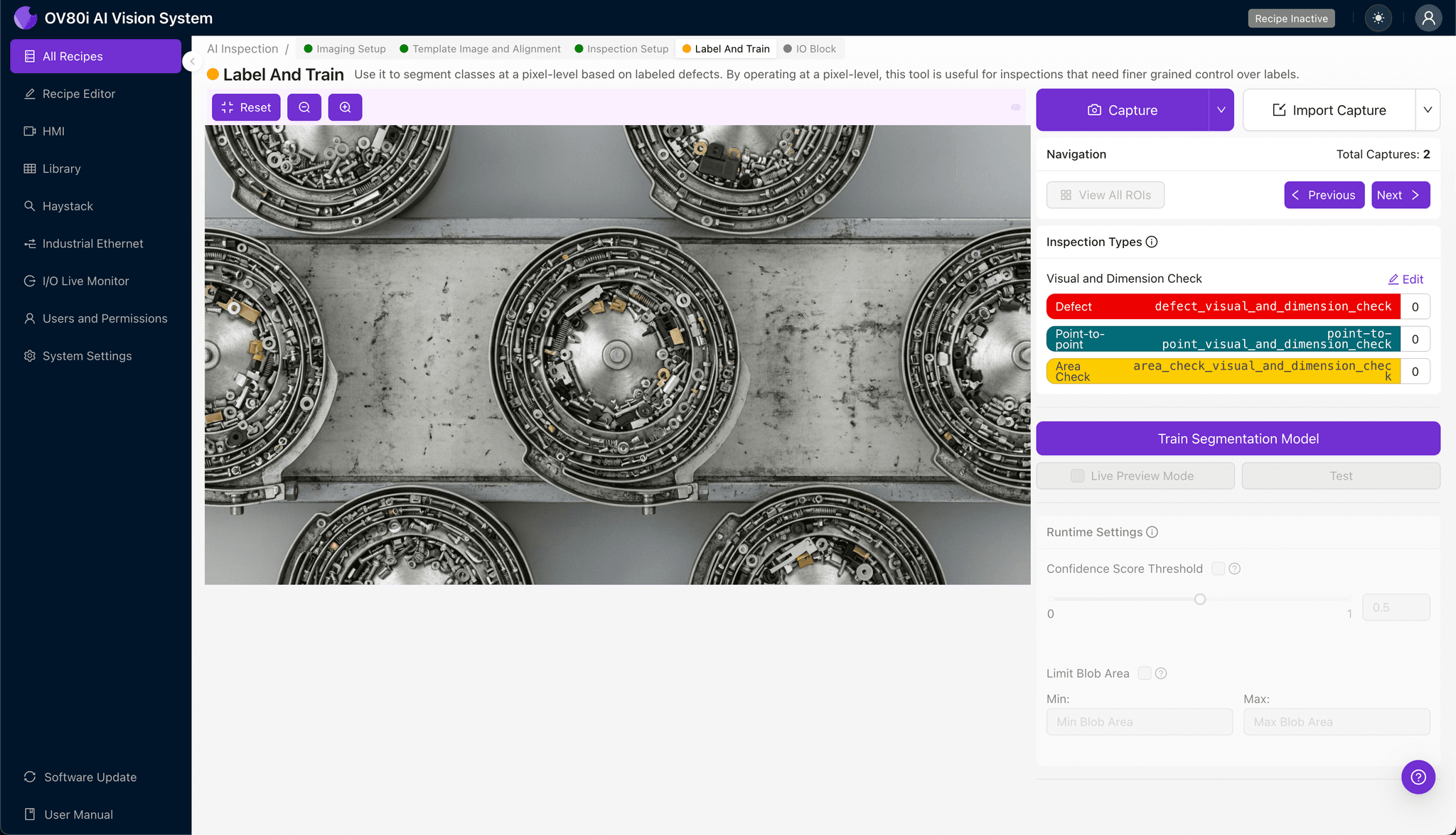
This human-in-the-loop process is where your operational expertise trains the AI. Review captured images and label each as Good (clear, flowing track) or Bad (clogged, obstructed, or developing blockage).
Include representative samples across lighting variations, part types, and production conditions. Most importantly, incorporate known failure modes—images of actual clogs your team has encountered help the model recognize real-world problems.
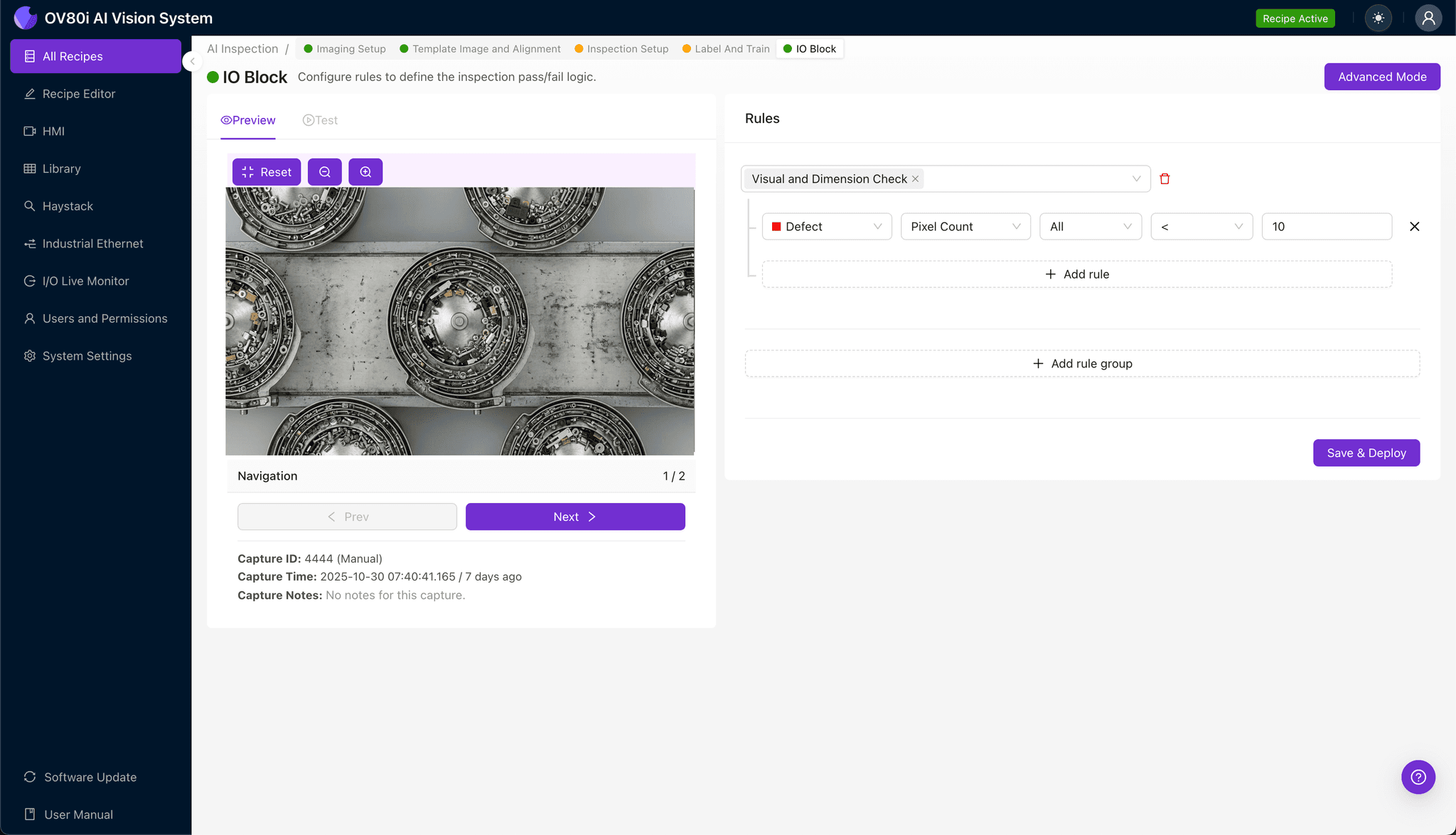
Step 5: Creating Rules
Set your pass/fail logic based on the Inspection Types you defined earlier. For example, any detection of "Track_Blockage" above your confidence threshold triggers a fail condition.
Gate automated acceptance on the line by connecting inspection results to your PLC or alert system. This enables immediate operator notification or automatic line stoppage when a clog is detected.
Key Outcomes & ROI
Implementing AI-powered inspection for vibratory bowl feeder monitoring delivers measurable business impact:
- Reduced scrap and rework — Catch clogs before they cause misfeeds that produce defective assemblies
- Higher throughput — Minimize unplanned downtime by detecting developing blockages proactively
- Compliance and traceability — Maintain timestamped inspection records for quality audits and customer documentation
- Process improvement insights — Analyze clog frequency data to identify root causes and optimize feeder maintenance schedules
Stop Clogged Tracks Before They Stop Your Line
Vibratory bowl feeder clogs don't have to be an accepted cost of doing business. With Overview.ai's deep learning inspection platform, you gain 24/7 monitoring that catches problems human inspectors miss—at the speed your production line demands.
Eliminate Surprise Stoppages Today
Stop relying on manual feeder monitoring. Deploy Overview.ai to detect clogged tracks before they halt your line.