
Planning your inspection
Edge vs. cloud: compare the whole inspection.
A software rate or camera price tells only part of the story. Compare the cost of a working station, the people who keep it running, and the production behavior your line needs.
Why Overview keeps the inspection local
Overview’s production inspection runs on the device at the station. The machine can receive a configured quality result without waiting for a cloud inference call. Your team can configure the inspection in a browser and review useful production images as part of its quality workflow.
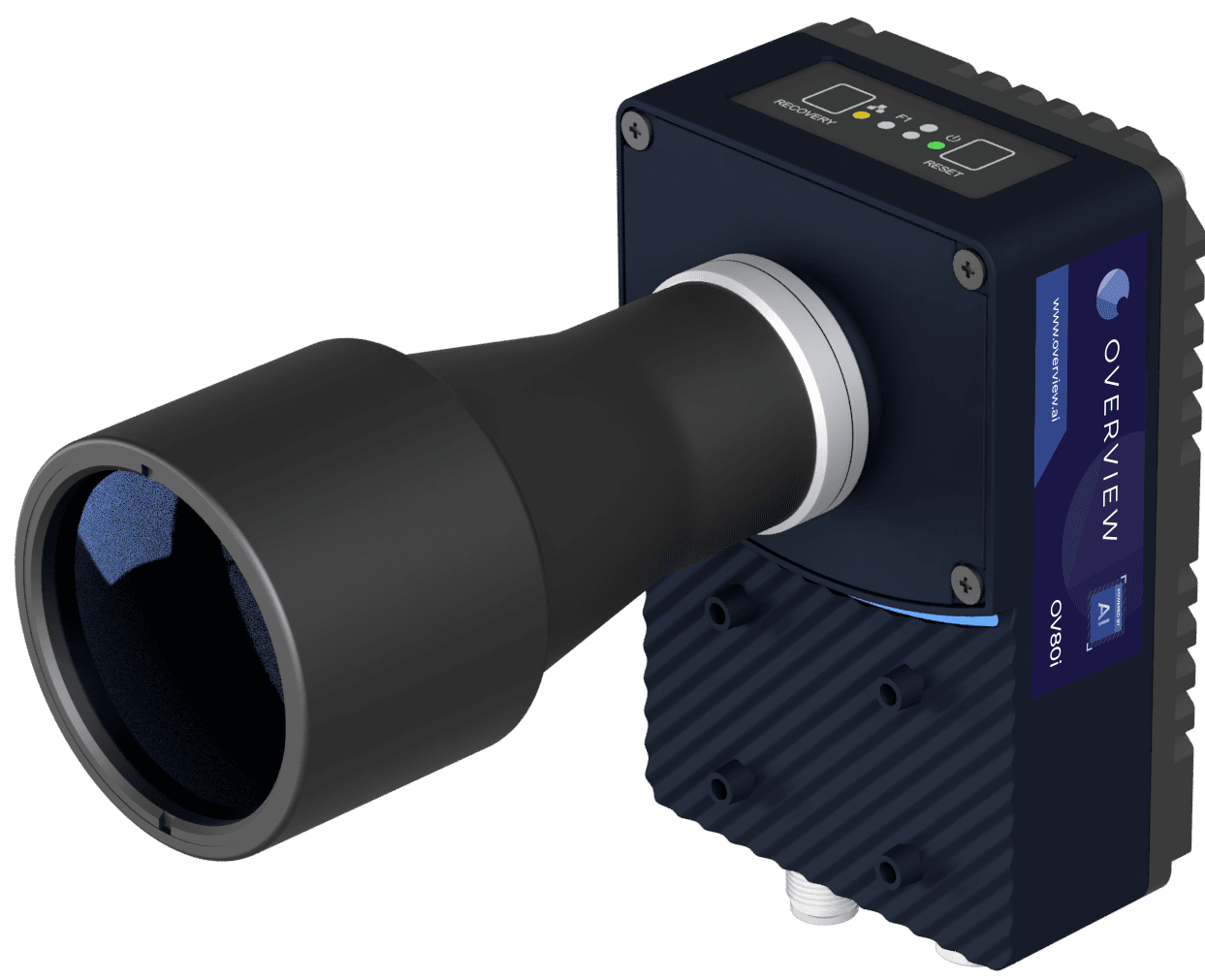
OV80i and OV20i bring browser-based training, onboard production image storage, and local AI inspection to the station. Spark combines ten AI and rule-based tools with onboard Sparky assistance for recipes and operator screens. Specialized OVX configurations extend the imaging options when the main camera lineup does not fit the job.
What belongs in the cost comparison
| Cost area | Include in your estimate | Why it matters |
|---|---|---|
| Image capture | Camera, lens, lighting, mounting, and part presentation. | Use the same imaging requirement for either approach. |
| Model preparation | Labeling, training, validation, and new product variants. | Include the people and infrastructure used to keep the model useful. |
| Runtime | Local compute or the selected hosted service and usage. | Compare the required production volume and complete inspection cycle. |
| Machine integration | Triggers, PLC outputs, operator screens, and plant-system connections. | A prediction must reach the right machine or person in time. |
| Connectivity | Network installation, administration, and behavior during interruptions. | Define how the station should behave if its remote connection is unavailable. |
| Image retention | Stored images, result history, backups, and retrieval. | Set retention around the quality investigation and business requirements. |
| Ongoing operation | Support, recipe changes, model updates, and system ownership. | Identify who will operate the station and validate changes. |
Compare equivalent configurations
Specify the smallest defect, field of view, part presentation, required cycle, and machine response. Use representative good parts and known defects to evaluate missed faults and false rejects. Then compare a quoted, working configuration for that same job.
Some software platforms also support local or air-gapped deployment. Compare the actual proposed runtime rather than assuming every software service requires cloud inference. Overview’s case is a focused inspection product with hardware choices, local operation, and an accessible production handoff.
Common questions
- Does edge inspection always cost less than cloud inspection?
- The total depends on the application, hardware, usage, integration, support, and retention requirements. Compare the complete working station and its ongoing operation. Overview’s advantage is keeping production inspection local in a defined camera or OVX configuration.
- Can Overview inspect without a cloud connection?
- Yes. Production inspection runs locally, and onboard Sparky runs on the Spark camera. Optional Defect Studio uses cloud processing to generate synthetic training images; that preparation workflow is separate from the production inspection.
- Can we reuse an existing camera?
- OVX Core supports customer-provided GigE Vision cameras and sensors. Evaluate compatibility, optics, resolution, lighting, and the full inspection cycle before selecting the station configuration.
Get a complete inspection recommendation.
Bring the part, defect, and production requirement. We will help you compare OV80i, Spark, and OV20i and demonstrate the inspection on your parts.
Talk to a vision engineer