
Manufacturing inspection comparison
Overview AI vs FactoryTalk Analytics VisionAI
Get factory connectivity in a focused inspection product.
Compare OV80i for demanding AI inspection, Spark for compact assisted setup, and OV20i for compact classification and segmentation. Give your quality team a camera workflow it can set up, run, and improve.
Why choose Overview for your production line?
Overview combines native industrial protocols with a focused camera workflow.
What that looks like on the line
On a mixed-equipment production line, begin with the part check and the existing PLC handshake. Demonstrate the required result exchange and operator workflow before choosing the surrounding software architecture.
Overview AI and FactoryTalk Analytics VisionAI, side by side
Start with the inspection you need to run. Compare the complete configuration, including imaging, software, machine connections, and the team responsible for daily operation.
| Your decision | Overview AI | FactoryTalk Analytics VisionAI |
|---|---|---|
| What you are buying | Overview AIA manufacturing inspection product: camera choices, AI tools, and factory connectivity built around the quality task. | FactoryTalk Analytics VisionAIRockwell Automation’s FactoryTalk Analytics VisionAI is a no-code AI vision inspection offering with camera configuration, model training, deployment, and quality analysis workflows. |
| Camera and hardware | Overview AIOV80i offers 8.3 MP imaging and C-mount optics. Spark combines camera, lighting, and compute. OV20i offers compact 1.6 MP imaging for classification and segmentation. OV10i covers classification-focused checks. | FactoryTalk Analytics VisionAIThe proposed FactoryTalk VisionAI solution determines the camera, industrial compute, software, and plant-system configuration. |
| Setup and operation | Overview AITrain and review production images in a browser on OV80i and OV20i, with inspection running locally. On Spark, onboard Sparky assists with tools, recipes, operator screens, and Library questions. | FactoryTalk Analytics VisionAIRockwell markets a no-code inspection workflow. Confirm the current training, runtime, administration, and connectivity requirements for the selected deployment. |
| Production integration | Overview AIConnect inspection results to your PLC through the protocols supported by the selected camera. Evaluate digital I/O, APIs, and Node-RED where available, and validate the complete machine handshake. | FactoryTalk Analytics VisionAIVisionAI belongs to the FactoryTalk ecosystem. Scope its connection to the installed controls, quality workflows, and operator applications. |
Product information reviewed October 30, 2026. Features and availability depend on the selected product and configuration. Manufacturer references appear below.
Choose the Overview system for your inspection
Start with the smallest detail you must see, the full field of view, and the result your machine needs. Start with OV80i, Spark, or OV20i, then match the camera, lens, lighting, and inspection tools to the job.
Demanding AI inspection
OV80i
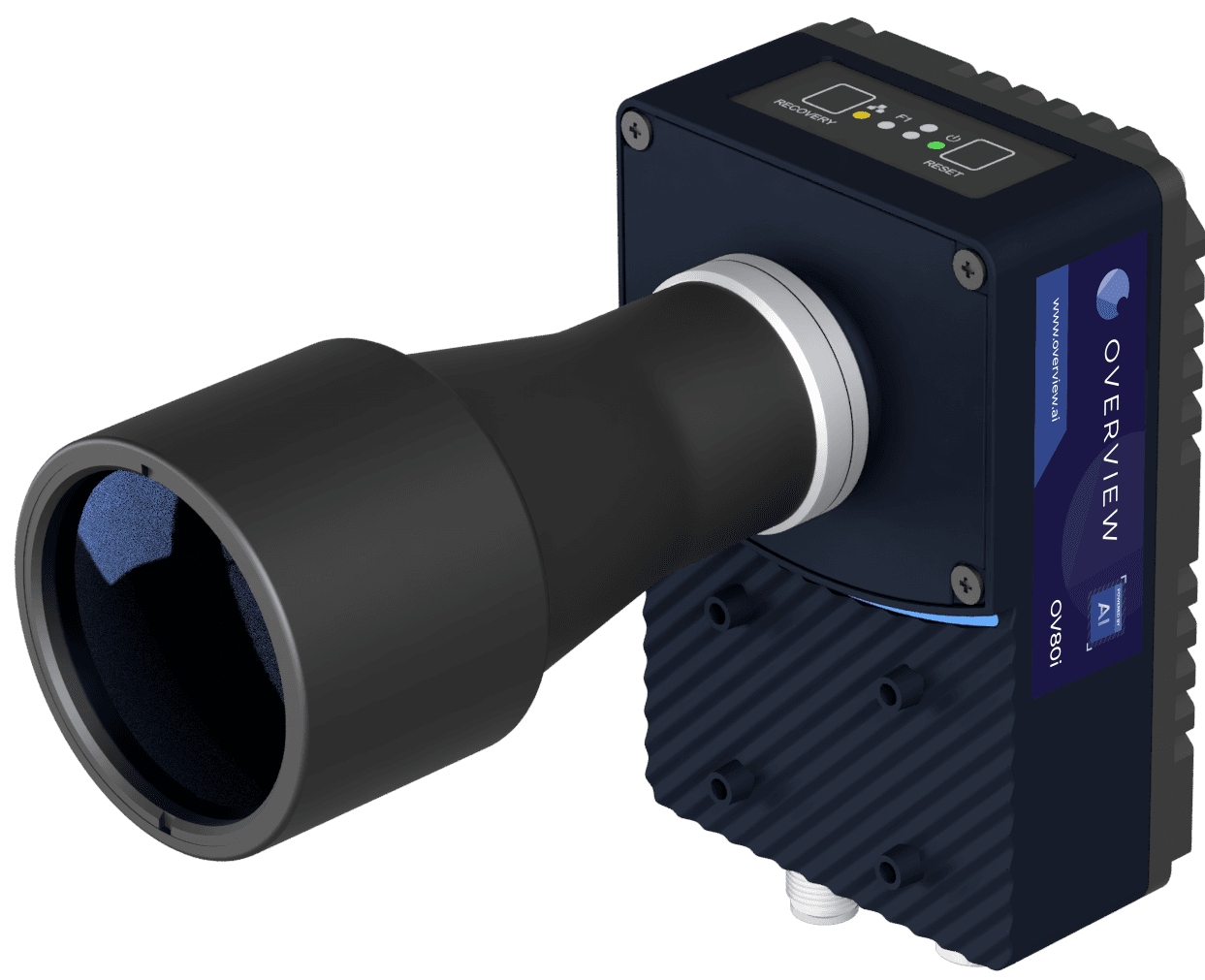
Choose OV80i for detailed surface and assembly inspections. Its 8.3 MP sensor, onboard NVIDIA GPU, C-mount optics, and flexible lighting options help you resolve the feature that matters. Train, label, test, and review stored production images on the camera through the browser.
Explore OV80i →Compact smart cameras
OV Spark and Spark Pro
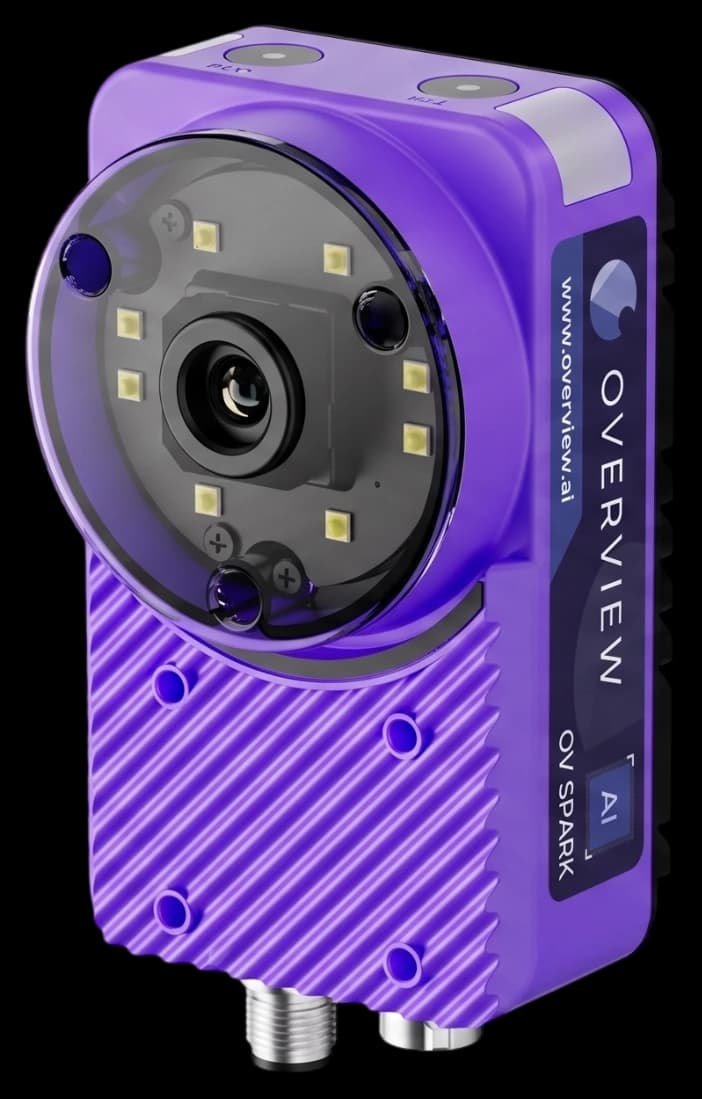
Choose 1.2 MP Spark or 5 MP Spark Pro. Combine ten AI and rule-based tools for checks such as text, counts, dimensions, and part position. Sparky helps choose tools, build recipes, create operator screens, and answer Library questions.
Production inspection and onboard Sparky run on the camera. No software key or subscription is required. Spark has IP66 protection with the standard 6 mm lens. Optional Defect Studio uses the cloud to generate training images.
Explore Spark and Spark Pro →Compact AI classification and segmentation
OV20i
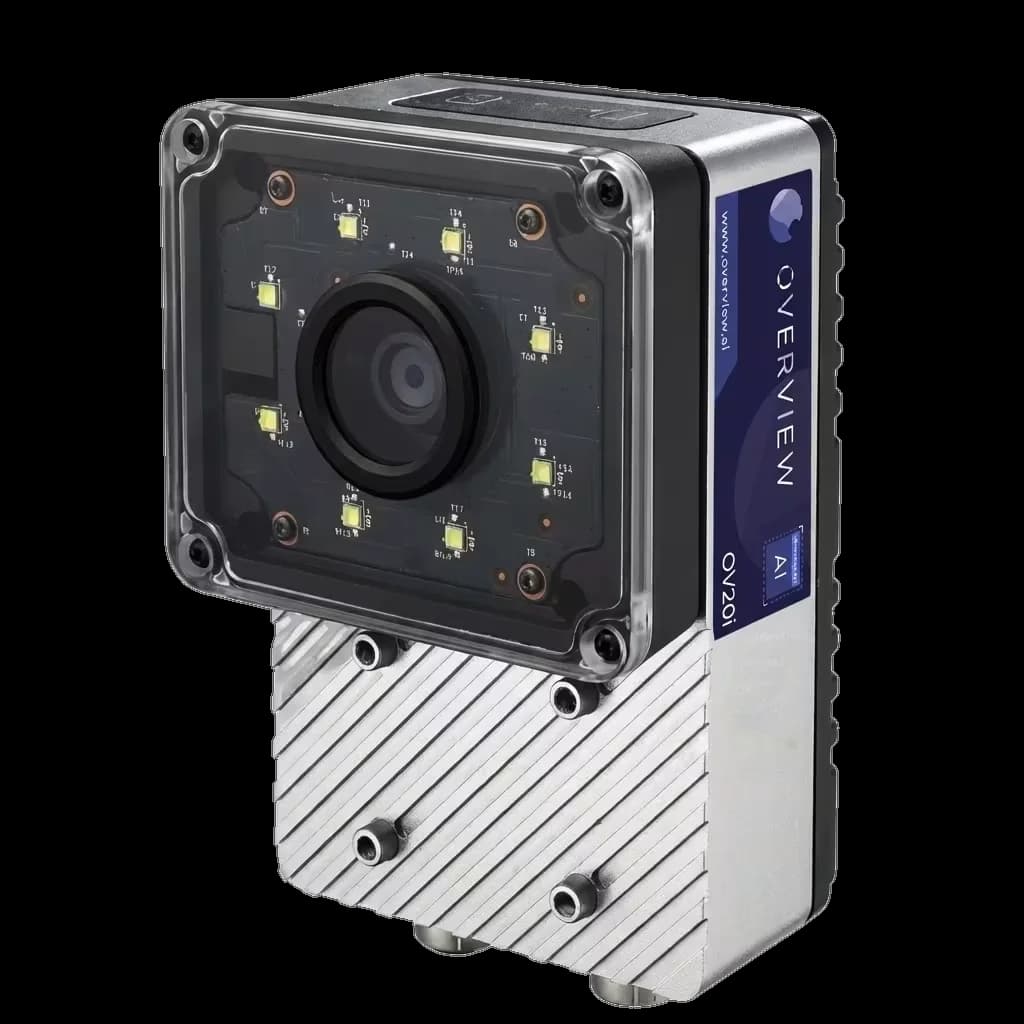
Choose OV20i when you need classification and segmentation in a compact, all-in-one camera. Its 1.6 MP sensor, integrated lighting, onboard training, and production image storage support inspection and model improvement at the station.
Explore OV20i →Additional inspection options
OV10i is the classification-focused option for straightforward pass/fail checks. When the main camera lineup does not fit the imaging requirement, OVX extends our capabilities with high-resolution, thermal, and customer-provided GigE Vision camera configurations.
Prove the inspection on your own parts
Bring representative good parts, known defects, and the line’s production requirements. We will help you evaluate image quality, missed defects, false rejects, changeover, and the full trigger-to-result cycle. See how the operator reviews a failed check and how your team validates an update before it reaches production.
Talk to a vision engineer →Common questions about Overview and FactoryTalk Analytics VisionAI
- Does using Rockwell PLCs mean I must use FactoryTalk VisionAI?
- No. Overview supports native industrial protocols, including EtherNet/IP, for integration with compatible controls. Confirm the selected controller, mapping, and handshake as part of the station demonstration.
- Which Overview camera fits my inspection?
- Choose OV80i for 8.3 MP imaging, C-mount optics, and demanding AI inspections; Spark or Spark Pro for compact, Sparky-assisted recipes; and OV20i for compact classification and segmentation. OV10i covers classification-focused checks. If those cameras do not fit the imaging requirement, discuss specialized or customer-camera configurations through OVX.
- Does Overview require a cloud connection to inspect parts?
- Production inspection runs locally. Onboard Sparky also runs on the Spark camera. Optional Defect Studio uses cloud processing to generate synthetic training images; that optional preparation workflow is separate from production inspection.
See why Overview belongs on your line.
Tell us the part, the defect, and the production requirement. We will recommend the right Overview configuration and demonstrate the inspection with you.
Show us your inspection