
Overview AI ·
Can you use existing industrial cameras for AI inspection?
Yes. OVX Core brings Overview AI inspection to compatible third-party industrial cameras. Here is what to check before keeping your camera, optics, and lighting.
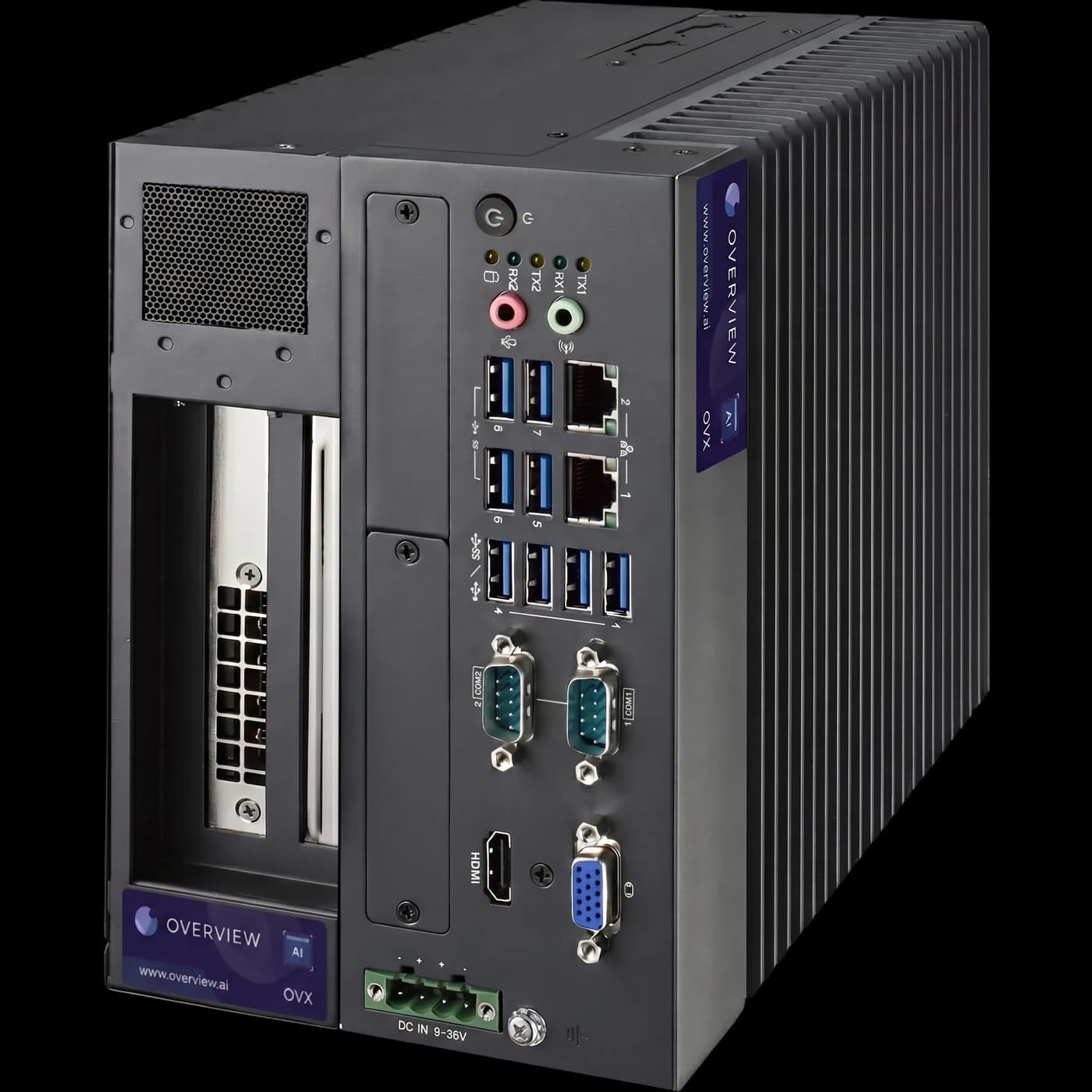
You do not have to replace every industrial camera to use Overview AI. OVX Core brings Overview’s inspection software to compatible third-party cameras. The camera acquires the image; an OVX edge computer processes it and connects the result to the production workflow.
That matters when a station already has a suitable camera, a carefully chosen lens, and lighting that makes the defect visible. Replacing that imaging setup can introduce work that has nothing to do with improving the inspection. Start by finding out whether the existing image is useful and the exact camera configuration is supported.
Two ways to deploy Overview inspection
An integrated smart camera and a camera connected to an edge computer solve different installation problems. Overview offers both, so the choice can follow the application.
| Approach | Where it fits | What to confirm |
|---|---|---|
| Overview smart camera | A new station that benefits from integrated imaging and inspection compute. | Field of view, feature visibility, mounting, lighting, and the required inspection cycle. |
| OVX Core with an external camera | A station with a compatible existing camera, or an application requiring a separately selected camera. | Exact camera model and firmware, connection, image format, triggering, and application support. |
| OVX specialty configuration | Applications needing high-resolution or thermal imaging. | The required camera, software configuration, optics, and integration scope. |
Keeping a camera does not mean keeping the old inspection logic unchanged. The image acquisition, AI tools, decision rules, and PLC handoff still form a complete system that must be commissioned together.
Check the image before the interface
A camera can be compatible and still provide an unsuitable inspection image. Ask for uncompressed sample captures taken in the intended production conditions. Include acceptable variation, obvious failures, and the borderline defects that your quality team actually debates.
- Detail: Is the smallest relevant defect resolved in the image, rather than merely visible to someone who already knows where it is?
- Consistency: Does the feature remain distinguishable across material lots, part positions, and the allowed range of surface finishes?
- Motion: Is exposure short enough to avoid blur at the real conveyor or machine speed?
- Coverage: Are all the required surfaces visible, or is a second view needed?
If the image fails those checks, adding AI to it will not restore detail that was never captured. A lighting or lens change may be more valuable than a different model.
Send the exact camera details
“It is an Ethernet camera” is not enough information to approve a retrofit. Send the manufacturer, model, firmware, resolution, pixel format, frame rate, lens, and trigger method. Include how the camera is currently connected and whether another device or application already controls acquisition.
A standard such as GigE Vision is a useful starting point, but model support and acquisition behavior still matter. Do not assume that a USB camera, an RTSP stream, a line-scan camera, and a thermal camera can all use the same configuration. Ask engineering to confirm the intended combination before purchasing hardware.
Validate the complete cycle, not just a saved image
A successful offline classification is only one step. The production test also needs to establish when a capture happens, which physical part the result belongs to, when the PLC receives the decision, and what happens if a capture or result is late.
Write acceptance criteria around defect escapes, false rejects, repeatability, and the available decision time. Then run representative parts through the complete station. Our guide to backtesting an inspection explains how a held-out image set can catch recipe regressions before production testing.
When a new smart camera makes more sense
Retaining equipment is worthwhile when it saves work without compromising the inspection. For a new station, an integrated camera can reduce the number of devices and interfaces the team needs to assemble. For an existing station with the wrong field of view, poor defect contrast, or unsupported acquisition hardware, preserving every component can cost more effort than replacing the imaging setup.
The practical first step is small: send the camera details and representative images. We can assess an OVX retrofit alongside an integrated OV Spark or another Overview camera, then agree on a test that measures the result on your parts.
Frequently asked questions
Does Overview AI support third-party cameras?
Yes. OVX Core supports compatible third-party industrial cameras, so an Overview smart camera is not required for every application. Share your camera model and firmware with an Overview engineer to confirm the supported configuration.
Can I keep my existing lens and lighting?
Often, if they produce images that resolve the defect consistently at production speed. A compatibility review should check image quality, trigger behavior, exposure, and the complete inspection cycle before deciding what to retain.
Does GigE Vision compatibility guarantee that my camera will work?
No. The exact model, firmware, image format, trigger configuration, and software support still need to be checked. Specialty cameras can require a separate integration or software configuration.