
Overview AI ·
OV Atlas: ask questions across lines and factories
Ask questions across factory inspection data with OV Atlas. Compare shifts and lines, investigate defect trends, and turn findings into dashboards and reports.
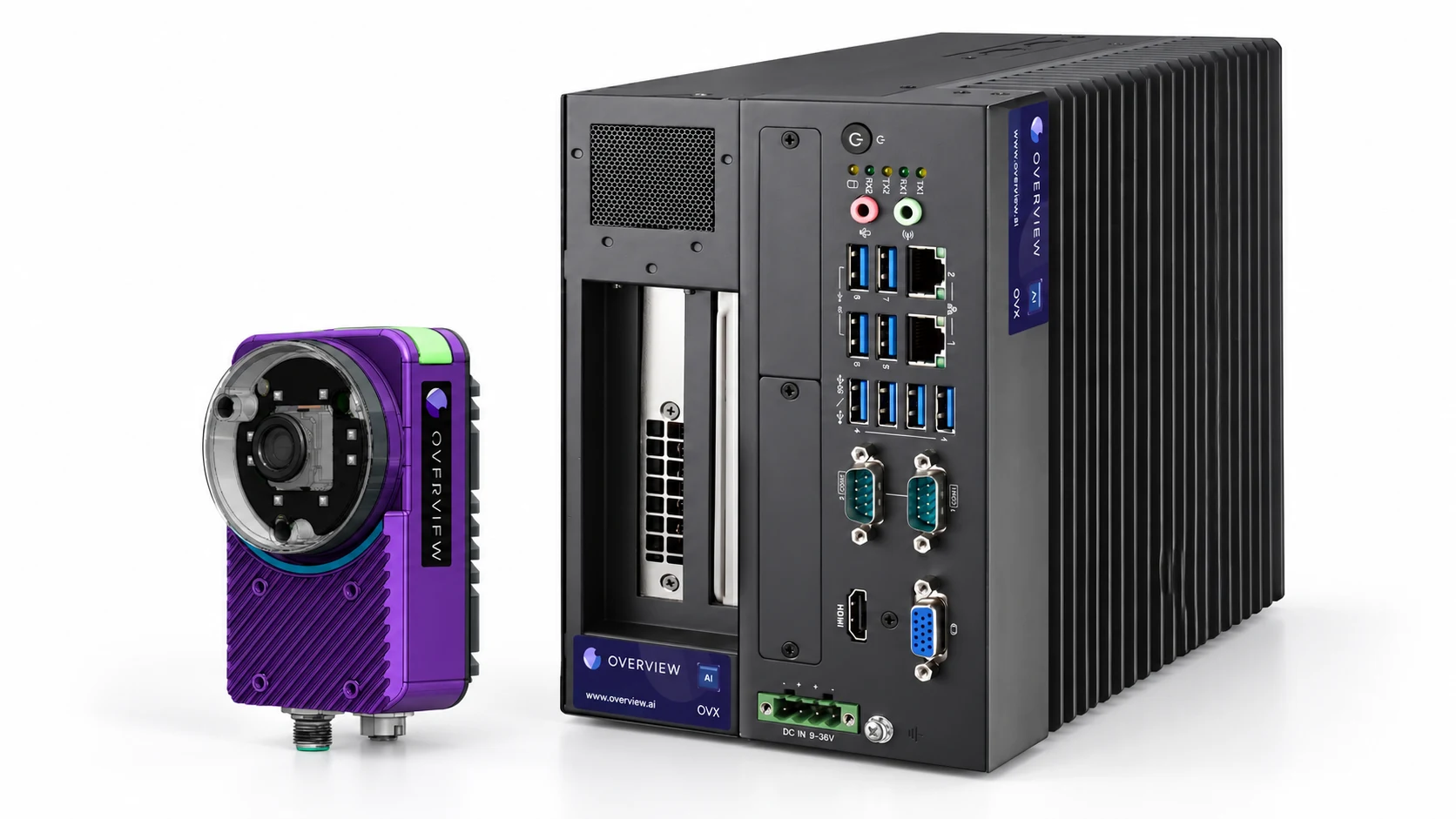
Overview goes beyond a camera at each station. OV Atlas helps quality and operations teams ask questions across inspection data from connected lines and factories. Use it to compare shifts, examine defect trends, and create dashboards and reports that turn scattered results into a shared view of production quality.
A camera needs to decide whether the current part passes. A quality manager needs to know why rejects increased, whether the change is isolated to one line, and whether another factory is seeing the same pattern. Atlas addresses those broader questions.
Start with the question you would ask in a production meeting
Atlas combines natural-language questions with charts and dashboards. A useful starting question specifies the product, the process, the time period, and the measure you want to compare. For example:
- How did the reject rate change between the day and night shifts on this line?
- Which defect categories increased most this week for this product?
- Is the same inspection running differently across these two factories?
- When did the change begin, and which lines contributed most?
These are example questions, not customer results. Their value is that they move the discussion from a plant-wide average to a comparison that can guide an investigation.
Keep the useful answer as a dashboard
When a chart answers a recurring question, the next step should not be rebuilding it every morning. Atlas lets teams add plots from the chat to dashboards and work with filters for the relevant factories, lines, products, and defects. Reporting and Excel export support the handoff into the team’s existing review process.
Start with a few decisions the team actually makes: which line needs attention, which defect deserves a process investigation, and whether a corrective action changed the outcome. A dashboard that makes those decisions easier is more useful than a long collection of charts.
Fleet, Vault, and Atlas do different jobs
The Overview platform connects the work at the camera with device management, inspection records, and analysis. Keeping those responsibilities clear makes it easier to plan a rollout.
| Product | Primary job | A useful question |
|---|---|---|
| OV Fleet | Manage inspection devices and their configurations. | Which cameras are online, and which recipes and software versions are they running? |
| OV Vault | Store inspection images and results from connected deployments. | Do we have the records needed to investigate this period? |
| OV Atlas | Ask questions and analyze factory inspection data across connected sources. | Where did rejects increase, and how do the lines or shifts compare? |
A device appearing in Fleet does not by itself mean that all of its historical results are available for analysis. Decide which results and images to collect, how long to retain them, and which data connections are required. Explore Overview’s enterprise tools for the wider device-management and data workflow.
Make comparisons fair before acting on them
A higher reject percentage can mean a process problem, a different product mix, or an inspection rule that changed. Compare the same product and inspection definition over equivalent production periods before drawing a conclusion.
- Time: Use each factory’s time zone and shift boundaries. “Yesterday” can describe different production windows at different sites.
- Coverage: Check for missing records and gaps in data collection before treating the period as complete.
- Denominators: Separate reject counts from reject rates, and confirm whether the count represents parts, captures, or inspection results.
- Configuration: Check recipe changes and defect definitions before comparing two stations as if they were identical.
Atlas helps you find a pattern to investigate. Establishing its cause still requires the production context and, where available, review of the underlying inspection images. A chart alone does not establish that a machine setting caused a defect.
Plan the deployment around your data requirements
For teams with on-premise requirements, Atlas Local provides a local-model deployment option. Scope the data sources, network access, user permissions, and retention policy alongside the analytics workflow. Confirm the supported configuration for the sites you want to connect.
A practical pilot starts with one useful comparison and a small set of connected lines. Agree on what the underlying records mean, check the result against a known production period, and make the dashboard part of the next quality review. That gives the team a working foundation for extending analysis across factories.
Frequently asked questions
Does Overview offer plant-wide and cross-factory inspection analytics?
Yes. OV Atlas helps teams ask questions, compare inspection results, and build dashboards across the factory data connected to their deployment. Useful comparisons depend on consistent result definitions, timestamps, and data coverage across the selected lines and sites.
How is OV Atlas different from OV Fleet?
OV Fleet helps teams manage their inspection devices and configurations. OV Atlas focuses on questions and analysis across factory inspection data, while OV Vault provides image and result storage for connected deployments.
Can OV Atlas be deployed on premise?
Atlas Local provides a local-model option for an on-premise deployment. Talk to Overview about the supported configuration, data connections, access controls, and rollout requirements for your sites.